
StylingCV guide
89+ Free Resume Templates 2026: ATS-Friendly Designs for Every Career
Pick from 89+ free ATS resume templates tested on Workday, Greenhouse, and Lever. Pro, modern, and creative designs — build yours in 1 min. Grab yours free!
Resume templates are pre-designed layouts that help job seekers present their skills, experience, and education in a clear, professional format. A good resume template includes structured sections for contact information, a professional summary, work history, education, and skills — all formatted to pass Applicant Tracking Systems (ATS) used by 98% of Fortune 500 companies.
StylingCV offers 89+ free resume templates tested against major ATS platforms including Workday, Greenhouse, Lever, and Taleo — with a 95% ATS pass rate verified across 6 million+ resumes built on the platform.
Professional Resume Templates for Every Career (2026)
Related Guides & Resources
- AI Resume Templates vs Traditional Templates: What Works
- Resume Templates & CV Builders: How to Choose the
- How do I customize a resume template to make it my own?
- Where can I find free/affordable resume templates?
- II. Resume Templates, Examples, and Builders (Themes and
- How Do I Customize a Resume Template to Make It My Own?
- What Are the Best Resume Templates for [Specific
- Resume Templates: Examples and Builders for Job Seekers
- Professional CV Templates for Every Career (2026)
- Professional Resume Templates: Executive & Corporate …
- Resume Builder Google Docs: Free Templates & Complete…
- Harvard Resume Template: Free Download & Complete Gui…
- Resume Templates & Design Guide
- 25+ Free Google Docs Resume Templates (2026) | Download
- Resume Examples" vs. "Resume Templates
Explore our complete Career Resources Hub for more guides and tools.
Choose the right resume format based on your career situation and industry. Why StylingCV is the smart choice for serious job seekers.
Join 6+ million professionals who trust StylingCV to land their dream jobs.
Focus on your education, relevant coursework, volunteer work, internships, and transferable skills from school projects or extracurricular activities. Emphasize soft skills like communication, teamwork, and problem-solving, and use a functional or hybrid resume format to highlight skills over chronological work history. Include your contact information, professional summary, work experience with quantifiable achievements, education, relevant skills, and certifications. Tailor each section to the specific job you're applying for, focusing on accomplishments that demonstrate your value to potential employers. Use clean, ATS-friendly layouts with standard fonts (10-12pt), consistent formatting, clear section headers, and strategic white space. Include keywords from the job description, save as PDF unless otherwise specified, and ensure your resume is mobile-friendly since many recruiters review applications on smartphones. Write a 2-4 sentence statement at the top of your resume highlighting your most relevant experience, key skills, and career goals. Make it specific to the position, include quantifiable achievements when possible, and avoid generic phrases—focus on what makes you uniquely qualified for the role. List positions in reverse chronological order (most recent first) with company name, location, job title, and dates. Use bullet points starting with strong action verbs, quantify achievements with numbers and percentages, and focus on results rather than just responsibilities to show your impact. Include both hard skills (technical abilities specific to your field) and soft skills (communication, leadership, problem-solving). Prioritize skills mentioned in the job description, provide context through your experience section, and avoid listing basic skills that are assumed for the role level you're targeting. The best template depends on your industry and experience level: ATS-friendly templates for corporate roles, creative templates for design fields, and simple templates for traditional industries. StylingCV offers industry-specific templates optimized for both human readers and applicant tracking systems, ensuring maximum compatibility and visual appeal. For most professionals with less than 10 years of experience, stick to one page. Senior professionals and executives can extend to 2-3 pages if every detail adds value. Academic CVs may be longer, but for standard job applications, concise is better—quality over quantity. In the United States, Canada, and UK, avoid photos to prevent bias and ensure ATS compatibility. In Europe, Middle East, Asia, and Latin America, professional headshots are often expected. When in doubt, research standards for your target country and industry, or omit the photo for maximum flexibility. Use standard section headings (Work Experience, Education, Skills), avoid headers/footers, tables, and graphics, stick to common fonts, save as PDF or .docx, and include keywords from the job description naturally throughout. StylingCV templates are pre-tested with major ATS platforms to ensure compatibility. PDF is generally preferred because it preserves formatting across all devices and looks professional. However, some older ATS systems work better with .docx files. When job postings don't specify, PDF is the safer choice, but always follow application instructions if a specific format is requested. Customize your professional summary, adjust your skills section to match the job description, reorder or emphasize relevant experience, and use the same keywords and terminology from the posting. This shows you've read the requirements carefully and helps your resume pass ATS screening while resonating with human reviewers. A functional resume emphasizes skills and qualifications over chronological work history, grouping experience by skill categories rather than job titles. It's useful for career changers, those with employment gaps, or professionals with diverse experience, though some recruiters prefer chronological formats for easier verification of work history. Include the last 10-15 years of relevant experience or 4-6 most recent positions, whichever is more appropriate for your career stage. Older or irrelevant roles can be summarized briefly or omitted entirely unless they demonstrate critical skills or impressive achievements directly related to your target position. No, references don't belong on your resume—they take up valuable space better used for achievements and qualifications. Prepare a separate reference list to provide when requested, and skip the outdated "References available upon request" line that adds no value to modern resumes. Address gaps honestly with brief explanations in your cover letter or interview, focusing on productive activities during that time (freelancing, courses, caregiving, volunteering). Use a functional resume format to de-emphasize chronology, or note the reason briefly in your resume if the gap is recent and significant (e.g., "Career break for family care"). Professional, readable fonts work best: Calibri, Arial, Garamond, Georgia, or Times New Roman in 10-12pt for body text. Avoid decorative or script fonts that reduce readability and ATS compatibility. StylingCV templates use carefully selected font combinations that balance professionalism with modern aesthetics. Use the CAR method (Challenge-Action-Result): describe the problem you faced, the action you took, and the measurable outcome. Start with strong action verbs, quantify results with numbers, percentages, or timeframes, and focus on impact rather than just listing duties—show how you added value to previous employers.
Resume Format Comparison
Format Type
Best For
Advantages
Disadvantages
ATS Compatibility
Chronological
Traditional career paths, steady employment history, same industry
Shows clear career progression; Most preferred by recruiters; Easy to verify employment
Highlights employment gaps; Makes career changes obvious
✅ Excellent
Functional
Career changers, employment gaps, diverse experience
Emphasizes skills over timeline; De-emphasizes gaps; Highlights transferable abilities
Some recruiters are skeptical; Harder to verify timeline; Less common format
⚠️ Moderate
Combination (Hybrid)
Experienced professionals, career changers with relevant skills, competitive fields
Highlights both skills and experience; Flexible format; Best of both approaches
Can be longer; Requires more space; May seem redundant if not done well
✅ Good
StylingCV vs Free Templates vs Other Builders
Feature
StylingCV
Free Templates
Other Builders
ATS-Tested Templates
✅ All templates tested
❌ No testing
⚠️ Some templates
11 AI Writing Agents
✅ Included
❌ None
⚠️ 1-2 basic AI features
Arabic Language Support
✅ Full RTL support
❌ English only
⚠️ Limited support
Professional Design Quality
✅ Premium designs
⚠️ Varies widely
✅ Good
Customization Options
✅ Extensive
⚠️ Manual editing required
✅ Moderate
Export Formats
✅ PDF, DOCX, TXT
⚠️ Usually PDF only
✅ PDF, DOCX
Resume Optimization
✅ AI-powered suggestions
❌ None
⚠️ Basic tips
Cover Letter Builder
✅ AI-generated
❌ Separate tool needed
✅ Basic templates
Customer Support
✅ Priority support
❌ None
⚠️ Email only
Trusted by Users
✅ 6M+ users, 4.8★
⚠️ Unknown quality
⚠️ Varies
Price
💰 Premium value
Free (but limited)
💰 Similar pricing
Frequently Asked Questions About Resume Templates
How to write a resume with no experience?
What should I put on my resume?
How to format a resume in 2026?
How to write a resume summary?
How to list work experience on a resume?
What skills should I put on my resume?
What is the best resume template?
How long should a resume be?
Should I include a photo on my resume?
How to make an ATS-friendly resume?
PDF or Word — which format is better?
How to tailor a resume for a specific job?
What is a functional resume format?
How many jobs should I list on my resume?
Should I include references on my resume?
How to explain employment gaps?
What font should I use for my resume?
How to write achievements on a resume?
AI Builder is 10x faster than manual work
Only 2% of resumes win.
Yours will be one of them.
Build a resume that gets you the job. In 2 minutes with our AI-powered resume builder.
39% higher chance of getting hired
4.5/5 from 37,369 reviews
92% customer satisfaction
2 minutes to create
Tested Resume Templates
Every template is tested with real ATS systems and reviewed by hiring managers from top companies
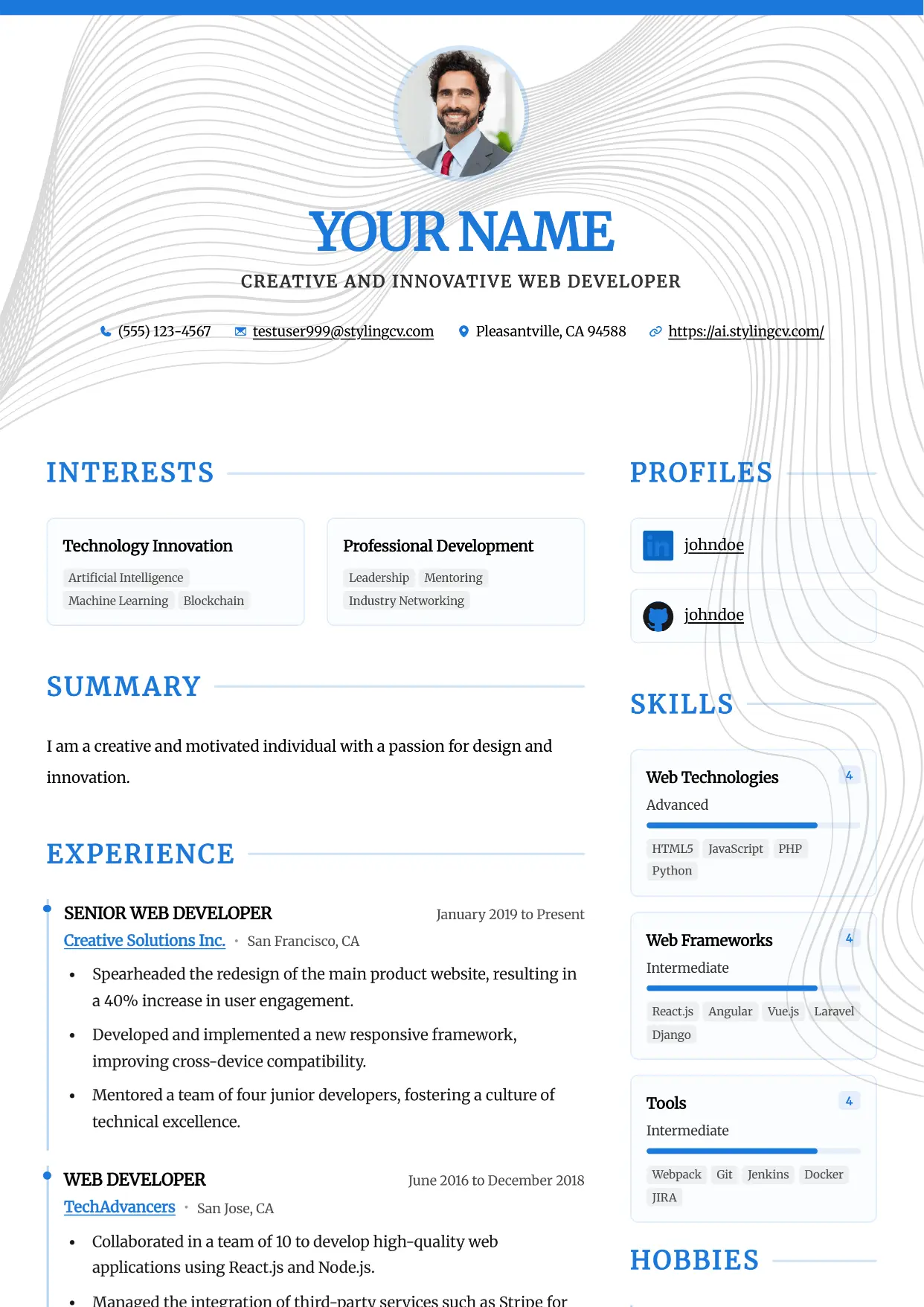
Accent
Professional and modern resume template optimized for applicant tracking systems. A clean, ATS-friendly CV layout designed to help you land your next interview.
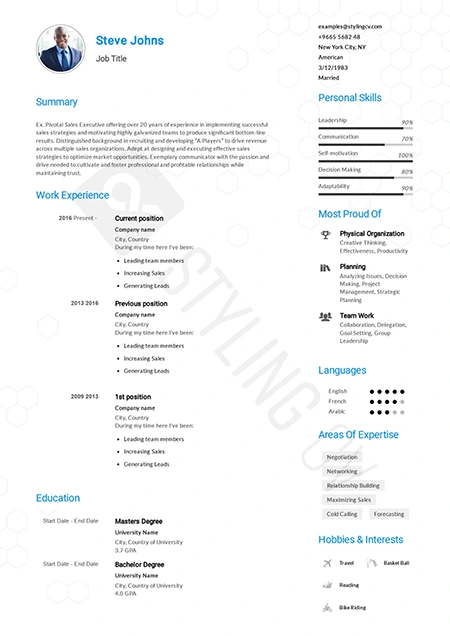
Alfred
Executive ATS resume template designed for C-suite roles. Features a clean layout perfect for management and corporate leadership positions.
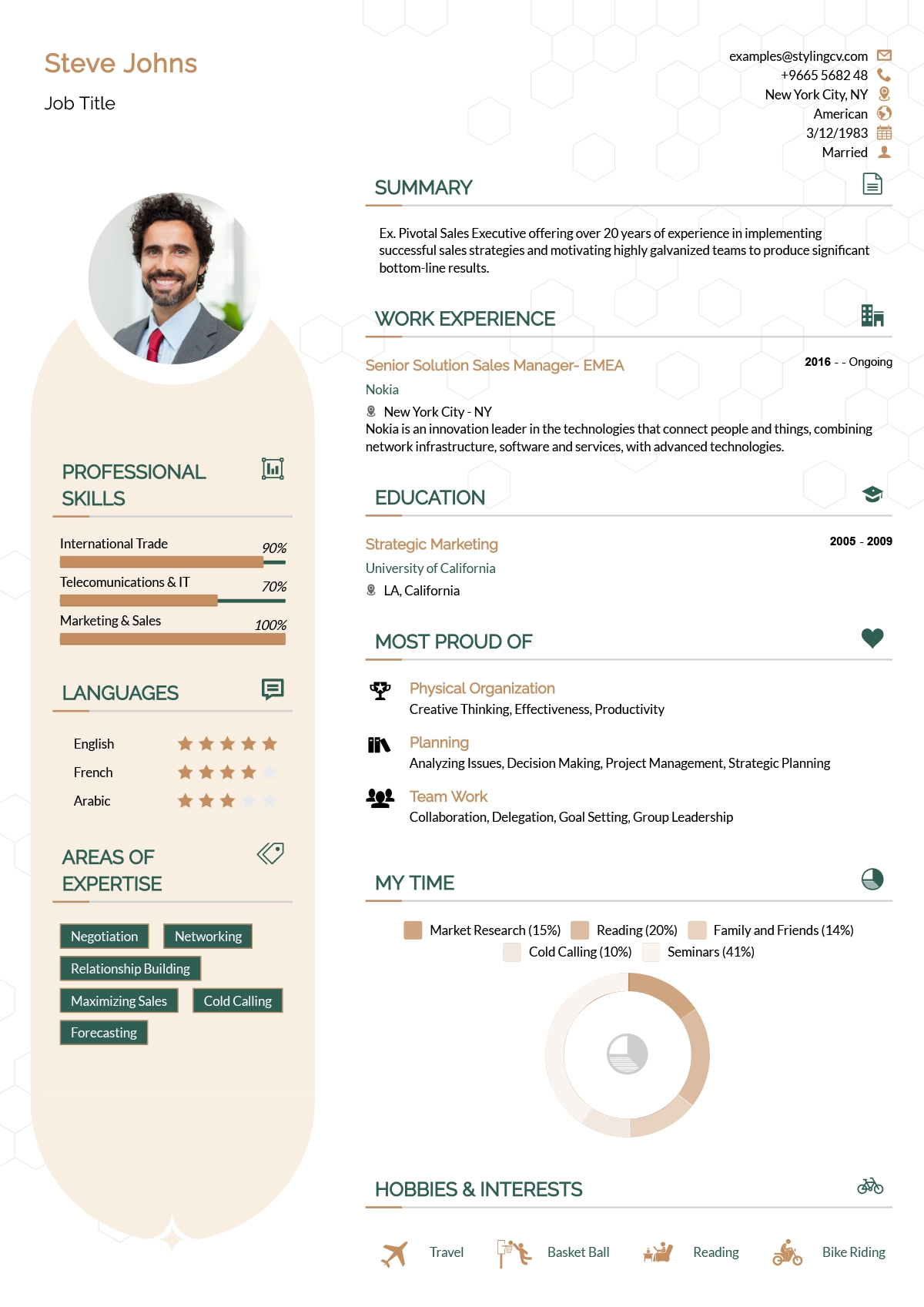
Andero
Modern resume template ideal for tech professionals. A sleek, professional CV design that highlights technical skills and projects perfectly.
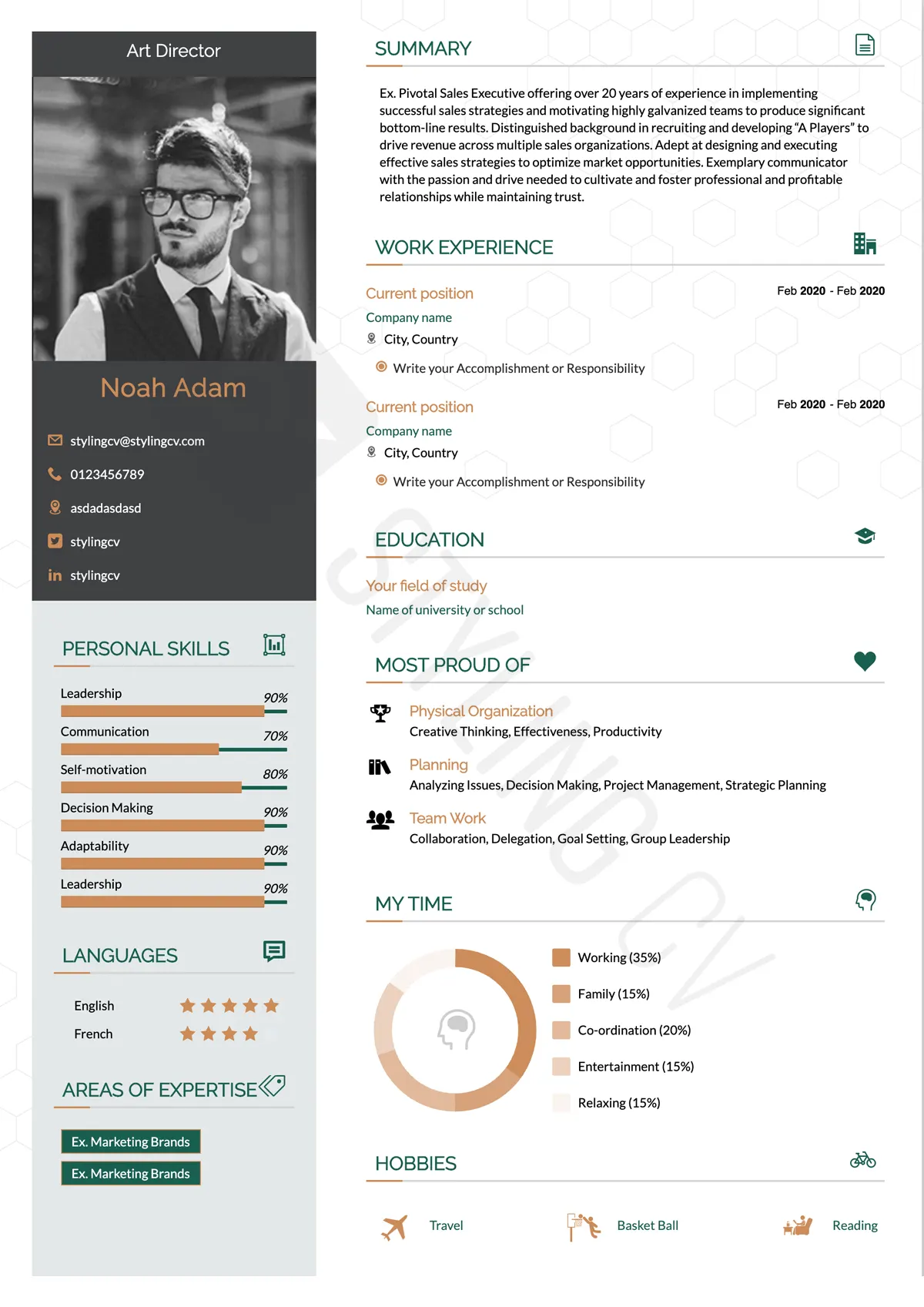
Apple
Minimalist resume template with an elegant, clean aesthetic. The perfect modern CV format for UX designers, product managers, and creatives.
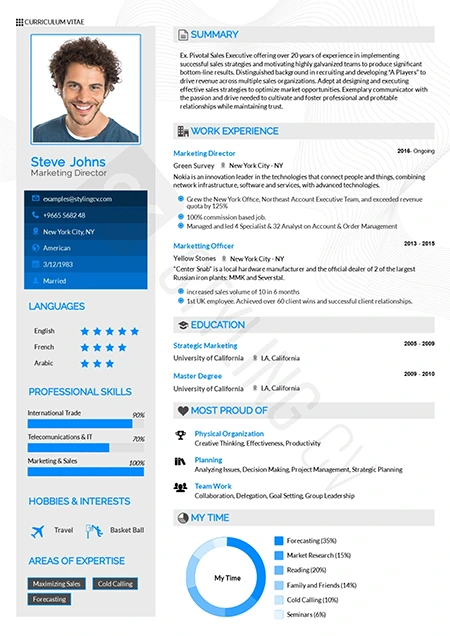
Arabic
Bilingual-ready professional resume template. Optimized for international roles with full RTL support for Middle East and global job markets.
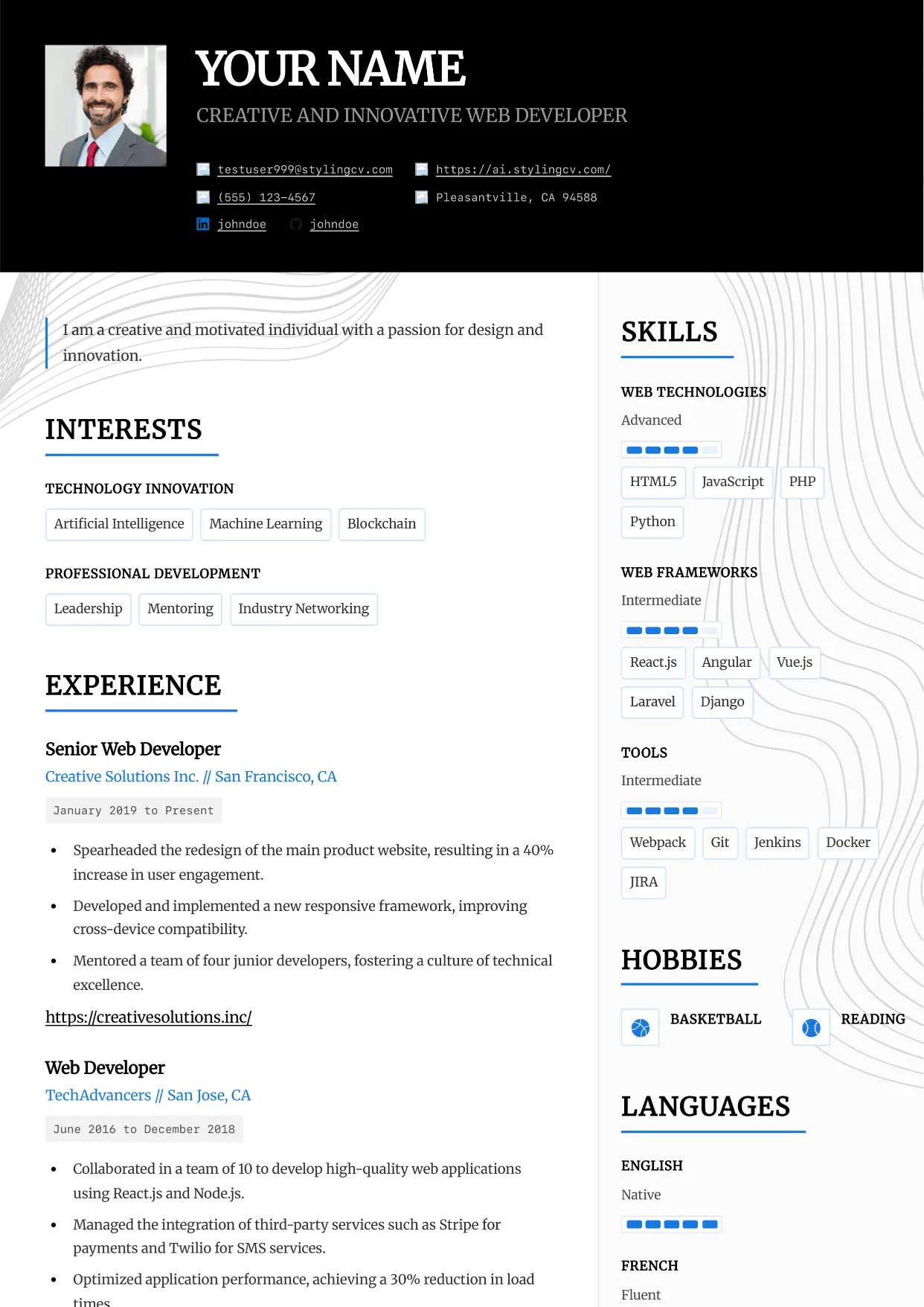
Architect
Professional and modern resume template optimized for applicant tracking systems. A clean, ATS-friendly CV layout designed to help you land your next interview.
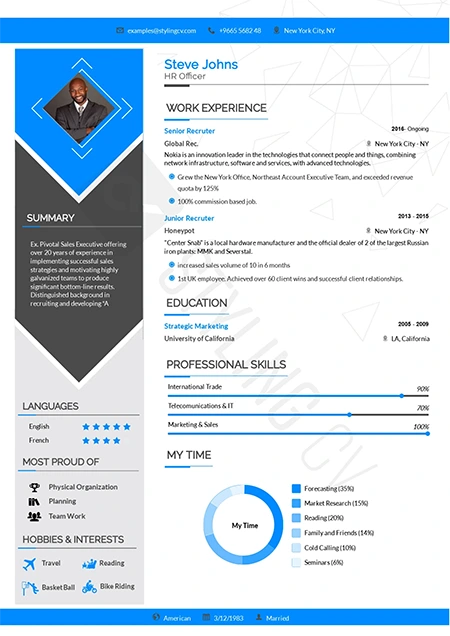
Arrow
Dynamic chronological resume format focusing on career progression. Excellent CV template for ambitious professionals climbing the corporate ladder.
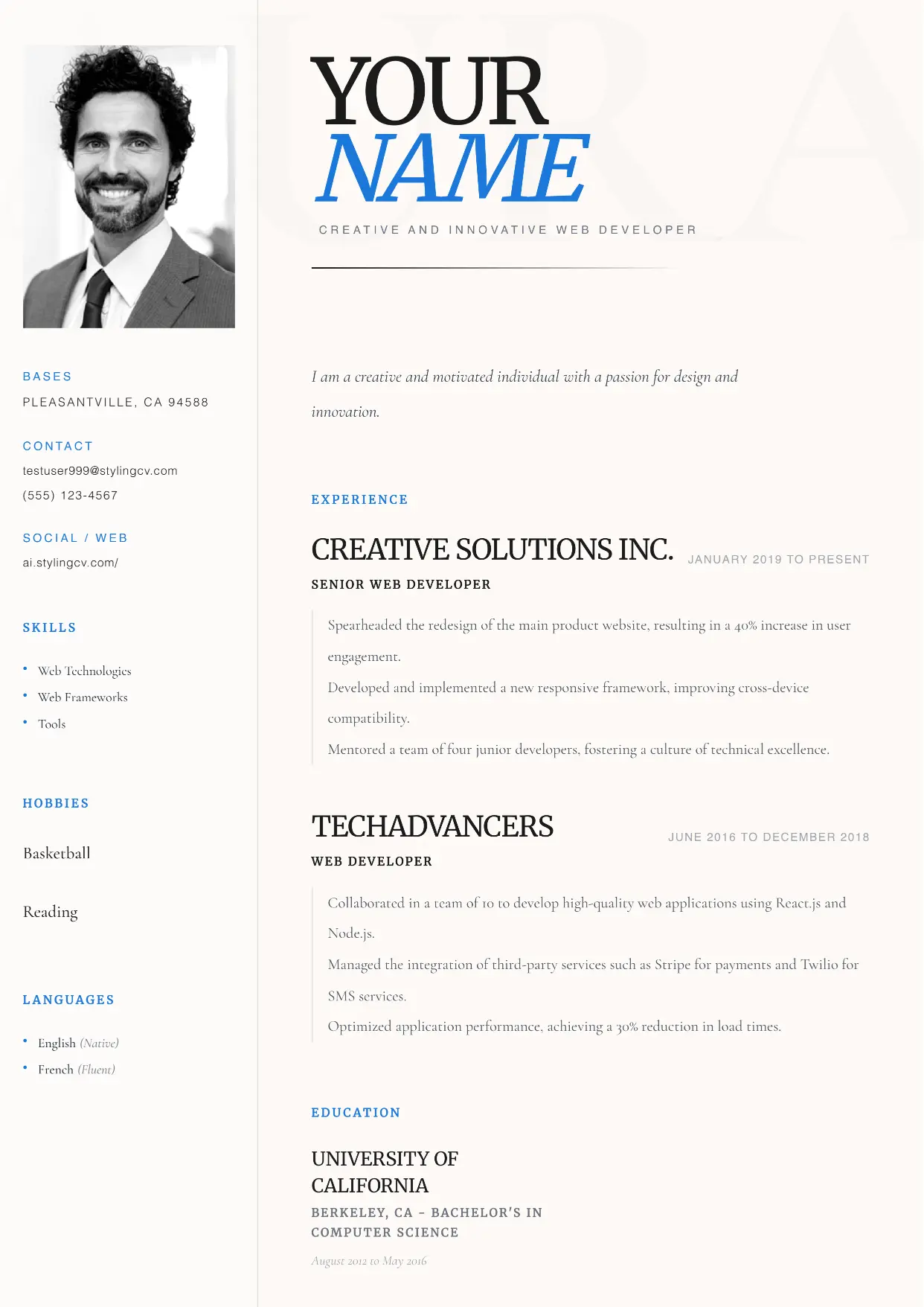
Aura
Professional and modern resume template optimized for applicant tracking systems. A clean, ATS-friendly CV layout designed to help you land your next interview.
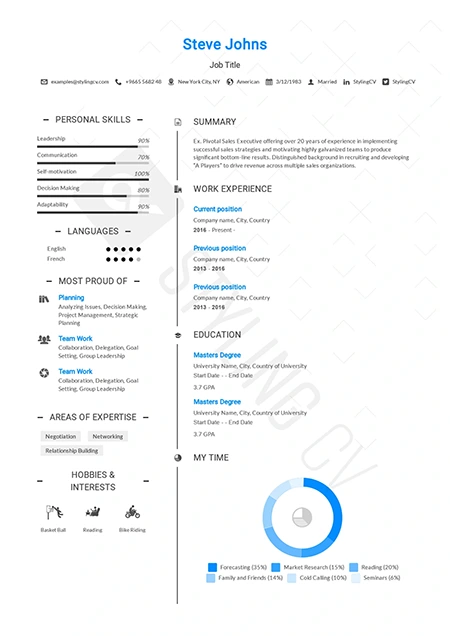
Awesome
Creative and bold resume template to make your application stand out. An eye-catching CV design that hiring managers won’t forget.
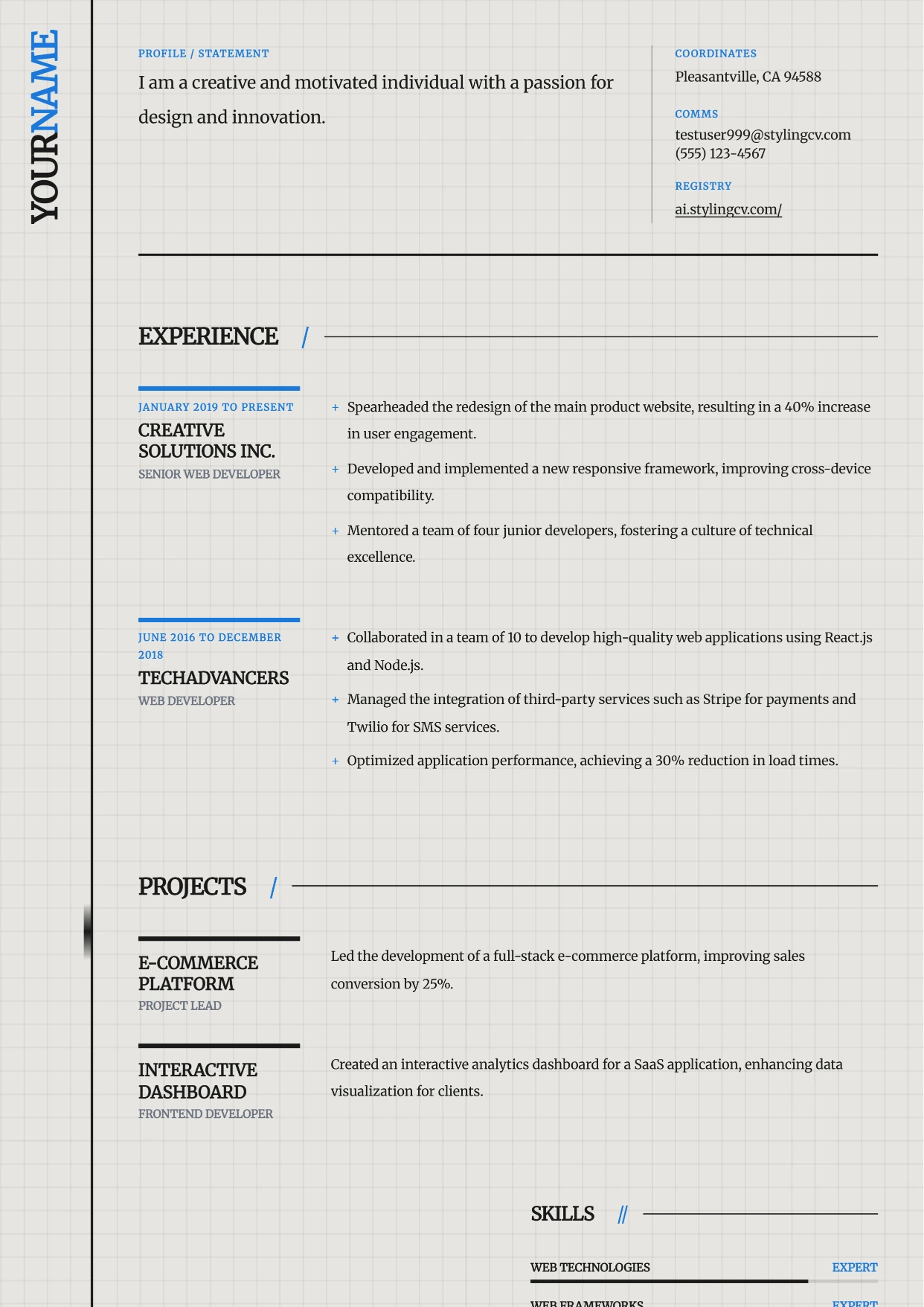
Axiom
Professional and modern resume template optimized for applicant tracking systems. A clean, ATS-friendly CV layout designed to help you land your next interview.
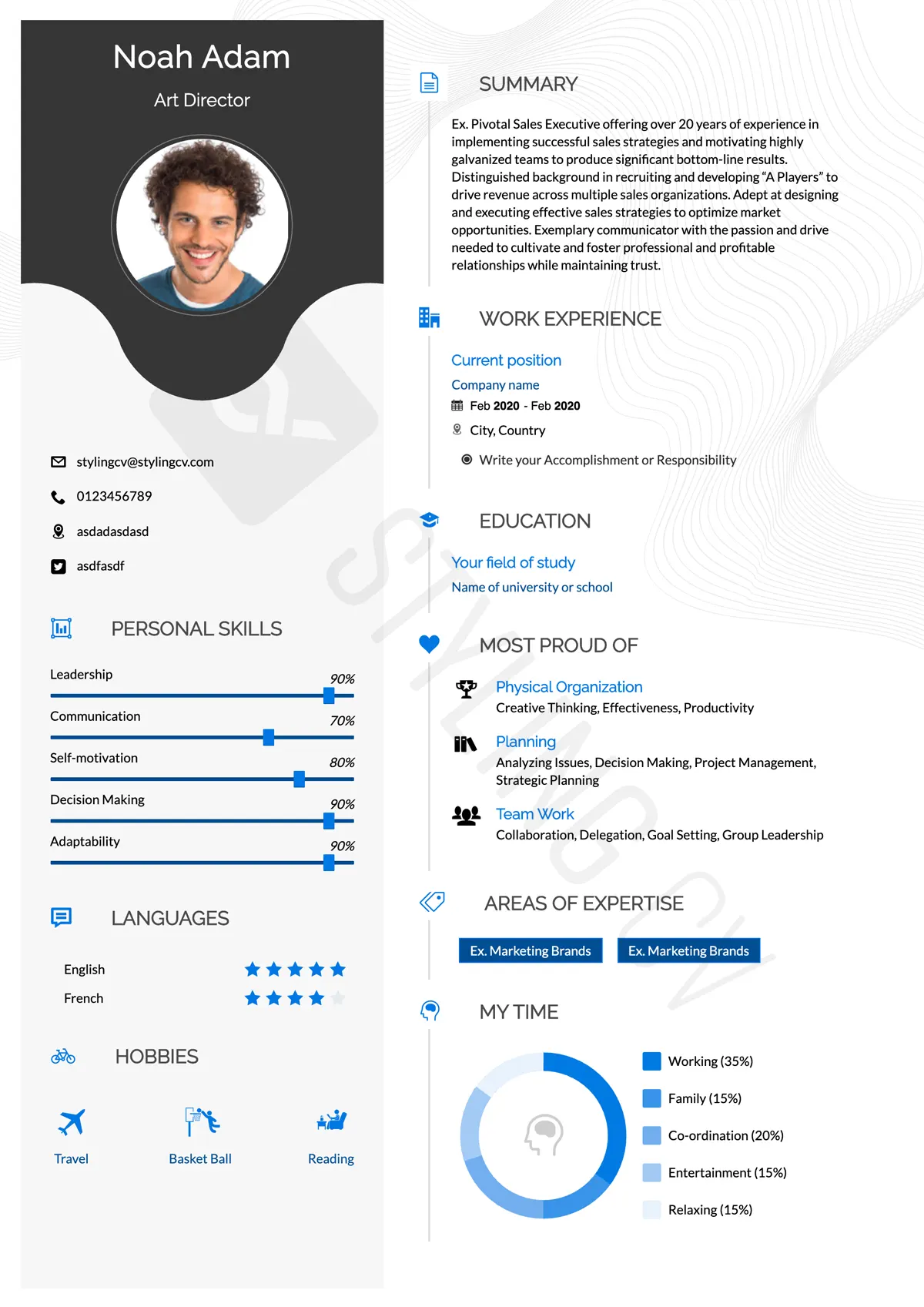
Baseline
Foundational ATS-friendly resume template. A simple, professional CV format proven to pass applicant tracking systems in any industry.
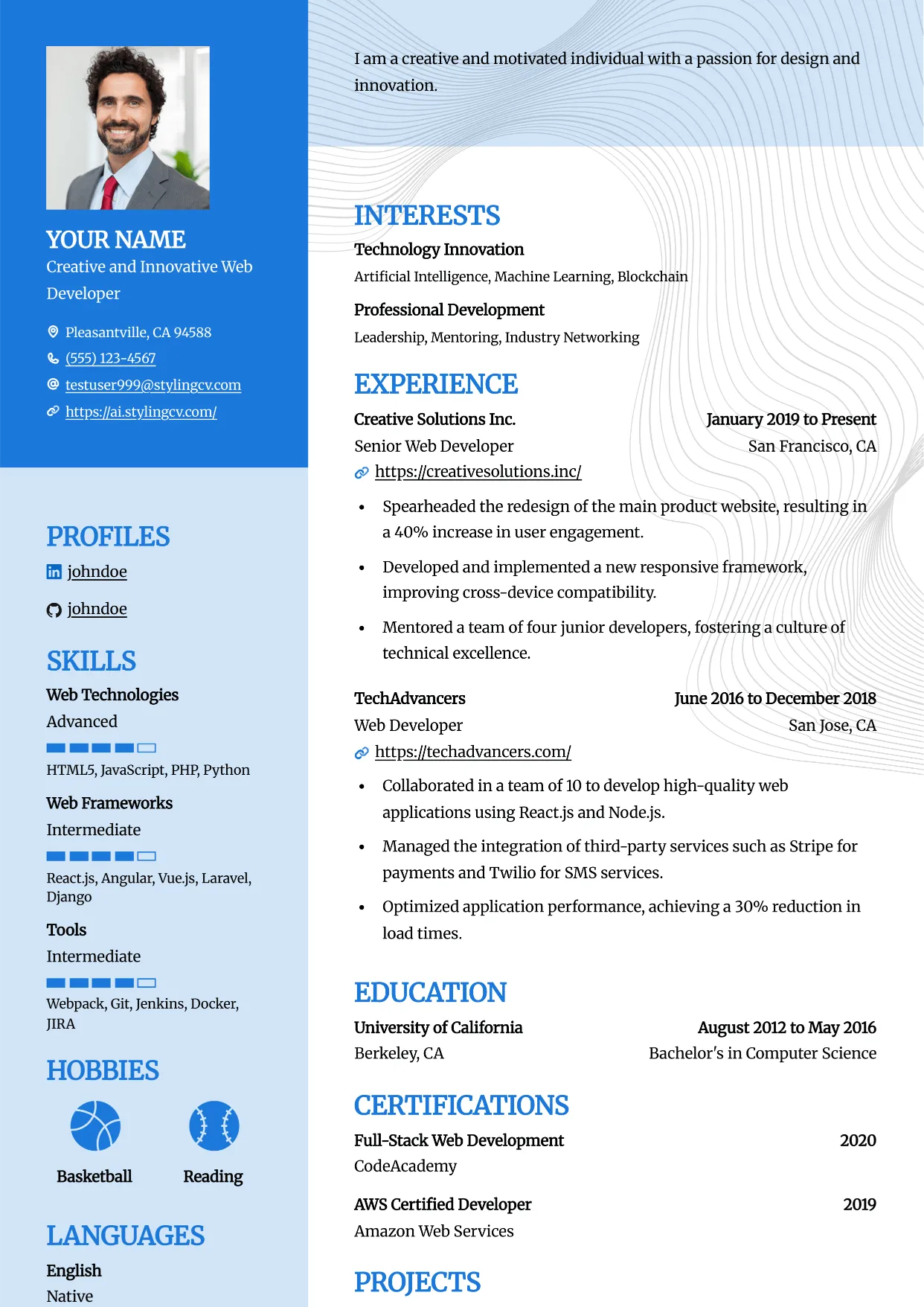
Bold
Professional and modern resume template optimized for applicant tracking systems. A clean, ATS-friendly CV layout designed to help you land your next interview.
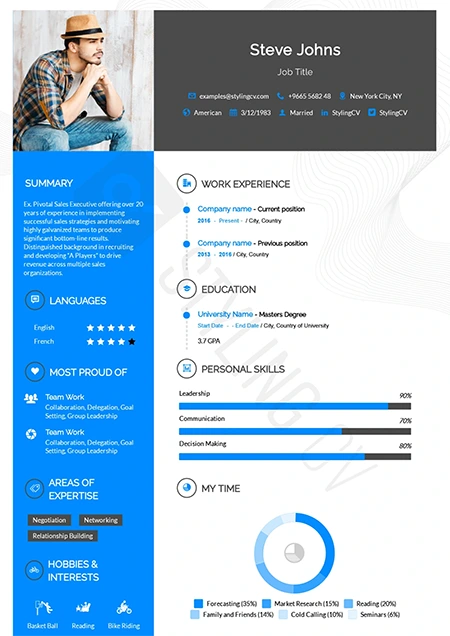
Catics
Unique geometric resume template tailored for creative industries. Showcase your portfolio and media experience with this modern CV layout.
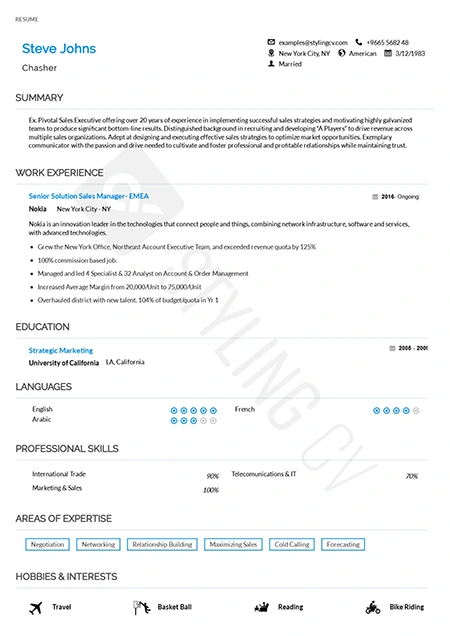
Classic
Timeless chronological resume template for traditional industries. A highly professional, conservative CV format trusted by recruiters.
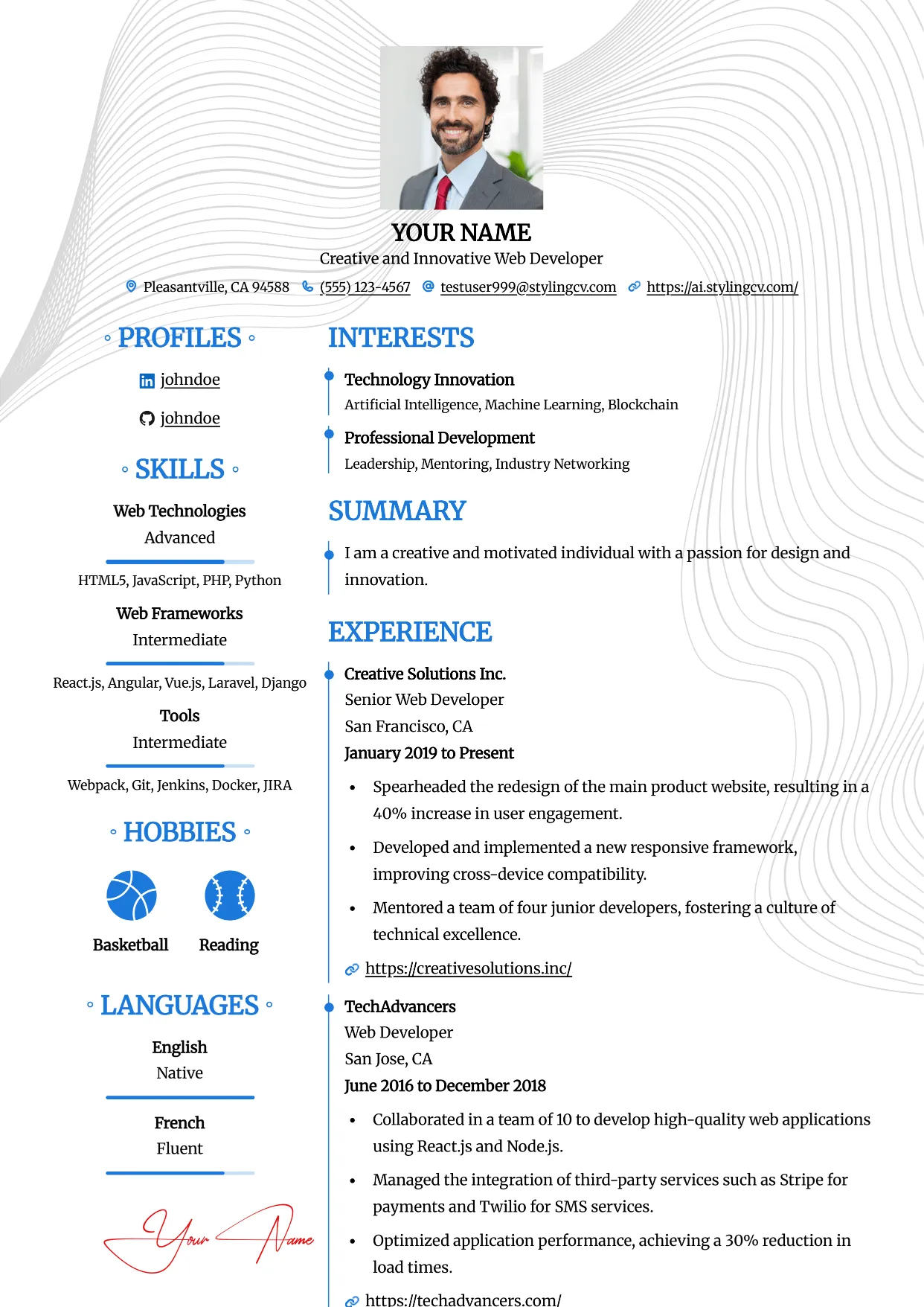
Clean
Professional and modern resume template optimized for applicant tracking systems. A clean, ATS-friendly CV layout designed to help you land your next interview.
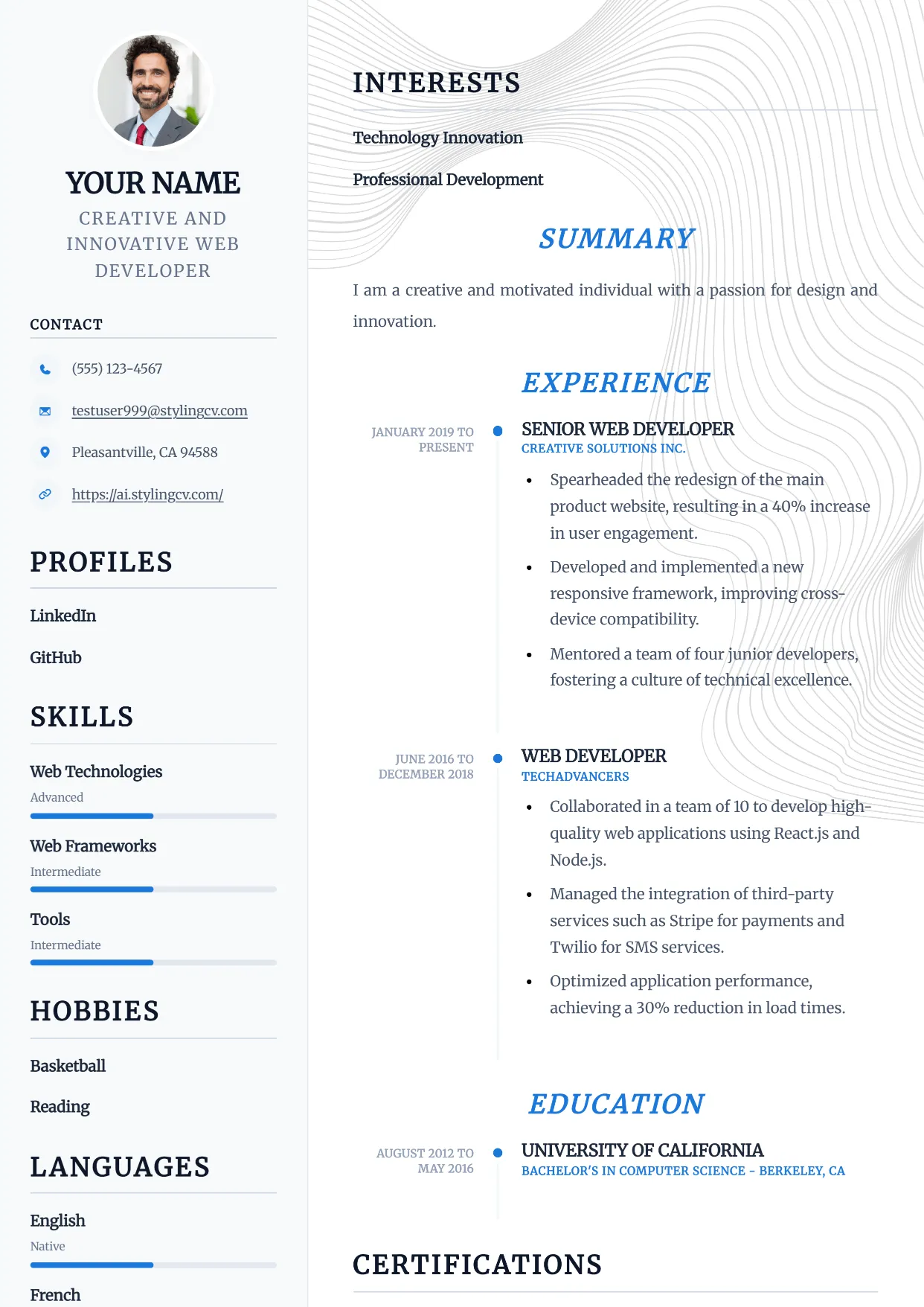
Compact
Professional and modern resume template optimized for applicant tracking systems. A clean, ATS-friendly CV layout designed to help you land your next interview.
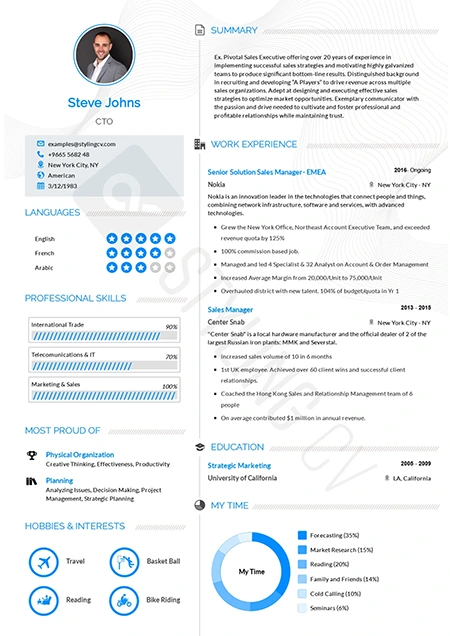
Concept
Innovative functional resume template for strategists and consultants. A modern CV layout designed to highlight core competencies and thought leadership.
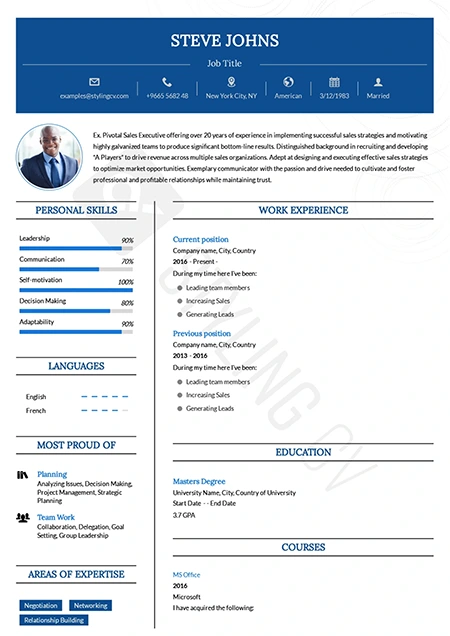
Confidence
Bold executive resume template projecting leadership and authority. A premium CV design for senior management and director-level applications.
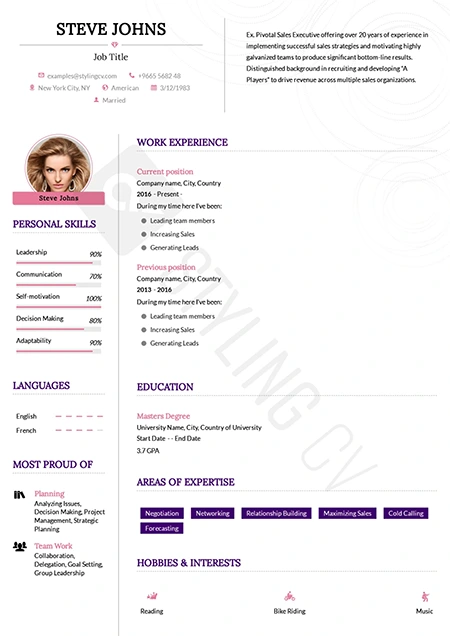
Corssa
Elegant European-inspired CV template for international business roles. A sophisticated resume format that balances modern design with professional standards.
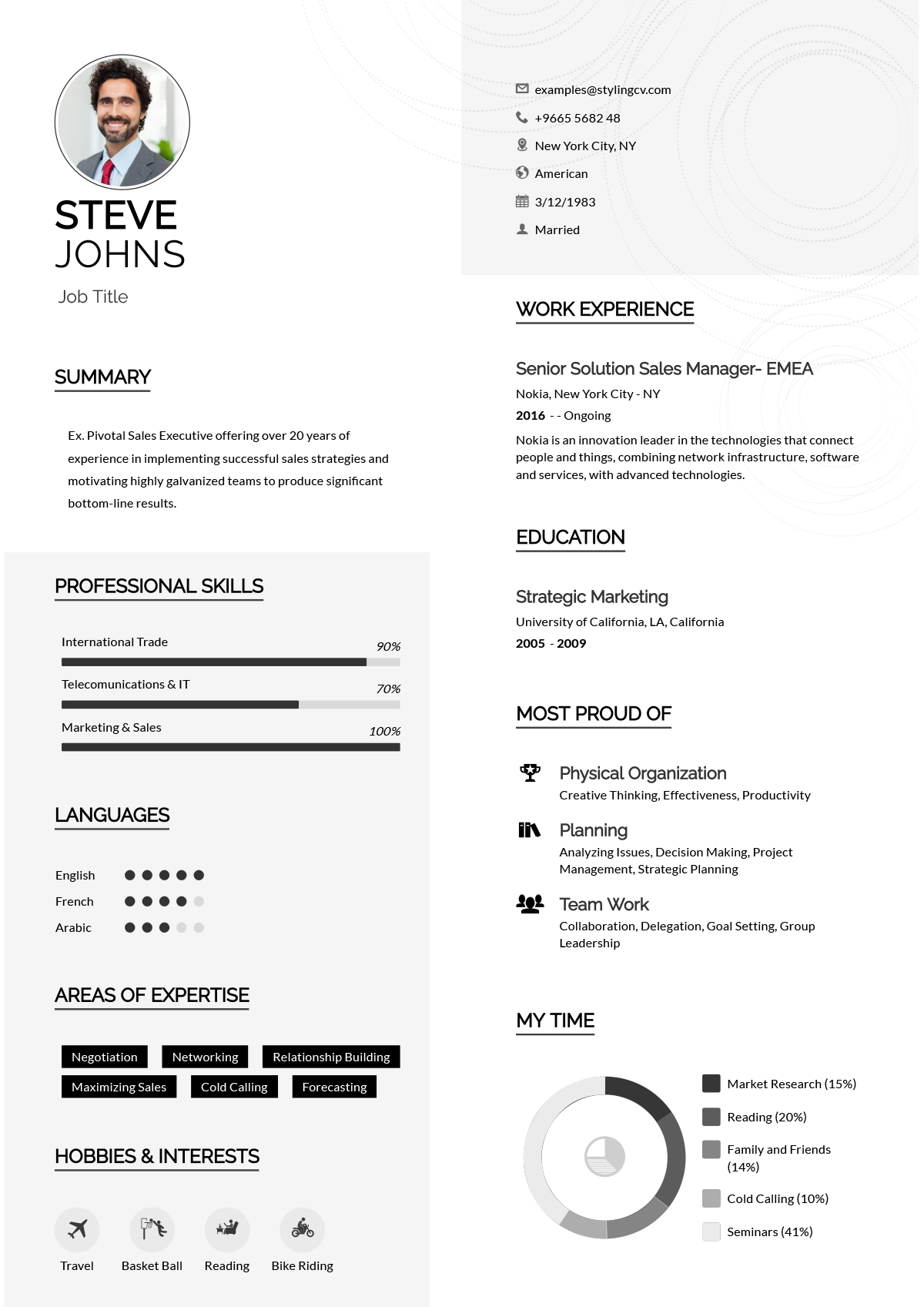
Creative
Vibrant and colorful creative resume template for design professionals. A memorable visual CV format perfect for marketing and artistic roles.
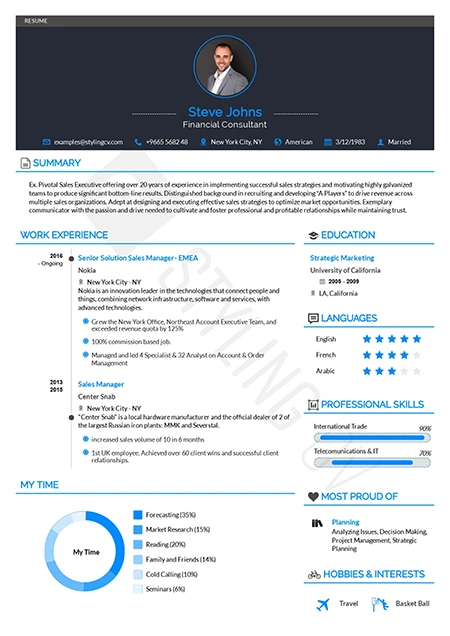
Diamond
Polished and premium professional resume template. A high-end CV design that ensures your extensive work experience shines through beautifully.
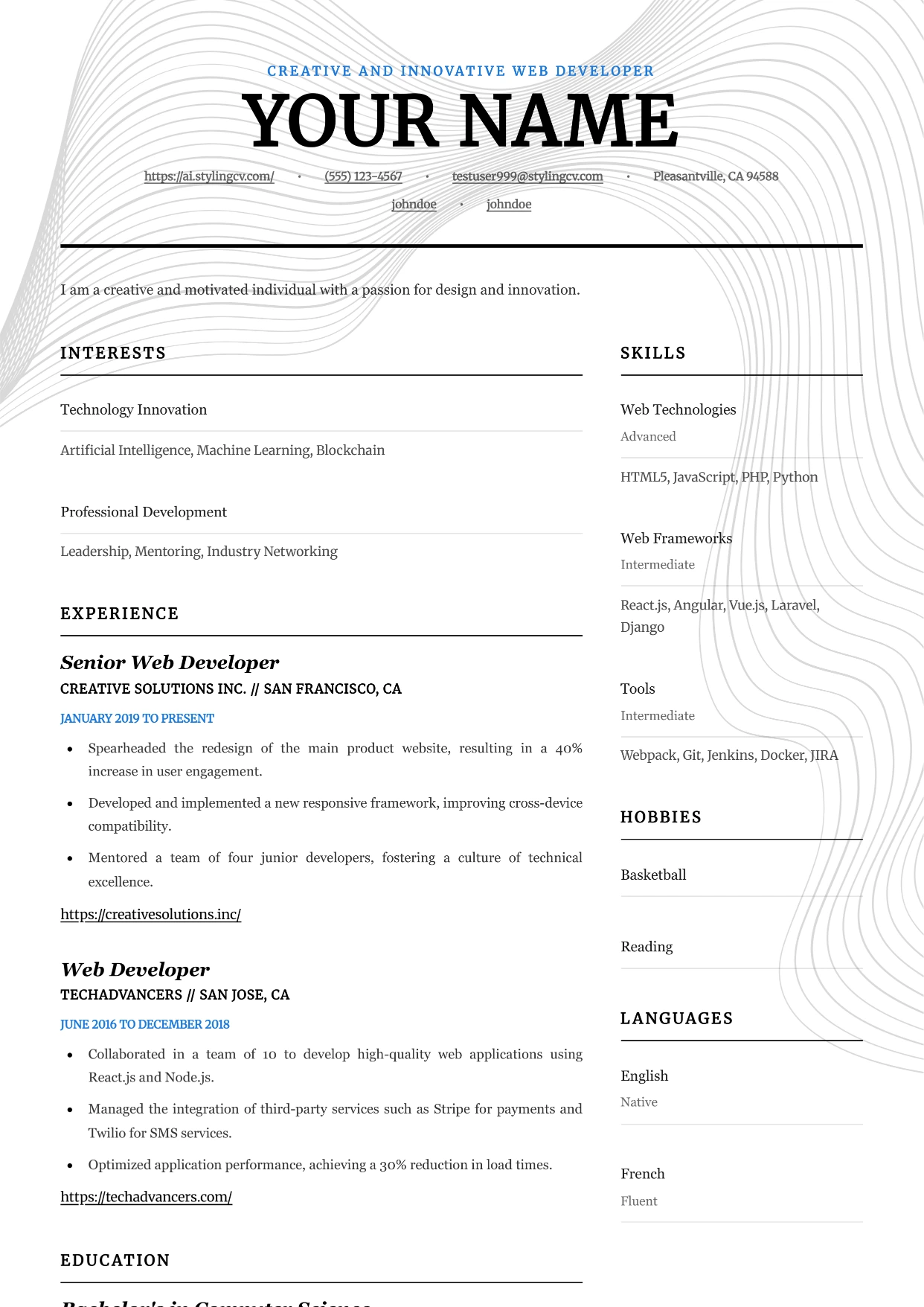
Editorial
Professional and modern resume template optimized for applicant tracking systems. A clean, ATS-friendly CV layout designed to help you land your next interview.
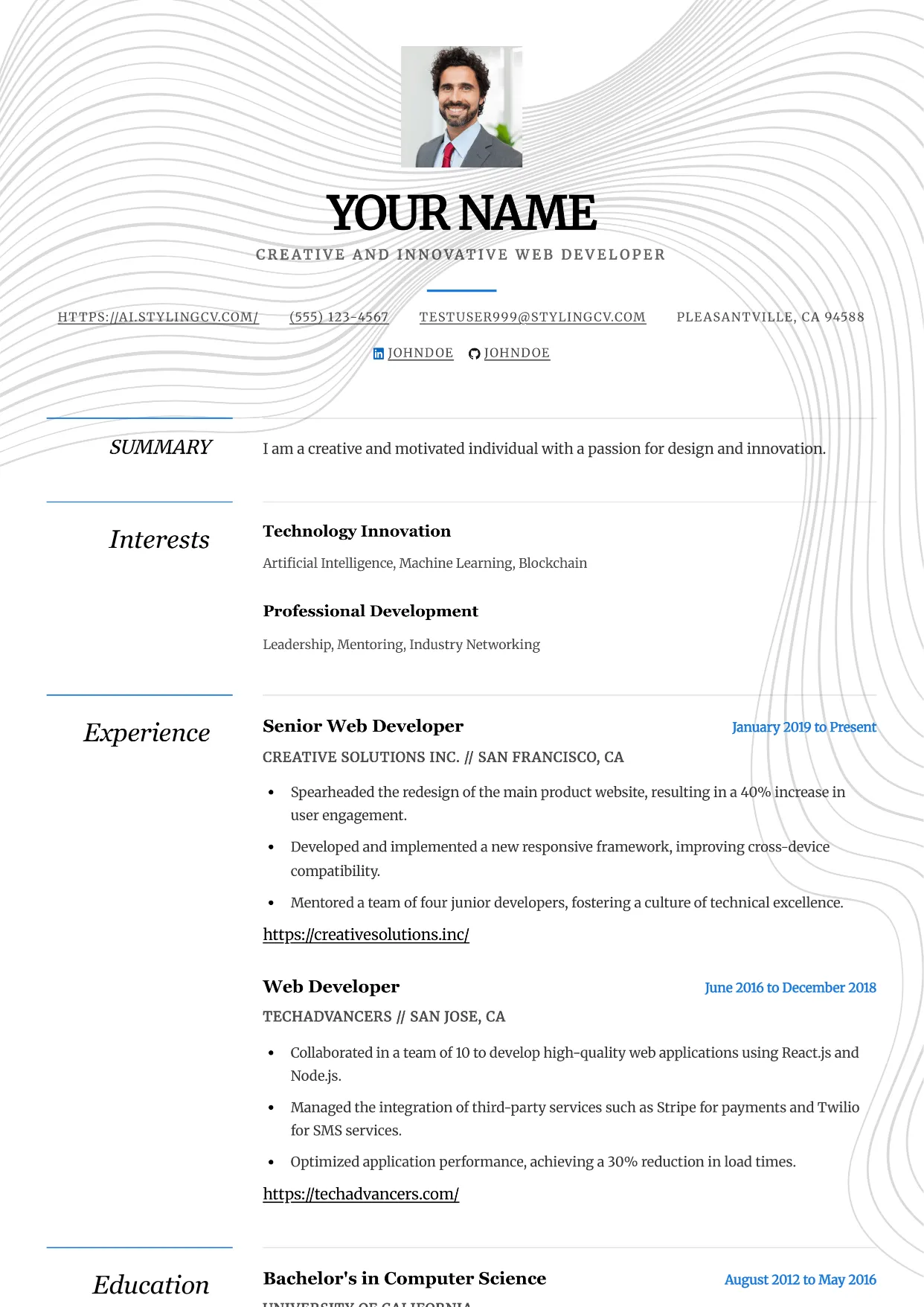
Elegance
Professional and modern resume template optimized for applicant tracking systems. A clean, ATS-friendly CV layout designed to help you land your next interview.
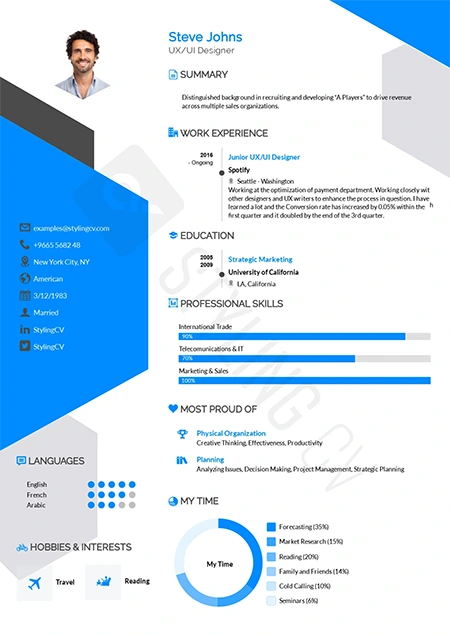
Elegant
Sophisticated resume template for law, finance, and executive roles. A classic, highly professional CV layout that commands immediate respect.
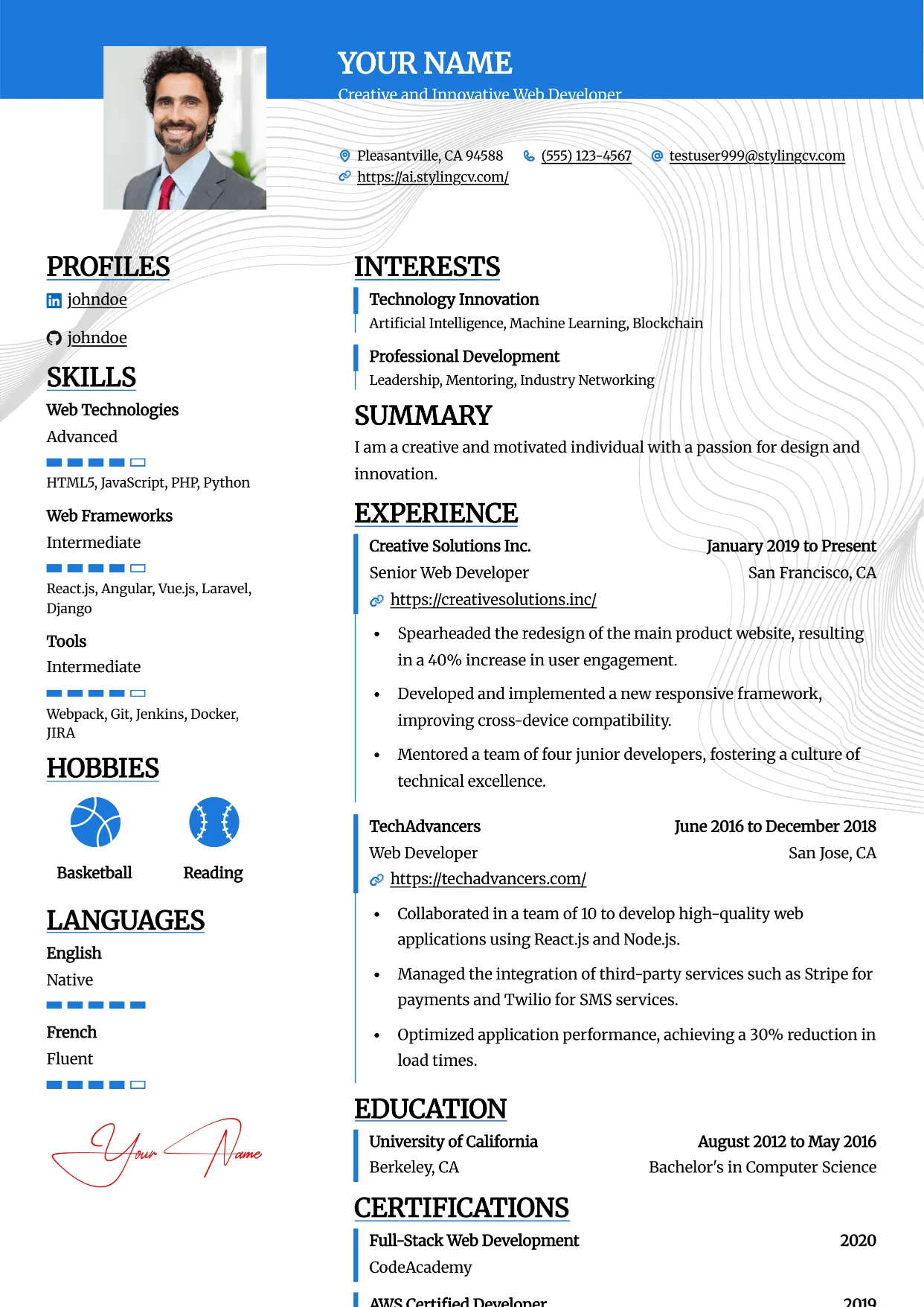
Essential
Professional and modern resume template optimized for applicant tracking systems. A clean, ATS-friendly CV layout designed to help you land your next interview.
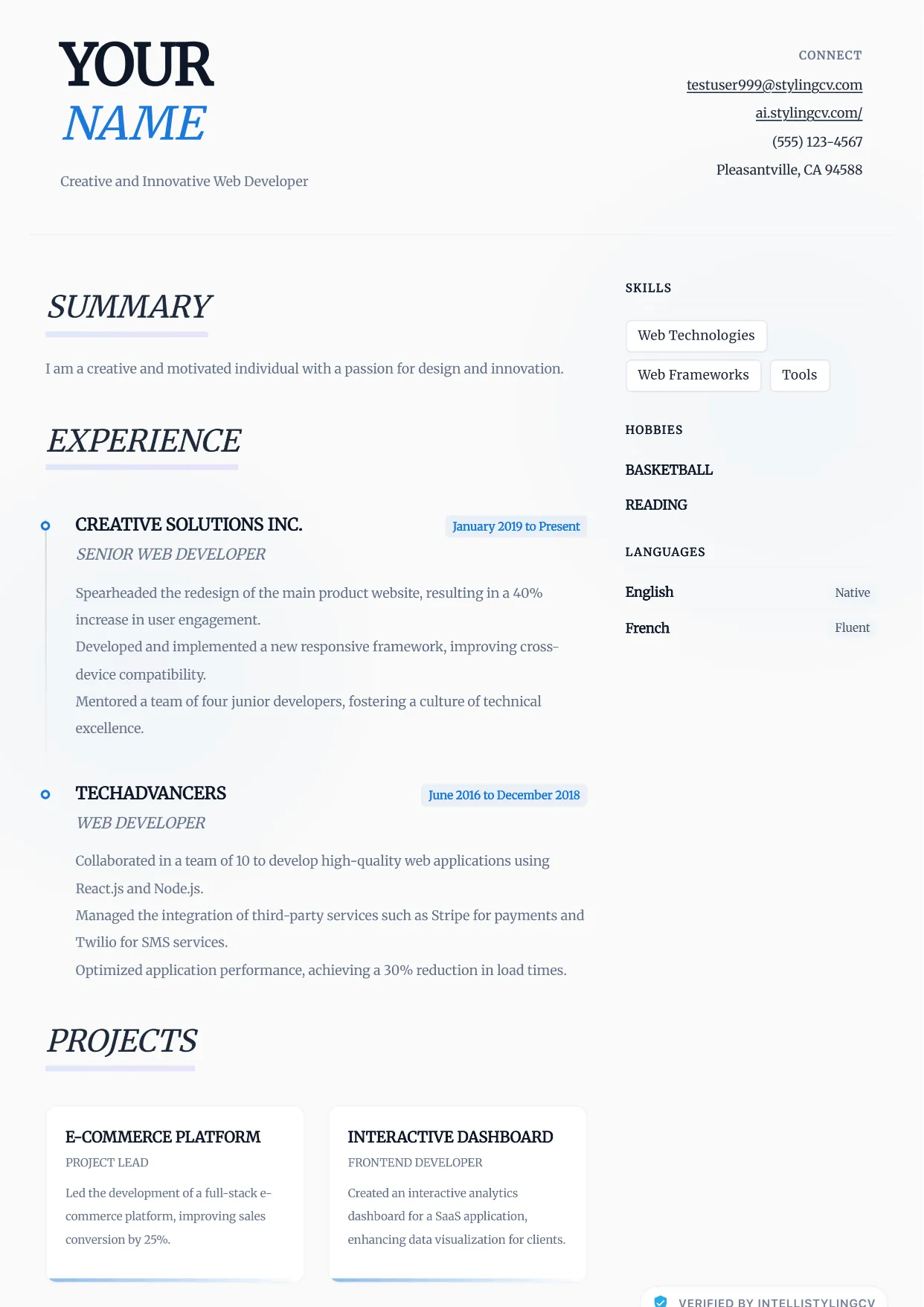
Ethereal
Professional and modern resume template optimized for applicant tracking systems. A clean, ATS-friendly CV layout designed to help you land your next interview.
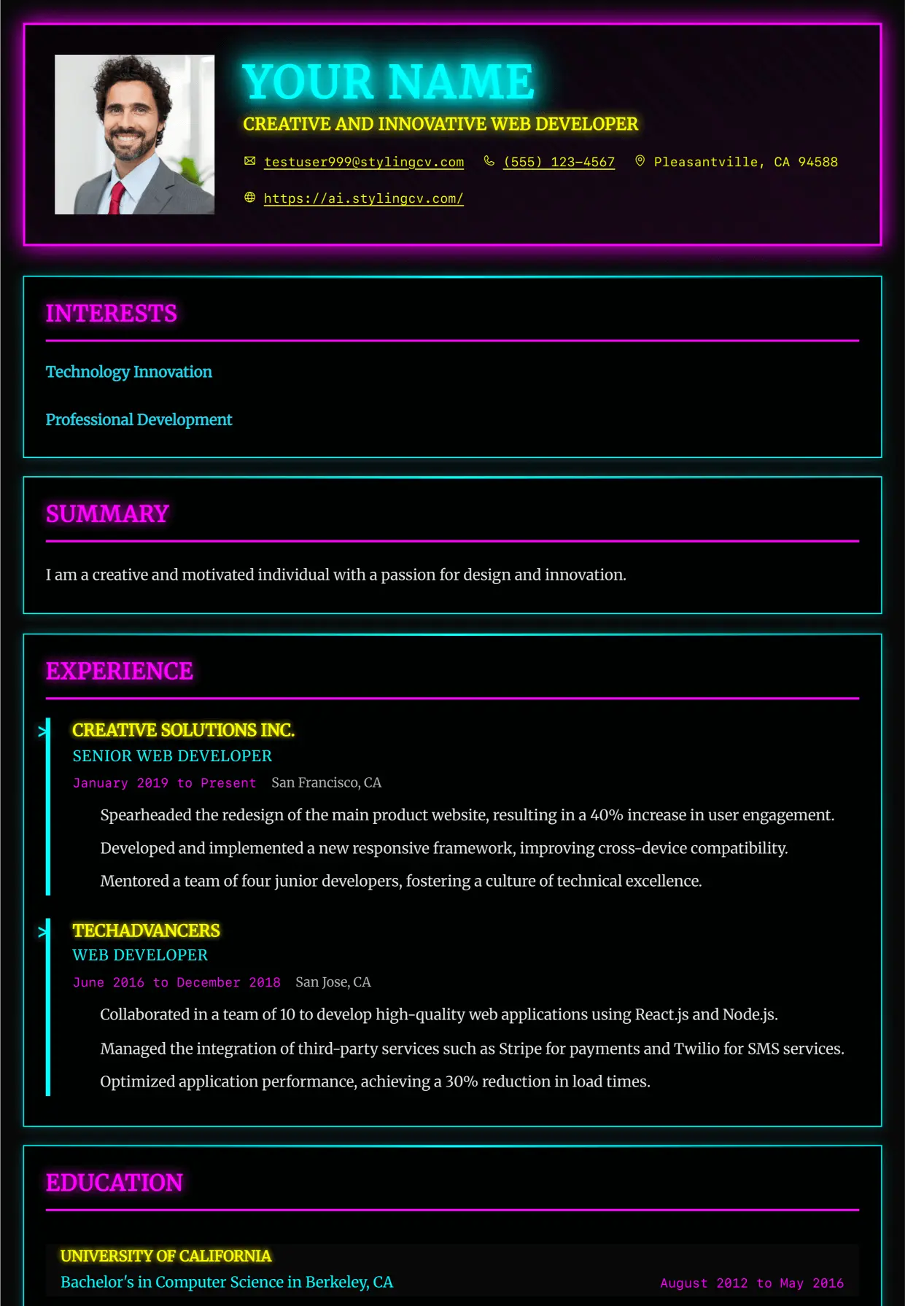
Executive
Professional and modern resume template optimized for applicant tracking systems. A clean, ATS-friendly CV layout designed to help you land your next interview.
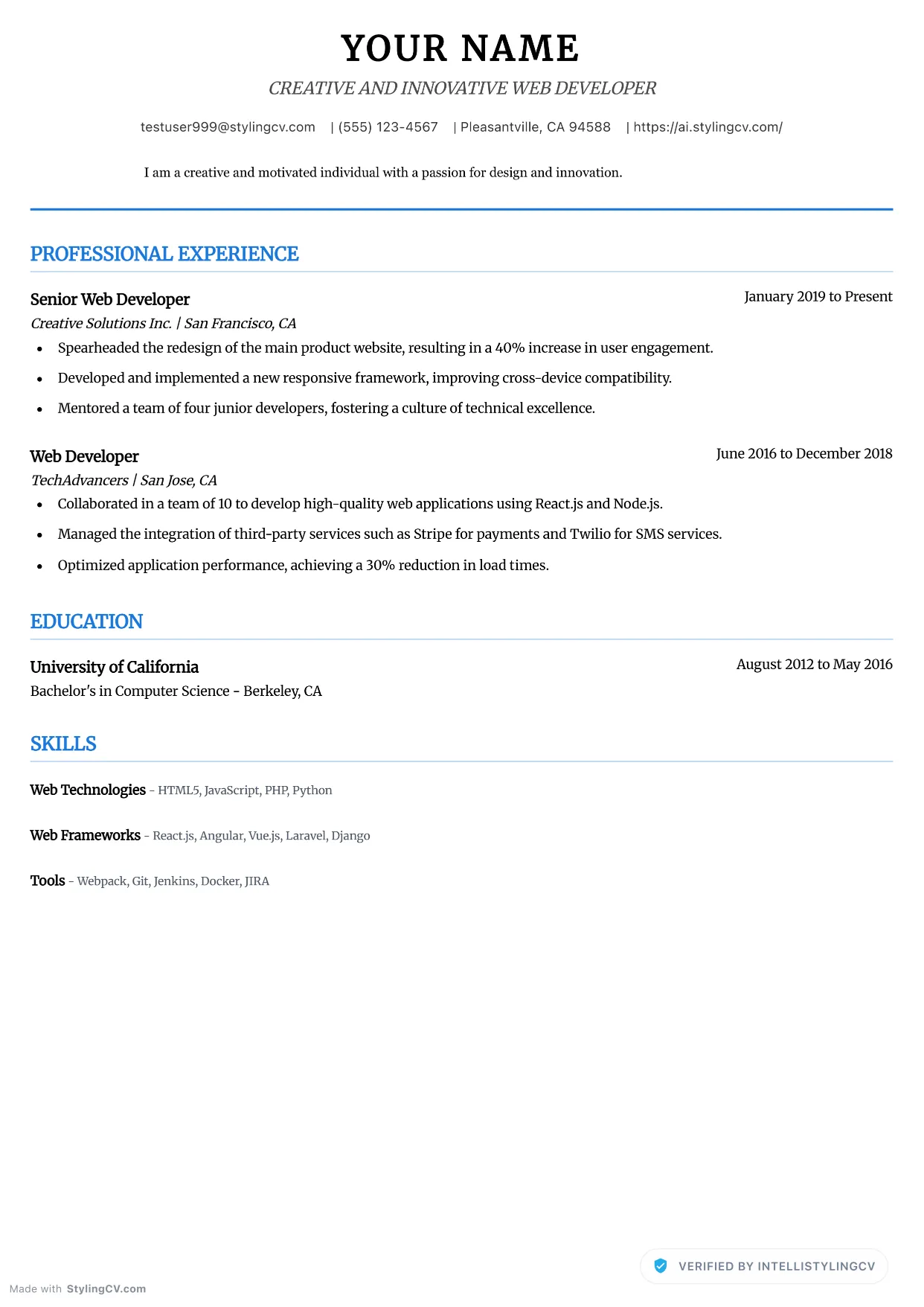
Executive Neat
Professional and modern resume template optimized for applicant tracking systems. A clean, ATS-friendly CV layout designed to help you land your next interview.
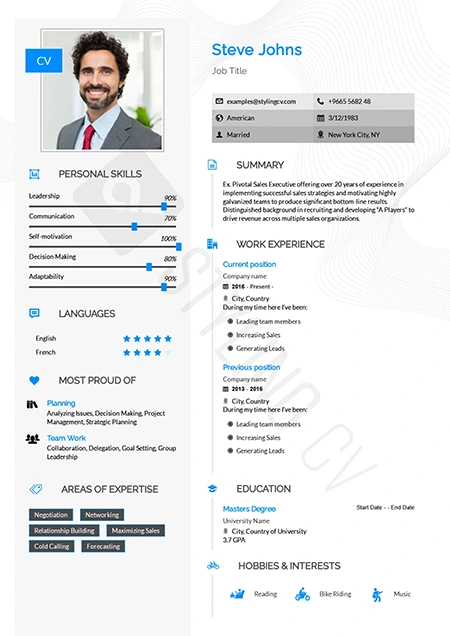
Feminine
Refined and stylish resume template with a modern feminine aesthetic. Perfect CV layout for fashion, beauty, lifestyle, and creative marketing roles.
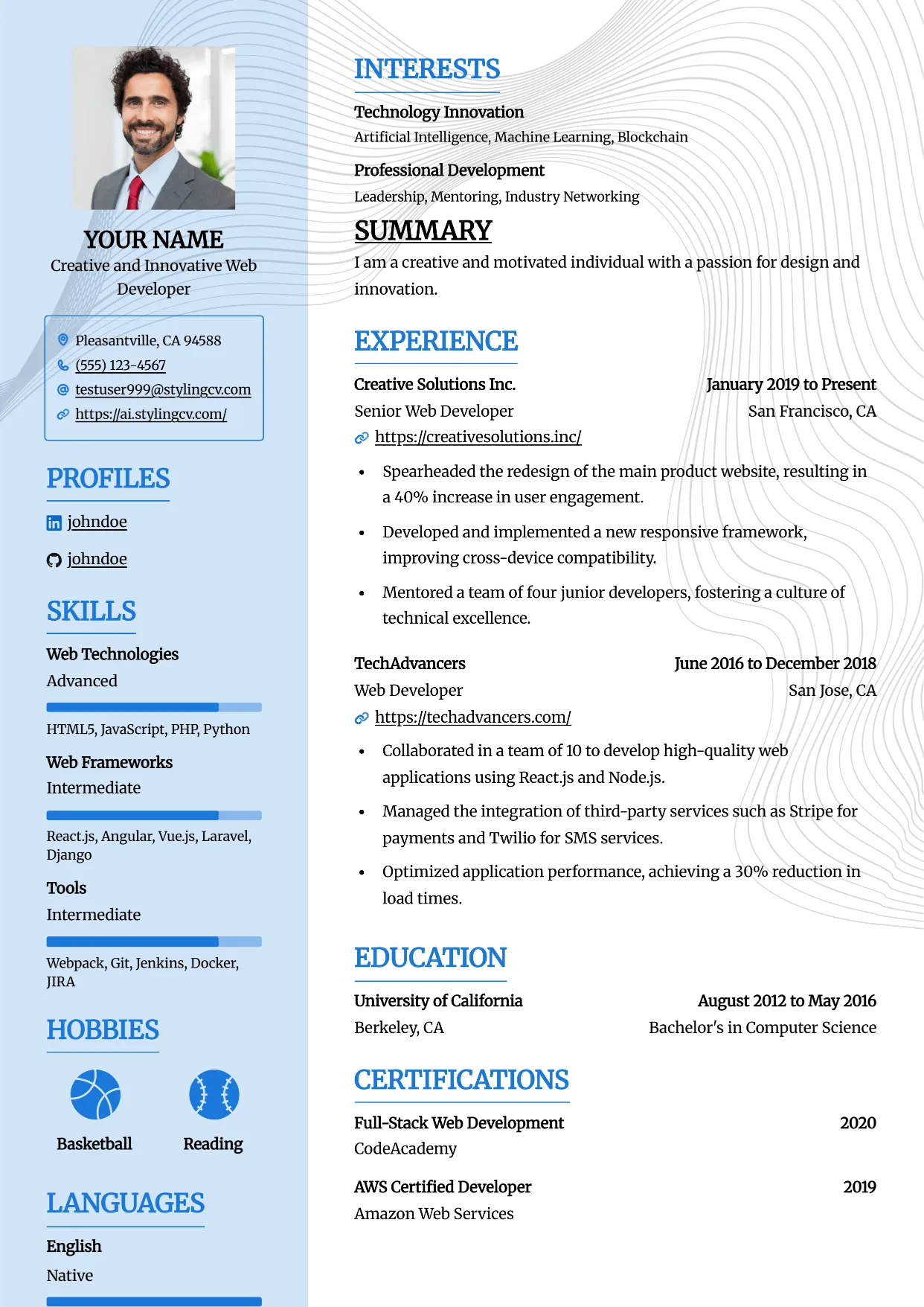
Framed
Professional and modern resume template optimized for applicant tracking systems. A clean, ATS-friendly CV layout designed to help you land your next interview.
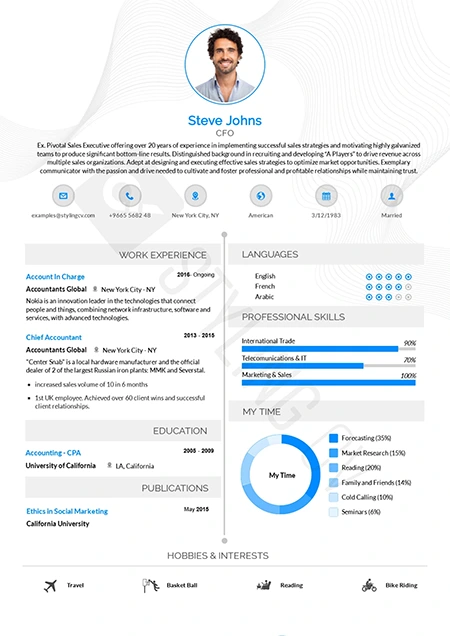
Functional
Skills-focused functional resume template ideal for career changers. A smart CV format that highlights transferrable skills over chronological work history.
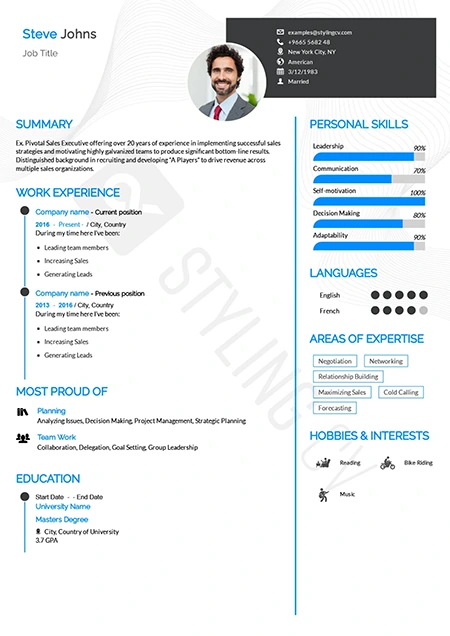
Genial
Approachable and modern resume template for customer-facing roles. An excellent professional CV layout for HR, sales, and service professionals.
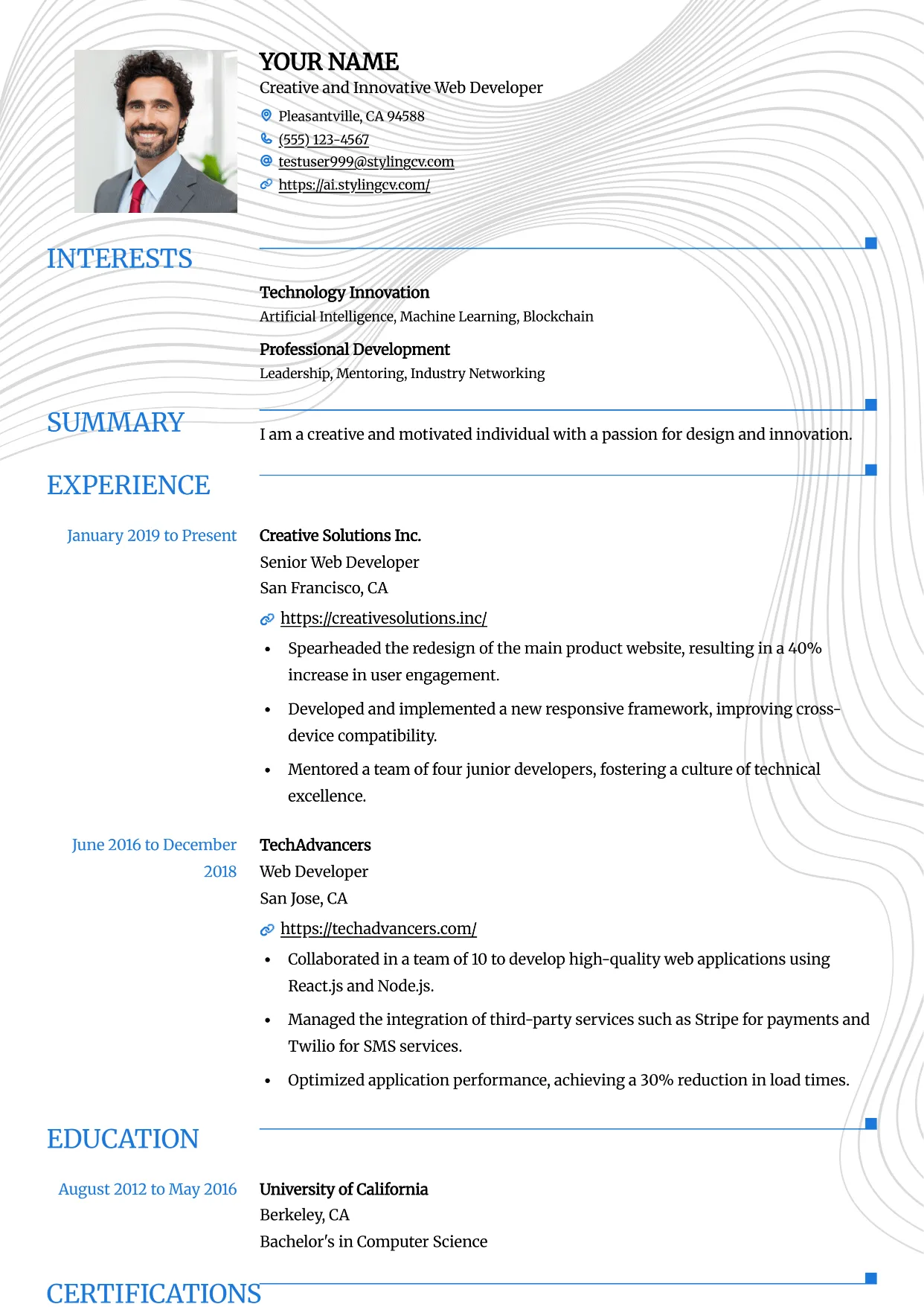
Grid
Professional and modern resume template optimized for applicant tracking systems. A clean, ATS-friendly CV layout designed to help you land your next interview.
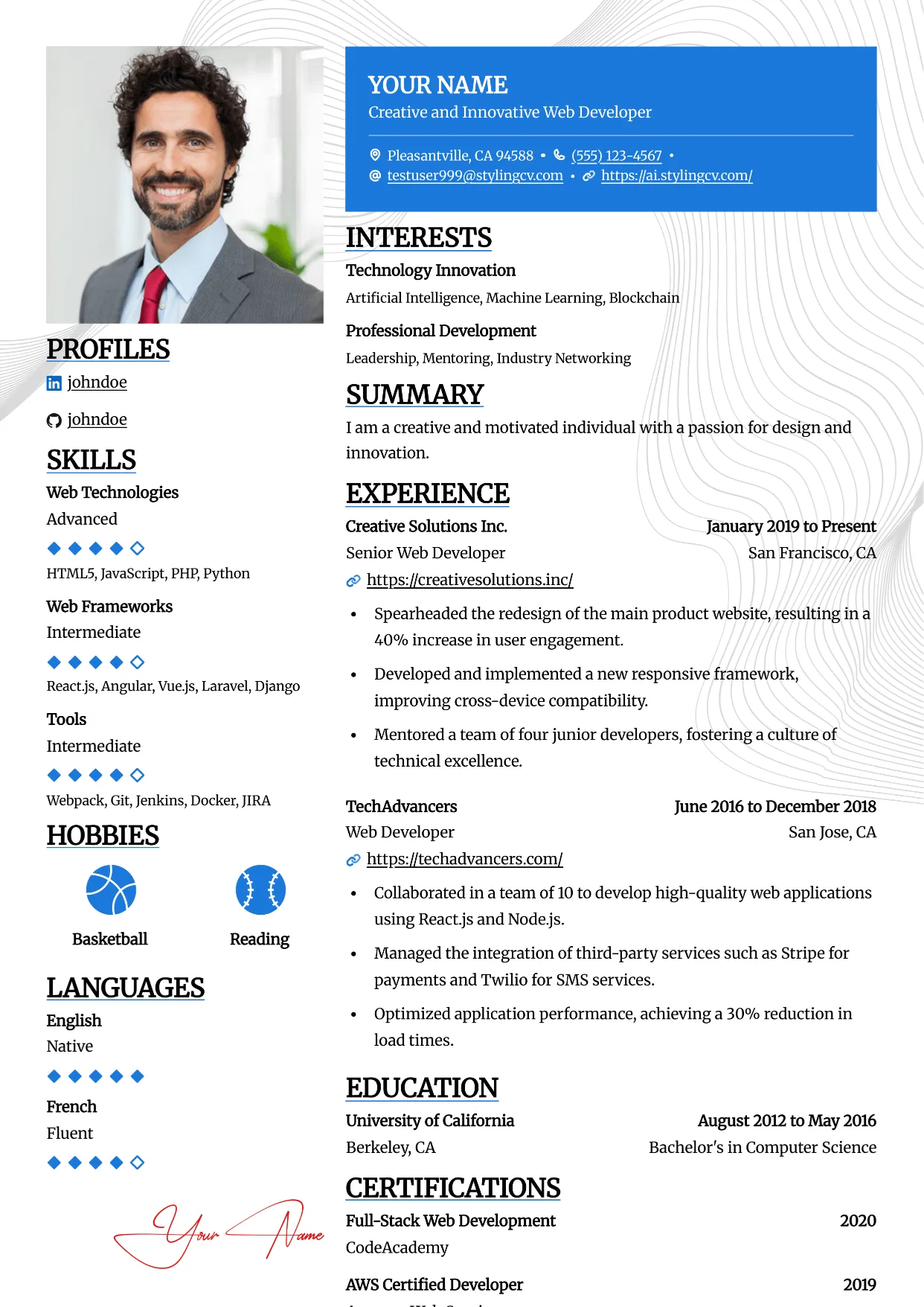
Highlight
Professional and modern resume template optimized for applicant tracking systems. A clean, ATS-friendly CV layout designed to help you land your next interview.
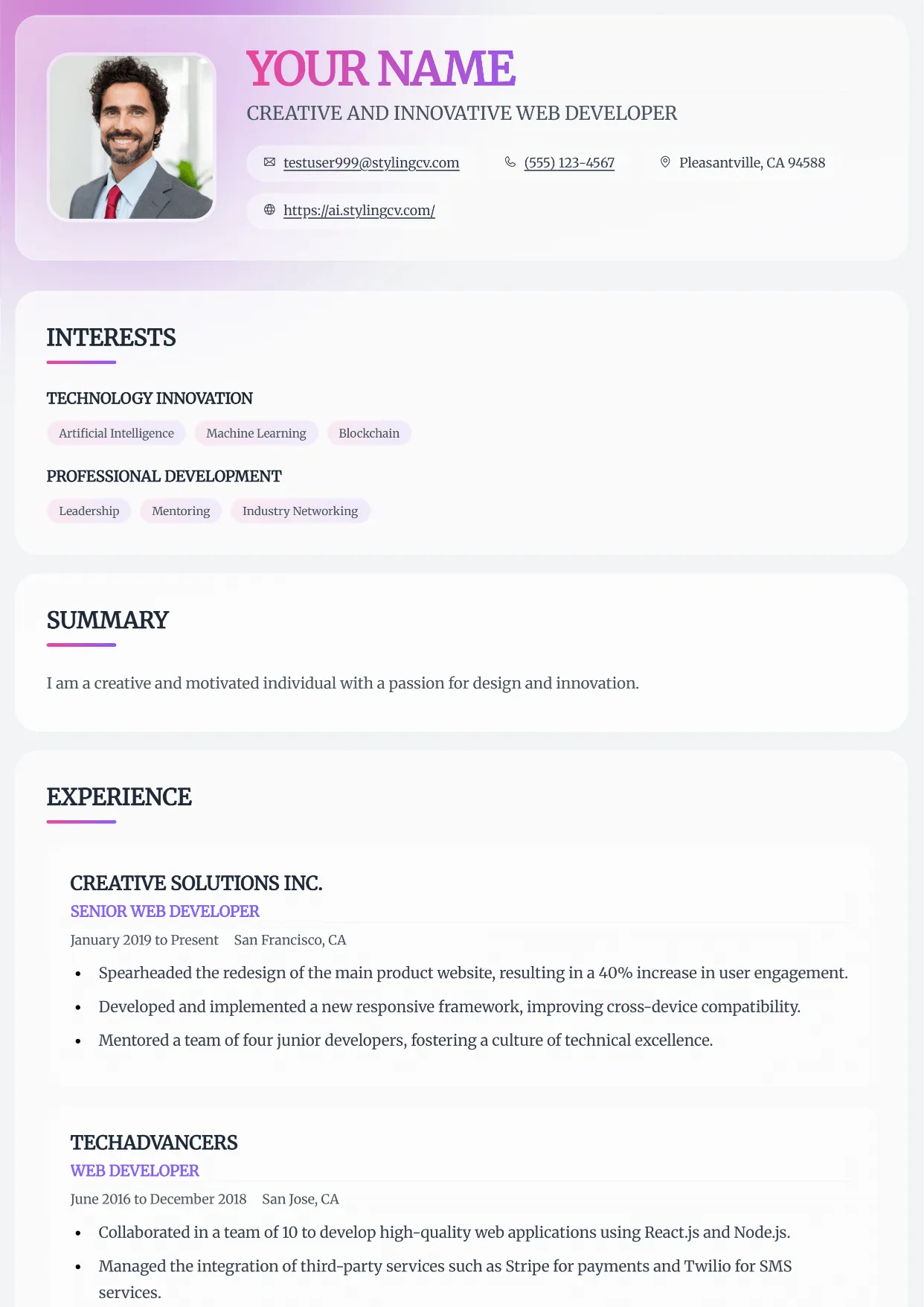
Horizon
Professional and modern resume template optimized for applicant tracking systems. A clean, ATS-friendly CV layout designed to help you land your next interview.
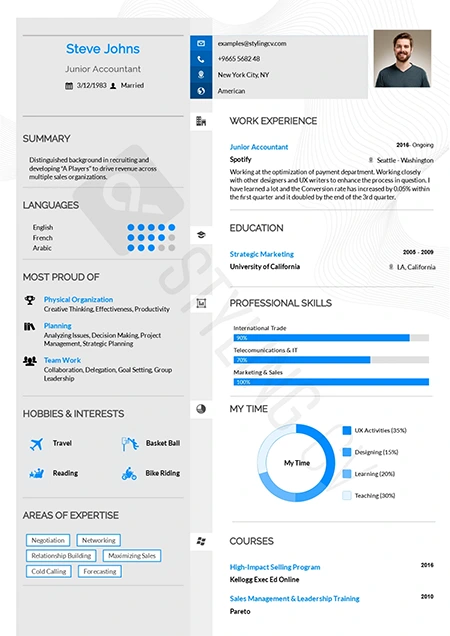
Influx
Dynamic and modern CV template tailored for marketing and communications. A high-flow resume design that beautifully organizes complex career data.
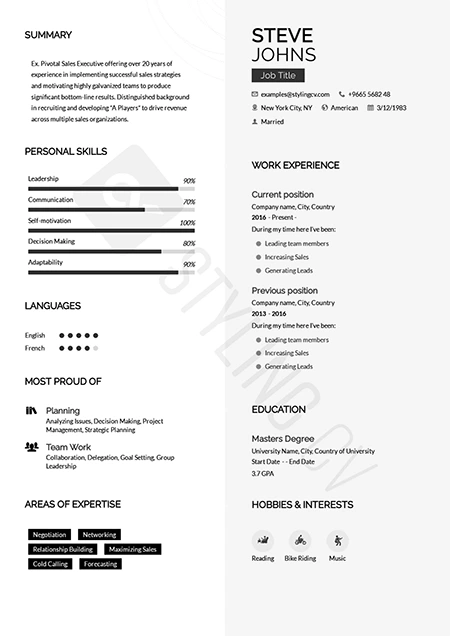
Katrina
Graceful modern resume template designed for personal brand building. A beautifully structured CV format that balances personality with professionalism.
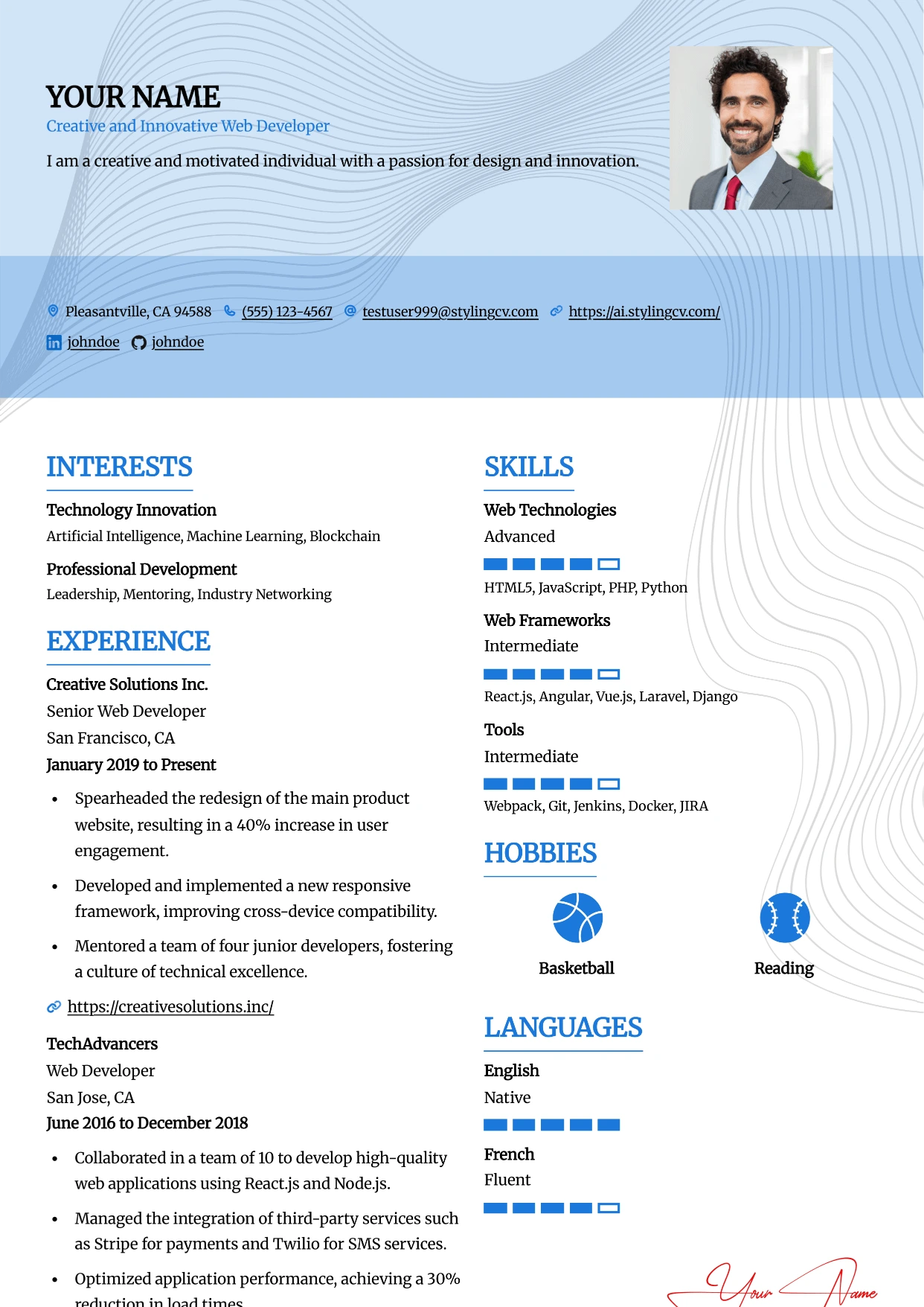
Leafish
Professional and modern resume template optimized for applicant tracking systems. A clean, ATS-friendly CV layout designed to help you land your next interview.
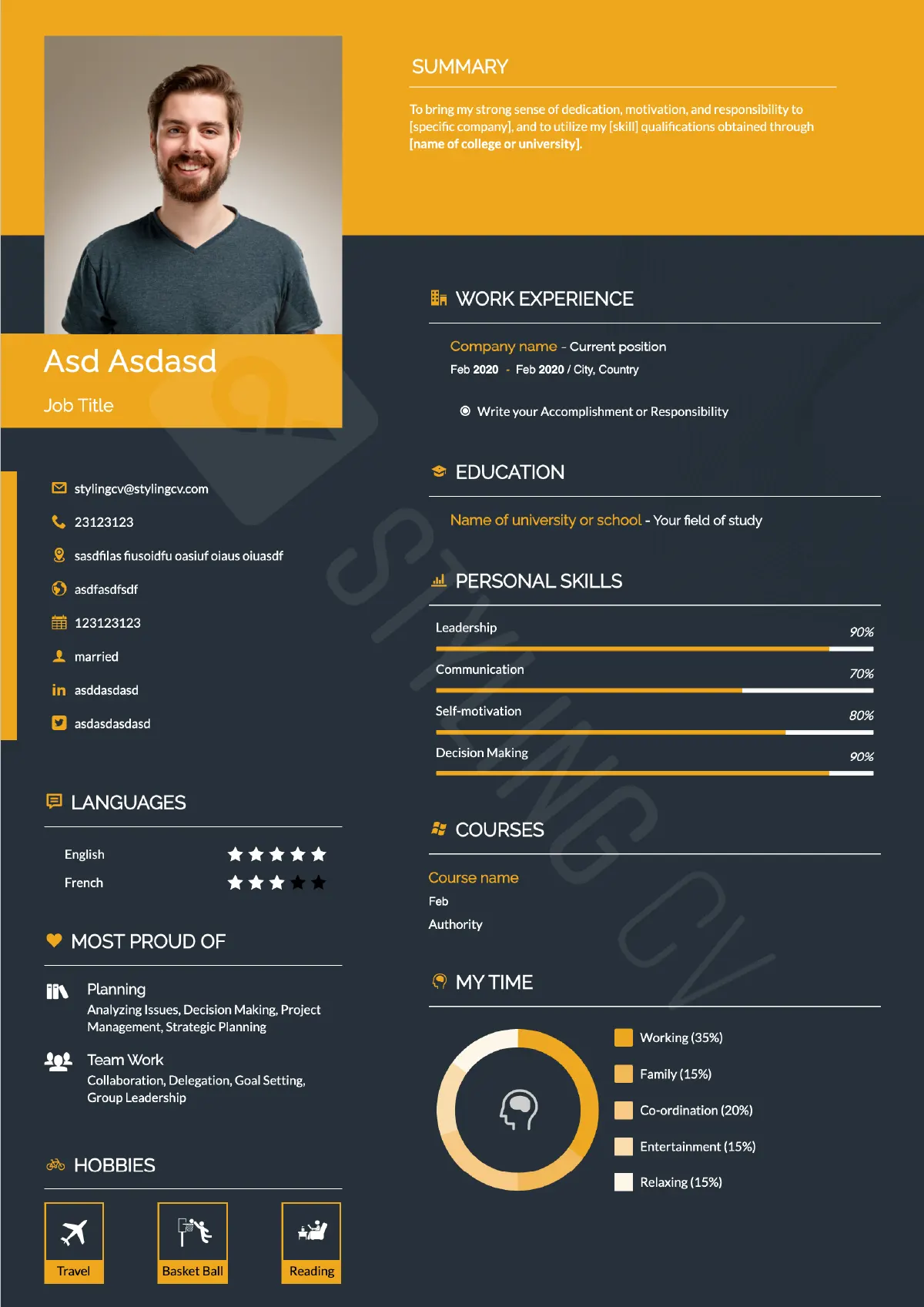
Mark
Strong hierarchical resume template for business development and sales. A high-impact professional CV layout optimized for quantifiable achievements.
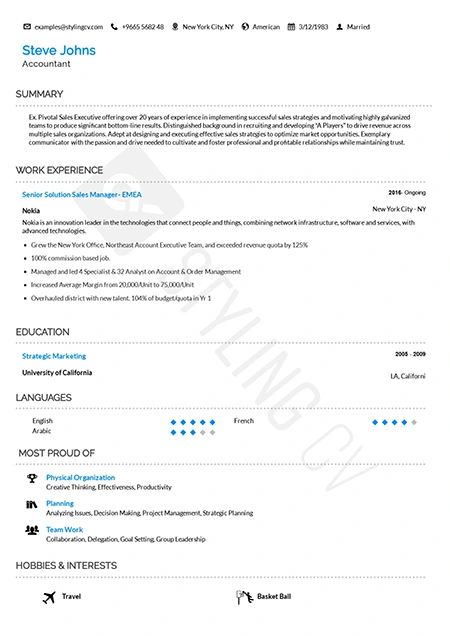
Metrix
Data-driven analytical resume template. The perfect ATS-friendly CV layout for data scientists, financial analysts, and quantitative professionals.
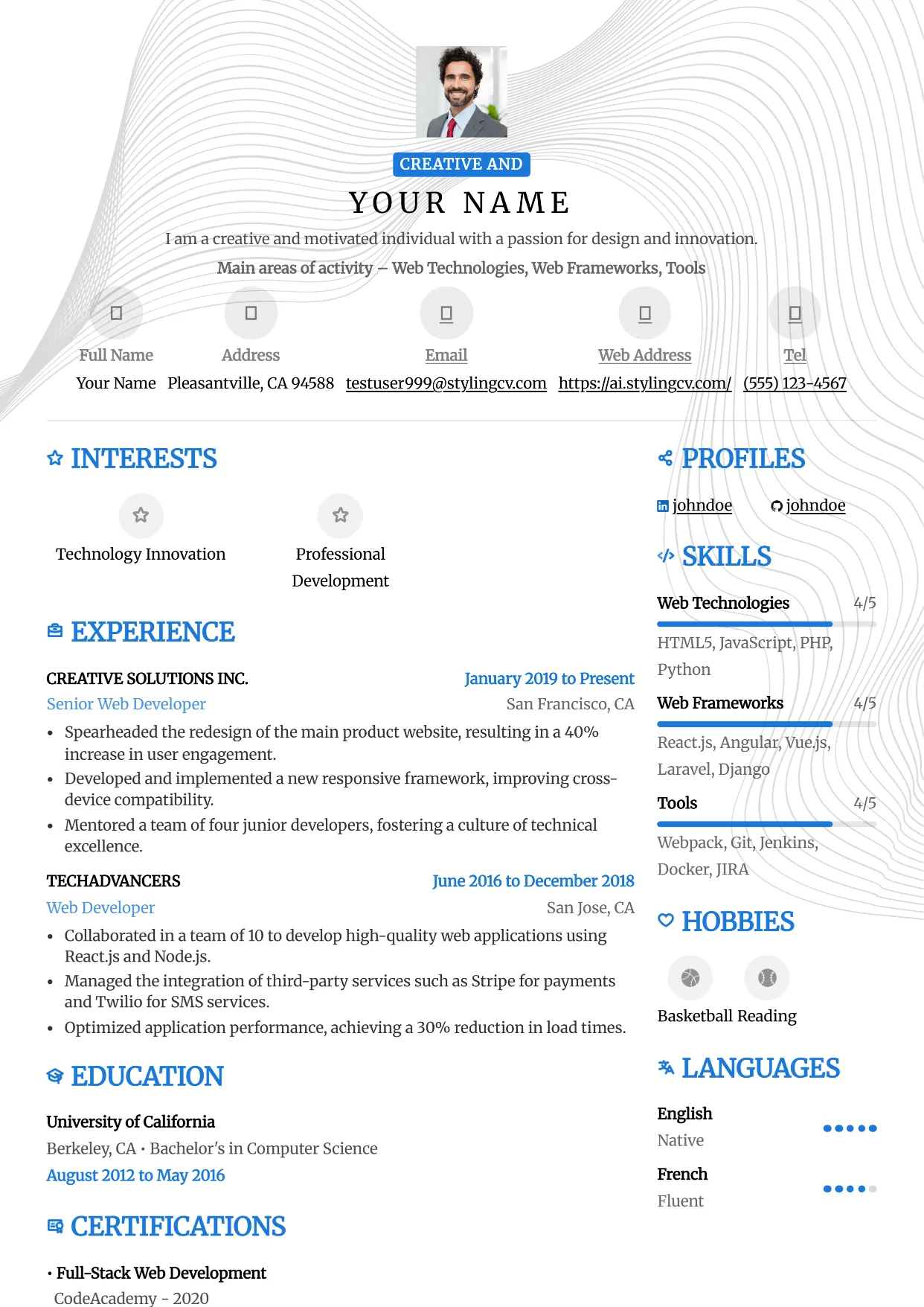
Metro
Professional and modern resume template optimized for applicant tracking systems. A clean, ATS-friendly CV layout designed to help you land your next interview.
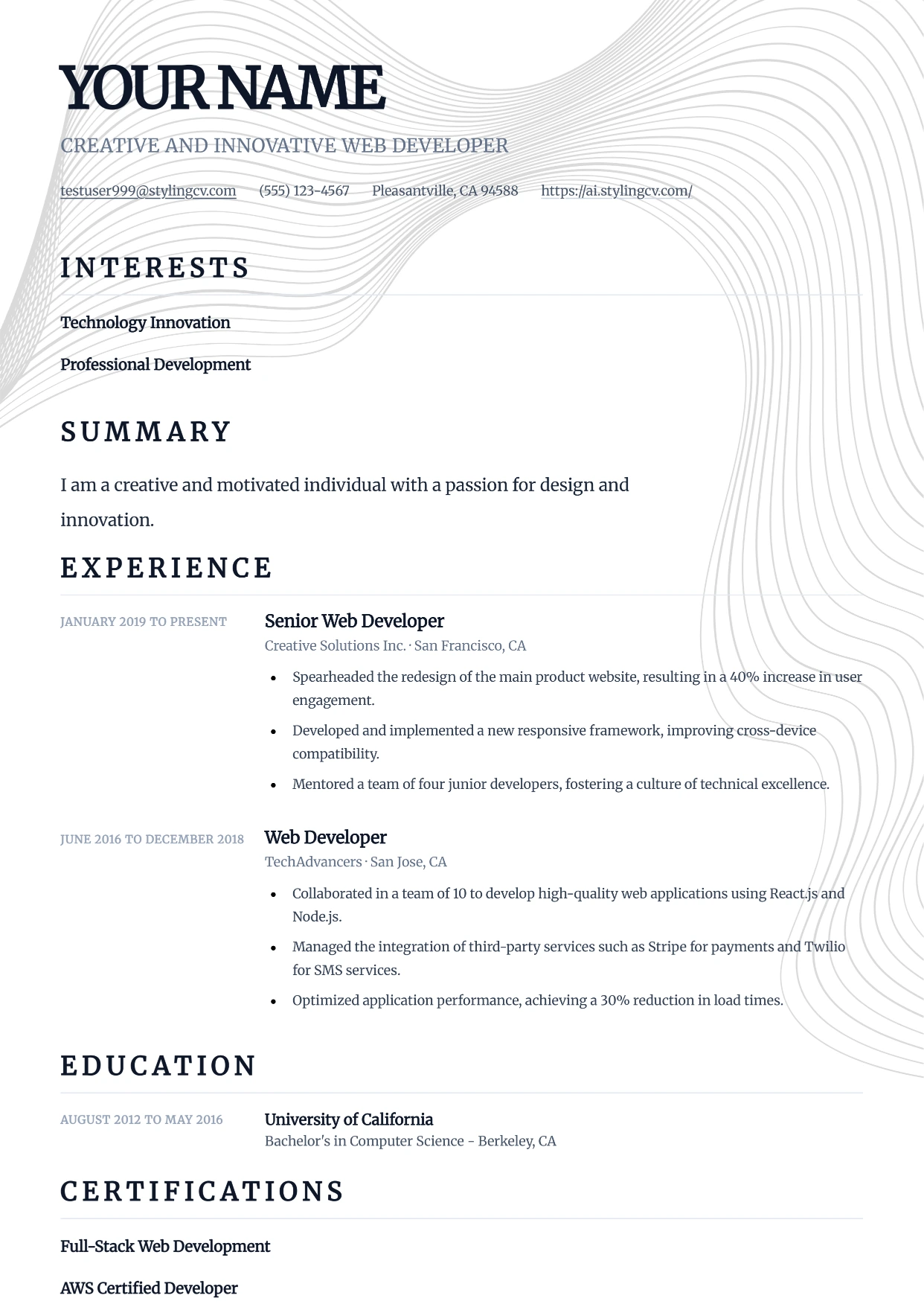
Minimal
Professional and modern resume template optimized for applicant tracking systems. A clean, ATS-friendly CV layout designed to help you land your next interview.
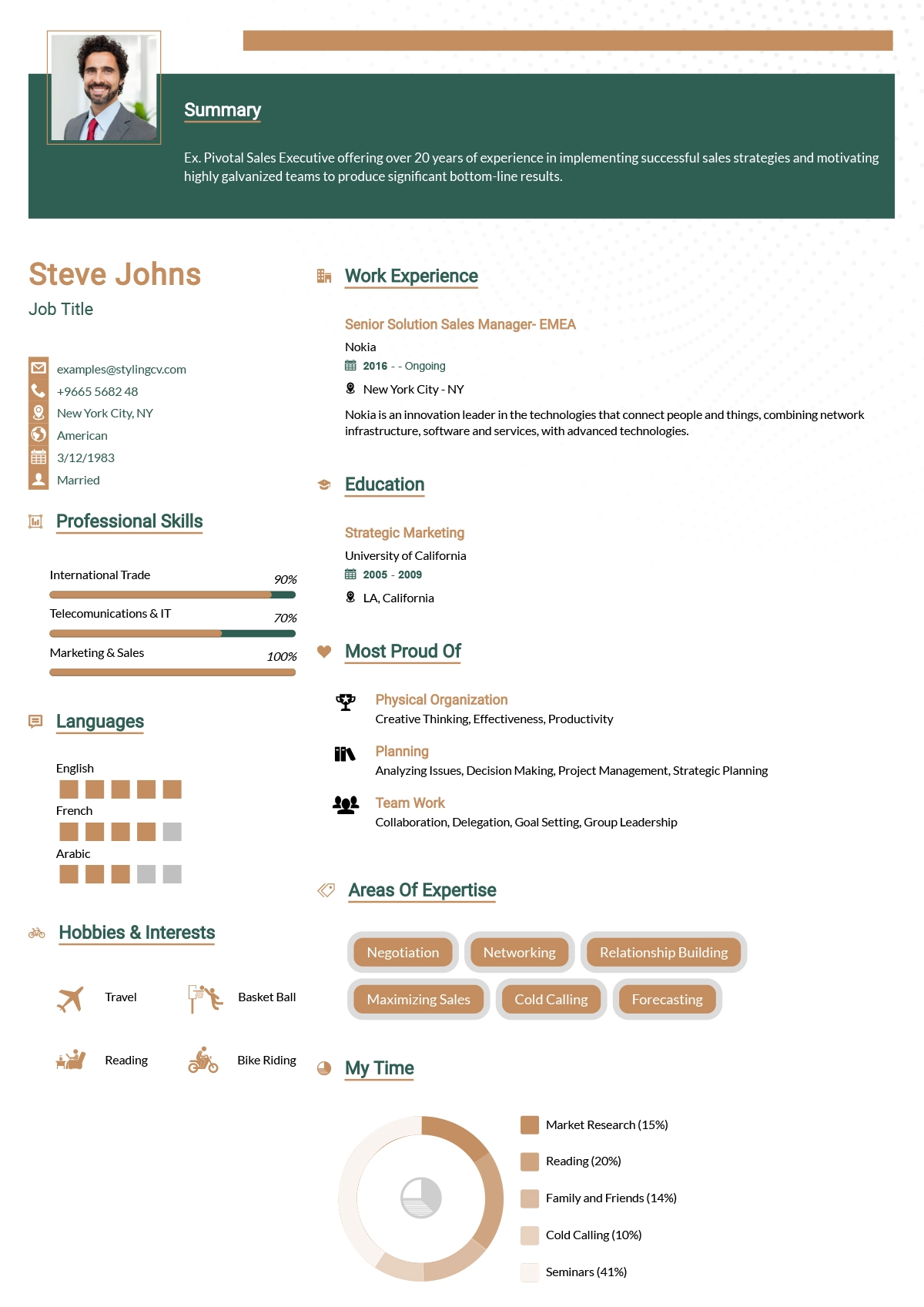
Minimalist
Ultra-clean minimalist resume template optimized for ATS parsing. A simple, no-distraction CV format that lets your professional experience speak for itself.
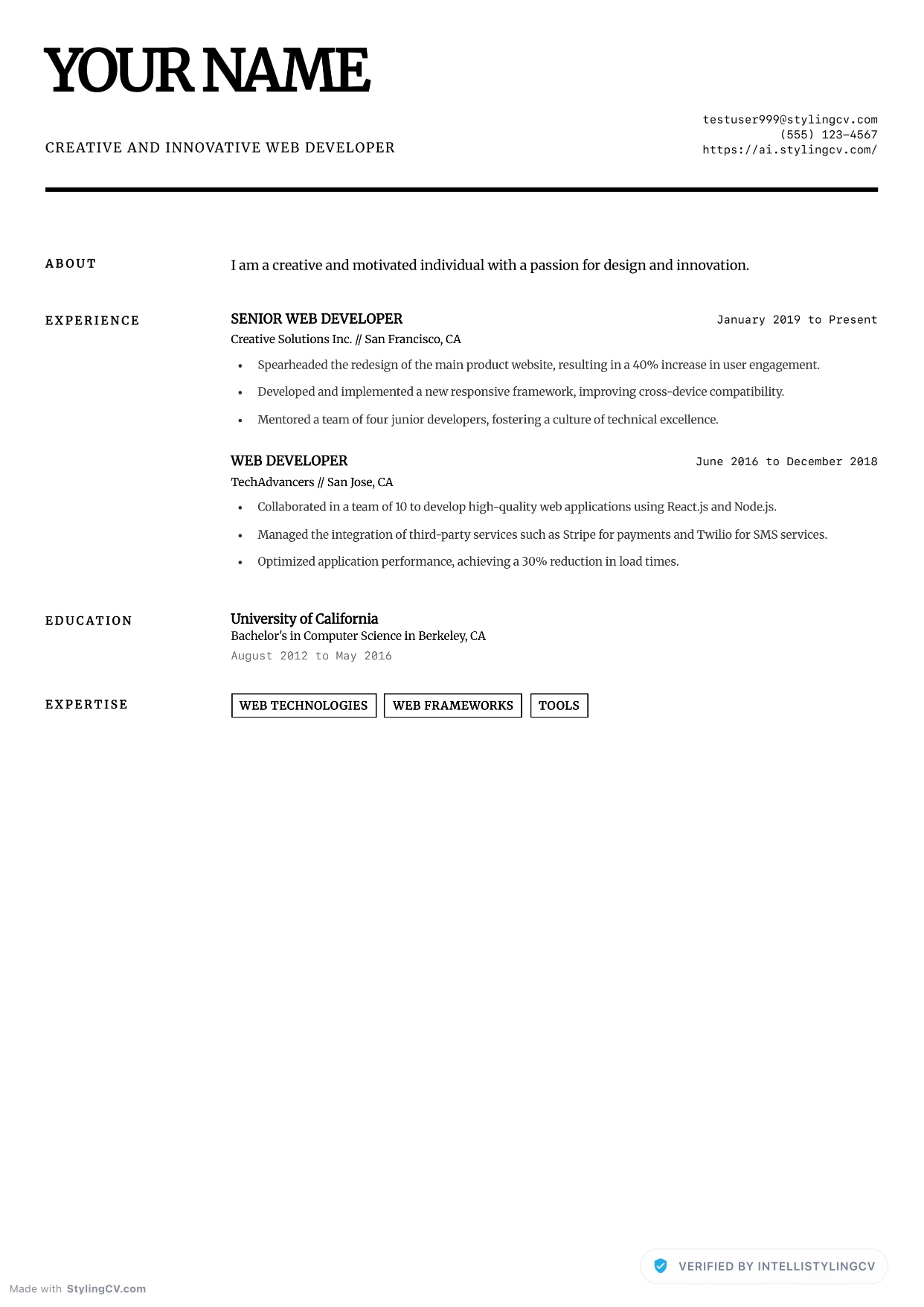
Minimalist Elite
Professional and modern resume template optimized for applicant tracking systems. A clean, ATS-friendly CV layout designed to help you land your next interview.
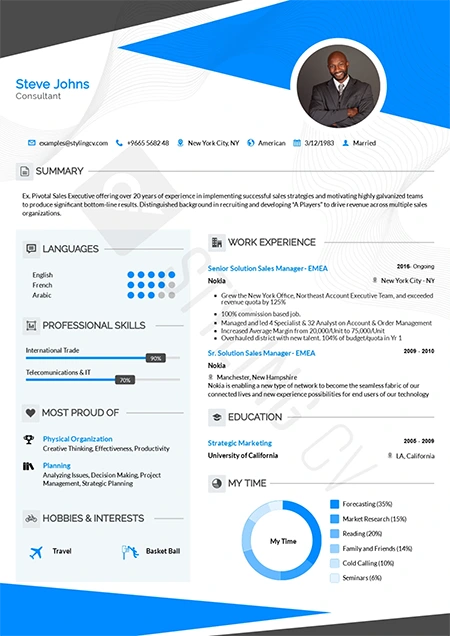
Modern
Contemporary professional resume template for the modern job market. A versatile, clean CV design that works perfectly across all corporate industries.
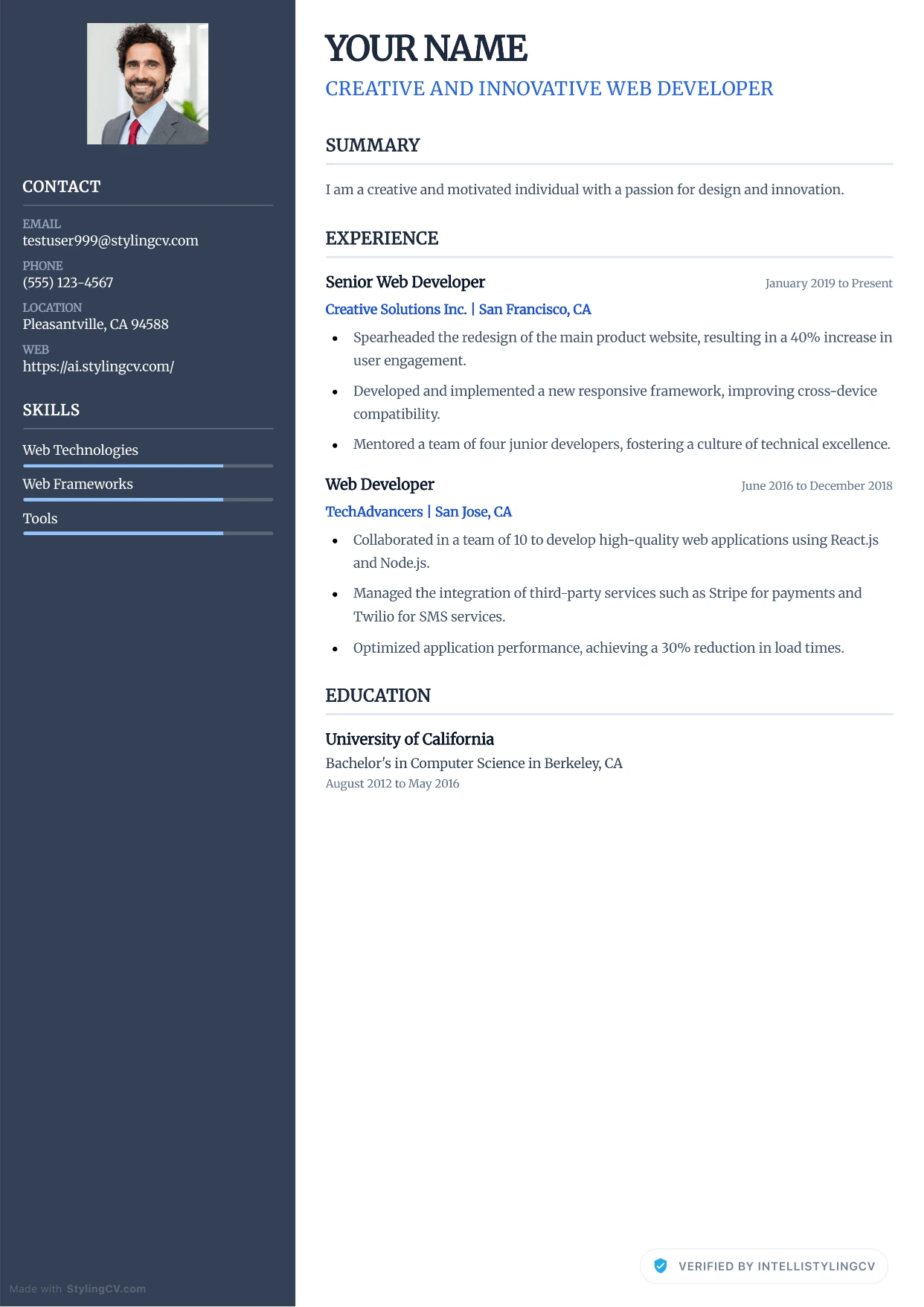
Modern Corporate
Professional and modern resume template optimized for applicant tracking systems. A clean, ATS-friendly CV layout designed to help you land your next interview.
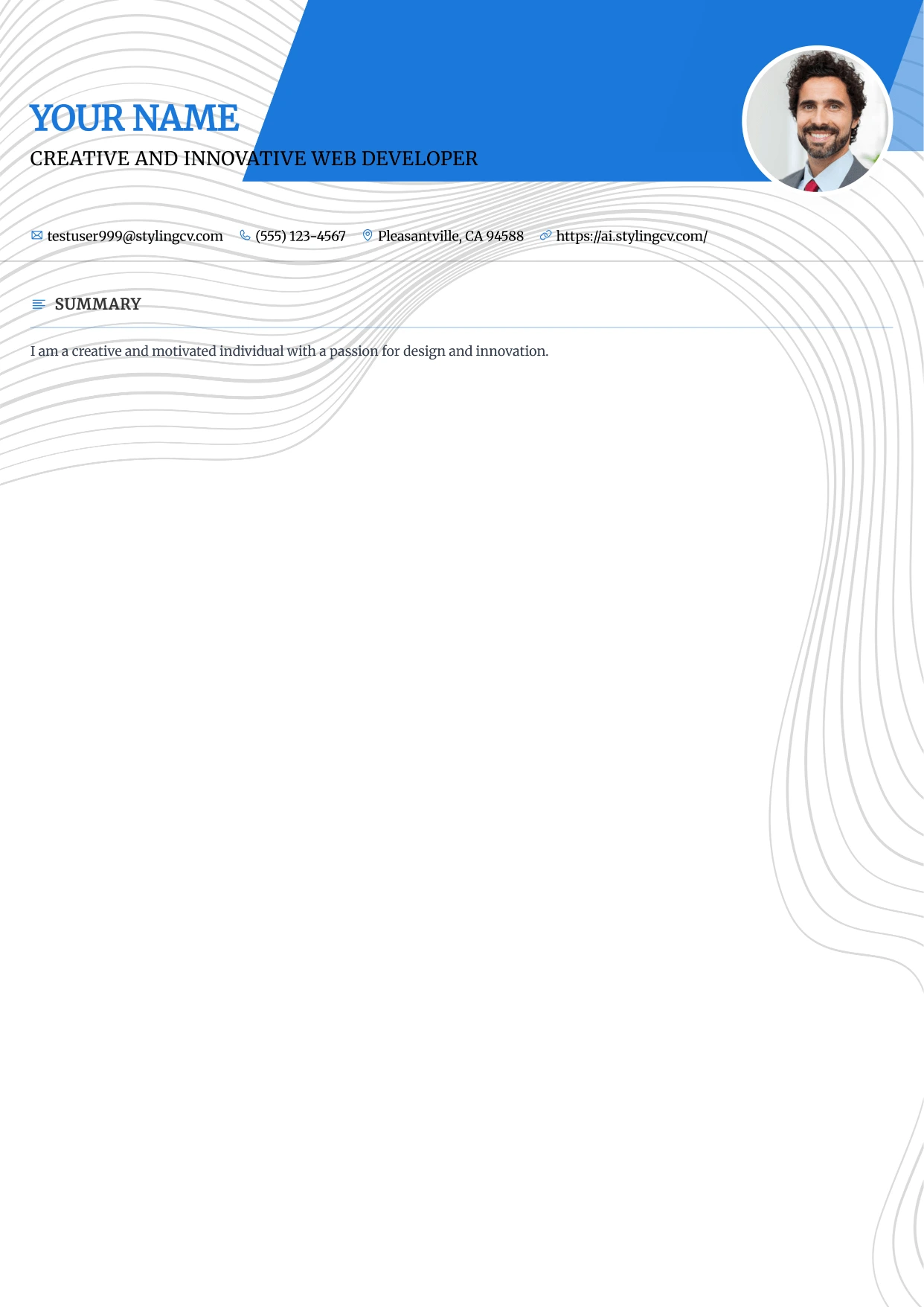
Modern Refined
Professional and modern resume template optimized for applicant tracking systems. A clean, ATS-friendly CV layout designed to help you land your next interview.
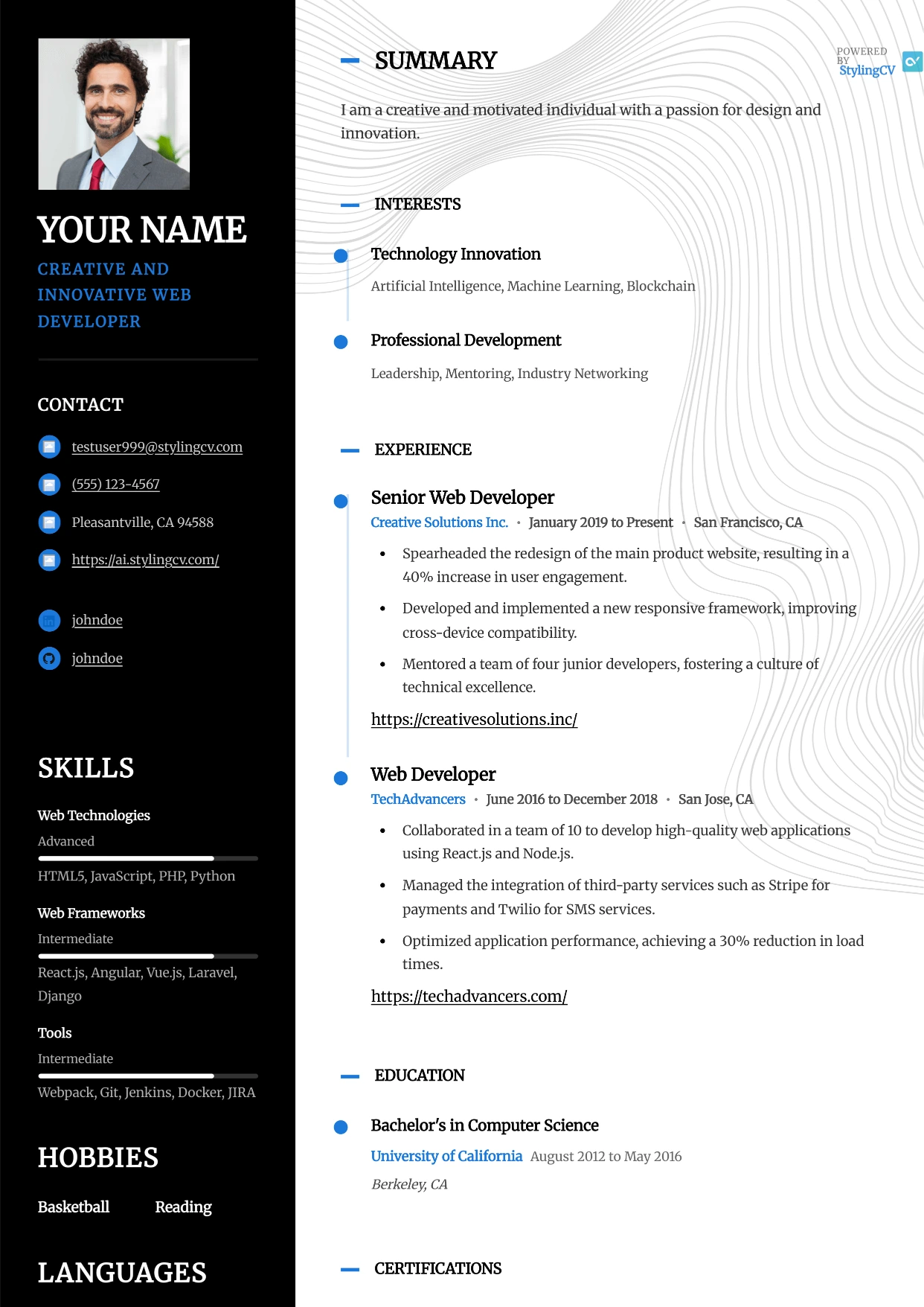
Modernist
Professional and modern resume template optimized for applicant tracking systems. A clean, ATS-friendly CV layout designed to help you land your next interview.
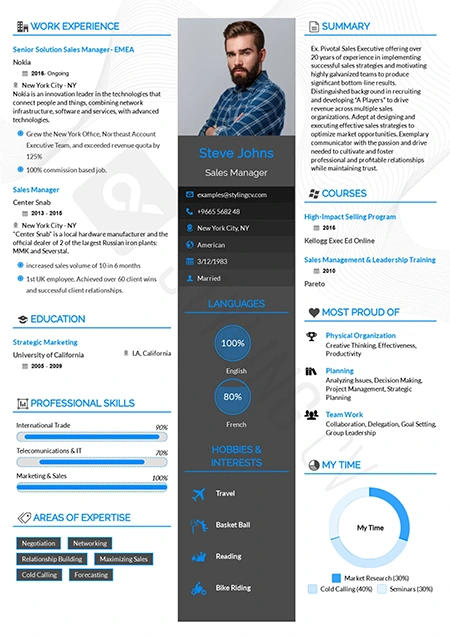
Newcast
Fresh and modern resume format for broadcasting, media, and tech. A highly readable CV template designed to effectively showcase diverse skill sets.
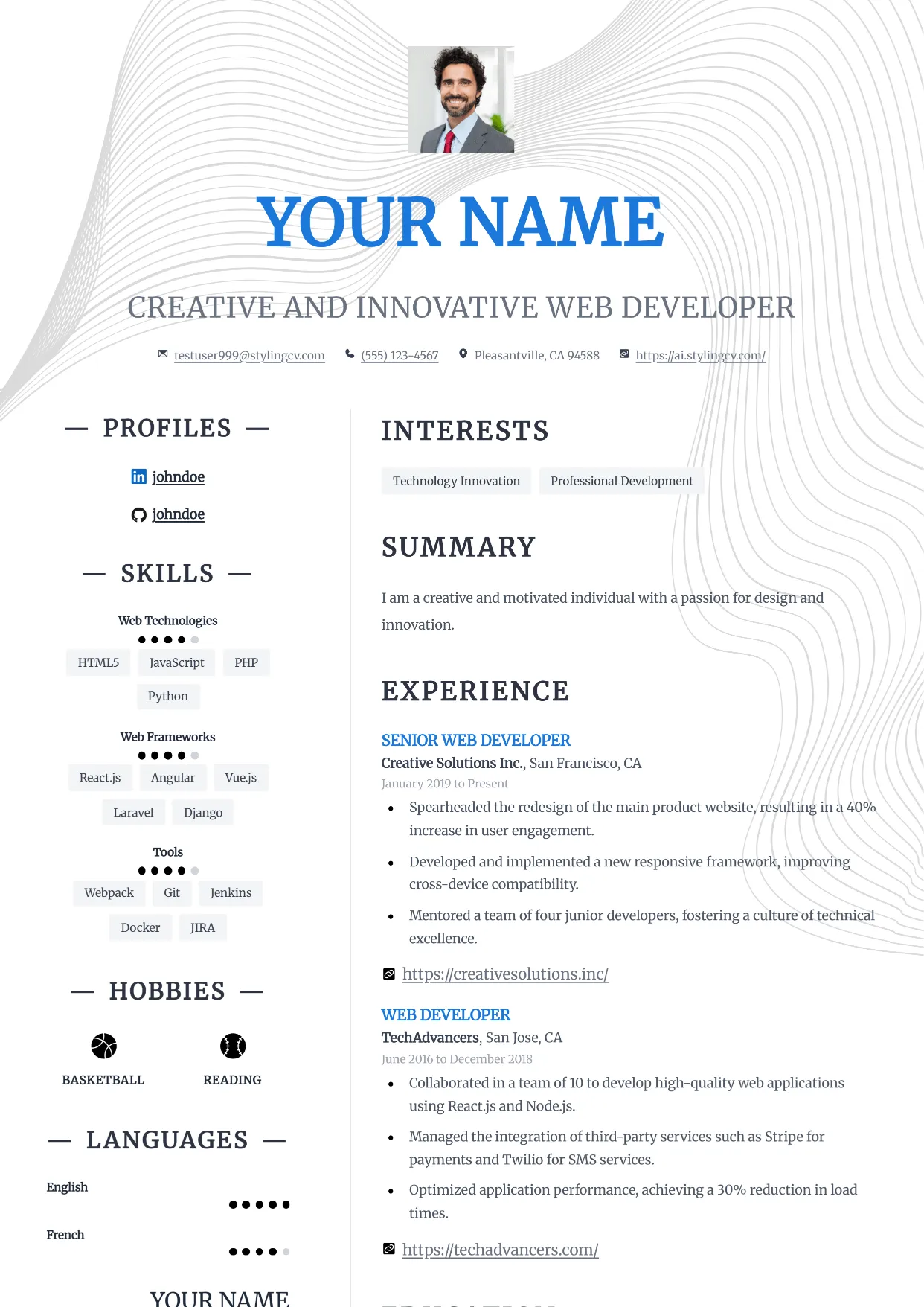
Nexus
Professional and modern resume template optimized for applicant tracking systems. A clean, ATS-friendly CV layout designed to help you land your next interview.
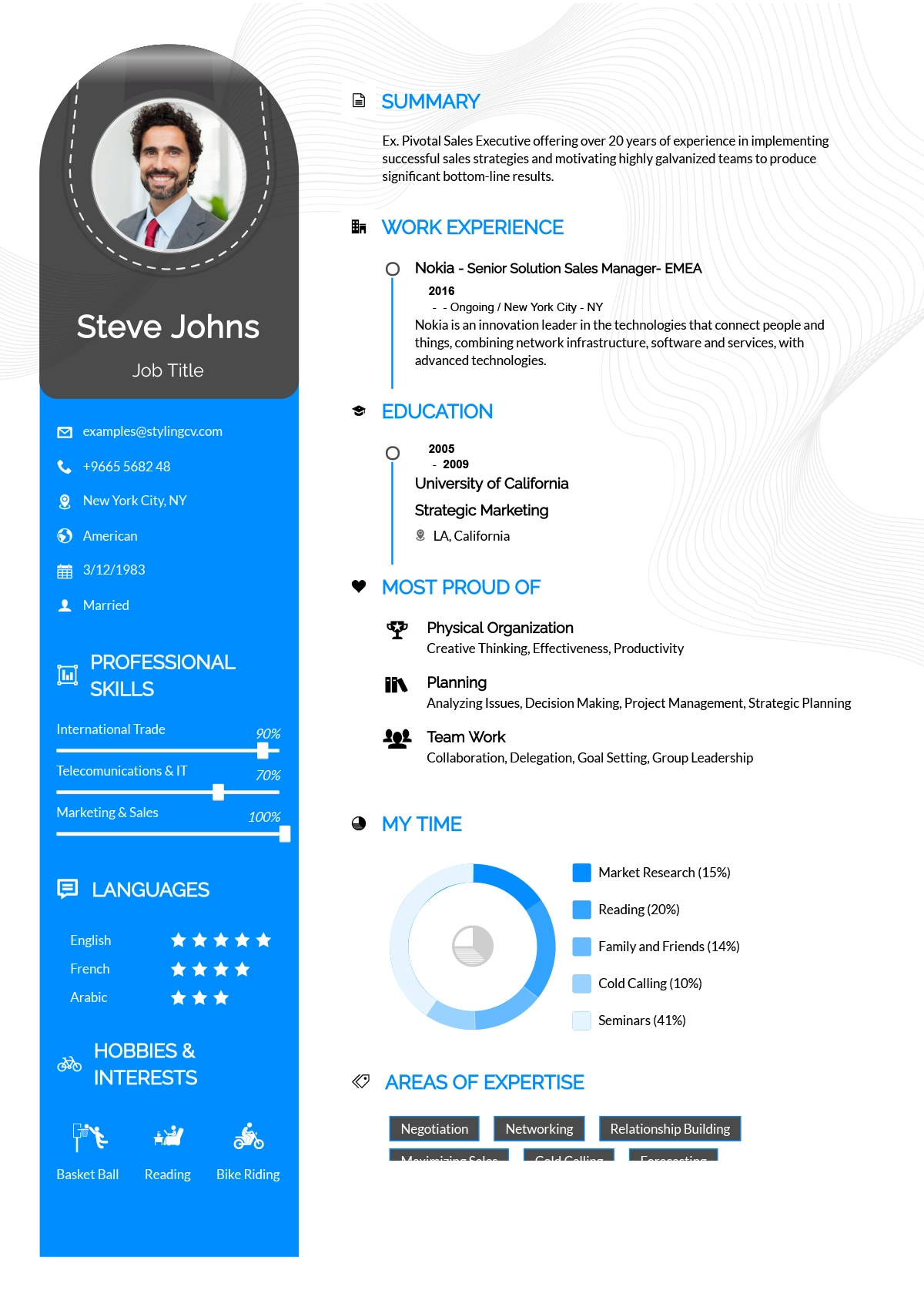
Noon
Bright and optimistic creative resume template. A modern, engaging CV layout designed to help entry-level and customer-service professionals stand out.
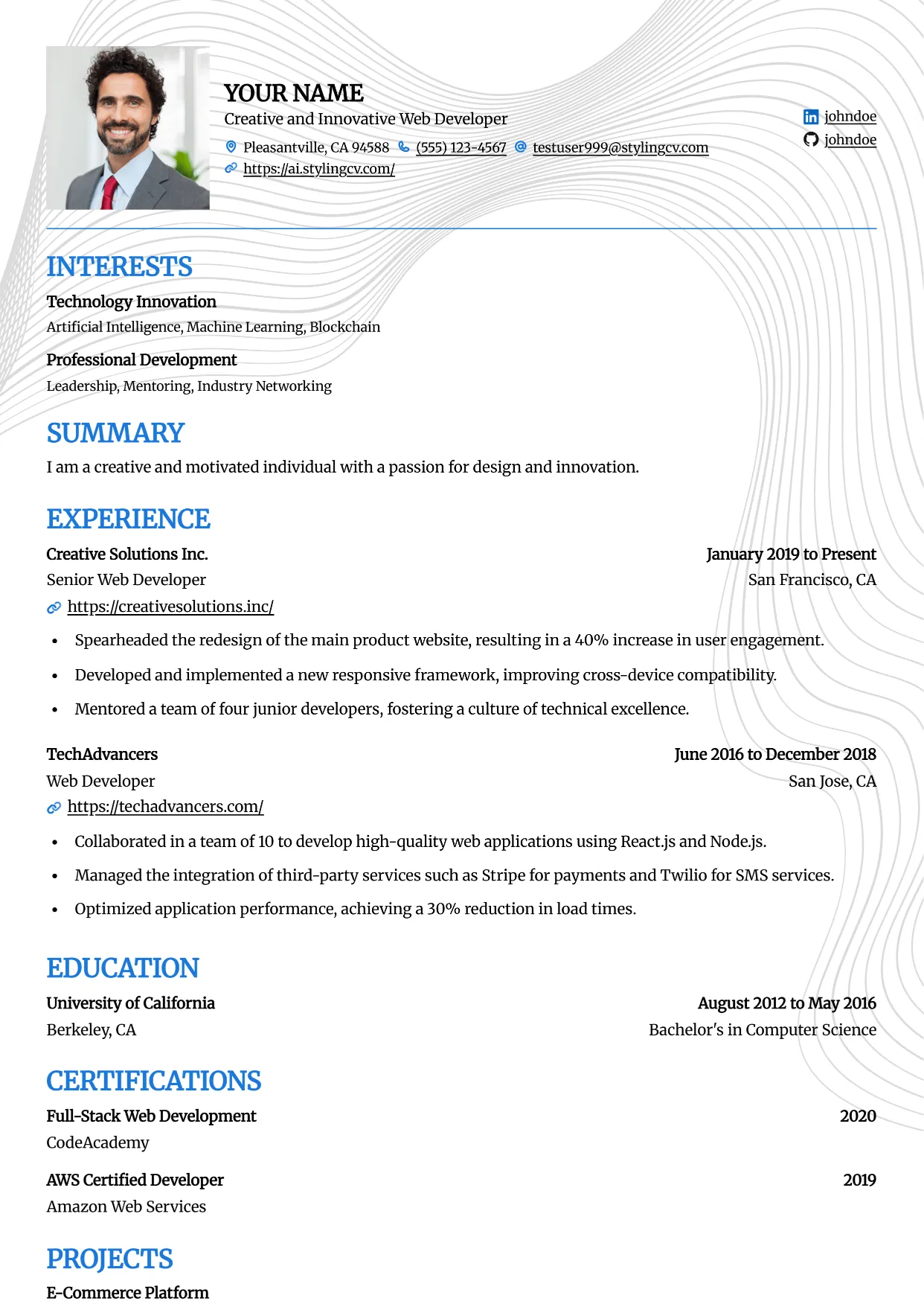
Onyx
Professional and modern resume template optimized for applicant tracking systems. A clean, ATS-friendly CV layout designed to help you land your next interview.
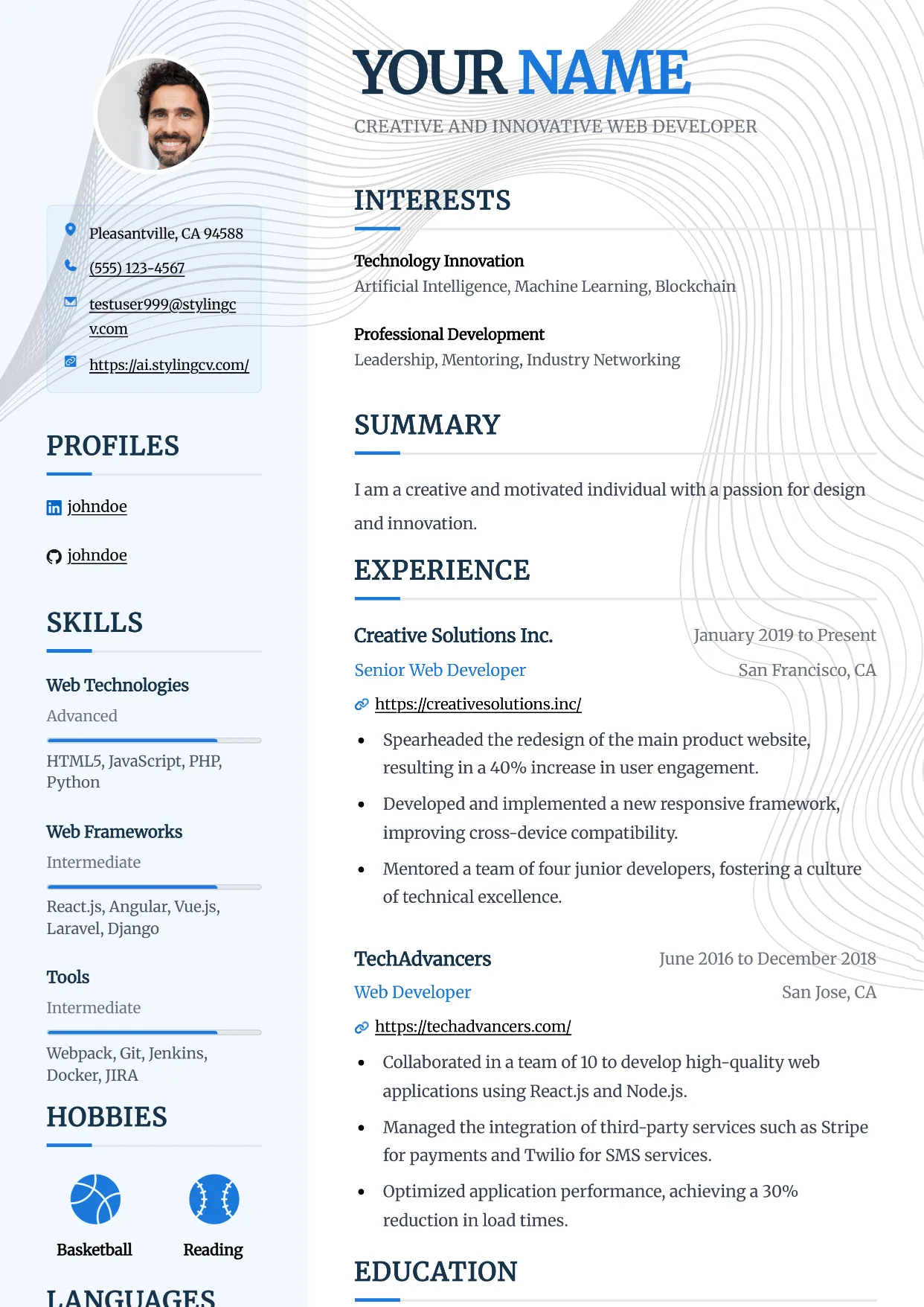
Pinnacle
Professional and modern resume template optimized for applicant tracking systems. A clean, ATS-friendly CV layout designed to help you land your next interview.
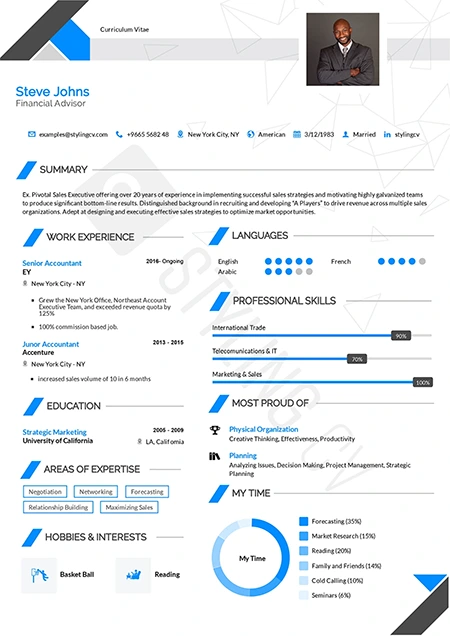
Polygon
Structured geometric resume template tailored for STEM professionals. An excellent modern CV layout for engineers, architects, and technical specialists.
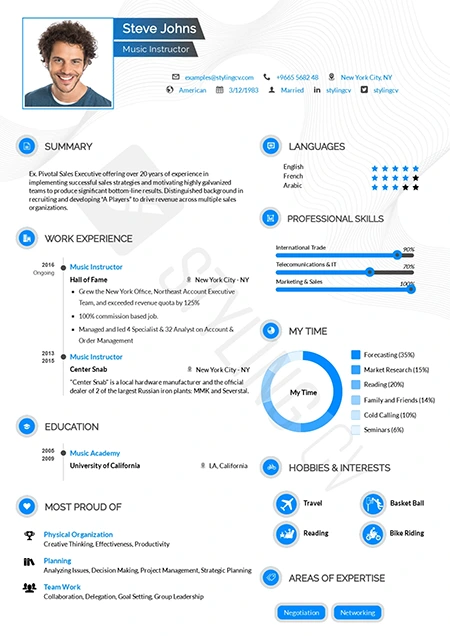
Pre Classic
Traditional resume format with subtle modern design touches. A highly effective, conservative CV template perfect for finance and government applications.

Prism
Professional and modern resume template optimized for applicant tracking systems. A clean, ATS-friendly CV layout designed to help you land your next interview.
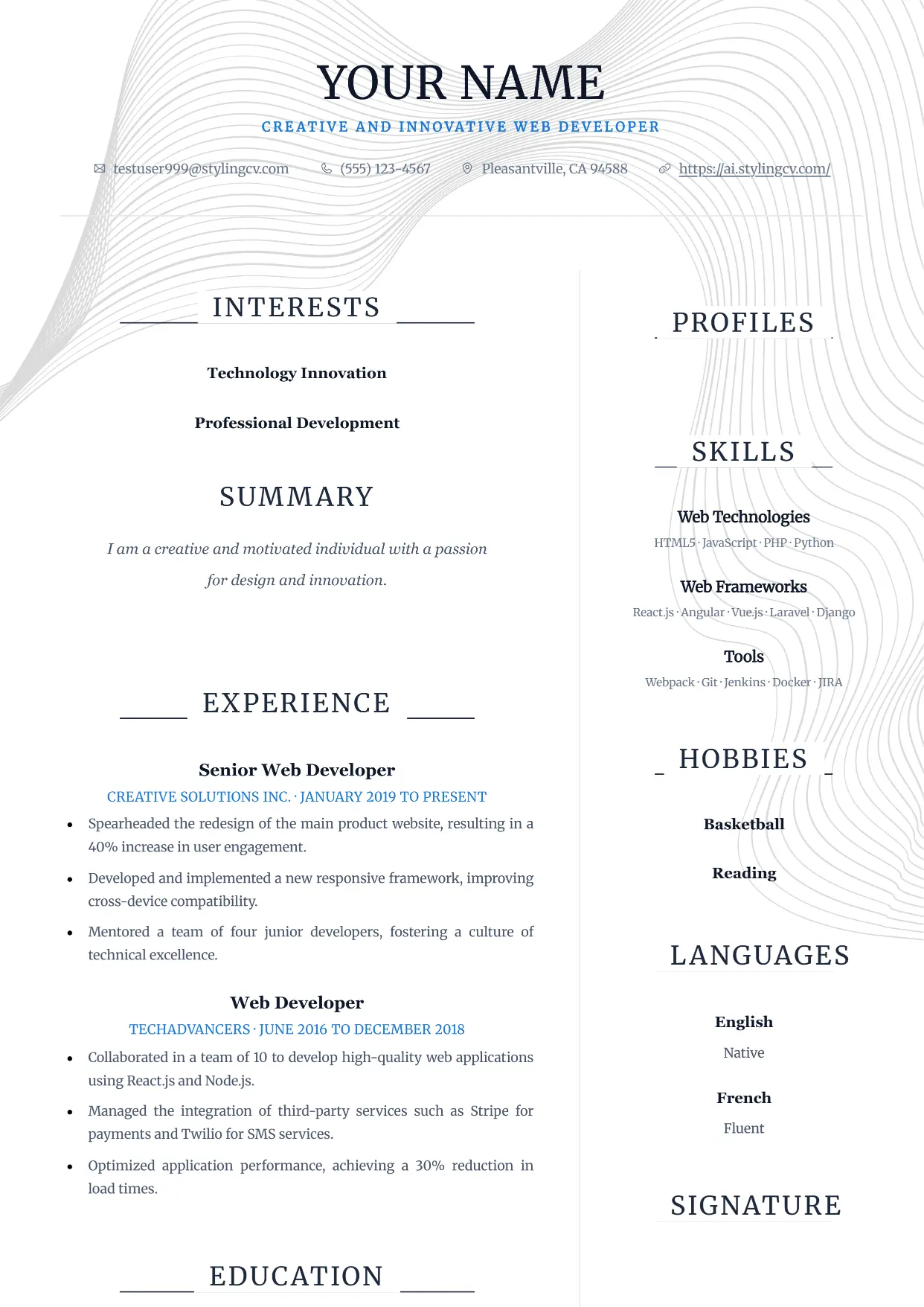
Pure
Professional and modern resume template optimized for applicant tracking systems. A clean, ATS-friendly CV layout designed to help you land your next interview.
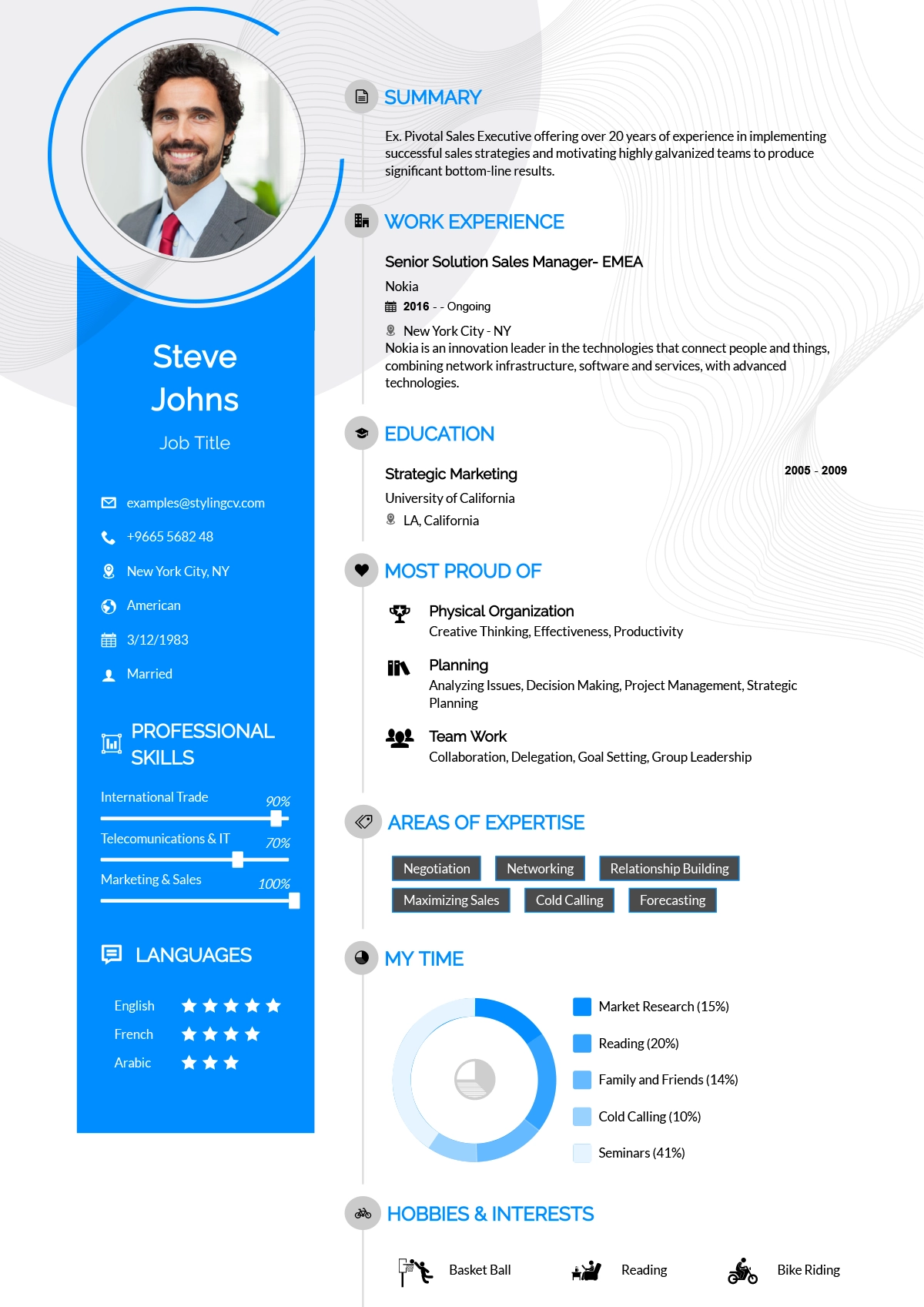
Rayhan
Comprehensive professional resume template for senior-level candidates. A detailed CV layout designed to handle extensive work history and academic backgrounds.
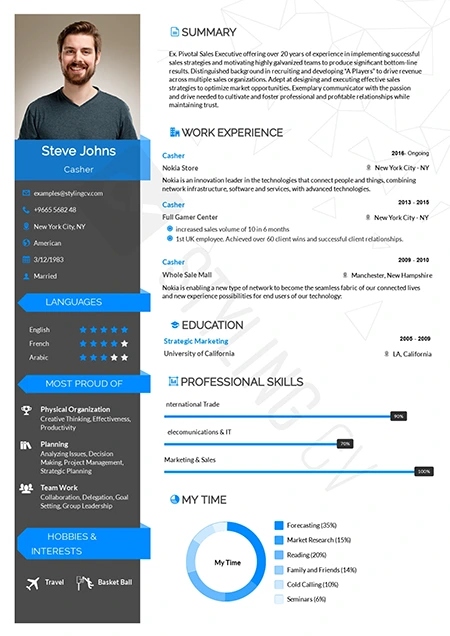
Rebbo
Playful yet professional modern resume template. An engaging CV layout perfectly suited for startup environments, tech companies, and creative agencies.
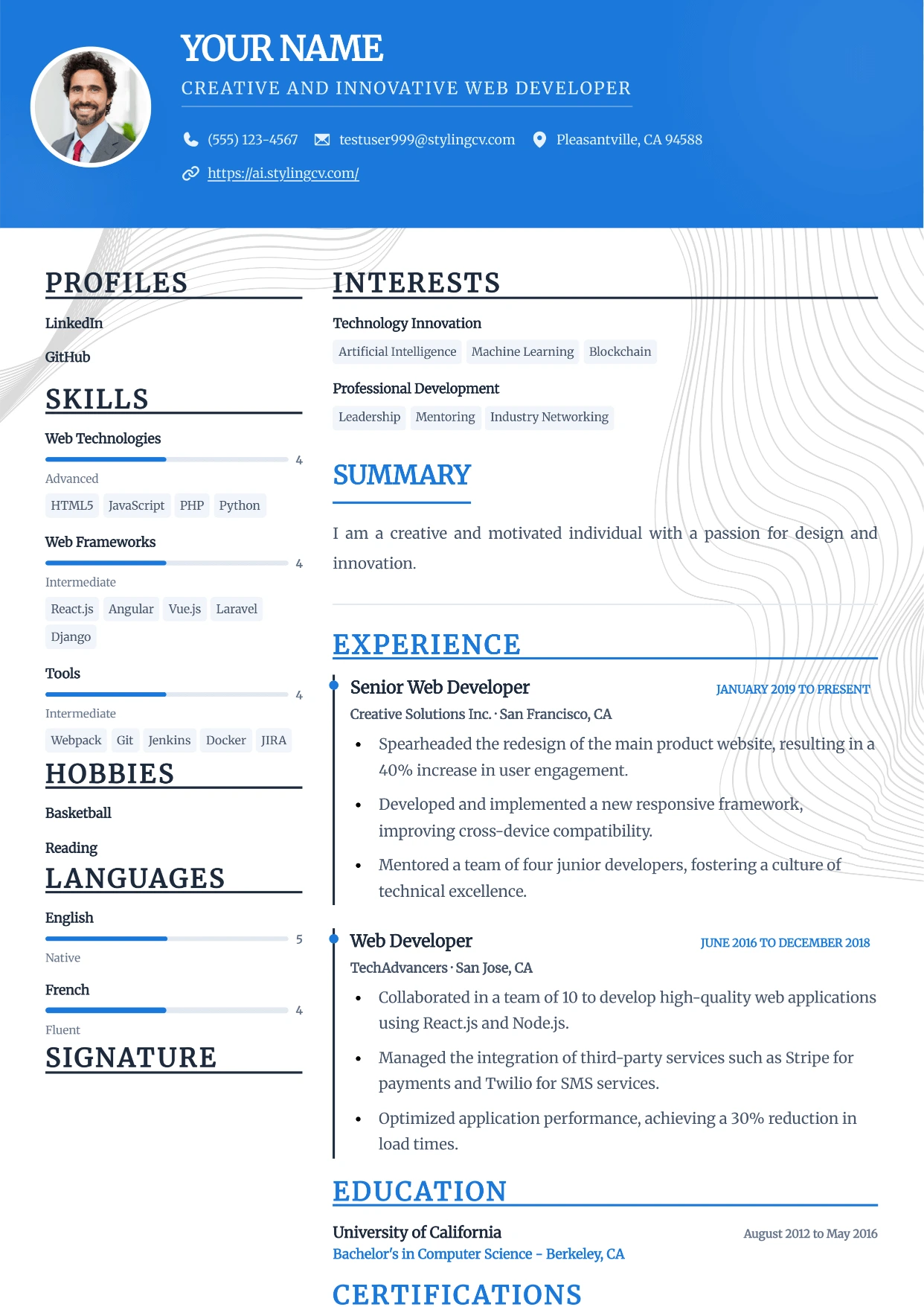
Sidebar
Professional and modern resume template optimized for applicant tracking systems. A clean, ATS-friendly CV layout designed to help you land your next interview.
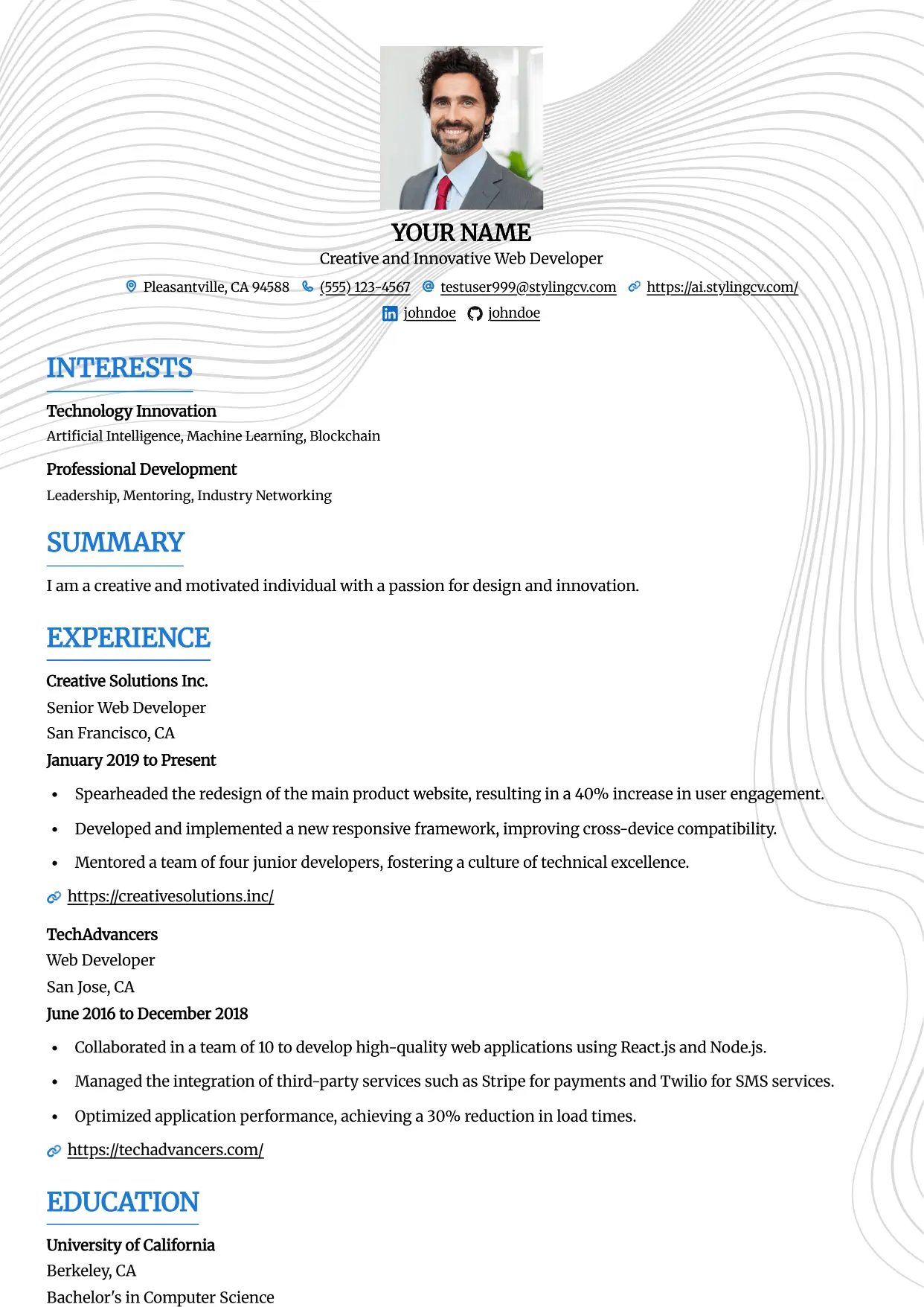
Simple
Professional and modern resume template optimized for applicant tracking systems. A clean, ATS-friendly CV layout designed to help you land your next interview.
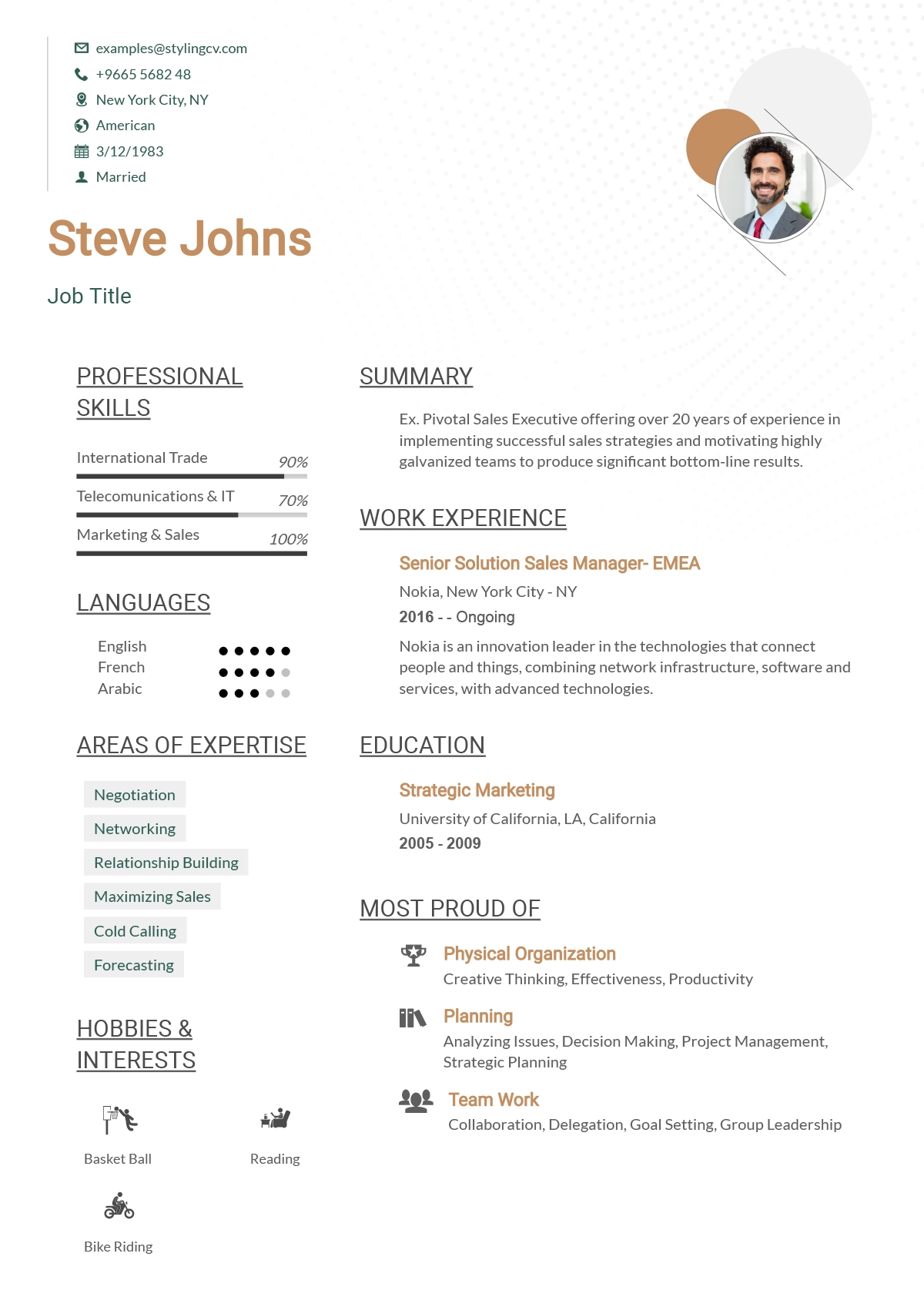
Simplified
Streamlined, straightforward ATS resume template. A highly effective, minimalist CV format designed to beat digital screeners and applicant tracking systems.
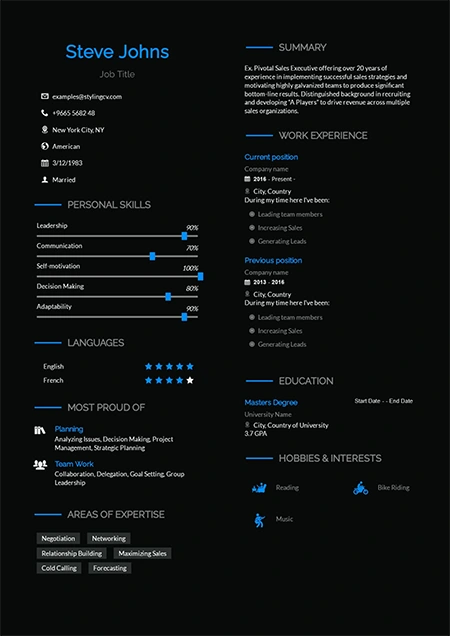
Sireva
Flowing and elegant creative resume template. A beautifully designed CV layout perfect for creative directors, brand managers, and design leads.
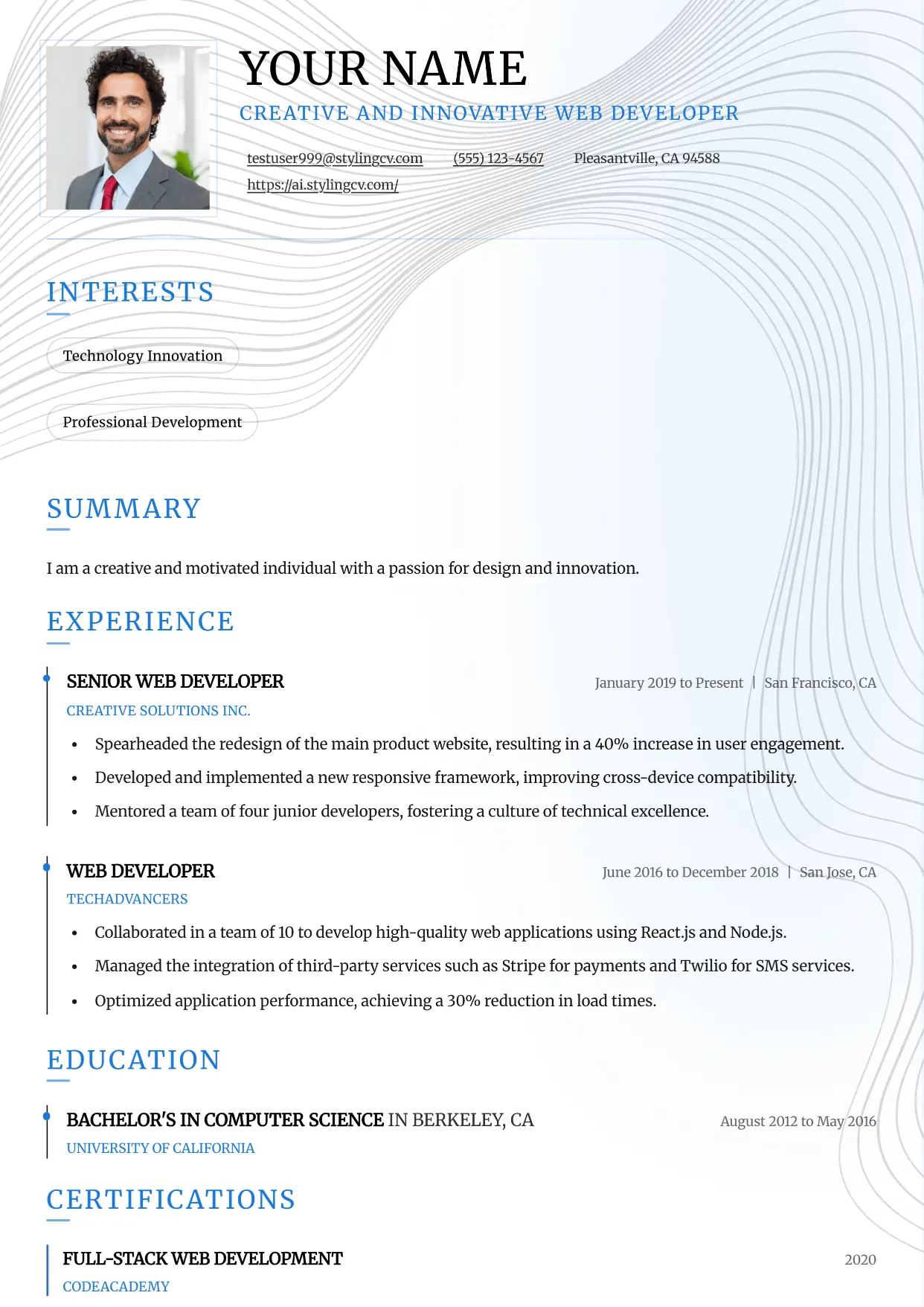
Slate
Professional and modern resume template optimized for applicant tracking systems. A clean, ATS-friendly CV layout designed to help you land your next interview.
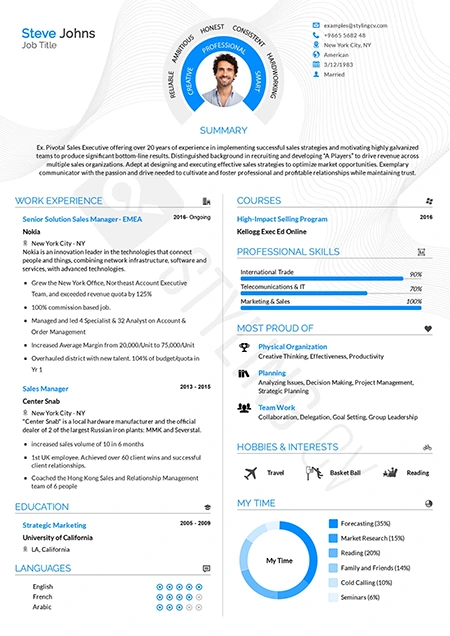
Smart
Intelligent, highly organized resume template for academic and research roles. A professional CV layout designed to emphasize education and publications.
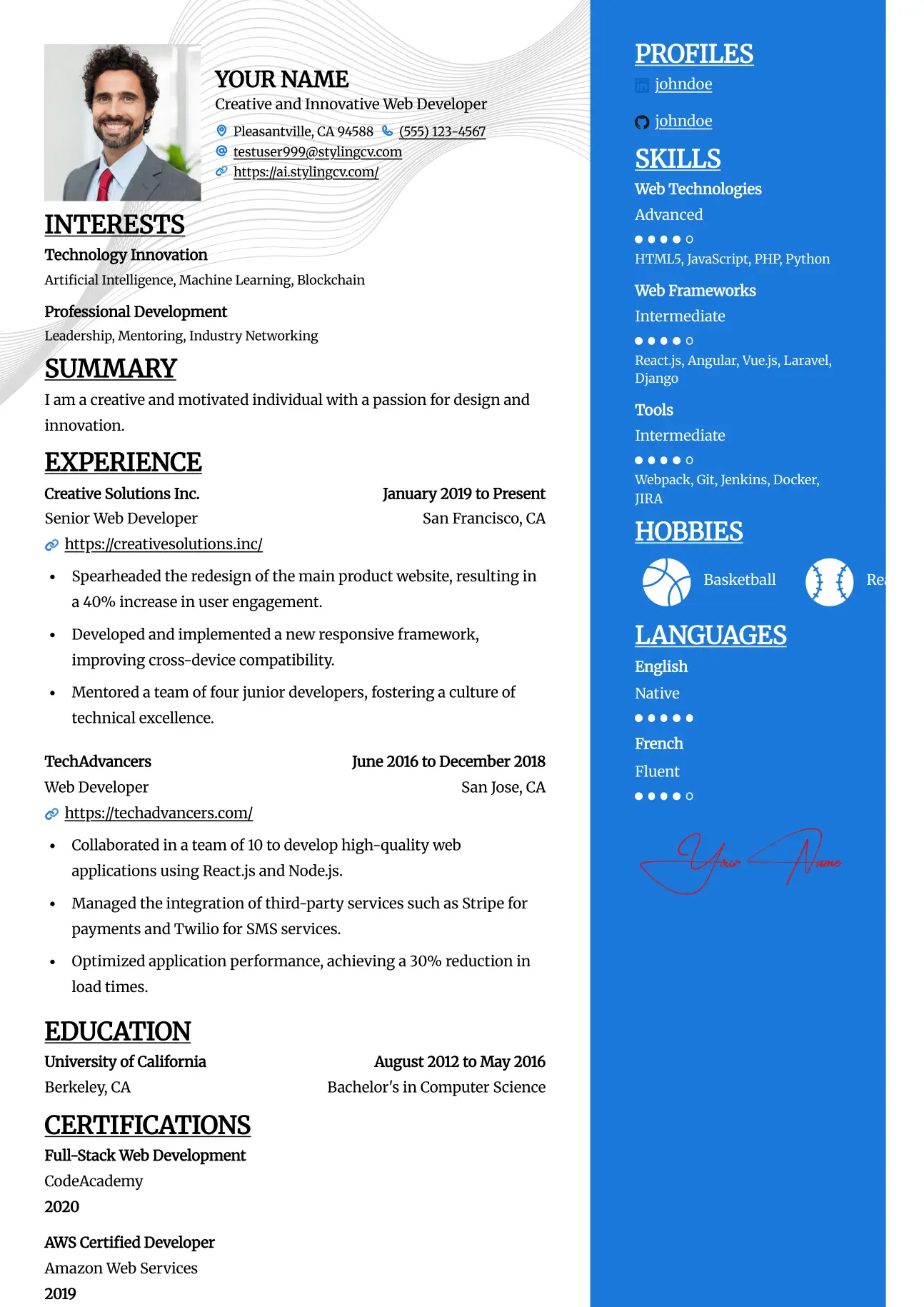
Split
Professional and modern resume template optimized for applicant tracking systems. A clean, ATS-friendly CV layout designed to help you land your next interview.
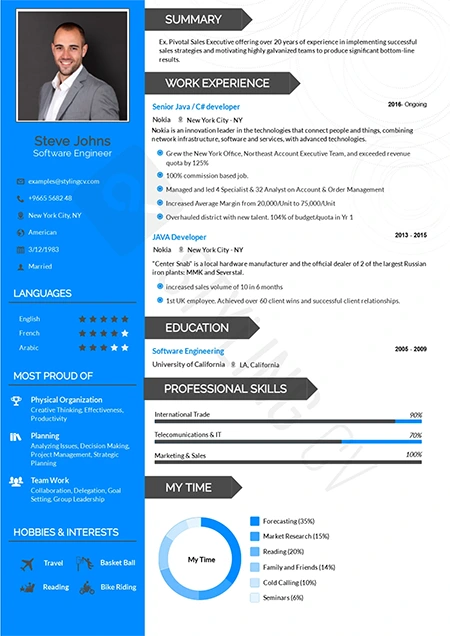
Standard
The gold standard ATS-friendly resume template. A universally accepted, traditional CV format guaranteed to parse flawlessly in all HR software systems.
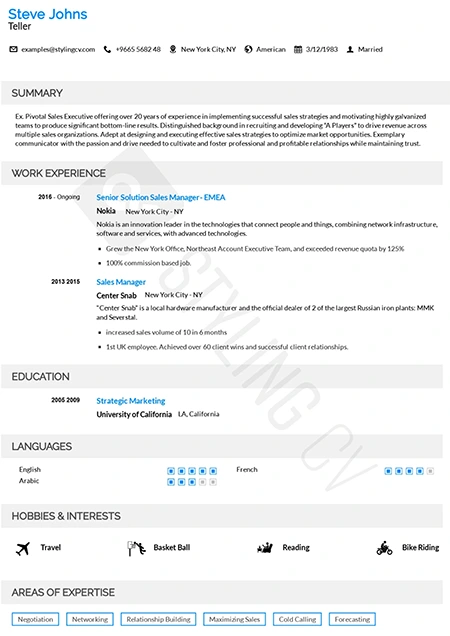
Static
High-readability professional resume template preferred by corporate recruiters. A clean, structured CV layout optimized for quick scanning and comprehension.
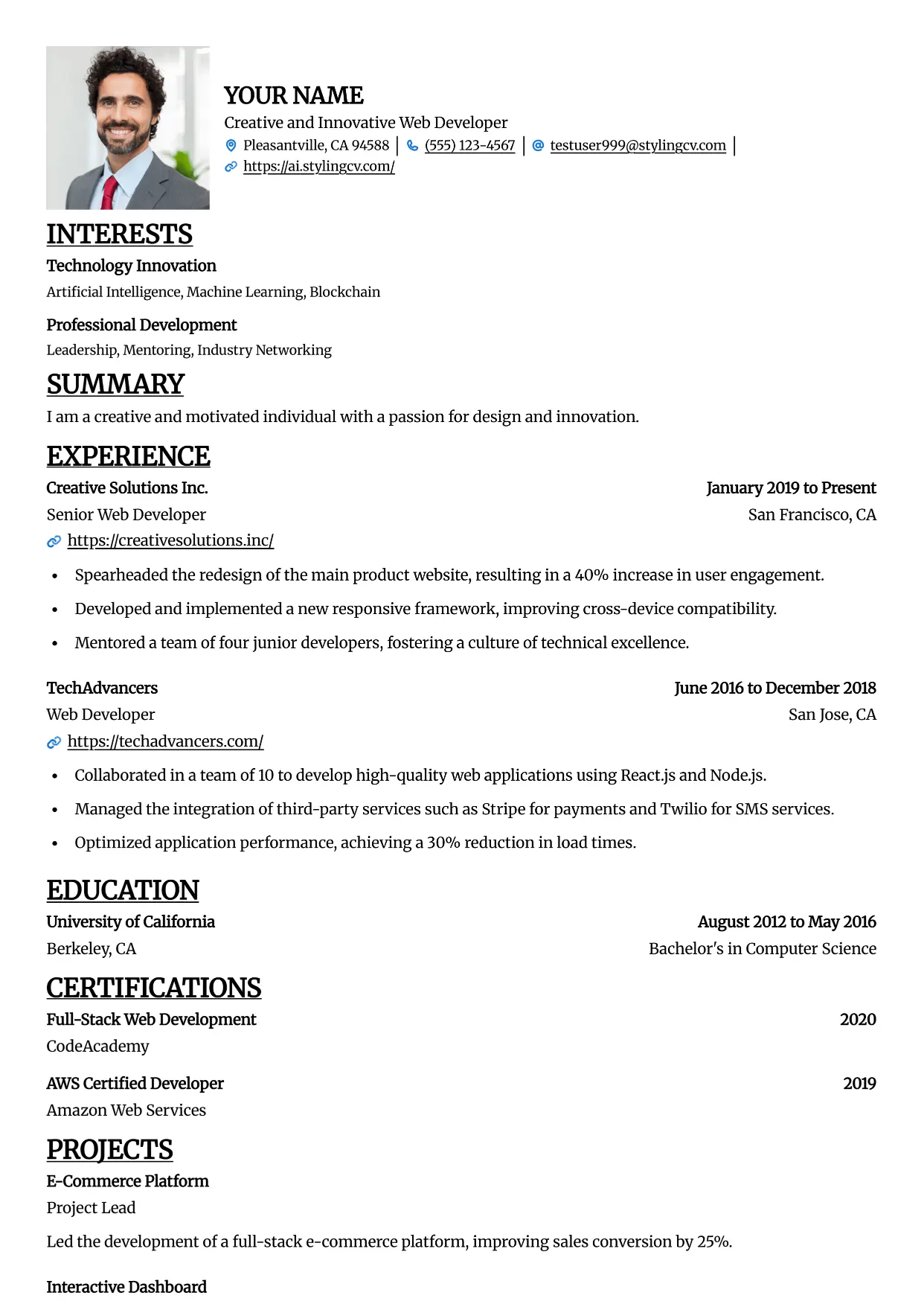
Straight
Professional and modern resume template optimized for applicant tracking systems. A clean, ATS-friendly CV layout designed to help you land your next interview.
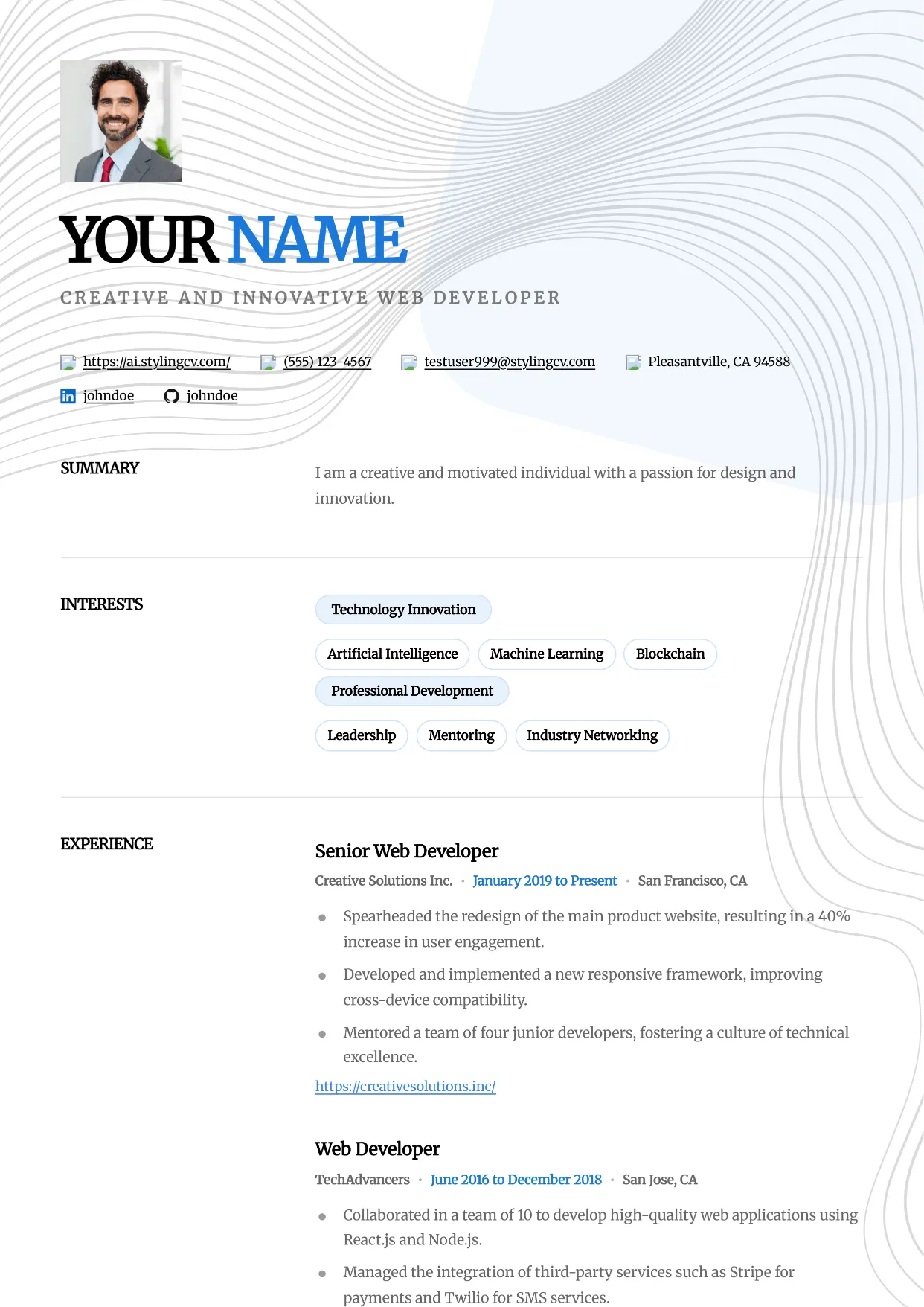
Studio
Professional and modern resume template optimized for applicant tracking systems. A clean, ATS-friendly CV layout designed to help you land your next interview.
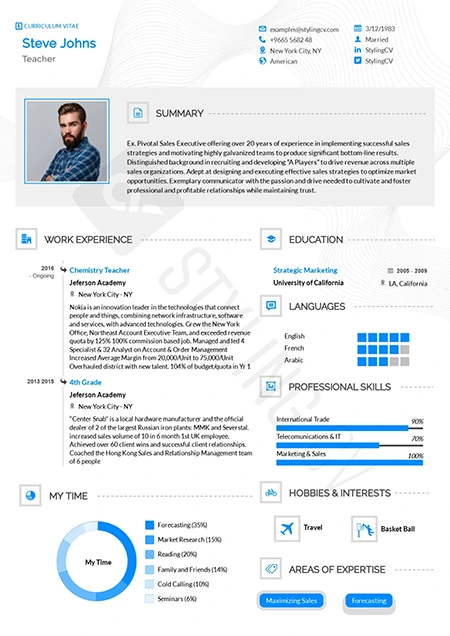
Stylish
Fashion-forward creative resume template. A visually striking, modern CV design crafted specifically for the media, arts, and creative industries.
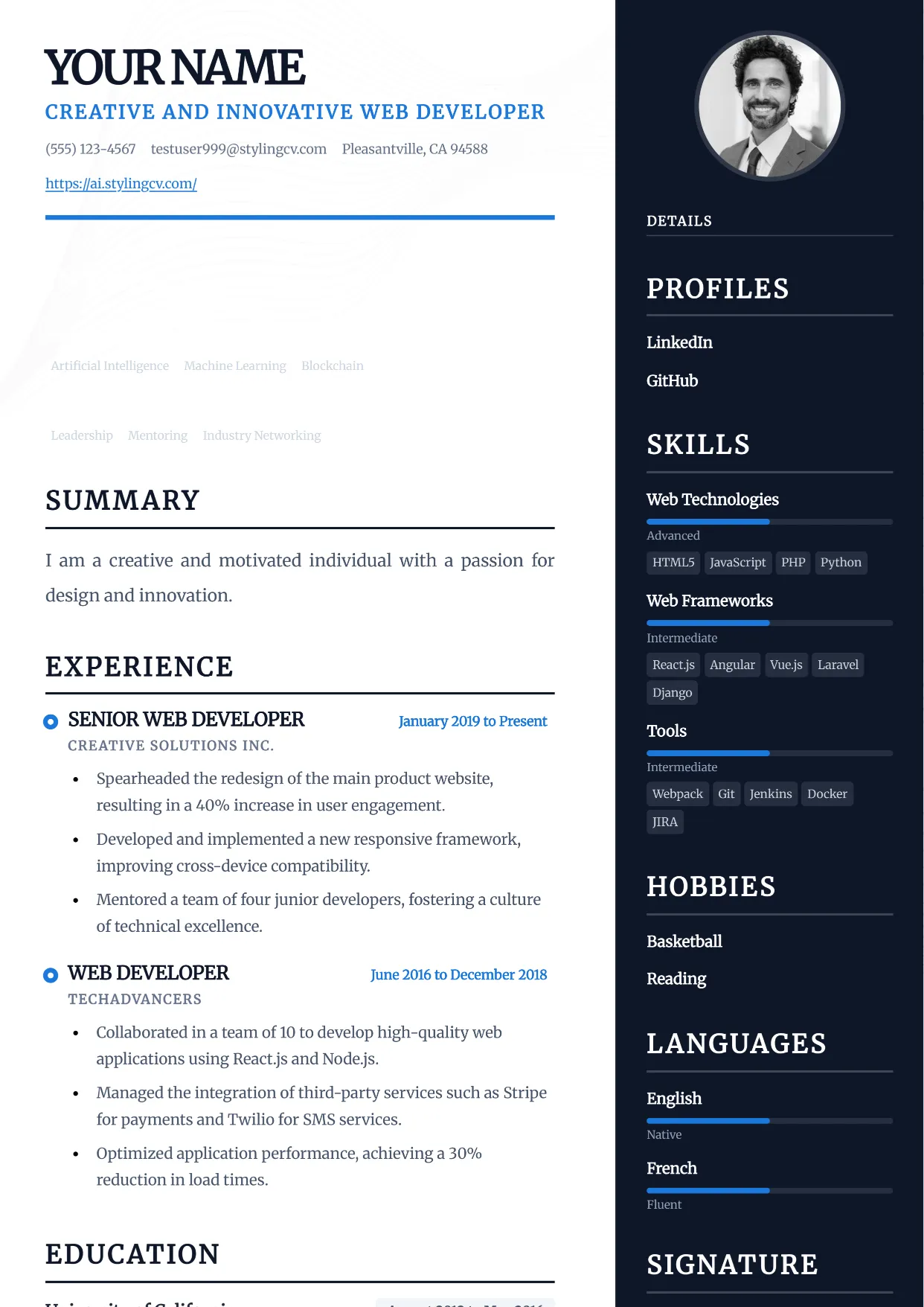
Traditional
Professional and modern resume template optimized for applicant tracking systems. A clean, ATS-friendly CV layout designed to help you land your next interview.
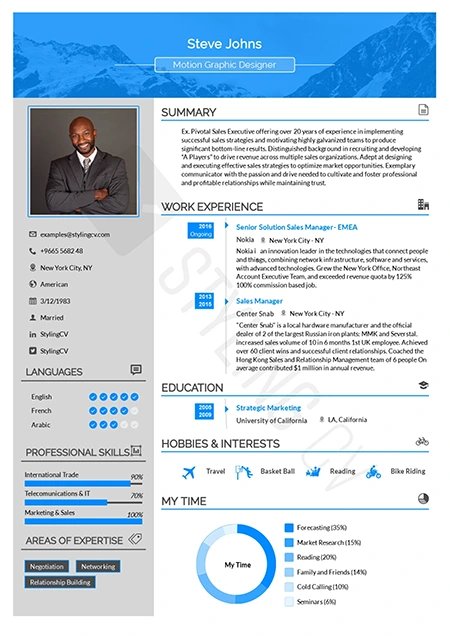
Ultimate
The complete, all-in-one professional resume template. A versatile, ATS-optimized CV layout that presents comprehensive career data perfectly.
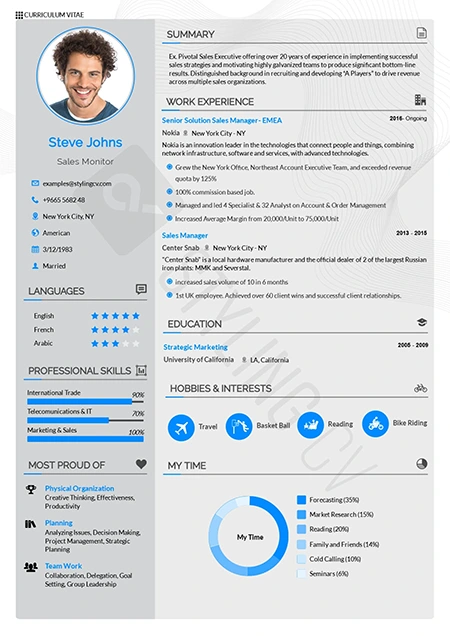
Vegan
Clean, eco-conscious aesthetic resume template. A modern, fresh CV design highly suited for sustainability, wellness, and environmental sector roles.
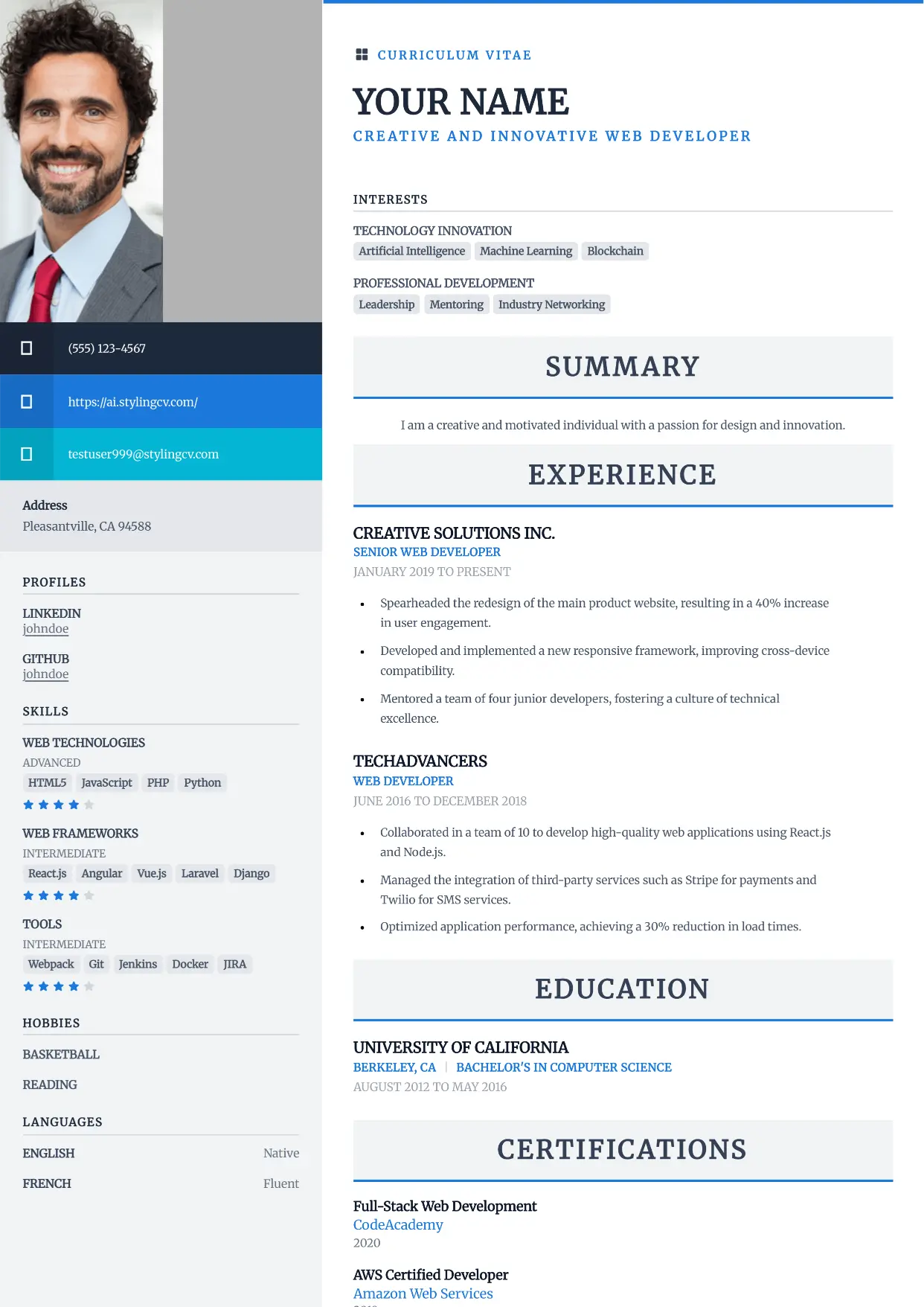
Vibrant
Professional and modern resume template optimized for applicant tracking systems. A clean, ATS-friendly CV layout designed to help you land your next interview.
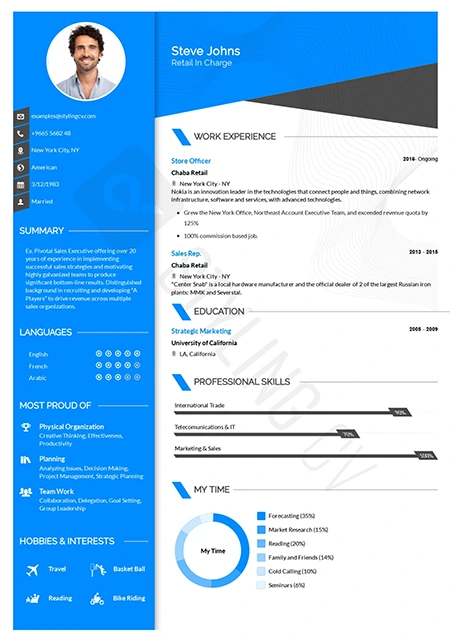
Visibility
High-contrast, high-impact modern resume template. A bold professional CV layout specifically engineered to ensure your application gets noticed instantly.
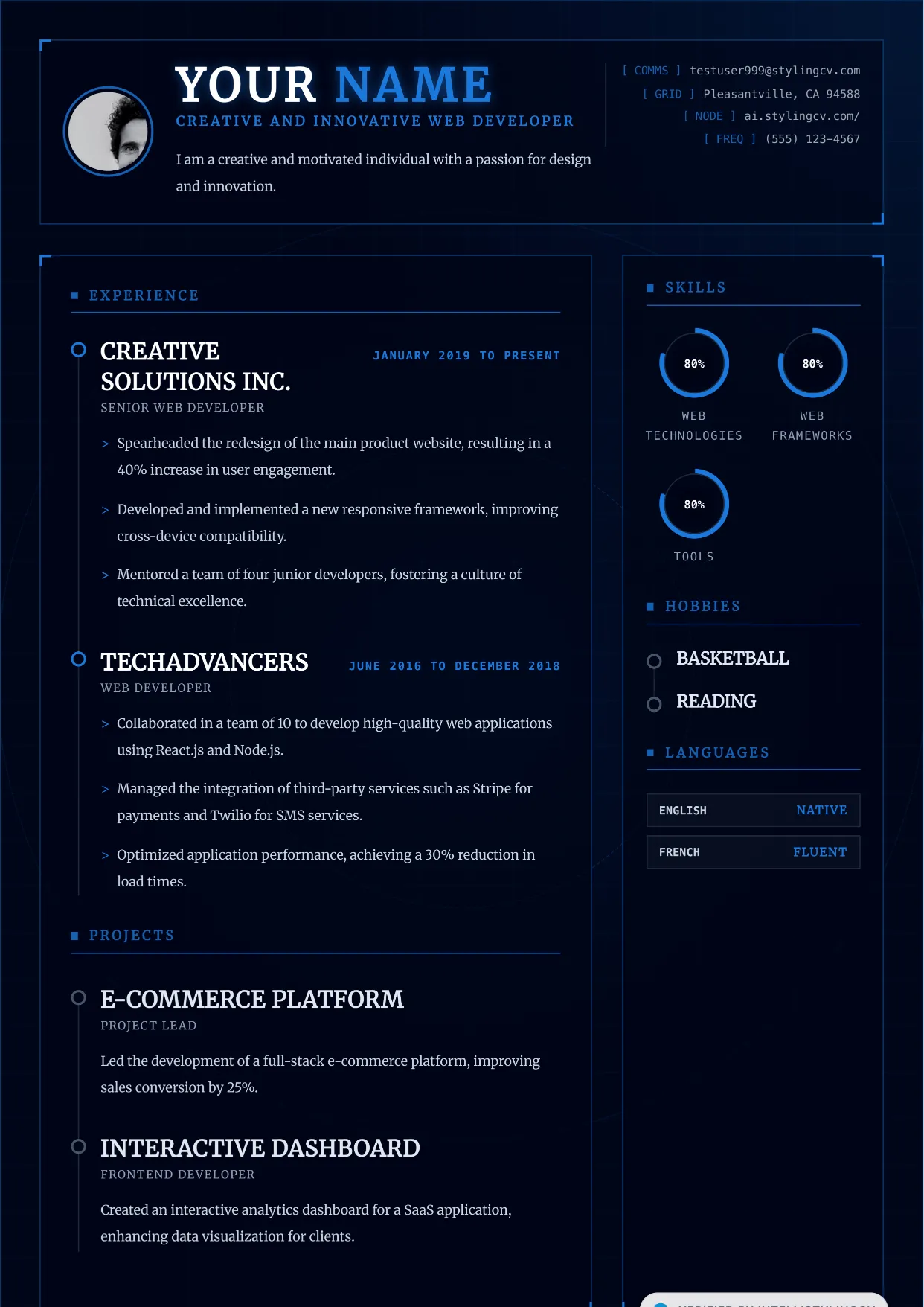
Vortex
Professional and modern resume template optimized for applicant tracking systems. A clean, ATS-friendly CV layout designed to help you land your next interview.
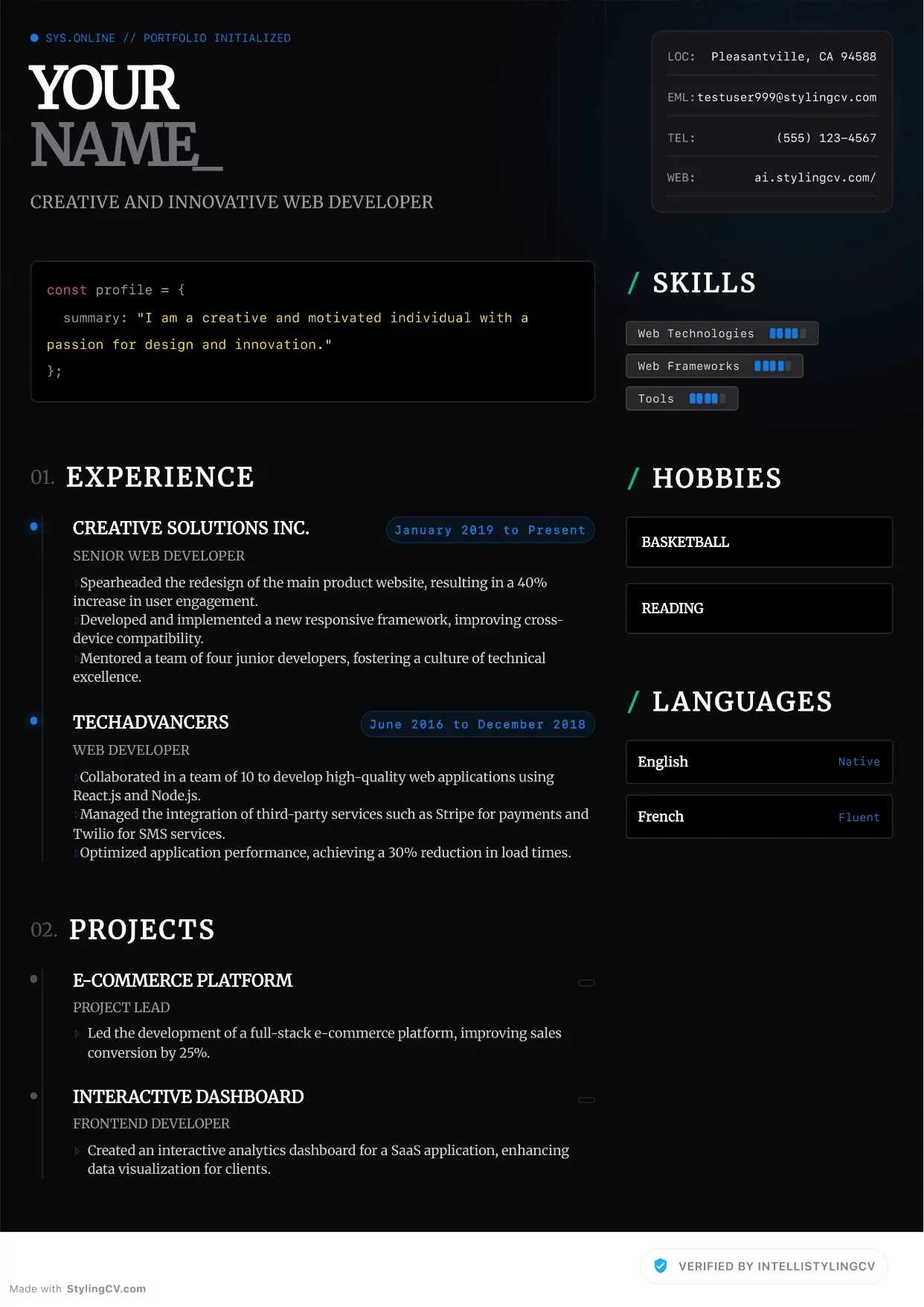
Zenith
Professional and modern resume template optimized for applicant tracking systems. A clean, ATS-friendly CV layout designed to help you land your next interview.
Frequently Asked Questions About Resume Templates
What is a resume template and why should I use one?
A resume template is a pre-designed layout that organizes your professional information into a clean, scannable format. Using one saves hours of formatting time and ensures your resume follows recruiter-approved best practices. Templates designed for ATS compatibility also increase your chances of passing automated screening — 98% of Fortune 500 companies use ATS systems that can reject poorly formatted resumes.
How do I choose the right resume template for my industry?
Match your template to your industry's expectations. Corporate fields like finance, law, and consulting prefer clean, conservative designs. Creative industries like marketing, design, and media allow more visual flair. Tech and startup roles sit in the middle — modern but professional. Our 89+ templates are categorized by industry and career level to help you choose. Browse by category above to find your match.
Are StylingCV resume templates ATS-friendly?
Yes — every template on StylingCV is tested against major ATS platforms including Workday, Greenhouse, Lever, Taleo, and iCIMS. Our templates achieve a 95% ATS pass rate, verified across 6 million+ resumes built on the platform. We strip out problematic elements like columns, text boxes, and graphics that confuse parsers.
Can I customize a resume template?
Absolutely. Our built-in resume builder lets you change colors, fonts, section order, and layout with one click. You can add or remove sections, adjust spacing, and personalize every detail. The templates are starting points — your content and customizations make them yours.
What is the difference between chronological, functional, and combination templates?
Chronological templates list your work history in reverse date order — best for steady career paths. Functional templates emphasize skills over timeline — ideal for career changers or those with gaps. Combination (hybrid) templates blend both — showing skills at the top with work history below. Our comparison table above breaks down each format with pros, cons, and ATS compatibility.
Are the resume templates really free?
Yes — all of our resume templates are free to use within the StylingCV builder. You can customize, edit, and download your resume at no cost. Premium features like advanced analytics and job-specific keyword optimization are available for users who need extra support.
How many resume templates does StylingCV offer?
We currently offer 89+ professional resume templates, with new designs added monthly. Our templates span every style: modern, classic, creative, minimal, executive, and industry-specific designs. Each template comes in multiple color variations.
What format can I download my resume in?
You can export your completed resume as PDF, DOCX, or plain TXT. PDF is best for preserving your design when applying directly. DOCX works well when ATS systems prefer Word format. TXT is useful for pasting into online application forms.
Can I use a resume template for a career change?
Yes — and we recommend using a combination or functional template for career changes. These formats let you highlight transferable skills at the top, with your work history placed below. This structure helps recruiters see your relevant abilities before they notice your different industry background.
Should I use the same template for every job application?
Not necessarily. While having a base template is fine, you should tailor your resume content (and sometimes your format choice) to each role. For conservative industries like banking or law, stick with a clean, traditional template. For startups or creative roles, a more modern design signals cultural fit.
Are one-page resume templates better than two-page templates?
For most professionals, a one-page resume is ideal — especially if you have less than 10 years of experience. Executives and senior professionals with extensive achievements can use two pages. Our templates are designed to scale, automatically adjusting spacing and layout if your content fills a second page.
How do I make my resume template stand out?
Focus on your content, not fancy formatting. Use quantified achievements (numbers, percentages, dollar amounts), strong action verbs, and a clear professional summary. A clean, well-organized template with powerful content will always outperform a flashy template with generic descriptions. Our AI writing agents can help you craft compelling bullet points.
Can I switch templates after I start building my resume?
Yes — one of the best features of StylingCV is that you can switch templates at any time without losing your content. Your text, sections, and formatting transfer automatically to the new template. Try different styles until you find the one that fits best.
What should I look for in a resume template for ATS success?
Look for: clean sans-serif fonts, standard section headers (Experience, Education, Skills), no tables or text boxes, single-column layouts, and consistent formatting. Avoid templates with graphics, icons, or unusual file formats. All StylingCV templates meet these criteria by default.
How do I know which resume template is best for my career level?
Entry-level candidates should choose clean, simple templates that prioritize education and skills. Mid-career professionals benefit from templates with strong work experience sections. Executives and senior leaders should look for templates with executive summary sections and achievement-focused layouts. Use the filter tabs above to sort templates by career level.
Looking for tools to create your resume? Check out our best resume builder comparison, free resume builder, or resume maker guide.
Pages in this section
- 25+ Free Google Docs Resume Templates (2026)
- ATS Friendly Resume Templates
- Create A Resume That Stands Out
- Harvard Resume Template: Free Download & Complete Guide (2026)
- Modern Resume Templates
- One-Page Resume Templates: Concise CV Designs
- Optimize Your Job Search: Best Resume Tips & Templates
- Professional CV Templates for Every Career (2026)
- Professional Resume Templates
- Resume Builder Google Docs: Free Templates & Complete Guide (2026)
- Resume Templates & Design Guide
- Simple Resume Templates
Ready to put this into practice on your resume?
Start from your current resume or build one from scratch, then check it and tailor it to the job you want.