

How Do I Customize a Resume Template to Make It My Own? A Step-by-Step Guide
Customizing a resume template isn’t just about swapping colors or fonts – it’s about making your unique skills shine while keeping things professional. Whether you’re tailoring your resume for a creative role or a corporate position, the goal is to stand out without losing clarity. But where do you start?
First, think of your resume as your personal marketing tool. Every tweak you make – from rearranging sections to choosing ATS-friendly keywords – should reflect your strengths and match the job you want. The right template gives you a foundation; your story makes it unforgettable.
Key Features of a Resume Template You Can Customize
- Flexible Layouts: Easily move sections to prioritize experience or education.
- Skills/Projects Spotlight: Highlight achievements without clutter.
- ATS Optimization: Built-in structure that beats applicant tracking systems.
- Design Control: Adjust fonts, colors, and spacing in minutes.
Top Resume Templates for Easy Customization
🚀 Stop Making Resume Mistakes
Create your professional ATS-friendly resume in 5 minutes. Join 6M+ users!
These templates (all found on StylingCV.com) balance style + function:
Modern Pro
A sleek design for corporate roles. Clean lines + bold headers let recruiters scan fast.
Classic Elegance
Timeless two-column layout. Perfect for balancing technical skills and work history.
Creative Flow
🎯 Beat the ATS System
Our templates are specifically designed to pass Applicant Tracking Systems while looking professional.
🎯 Beat the ATS System
Our templates are specifically designed to pass Applicant Tracking Systems while looking professional.
Ideal for artists or marketers. Space for portfolios and dynamic visuals.
How to Customize Your Resume Template: Quick Tips
- Craft a standout summary: Replace generic phrases with your niche expertise.
- Reorganize sections: Put your strongest achievements near the top.
- Tweak colors/fonts: Use muted tones for conservative fields; add pops of color for creative jobs.
- Sprinkle keywords: Mirror terms from the job description to pass ATS scans.
5 Common Questions About Customizing Resume Templates
1. How do I add personality without looking unprofessional?
Use subtle design choices – like a unique header font or minimal icons – rather than flashy graphics (unless you’re in a creative field). Keep content focused on results.
2. Should I remove template sections I don’t need?
💡 Smart Tip: Skip the formatting headache! Use our AI resume builder and create a professional resume in minutes.
Yes! Delete irrelevant parts (e.g., “Hobbies” for tech roles) to keep the resume concise.
3. What’s the fastest way to tailor a template?
Copy-paste the job description into a word cloud tool. Highlight matching skills already in your resume + add missing ones.
4. Can I mix multiple templates?
Avoid blending layouts – it creates visual chaos. Stick to one base template and adjust individual elements instead.
5. How do I make sure my resume works with ATS systems?
🤖 ATS Optimization Made Easy
Automatically optimize your resume for ATS with our AI-powered keyword analysis.
Avoid headers/footers for critical info, use standard section titles (like “Work Experience”), and save as a PDF unless told otherwise.
The Bottom Line: Your Resume Should Feel Like You
A great resume template isn’t just pretty – it helps you tell your story clearly and confidently. By customizing it with intention, you turn a generic layout into a tool that grabs attention AND lands interviews.
Explore ready-to-use templates here, pick one that fits your vibe, and start editing!
Don’t Let Your Resume Hold You Back
Join 6+ million professionals who have created winning resumes with StylingCV
📝 Create Your Resume in 5 Minutes
⚡ Build Your Winning Resume Now
Professional templates + ATS optimization + AI assistance = Your dream job!
⚡ Build Your Winning Resume Now
Professional templates + ATS optimization + AI assistance = Your dream job!
Don’t let a poorly formatted resume hold you back. Use our intelligent resume builder to create a professional resume that gets past ATS systems and impresses recruiters.
✅ Ensure ATS Compatibility
Don’t let automated systems filter you out – use an ATS-optimized template. Build ATS Resume
💡 Pro Tip: StylingCV is not just a resume builder — it’s a smart AI builder that thinks. StylingCV smart AI builder in less than 2 minutes.
Related Articles
- High School Resume: How to Write (With Examples &
- Two Weeks Notice Letter: How to Write & Examples (2026)
- What Does a Resume Look Like in 2026? (With Examples)
Explore more articles in our Content Hub
Ready to build a professional resume? Build Your AI Resume Now
AI Builder is 10x faster than manual work
Only 2% of resumes win.
Yours will be one of them.
Build a resume that gets you the job. In 2 minutes with our AI-powered resume builder.
39% higher chance of getting hired
4.5/5 from 37,369 reviews
92% customer satisfaction
2 minutes to create
Tested Resume Templates
Every template is tested with real ATS systems and reviewed by hiring managers from top companies
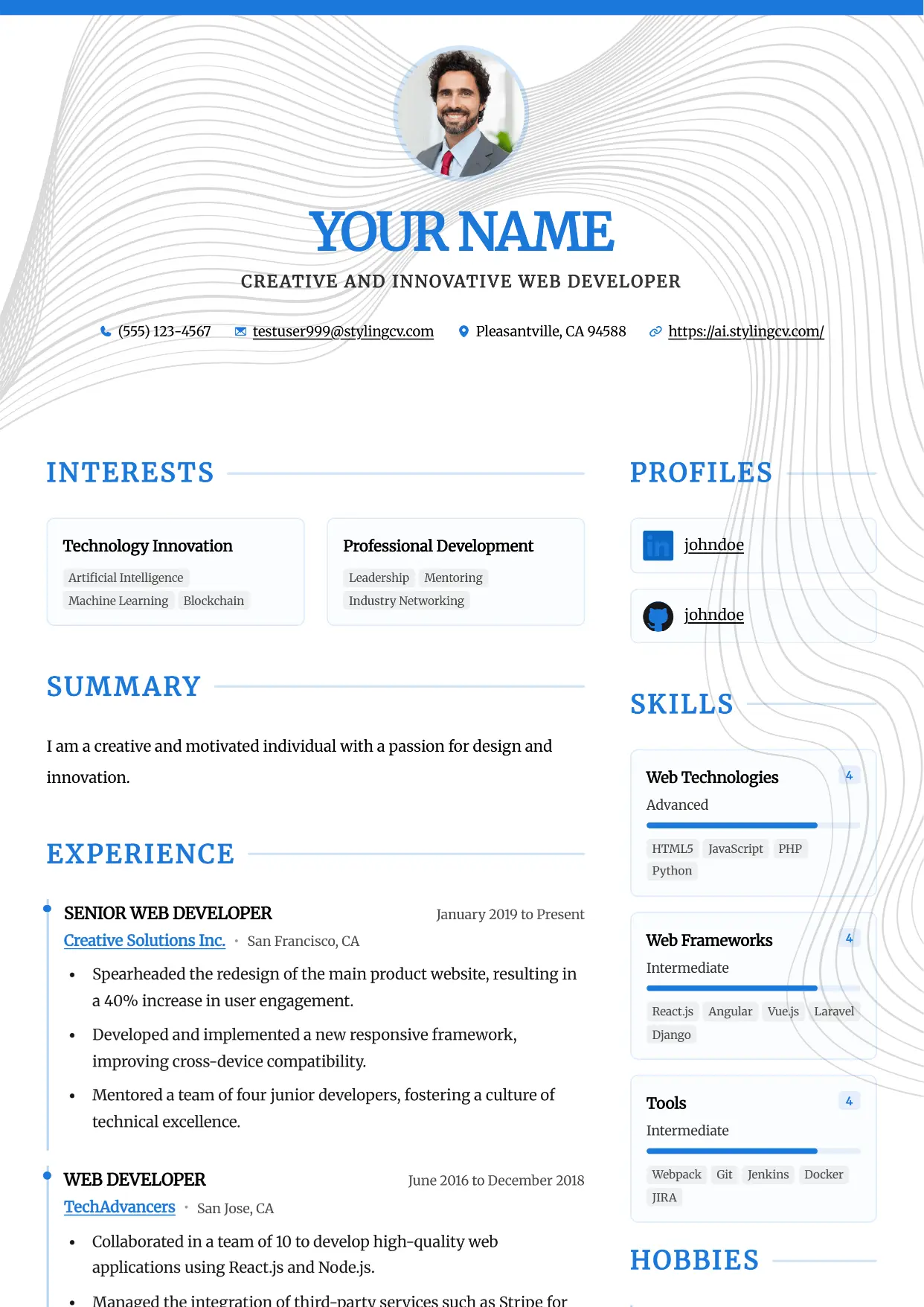
Accent
Professional and modern resume template optimized for applicant tracking systems. A clean, ATS-friendly CV layout designed to help you land your next interview.
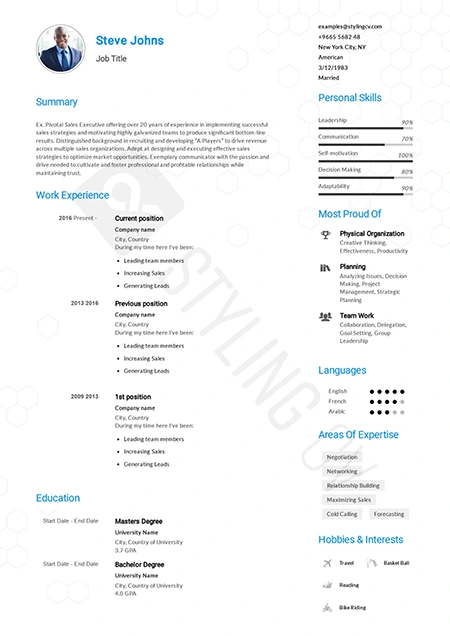
Alfred
Executive ATS resume template designed for C-suite roles. Features a clean layout perfect for management and corporate leadership positions.
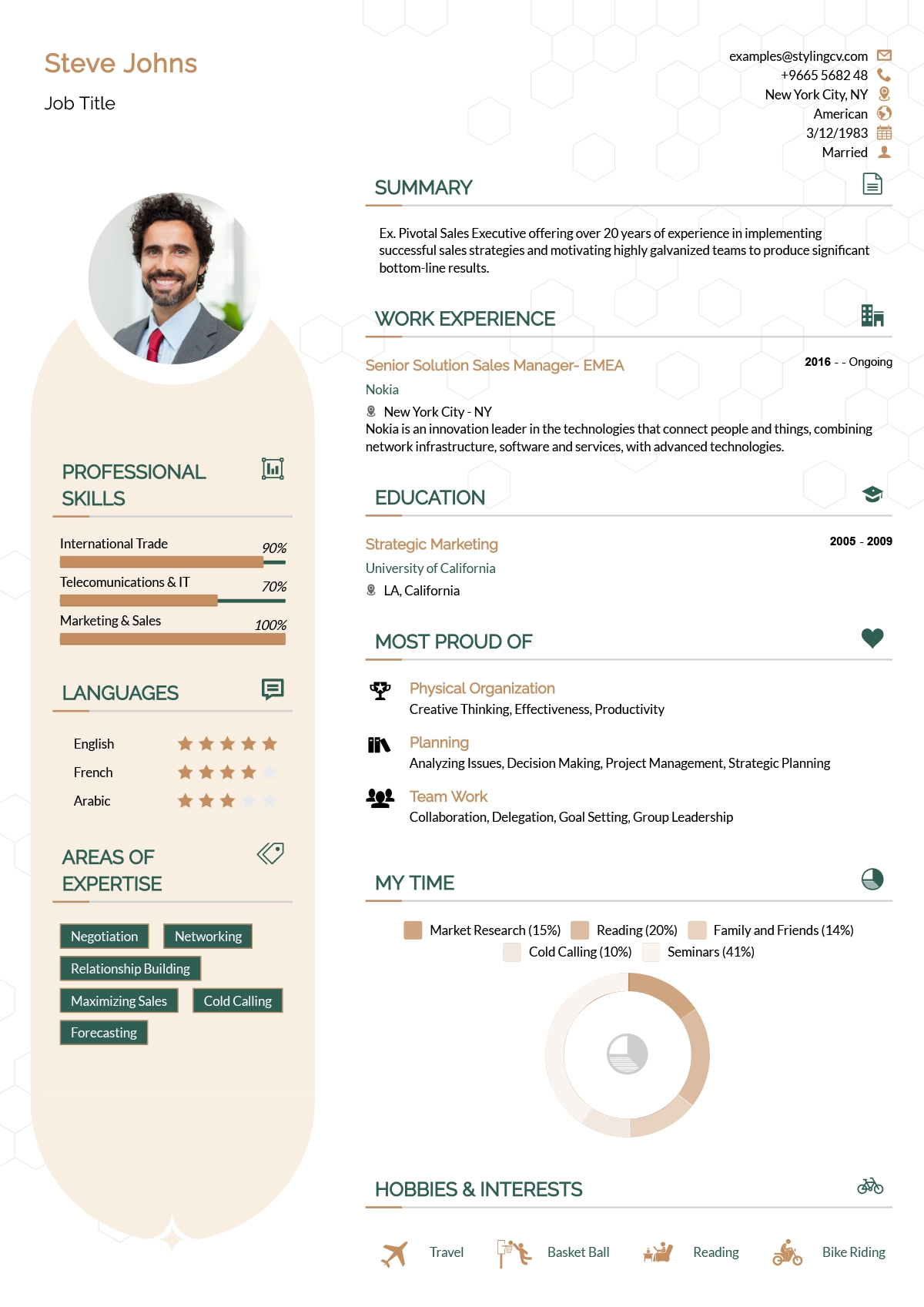
Andero
Modern resume template ideal for tech professionals. A sleek, professional CV design that highlights technical skills and projects perfectly.
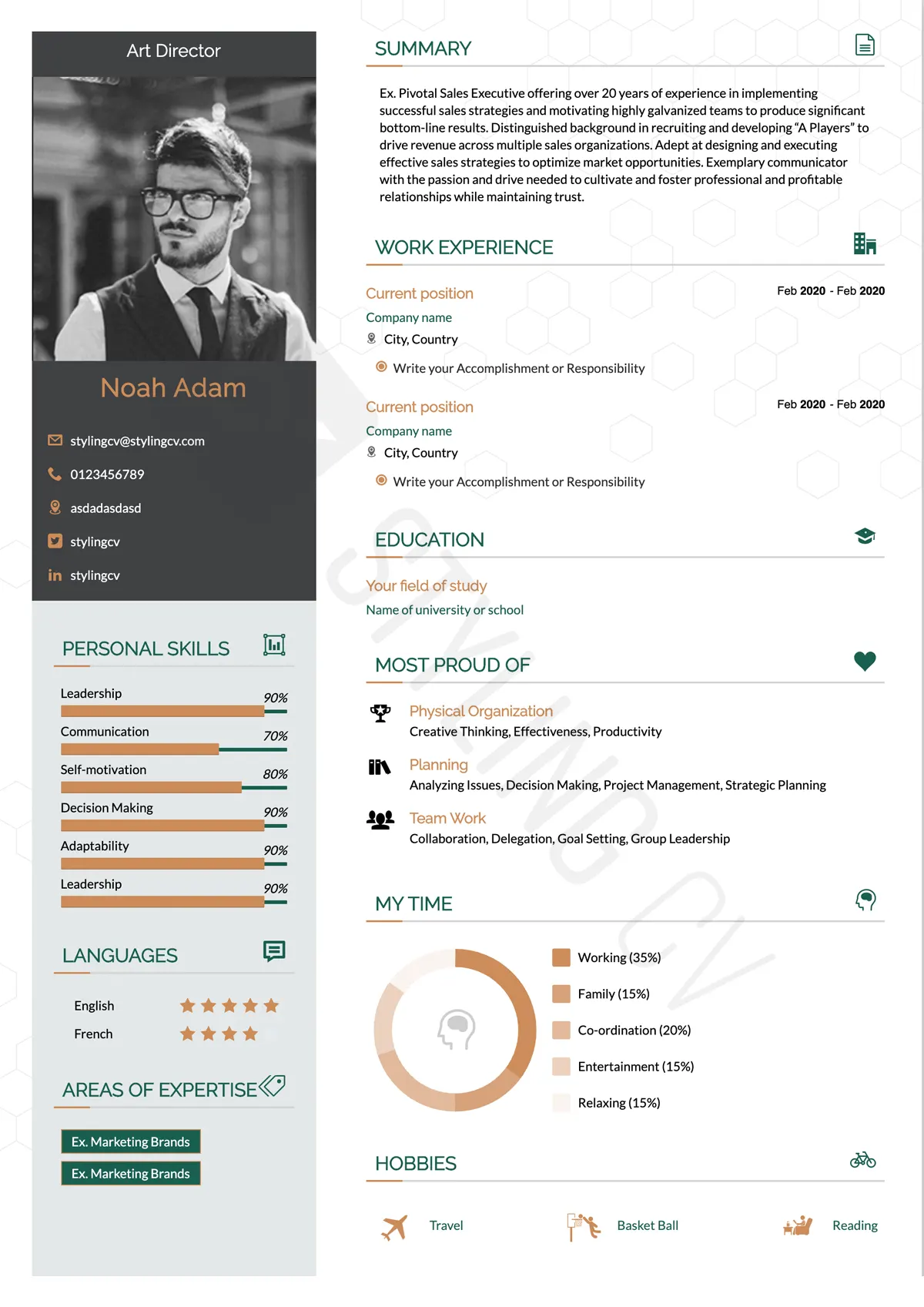
Apple
Minimalist resume template with an elegant, clean aesthetic. The perfect modern CV format for UX designers, product managers, and creatives.
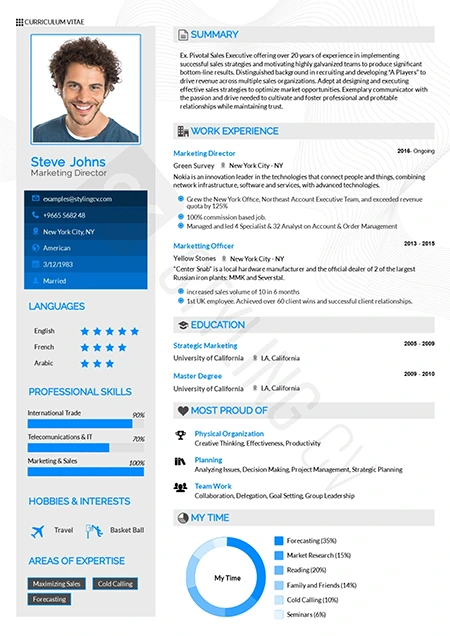
Arabic
Bilingual-ready professional resume template. Optimized for international roles with full RTL support for Middle East and global job markets.
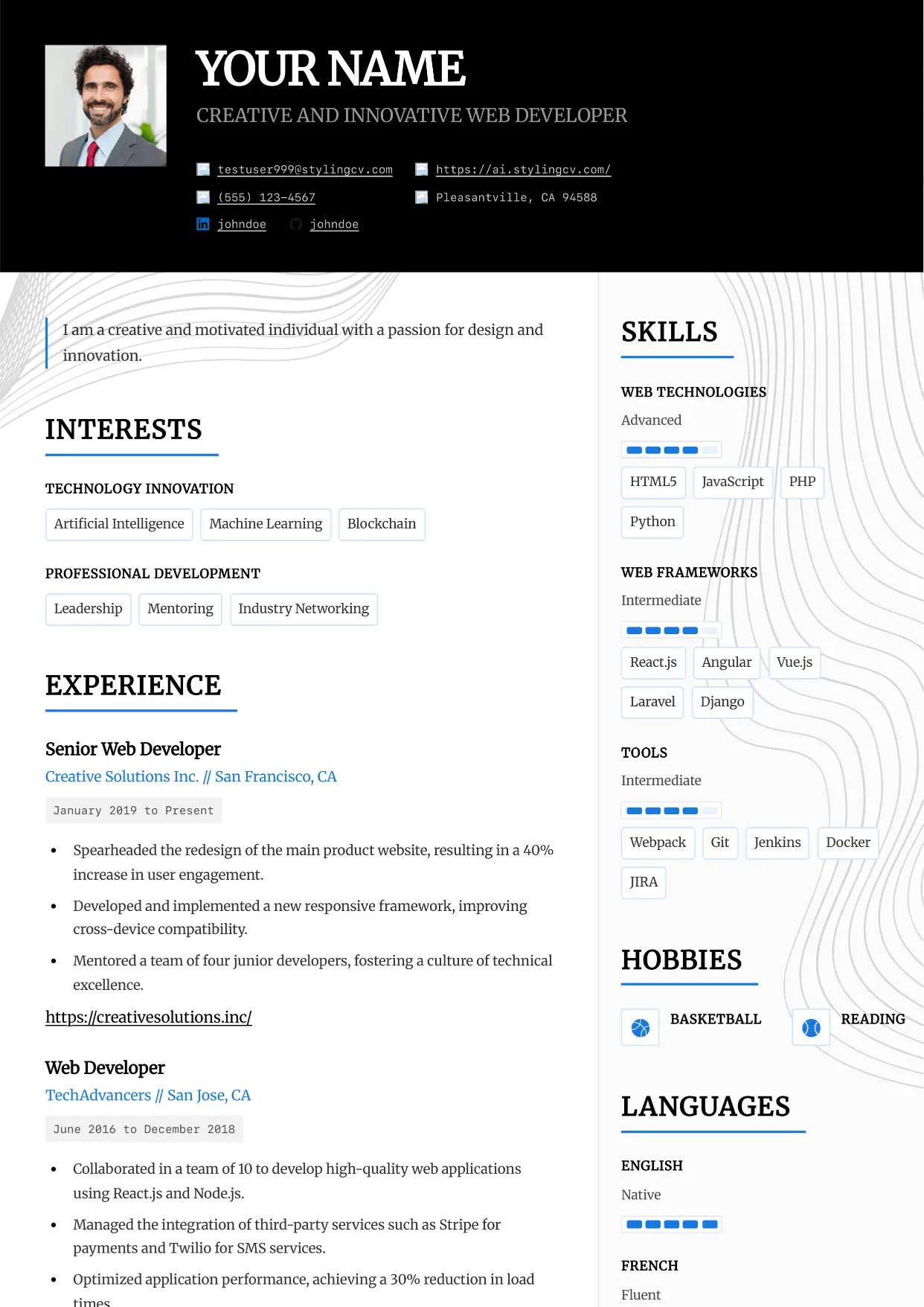
Architect
Professional and modern resume template optimized for applicant tracking systems. A clean, ATS-friendly CV layout designed to help you land your next interview.
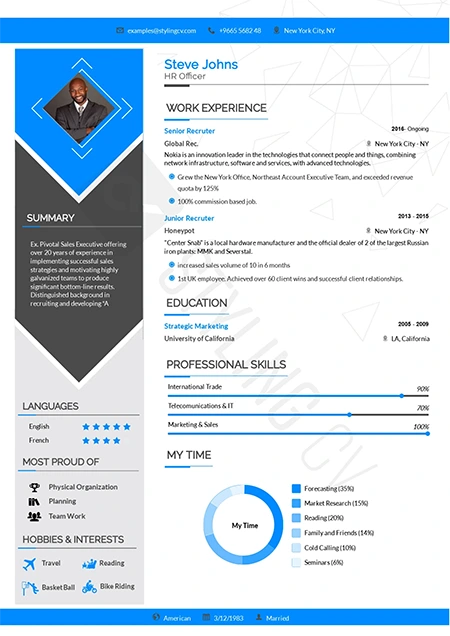
Arrow
Dynamic chronological resume format focusing on career progression. Excellent CV template for ambitious professionals climbing the corporate ladder.
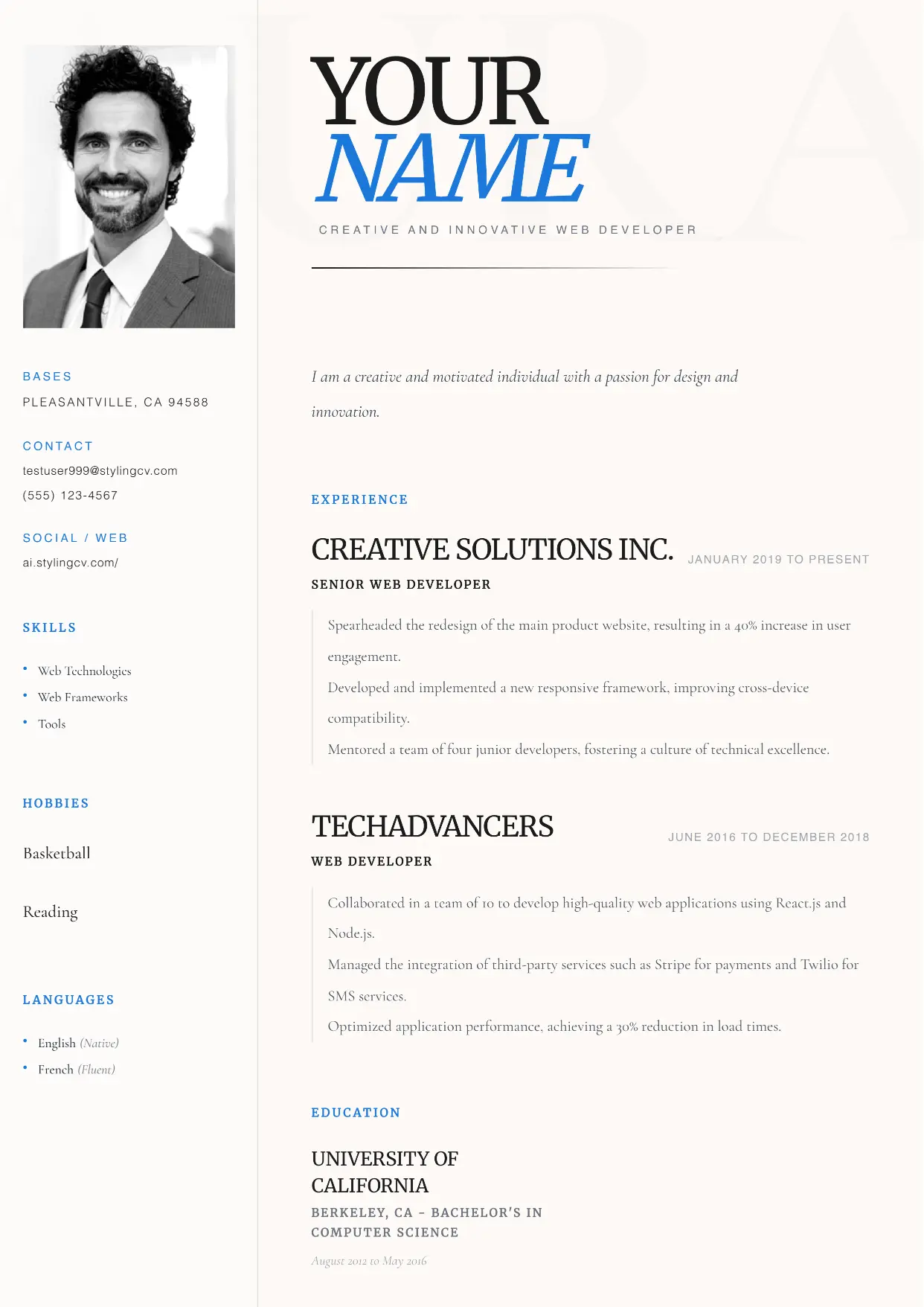
Aura
Professional and modern resume template optimized for applicant tracking systems. A clean, ATS-friendly CV layout designed to help you land your next interview.
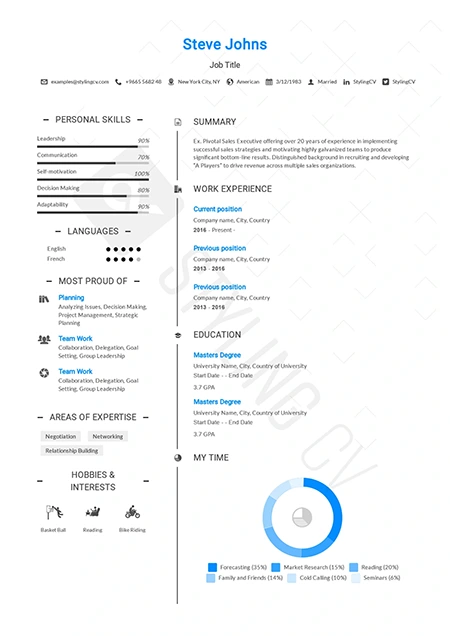
Awesome
Creative and bold resume template to make your application stand out. An eye-catching CV design that hiring managers won’t forget.
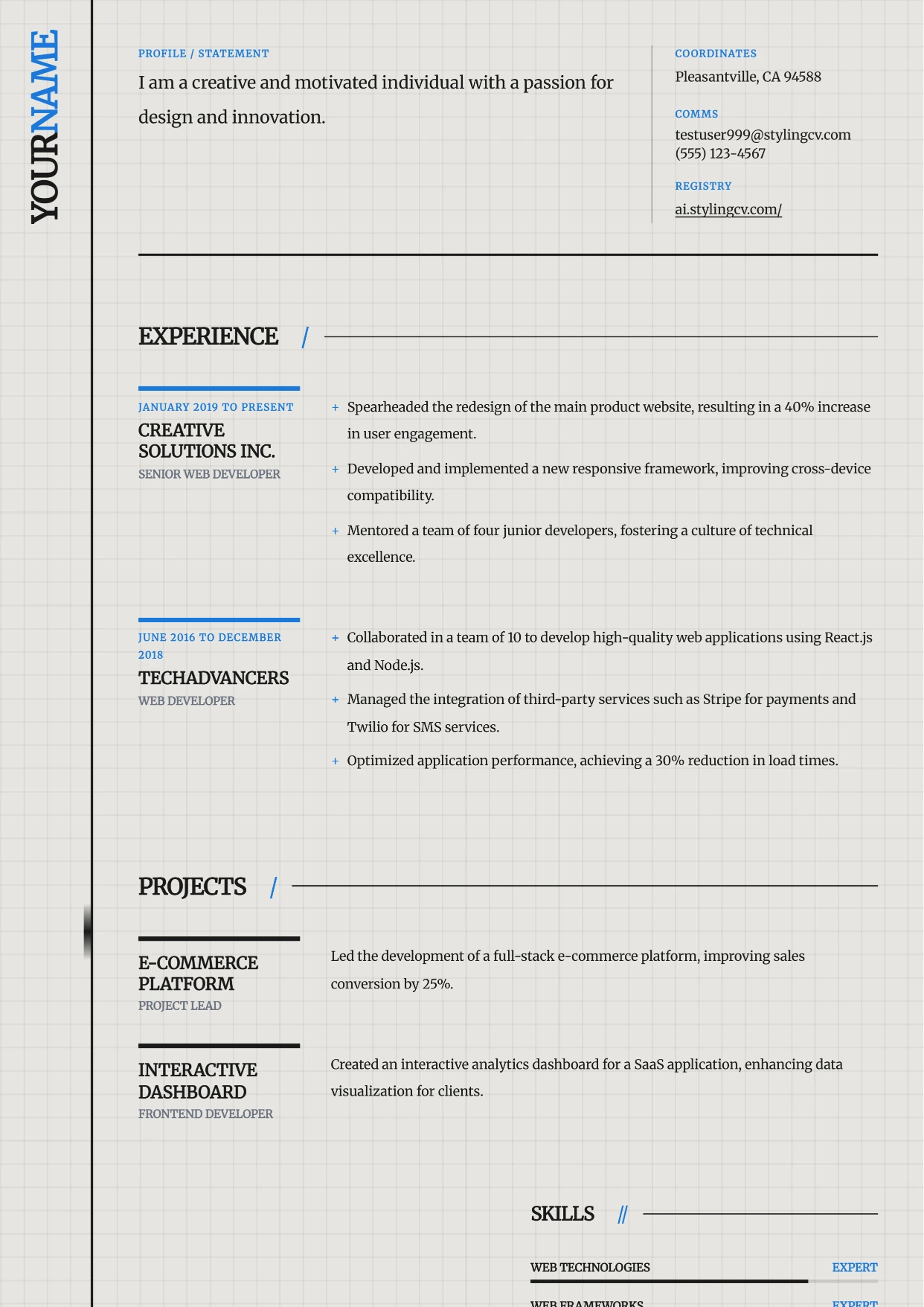
Axiom
Professional and modern resume template optimized for applicant tracking systems. A clean, ATS-friendly CV layout designed to help you land your next interview.
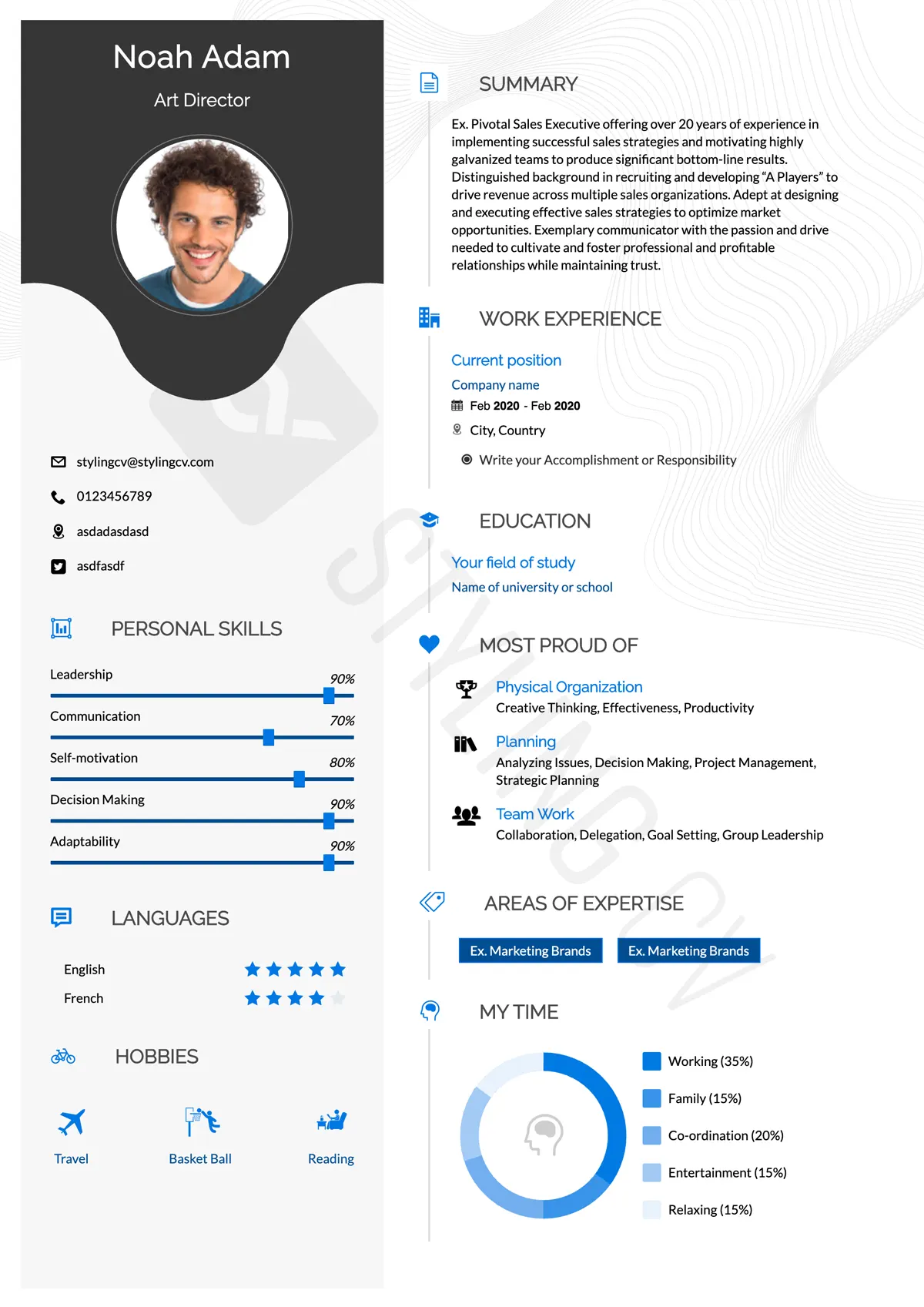
Baseline
Foundational ATS-friendly resume template. A simple, professional CV format proven to pass applicant tracking systems in any industry.
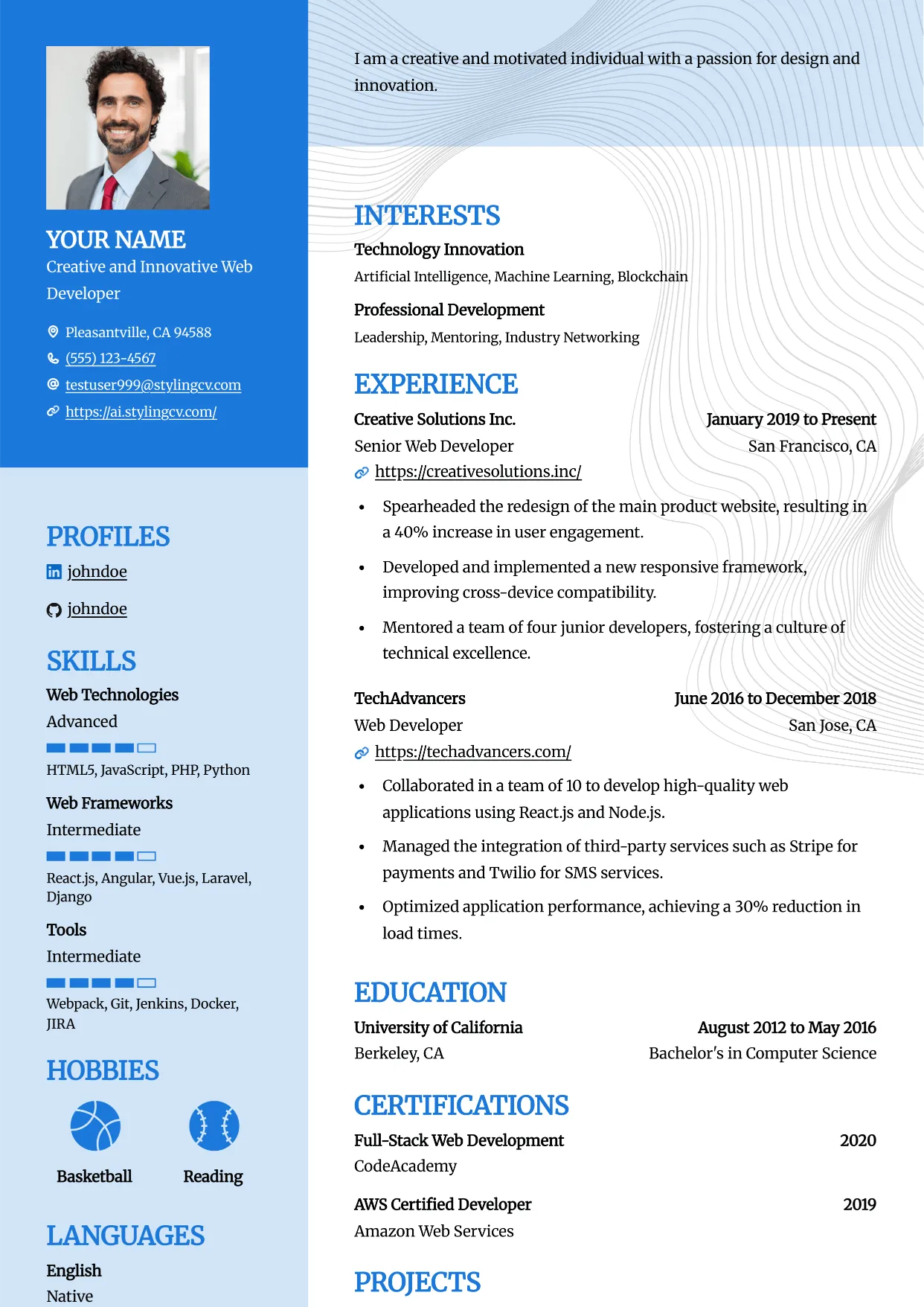
Bold
Professional and modern resume template optimized for applicant tracking systems. A clean, ATS-friendly CV layout designed to help you land your next interview.
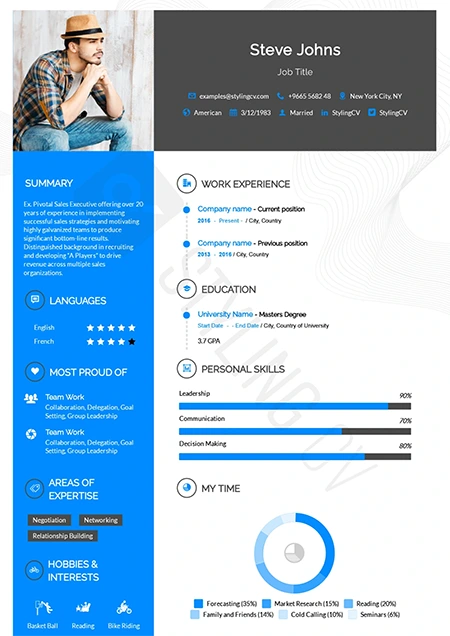
Catics
Unique geometric resume template tailored for creative industries. Showcase your portfolio and media experience with this modern CV layout.
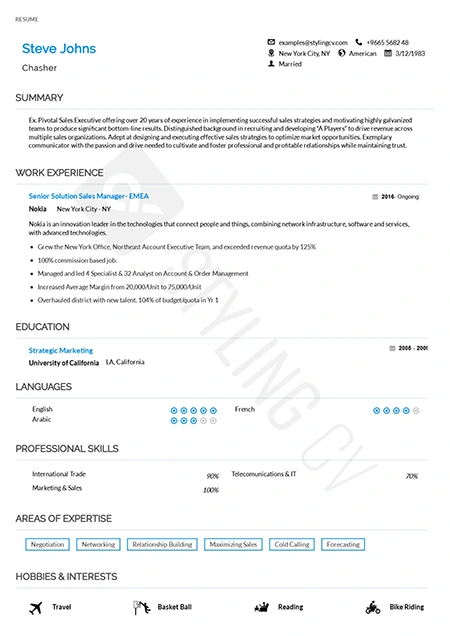
Classic
Timeless chronological resume template for traditional industries. A highly professional, conservative CV format trusted by recruiters.
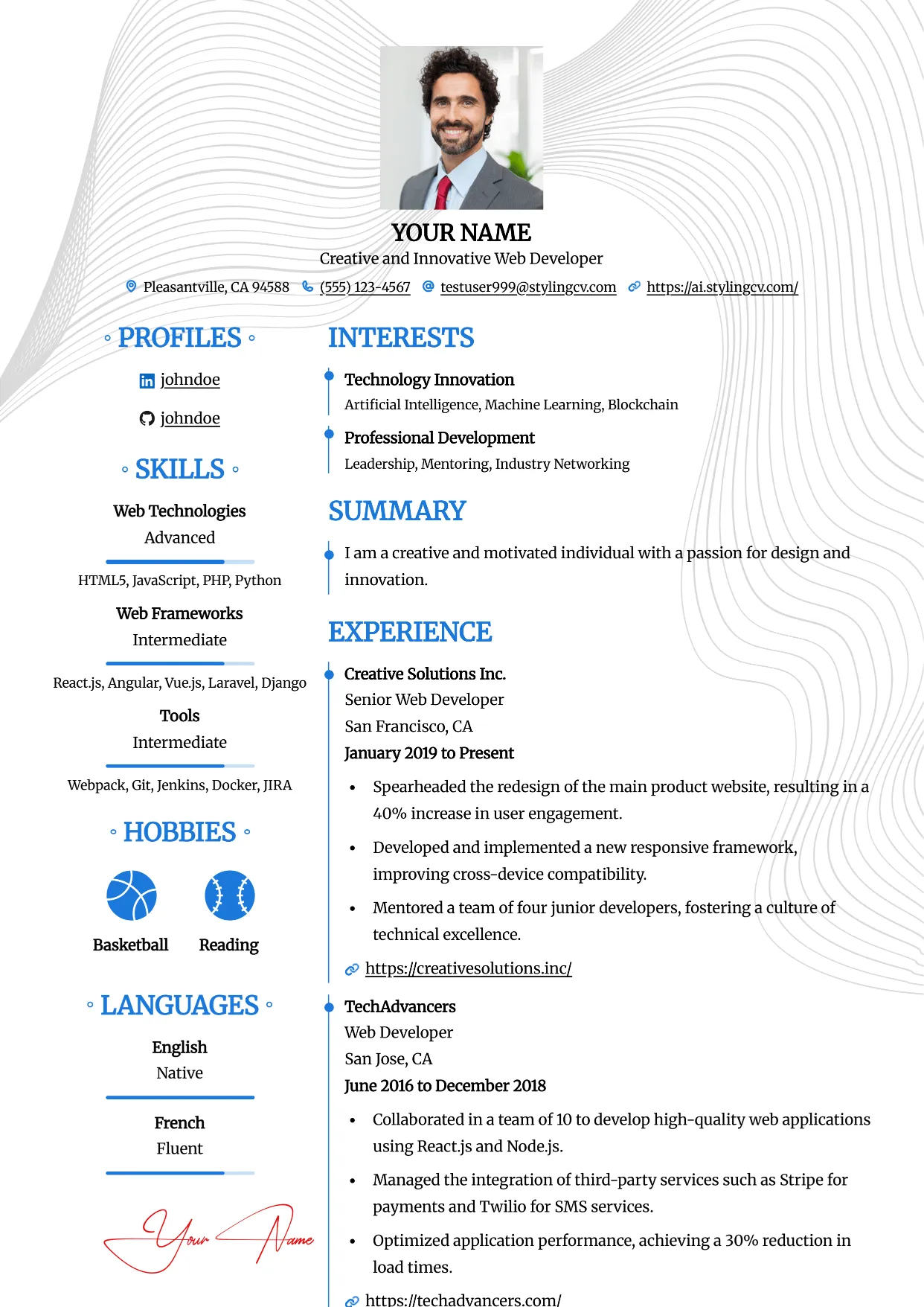
Clean
Professional and modern resume template optimized for applicant tracking systems. A clean, ATS-friendly CV layout designed to help you land your next interview.
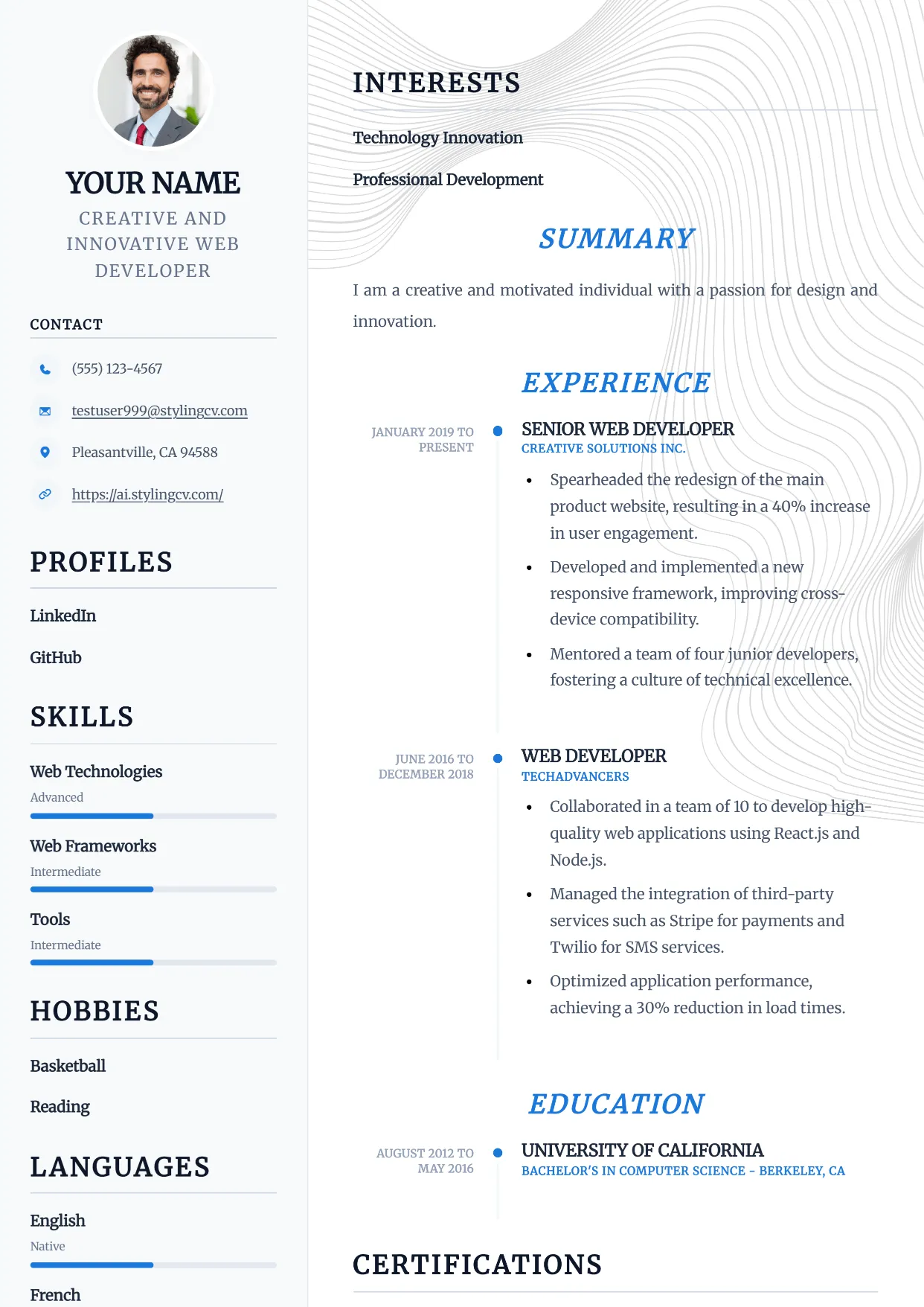
Compact
Professional and modern resume template optimized for applicant tracking systems. A clean, ATS-friendly CV layout designed to help you land your next interview.
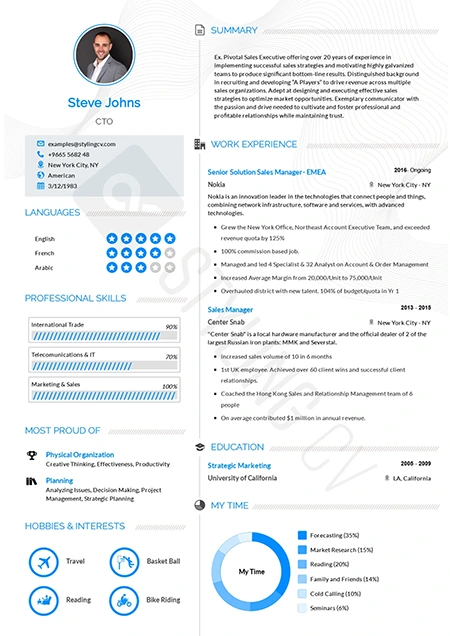
Concept
Innovative functional resume template for strategists and consultants. A modern CV layout designed to highlight core competencies and thought leadership.
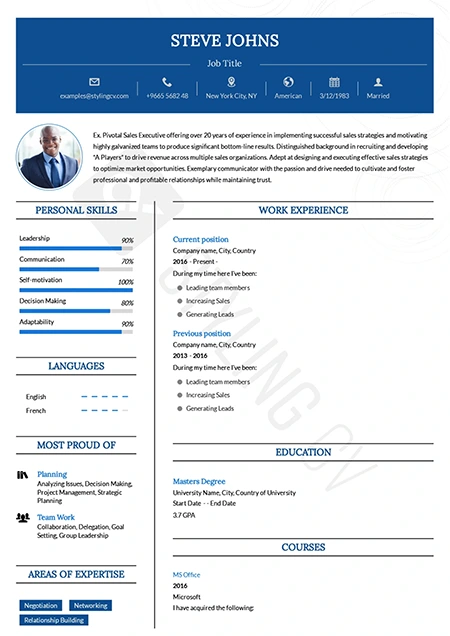
Confidence
Bold executive resume template projecting leadership and authority. A premium CV design for senior management and director-level applications.
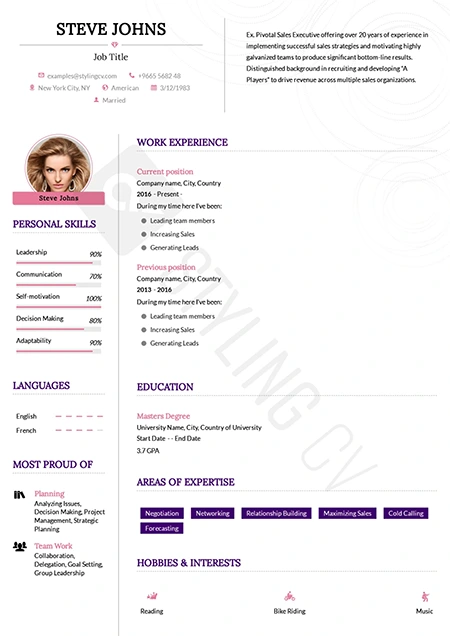
Corssa
Elegant European-inspired CV template for international business roles. A sophisticated resume format that balances modern design with professional standards.
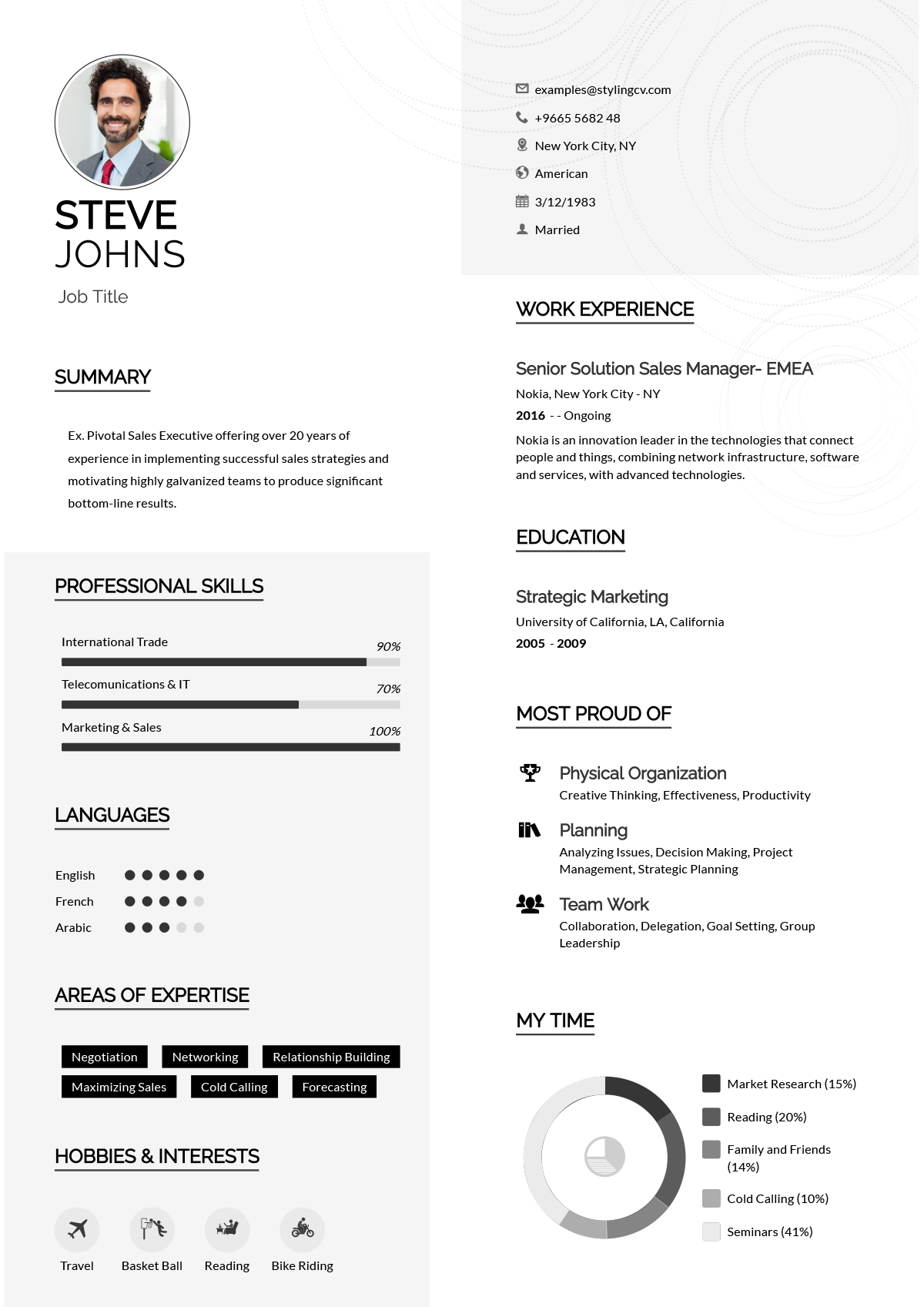
Creative
Vibrant and colorful creative resume template for design professionals. A memorable visual CV format perfect for marketing and artistic roles.
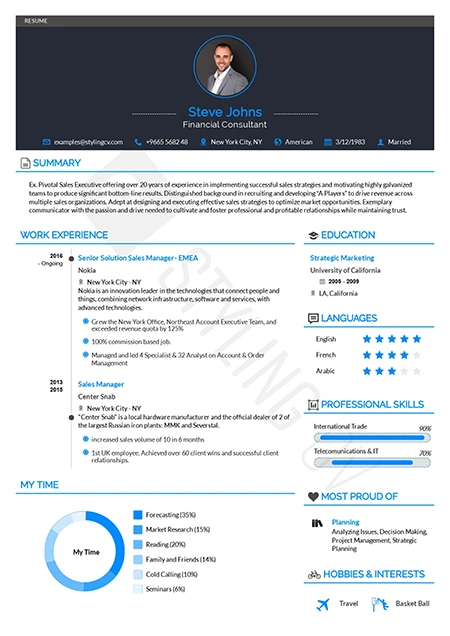
Diamond
Polished and premium professional resume template. A high-end CV design that ensures your extensive work experience shines through beautifully.
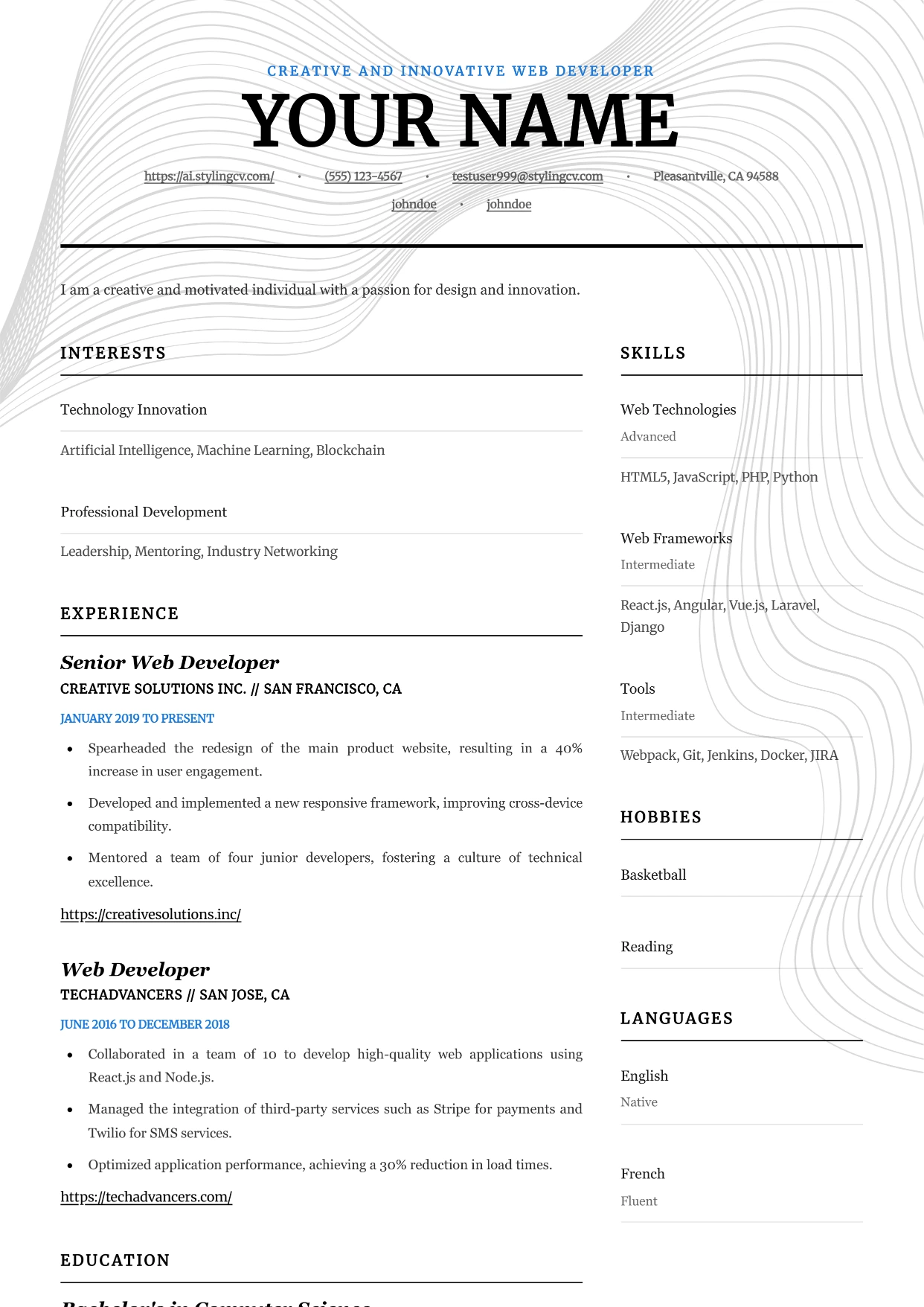
Editorial
Professional and modern resume template optimized for applicant tracking systems. A clean, ATS-friendly CV layout designed to help you land your next interview.
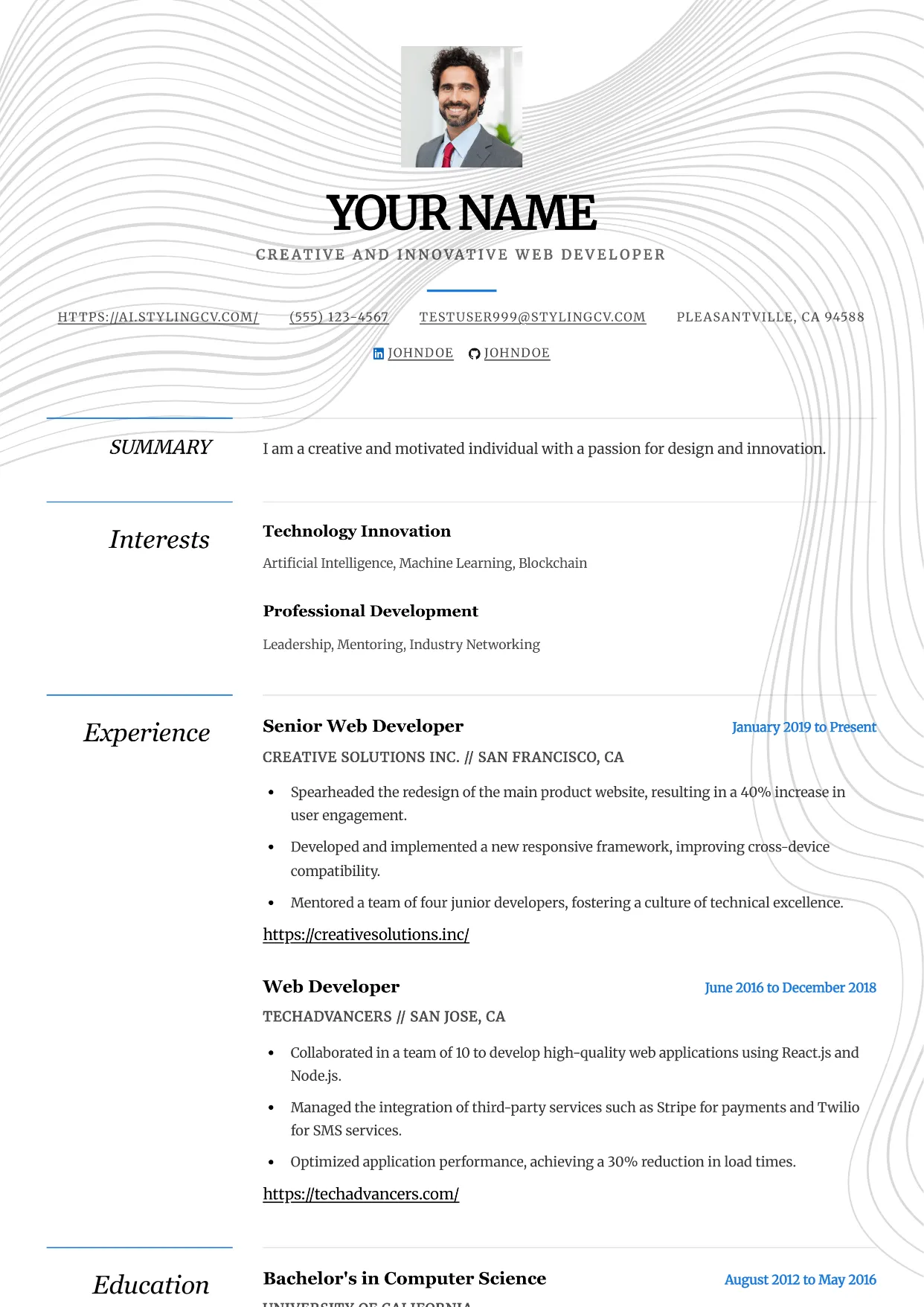
Elegance
Professional and modern resume template optimized for applicant tracking systems. A clean, ATS-friendly CV layout designed to help you land your next interview.
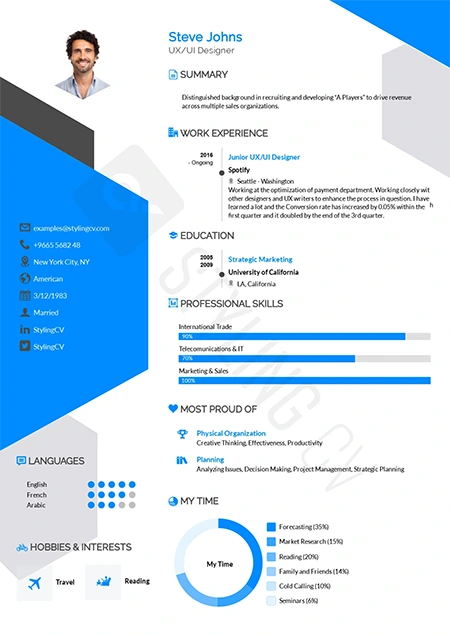
Elegant
Sophisticated resume template for law, finance, and executive roles. A classic, highly professional CV layout that commands immediate respect.
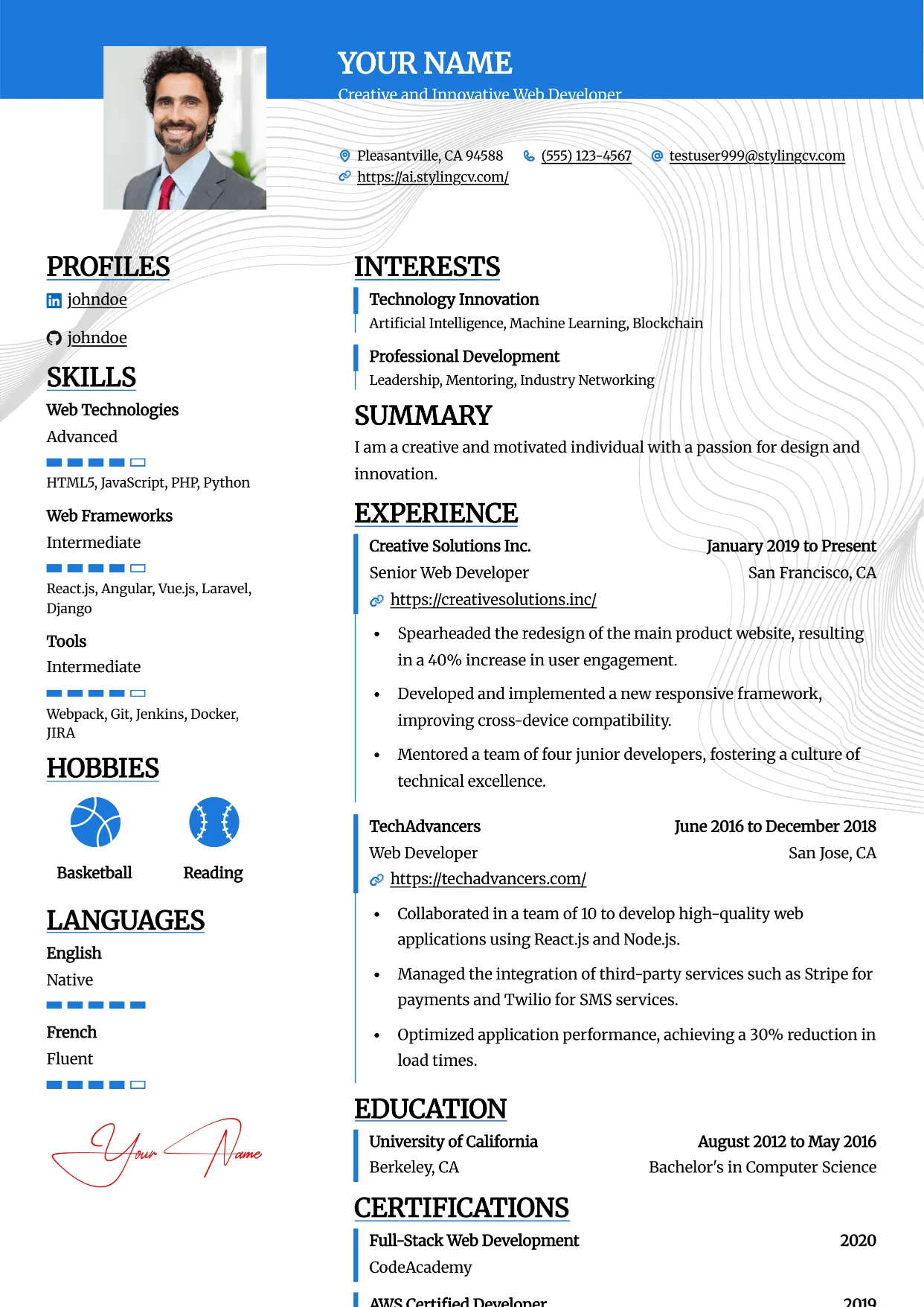
Essential
Professional and modern resume template optimized for applicant tracking systems. A clean, ATS-friendly CV layout designed to help you land your next interview.
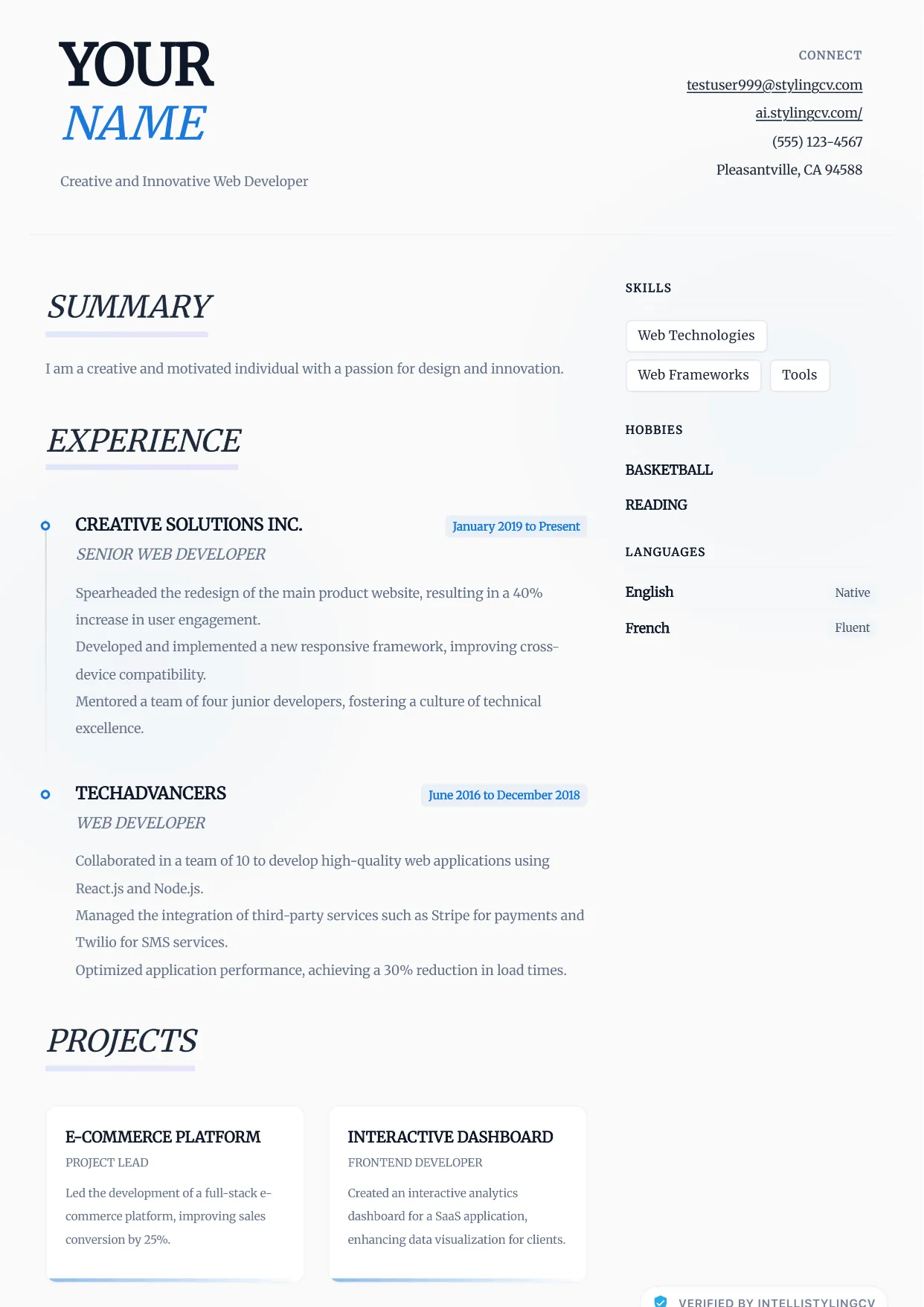
Ethereal
Professional and modern resume template optimized for applicant tracking systems. A clean, ATS-friendly CV layout designed to help you land your next interview.
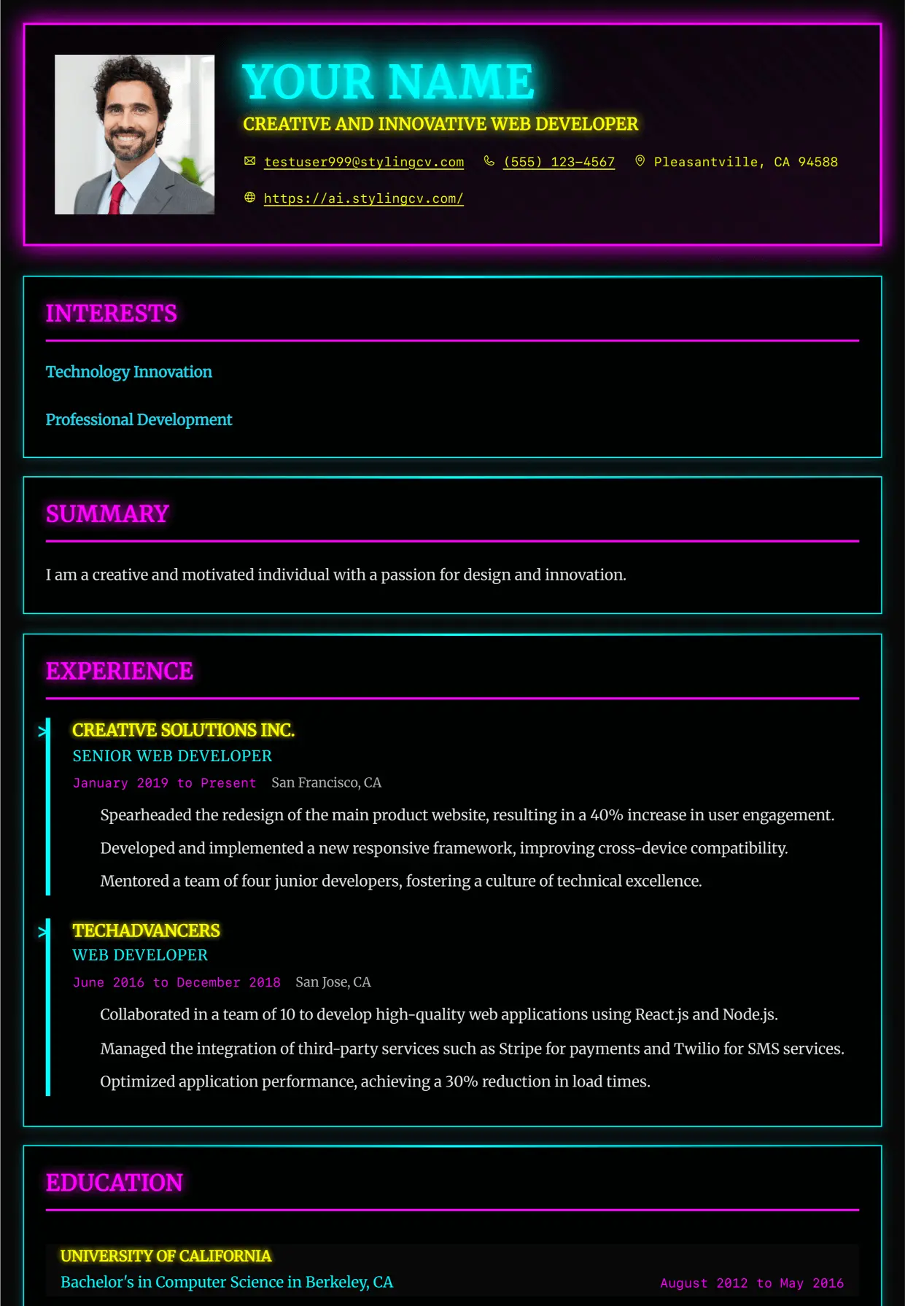
Executive
Professional and modern resume template optimized for applicant tracking systems. A clean, ATS-friendly CV layout designed to help you land your next interview.
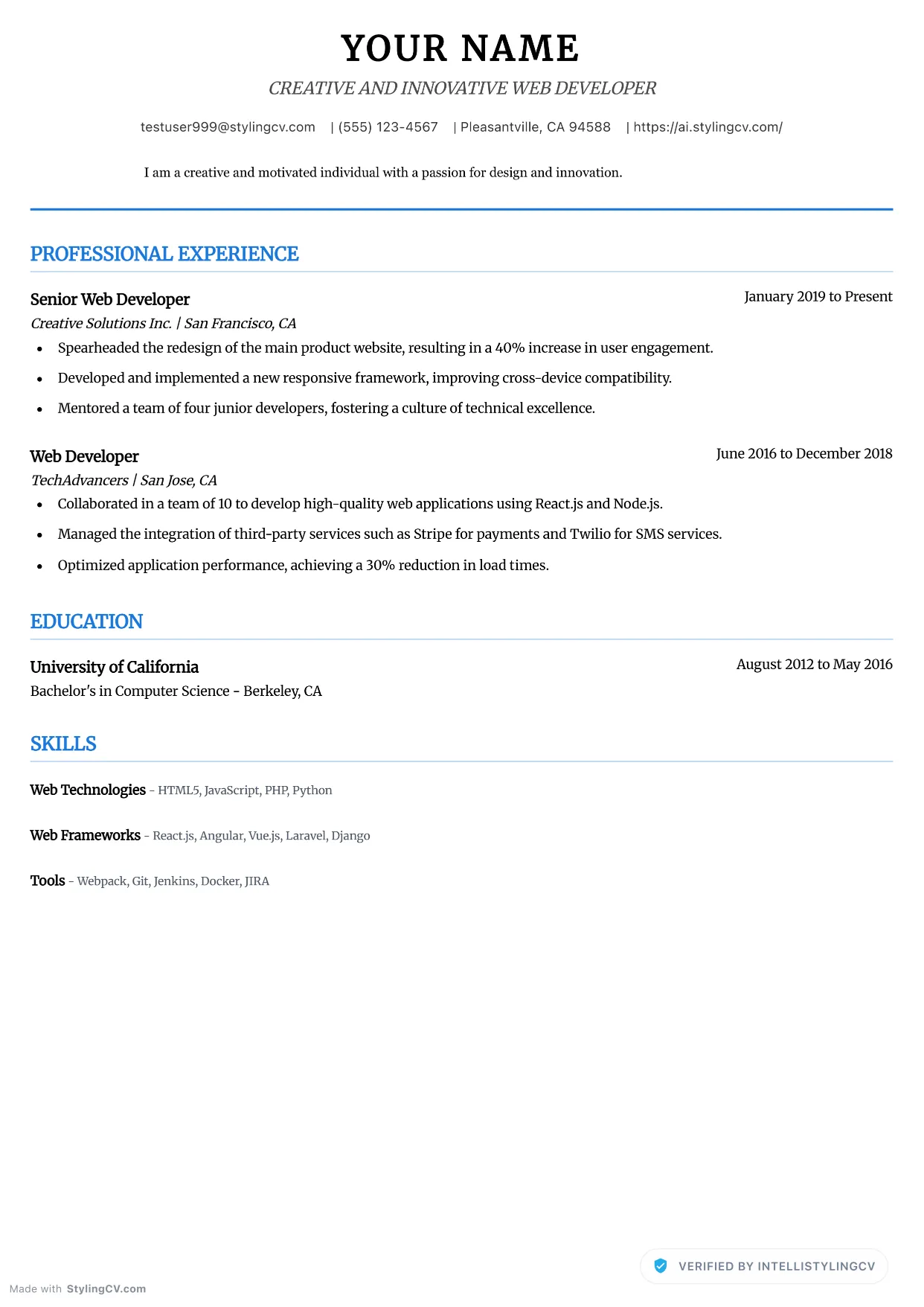
Executive Neat
Professional and modern resume template optimized for applicant tracking systems. A clean, ATS-friendly CV layout designed to help you land your next interview.
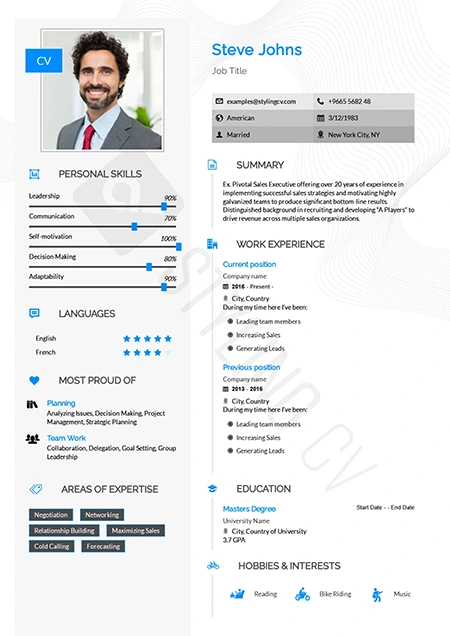
Feminine
Refined and stylish resume template with a modern feminine aesthetic. Perfect CV layout for fashion, beauty, lifestyle, and creative marketing roles.
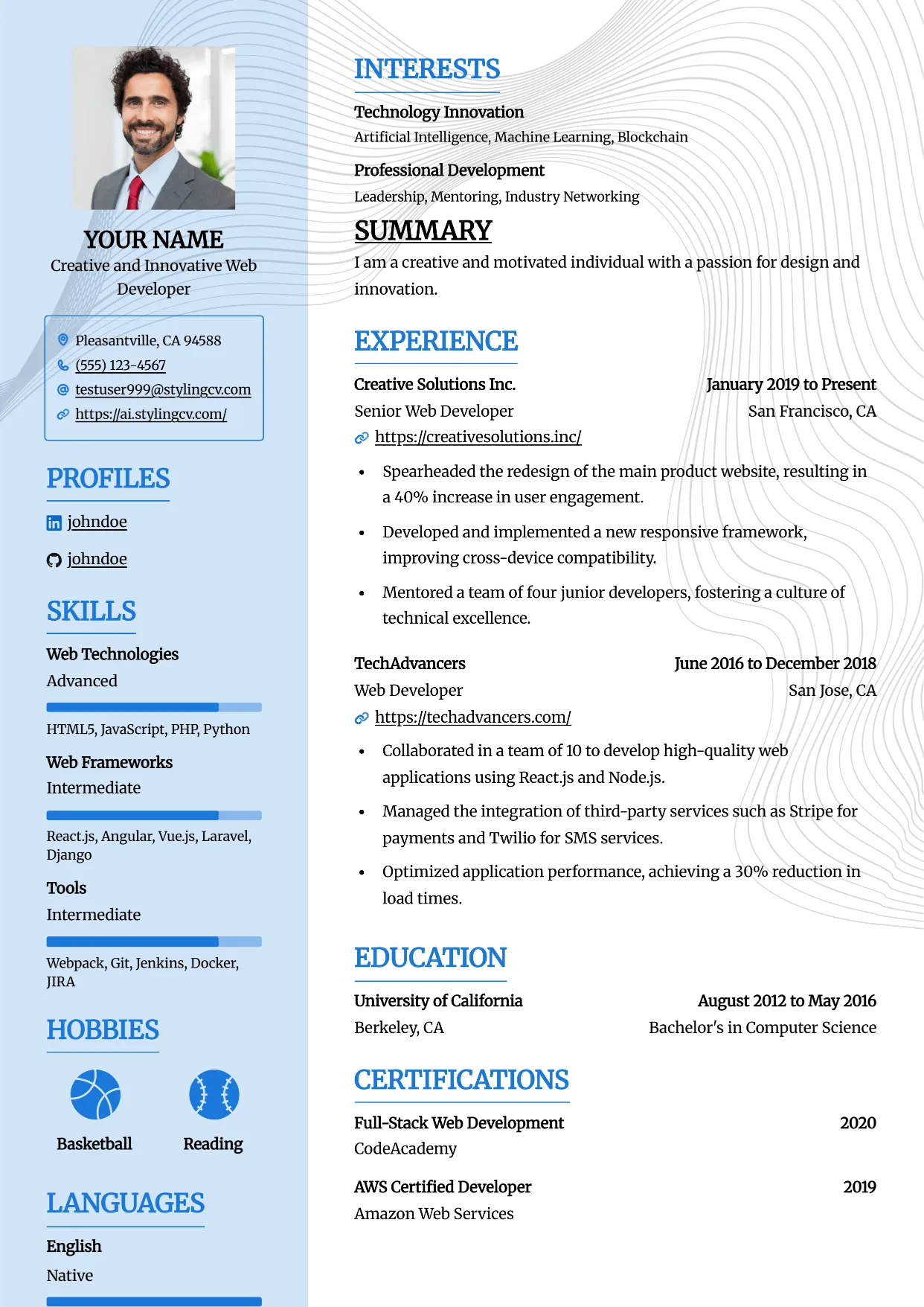
Framed
Professional and modern resume template optimized for applicant tracking systems. A clean, ATS-friendly CV layout designed to help you land your next interview.
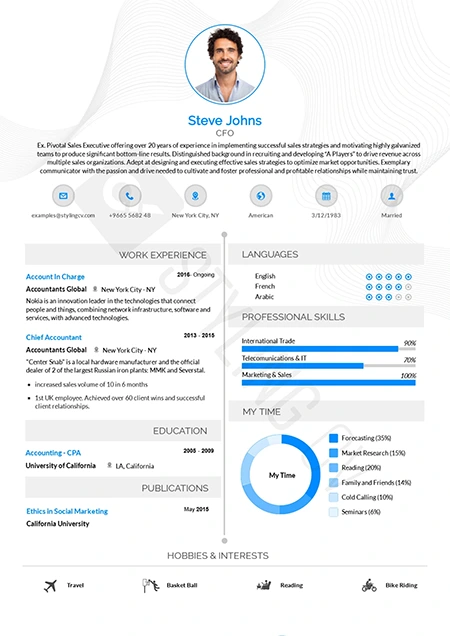
Functional
Skills-focused functional resume template ideal for career changers. A smart CV format that highlights transferrable skills over chronological work history.
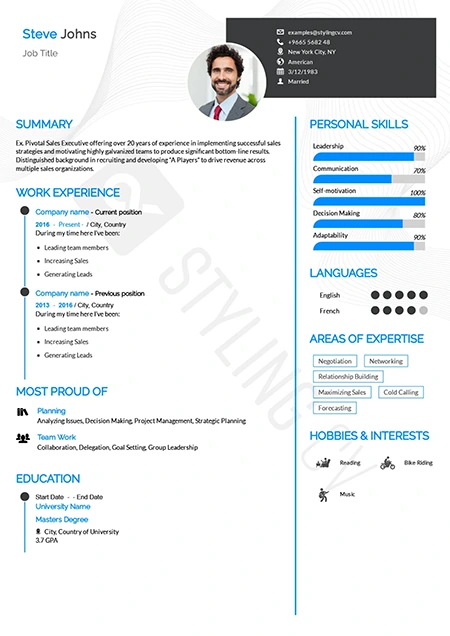
Genial
Approachable and modern resume template for customer-facing roles. An excellent professional CV layout for HR, sales, and service professionals.
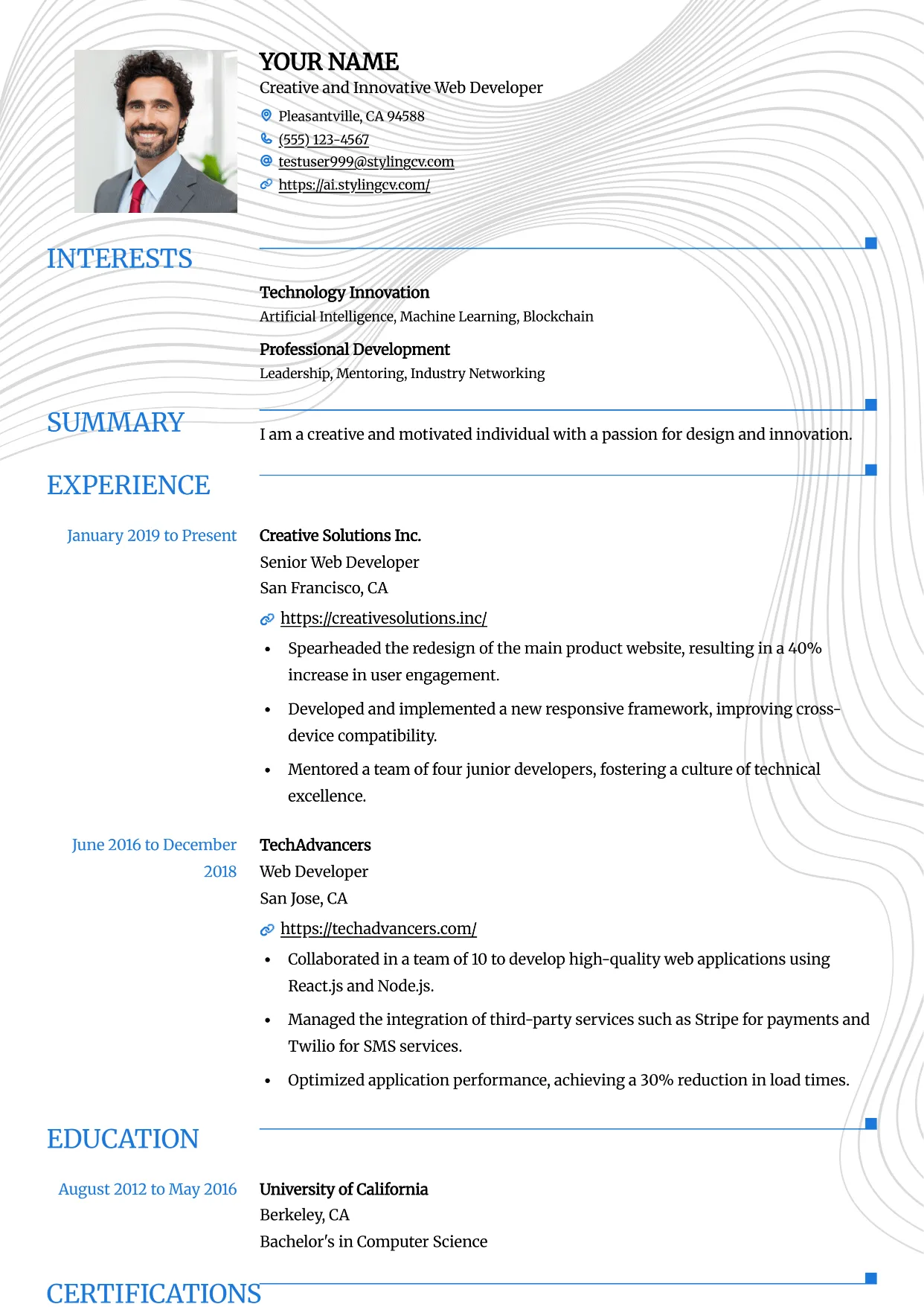
Grid
Professional and modern resume template optimized for applicant tracking systems. A clean, ATS-friendly CV layout designed to help you land your next interview.
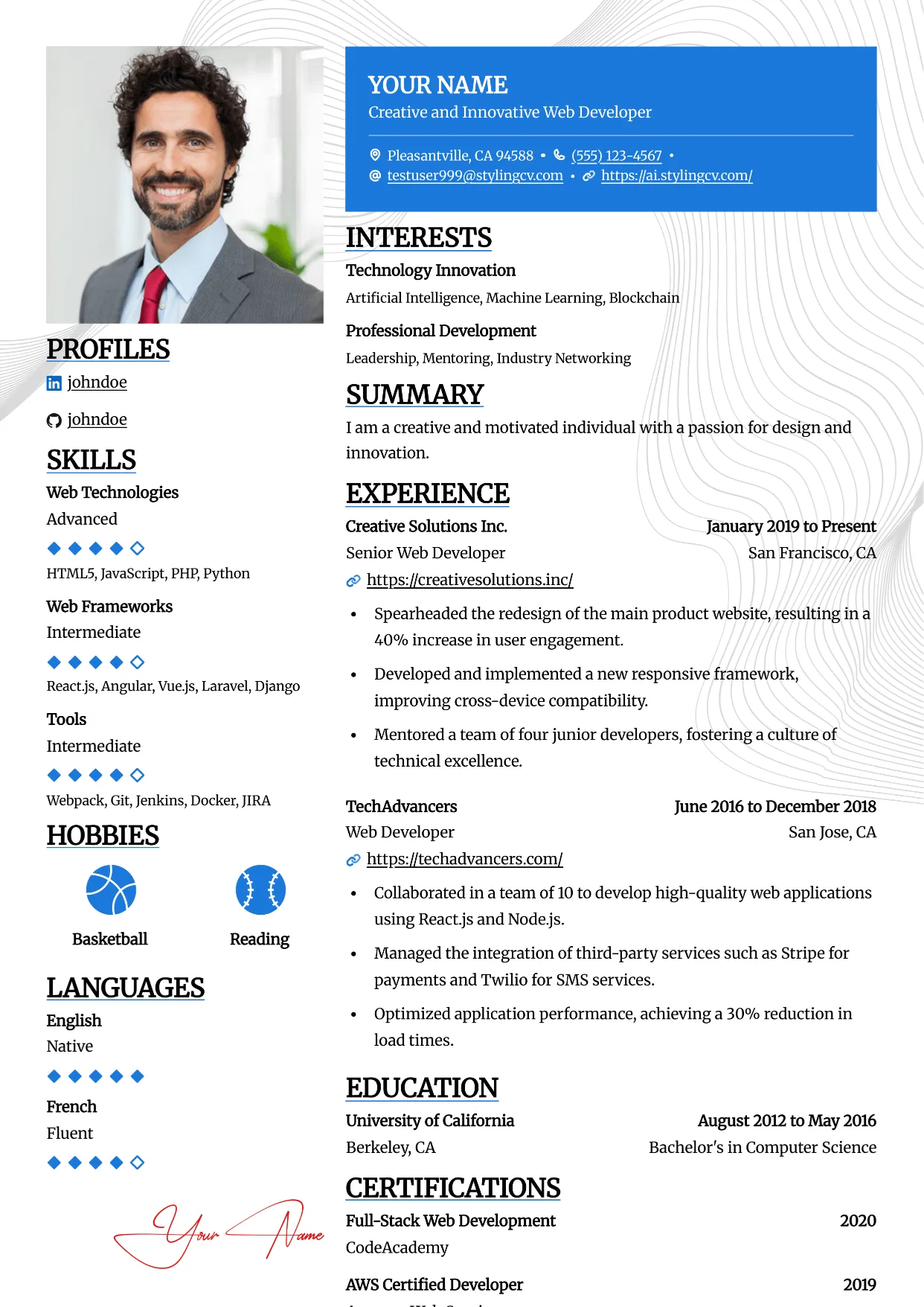
Highlight
Professional and modern resume template optimized for applicant tracking systems. A clean, ATS-friendly CV layout designed to help you land your next interview.
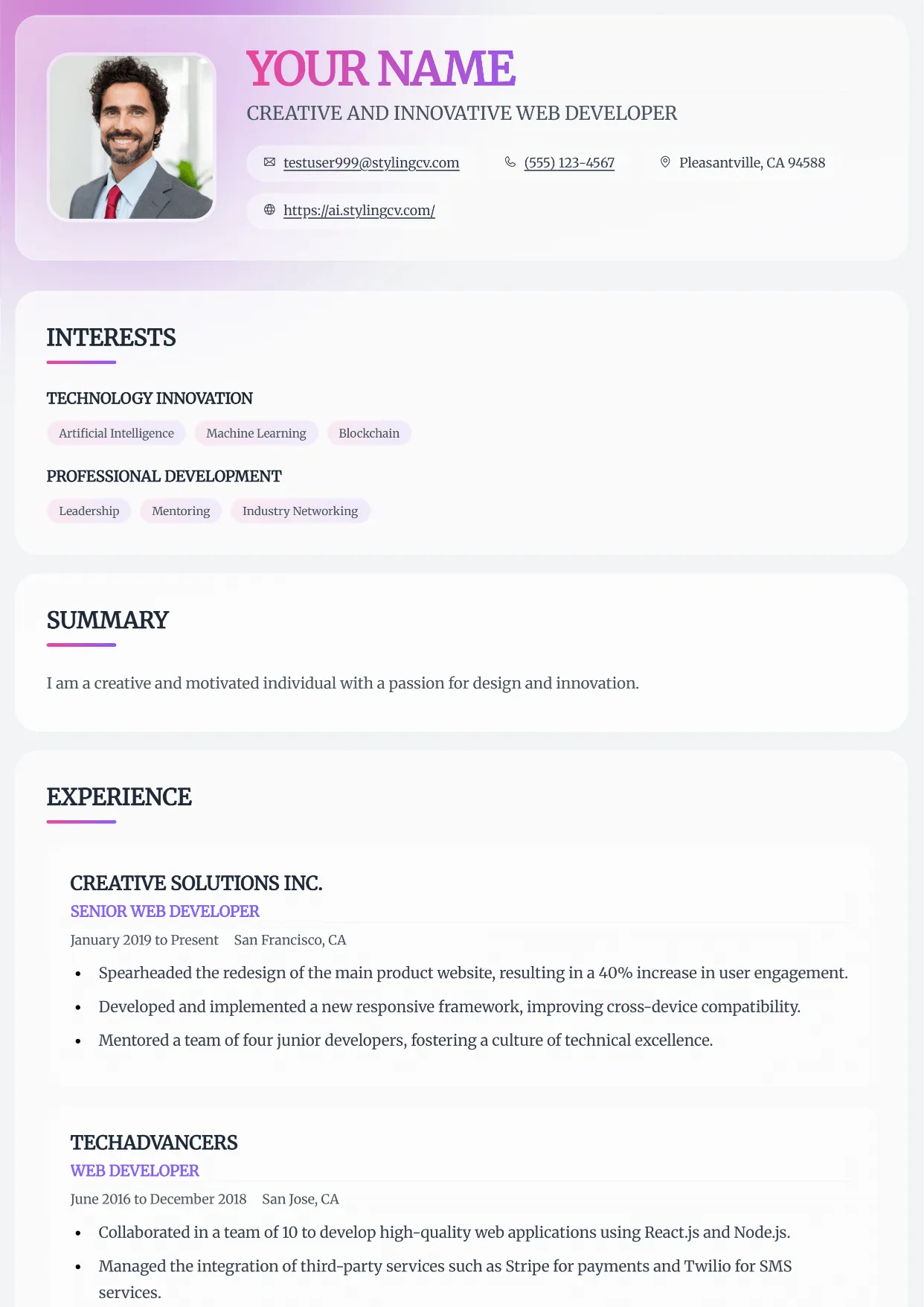
Horizon
Professional and modern resume template optimized for applicant tracking systems. A clean, ATS-friendly CV layout designed to help you land your next interview.
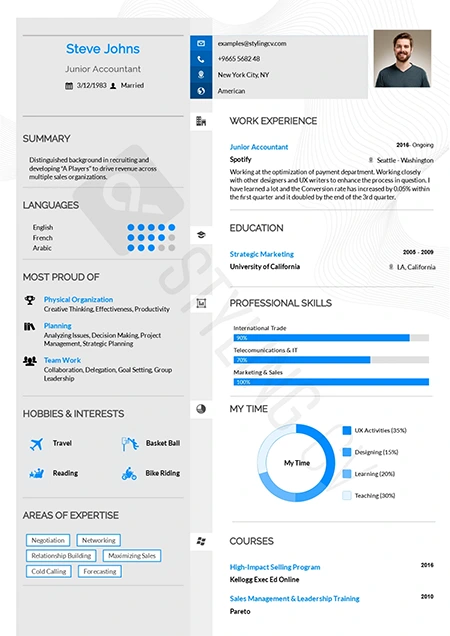
Influx
Dynamic and modern CV template tailored for marketing and communications. A high-flow resume design that beautifully organizes complex career data.
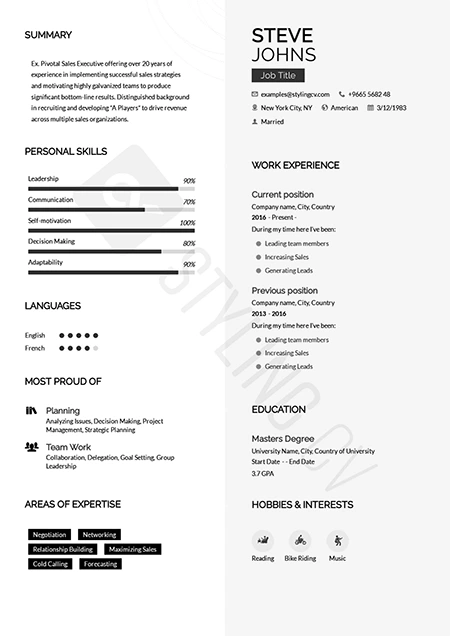
Katrina
Graceful modern resume template designed for personal brand building. A beautifully structured CV format that balances personality with professionalism.
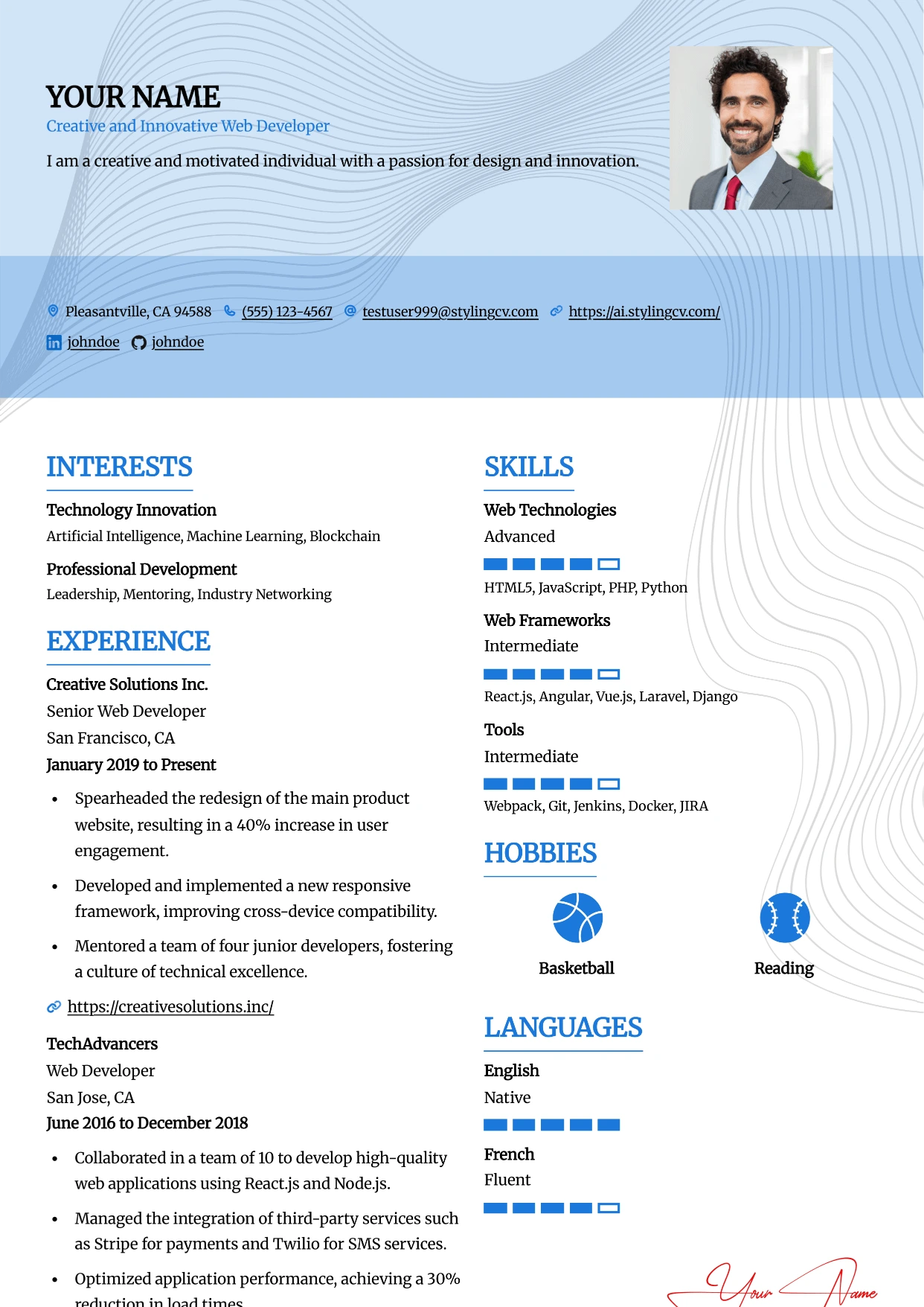
Leafish
Professional and modern resume template optimized for applicant tracking systems. A clean, ATS-friendly CV layout designed to help you land your next interview.
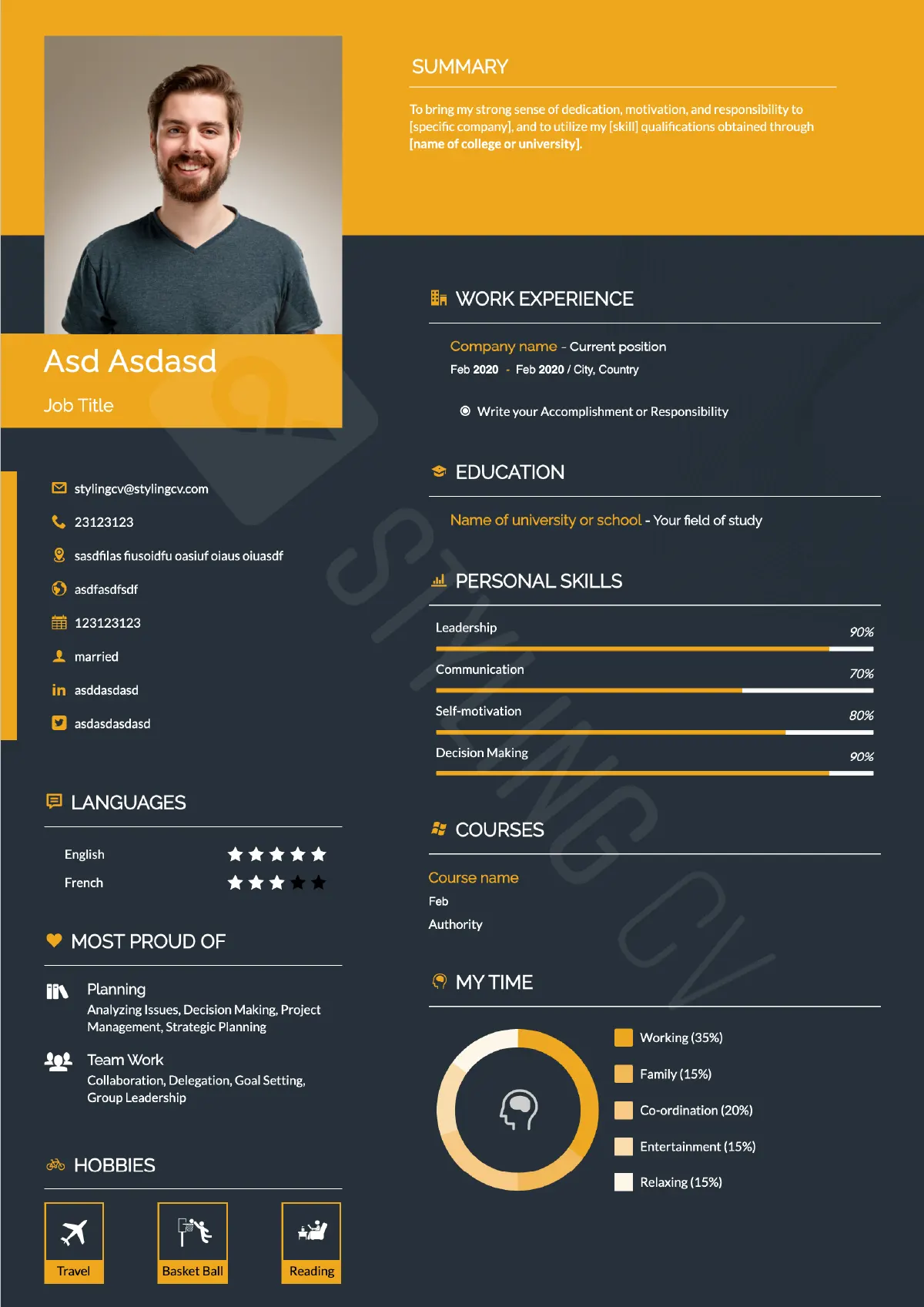
Mark
Strong hierarchical resume template for business development and sales. A high-impact professional CV layout optimized for quantifiable achievements.
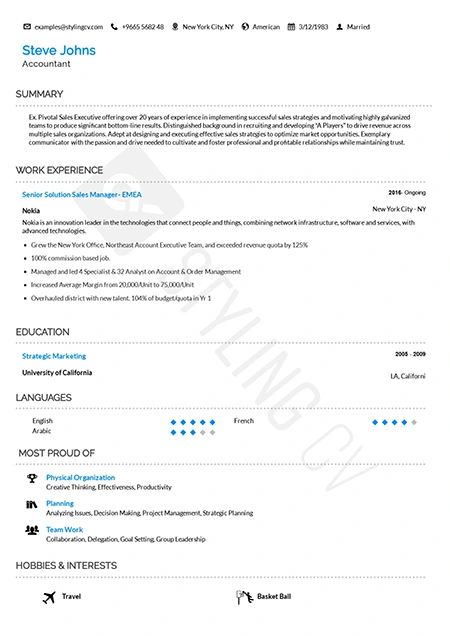
Metrix
Data-driven analytical resume template. The perfect ATS-friendly CV layout for data scientists, financial analysts, and quantitative professionals.
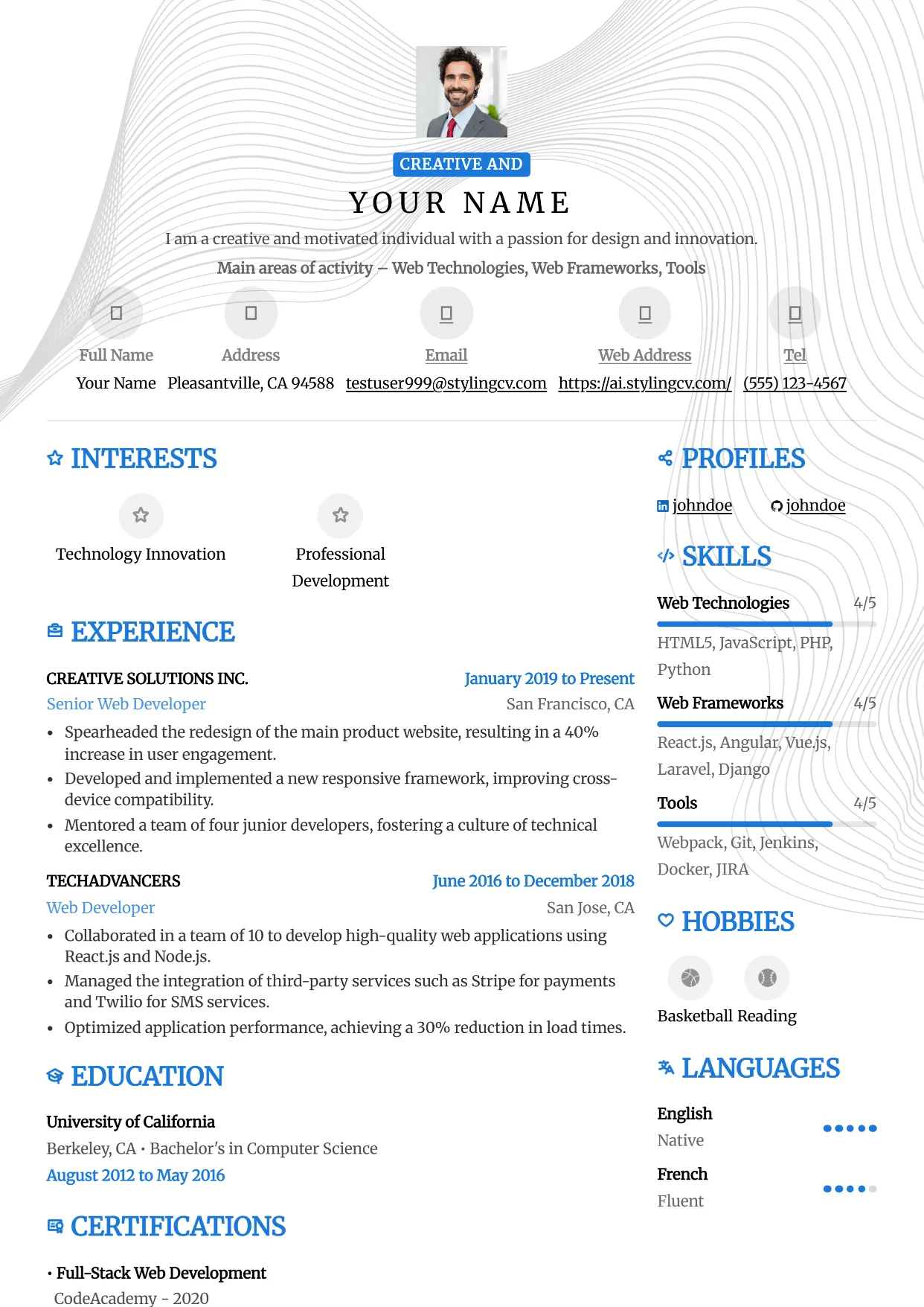
Metro
Professional and modern resume template optimized for applicant tracking systems. A clean, ATS-friendly CV layout designed to help you land your next interview.
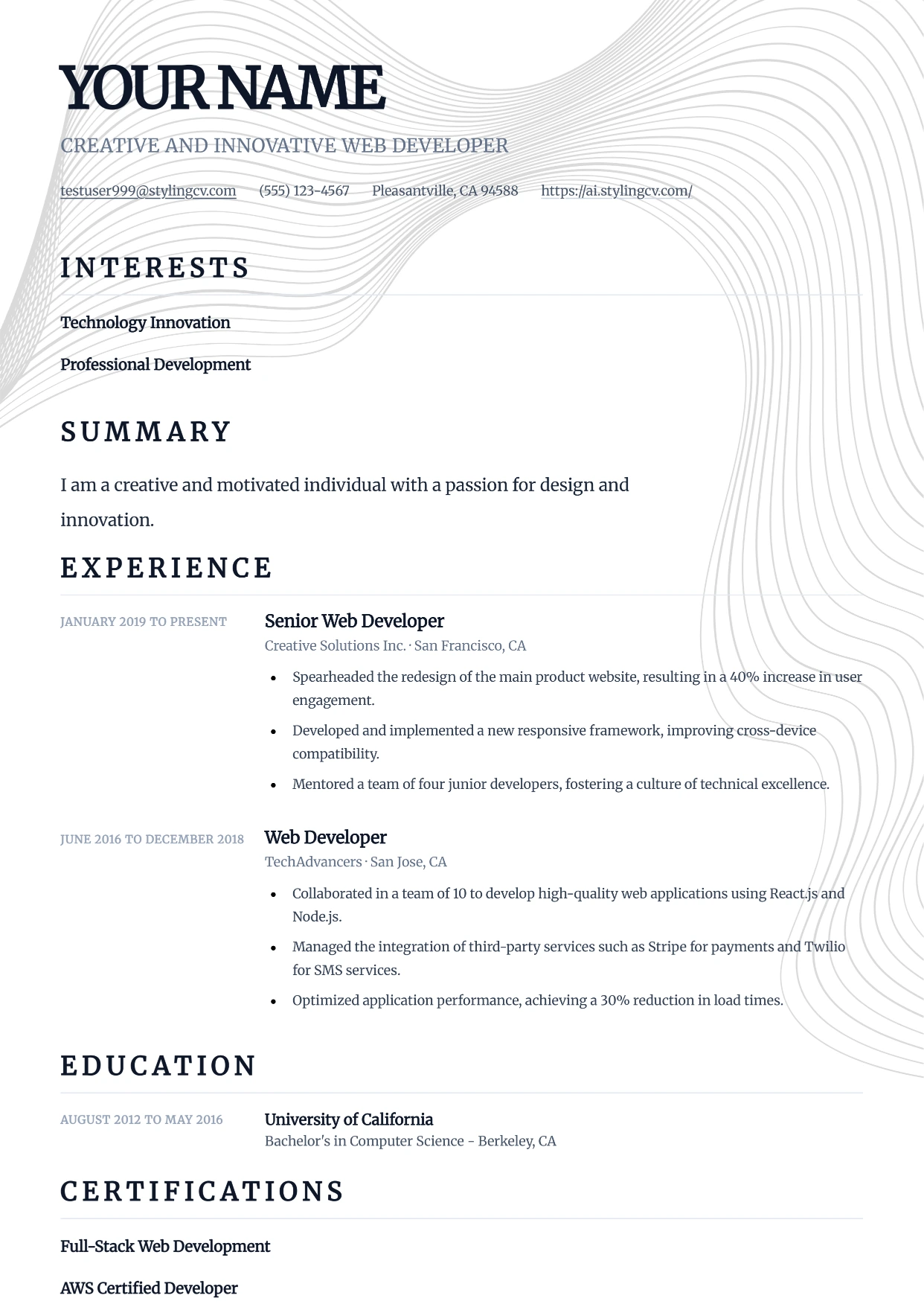
Minimal
Professional and modern resume template optimized for applicant tracking systems. A clean, ATS-friendly CV layout designed to help you land your next interview.
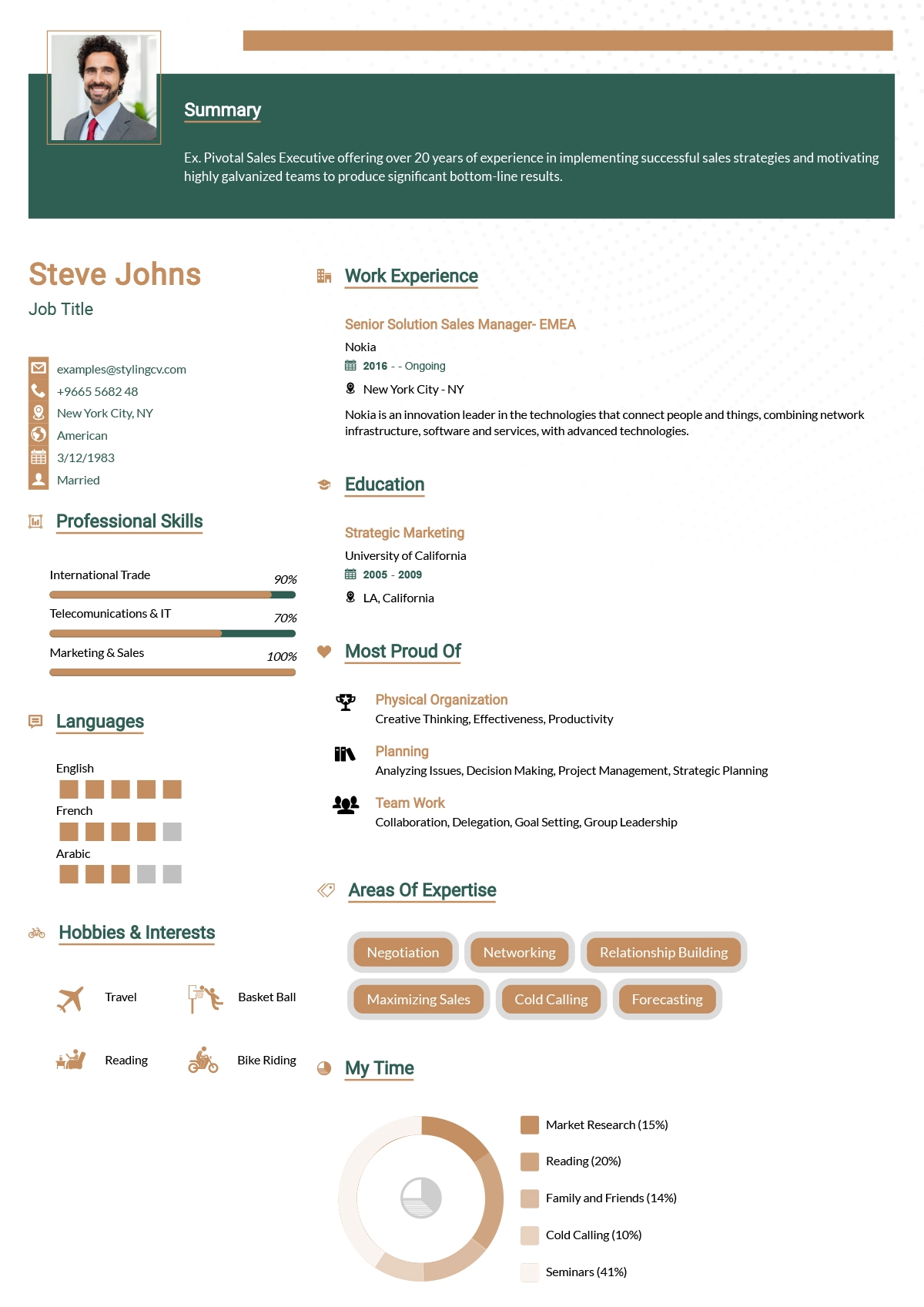
Minimalist
Ultra-clean minimalist resume template optimized for ATS parsing. A simple, no-distraction CV format that lets your professional experience speak for itself.
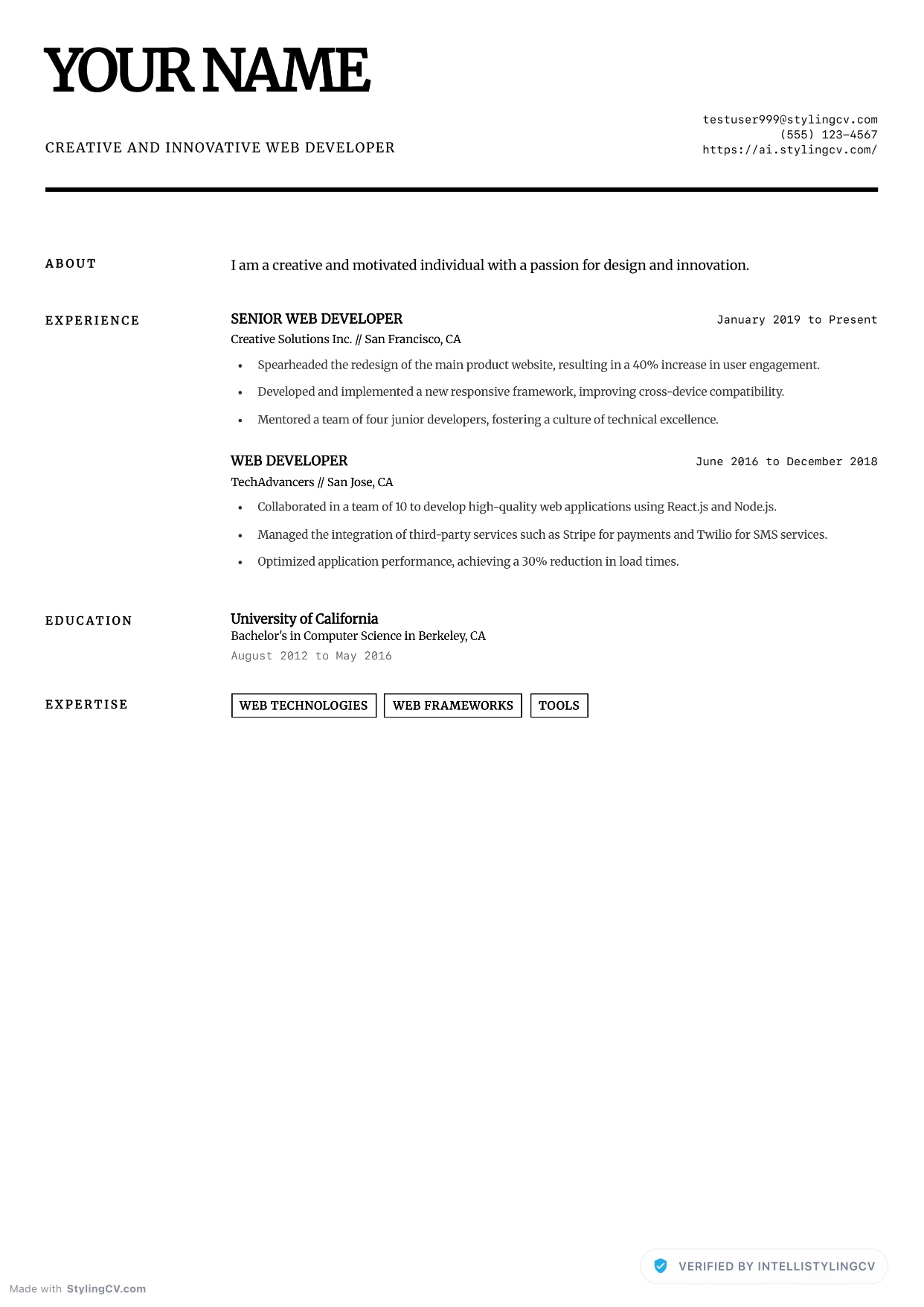
Minimalist Elite
Professional and modern resume template optimized for applicant tracking systems. A clean, ATS-friendly CV layout designed to help you land your next interview.
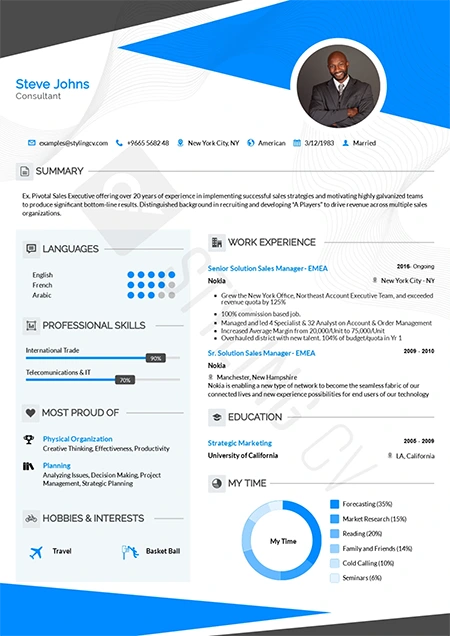
Modern
Contemporary professional resume template for the modern job market. A versatile, clean CV design that works perfectly across all corporate industries.
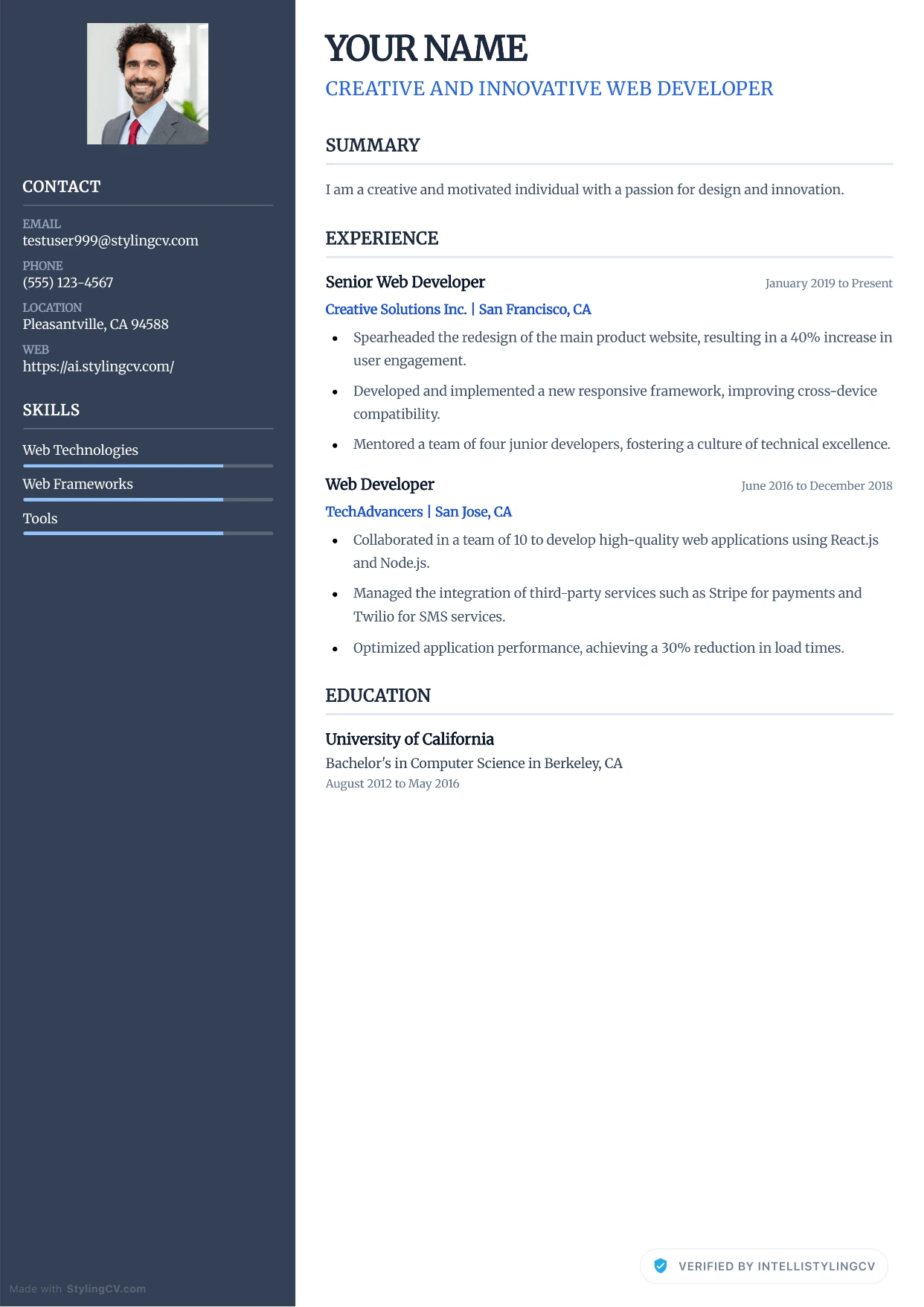
Modern Corporate
Professional and modern resume template optimized for applicant tracking systems. A clean, ATS-friendly CV layout designed to help you land your next interview.
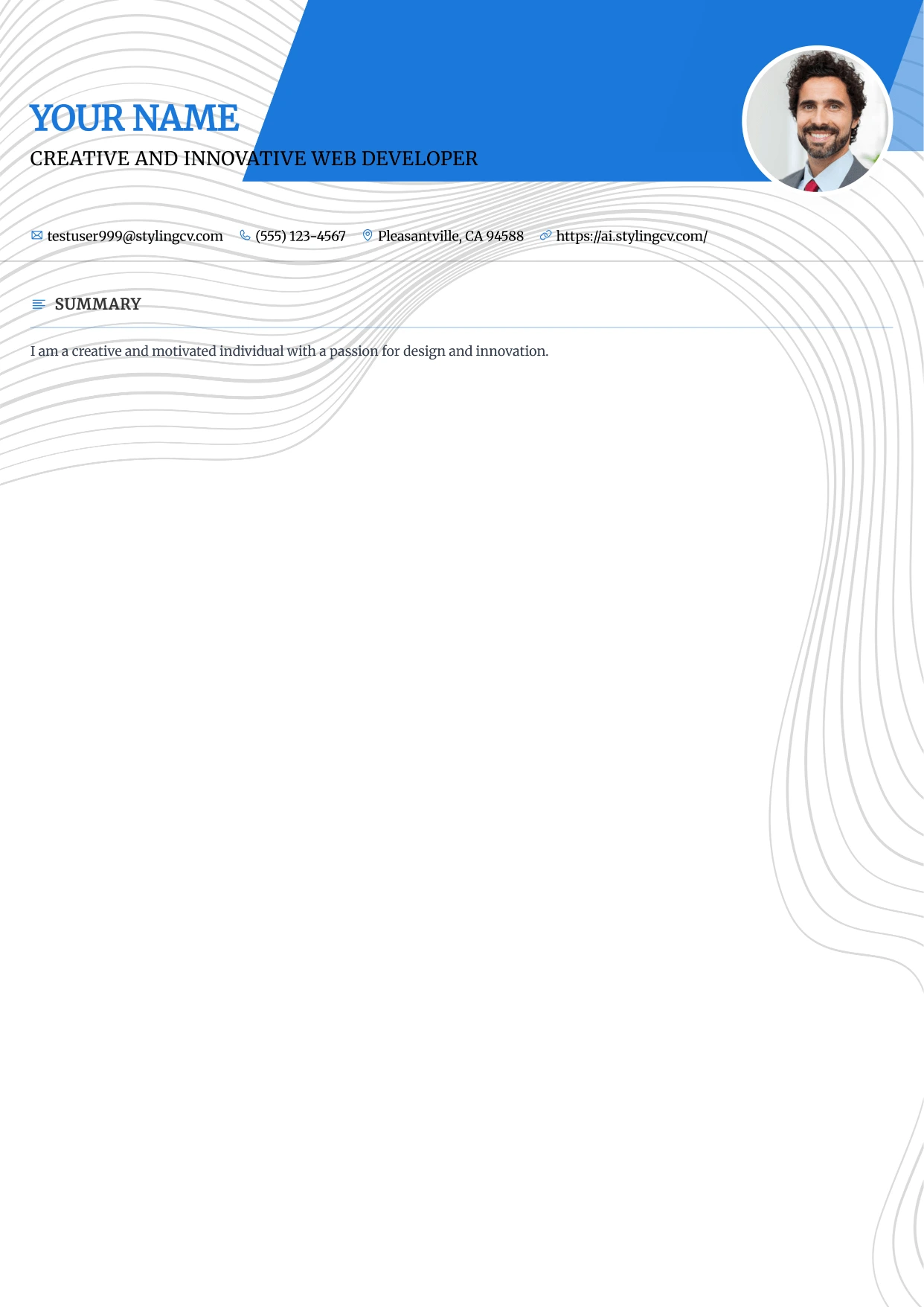
Modern Refined
Professional and modern resume template optimized for applicant tracking systems. A clean, ATS-friendly CV layout designed to help you land your next interview.
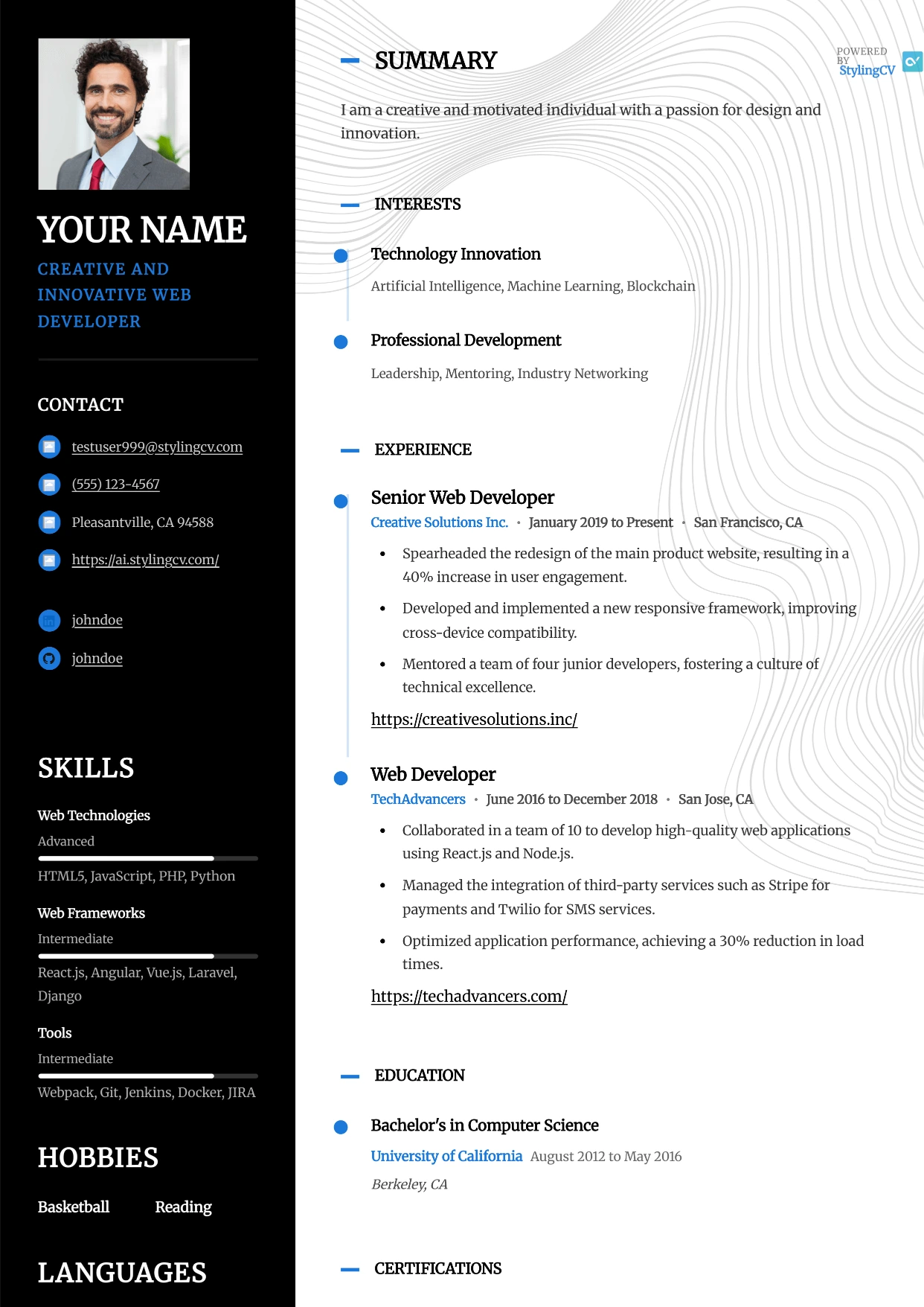
Modernist
Professional and modern resume template optimized for applicant tracking systems. A clean, ATS-friendly CV layout designed to help you land your next interview.
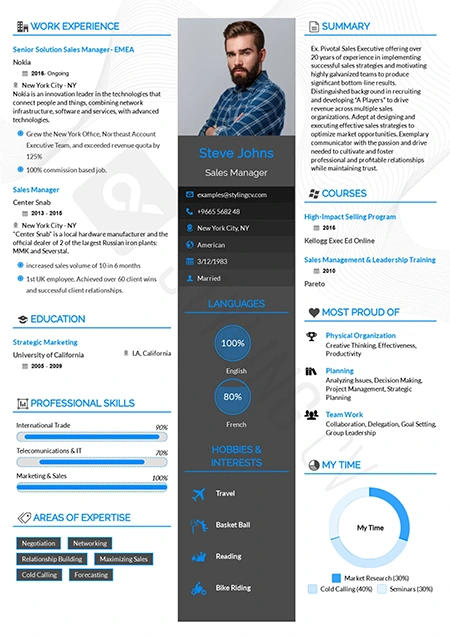
Newcast
Fresh and modern resume format for broadcasting, media, and tech. A highly readable CV template designed to effectively showcase diverse skill sets.
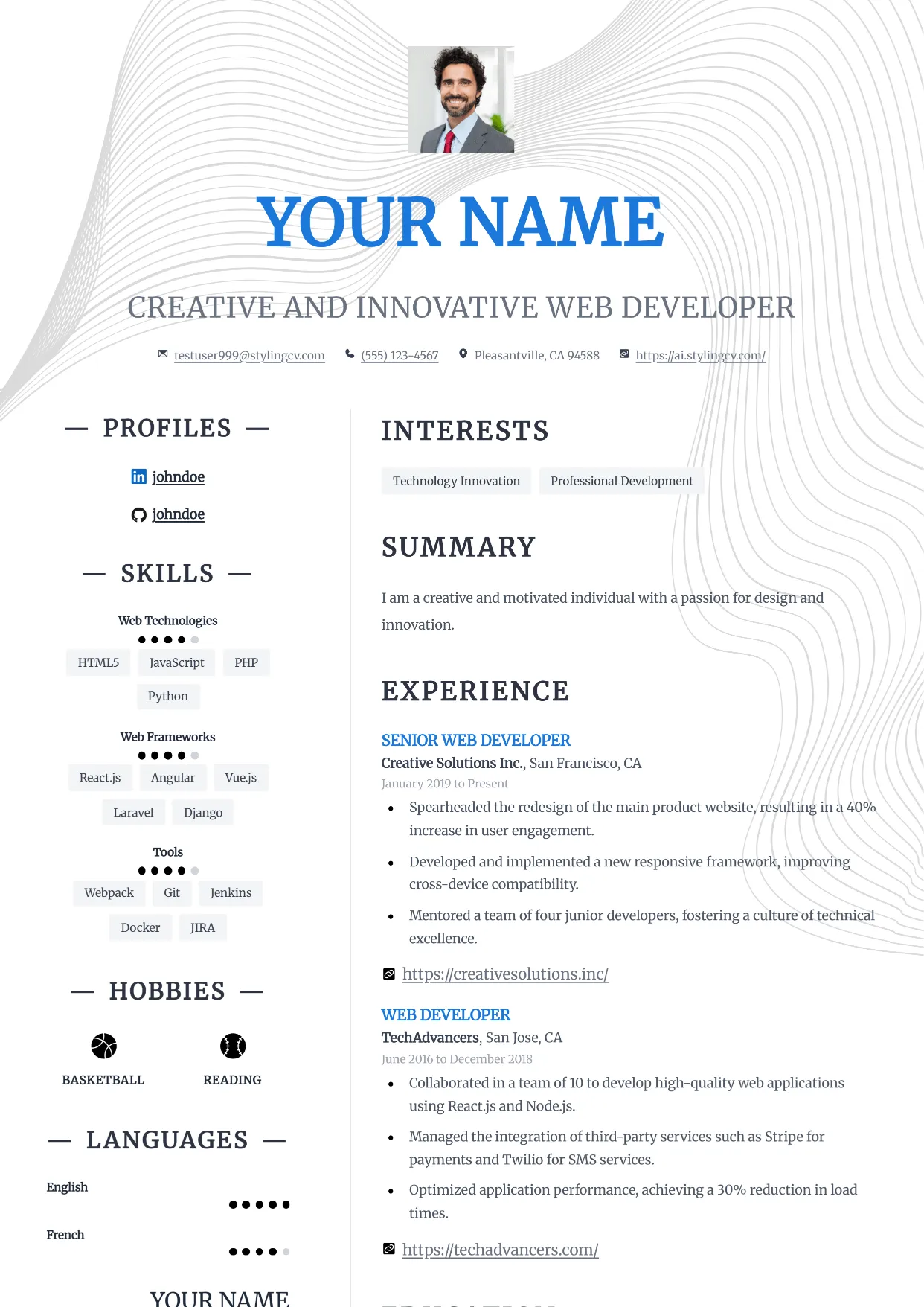
Nexus
Professional and modern resume template optimized for applicant tracking systems. A clean, ATS-friendly CV layout designed to help you land your next interview.
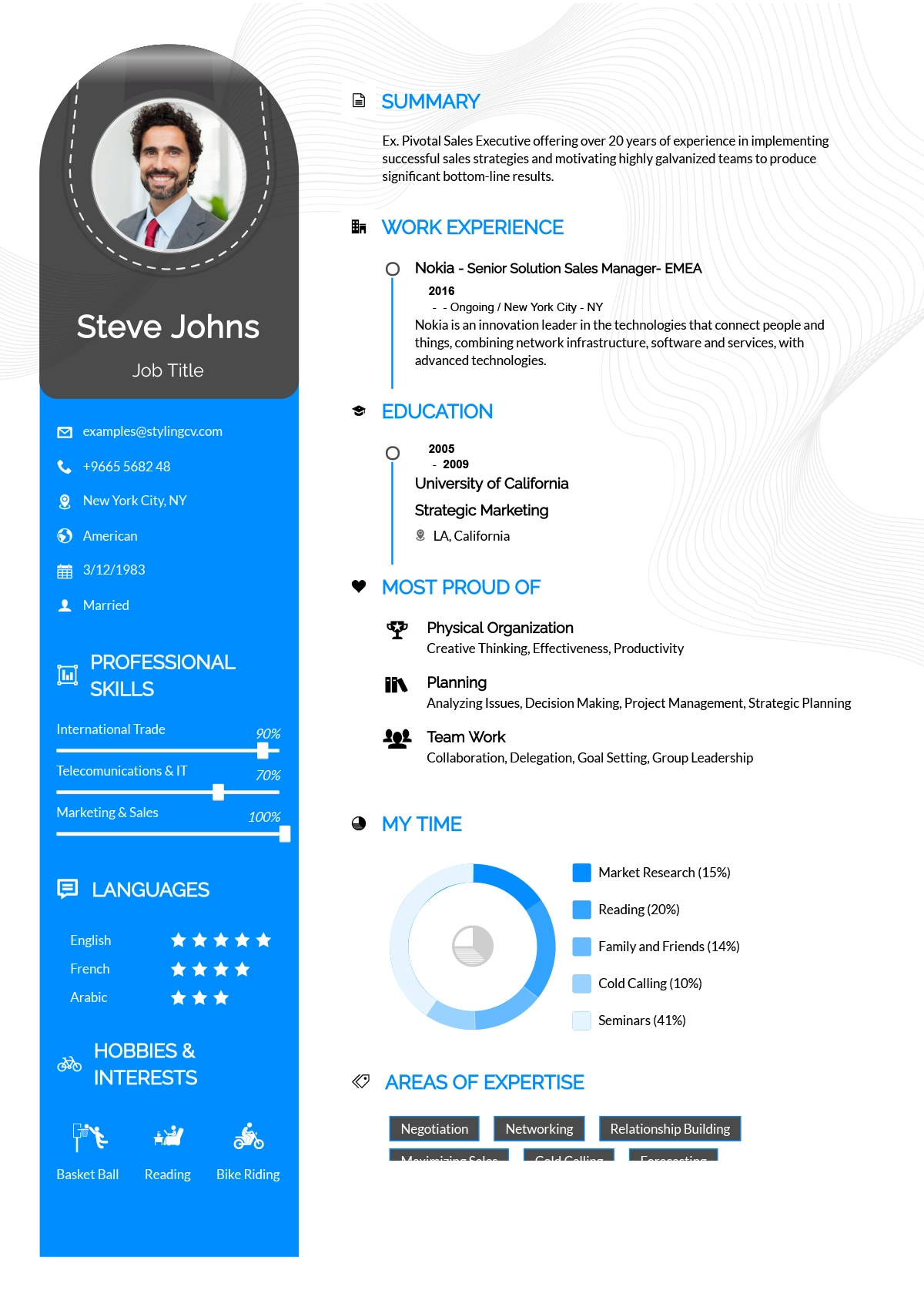
Noon
Bright and optimistic creative resume template. A modern, engaging CV layout designed to help entry-level and customer-service professionals stand out.
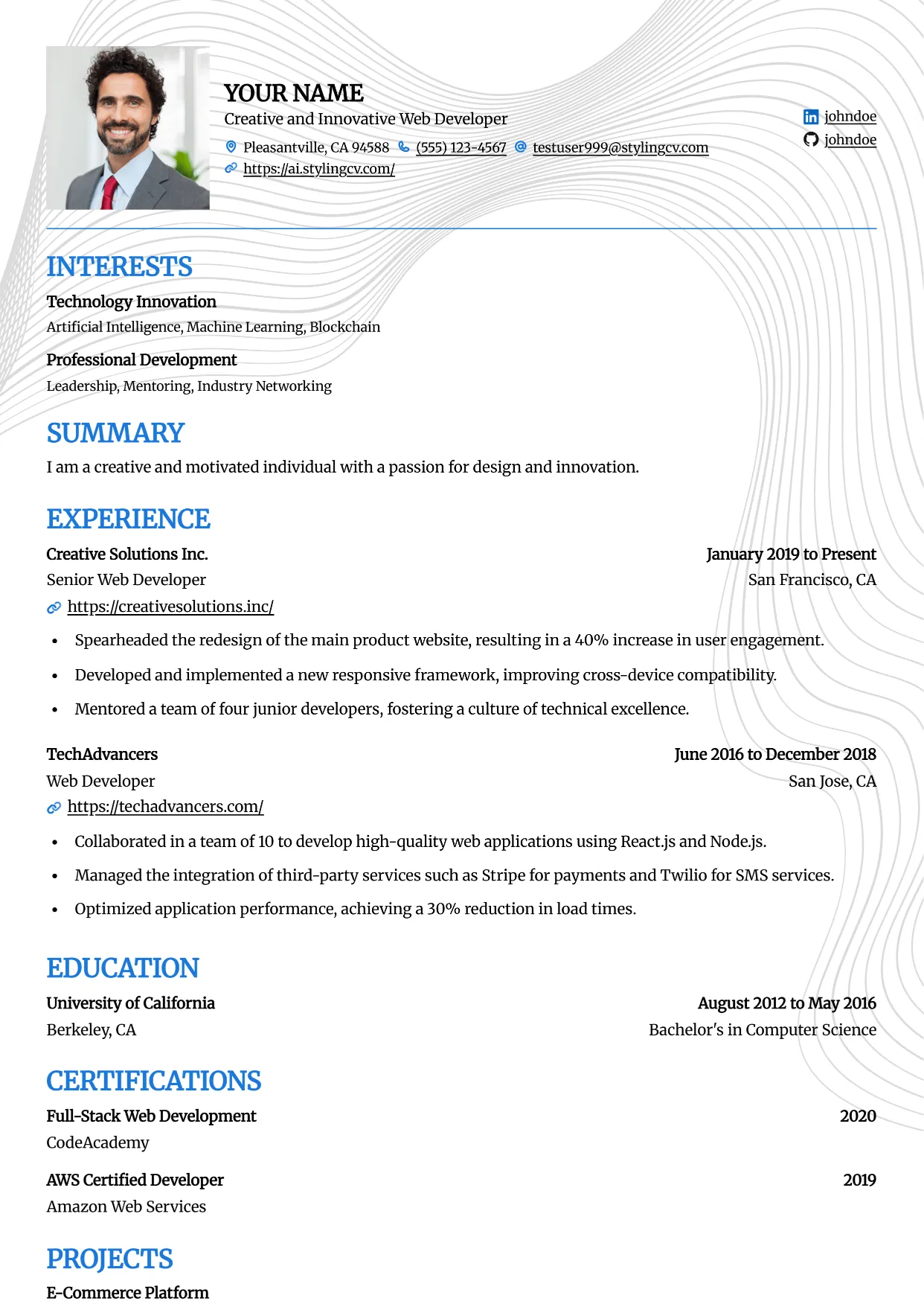
Onyx
Professional and modern resume template optimized for applicant tracking systems. A clean, ATS-friendly CV layout designed to help you land your next interview.
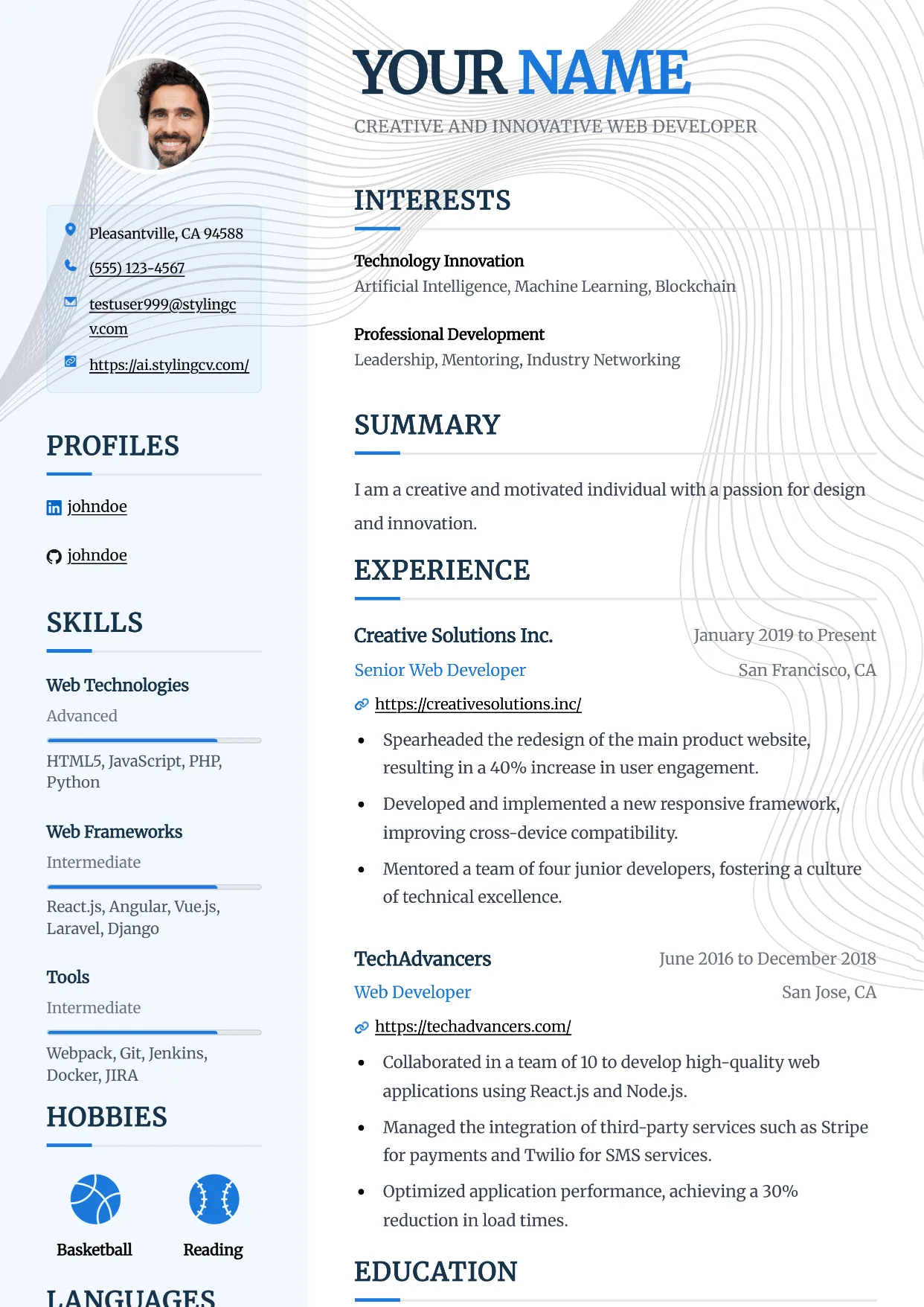
Pinnacle
Professional and modern resume template optimized for applicant tracking systems. A clean, ATS-friendly CV layout designed to help you land your next interview.
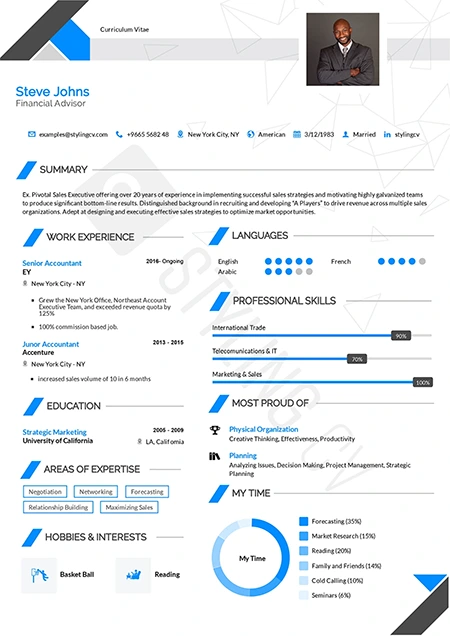
Polygon
Structured geometric resume template tailored for STEM professionals. An excellent modern CV layout for engineers, architects, and technical specialists.
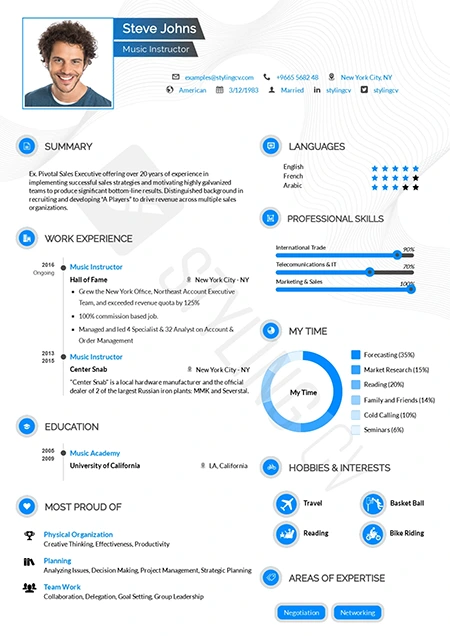
Pre Classic
Traditional resume format with subtle modern design touches. A highly effective, conservative CV template perfect for finance and government applications.
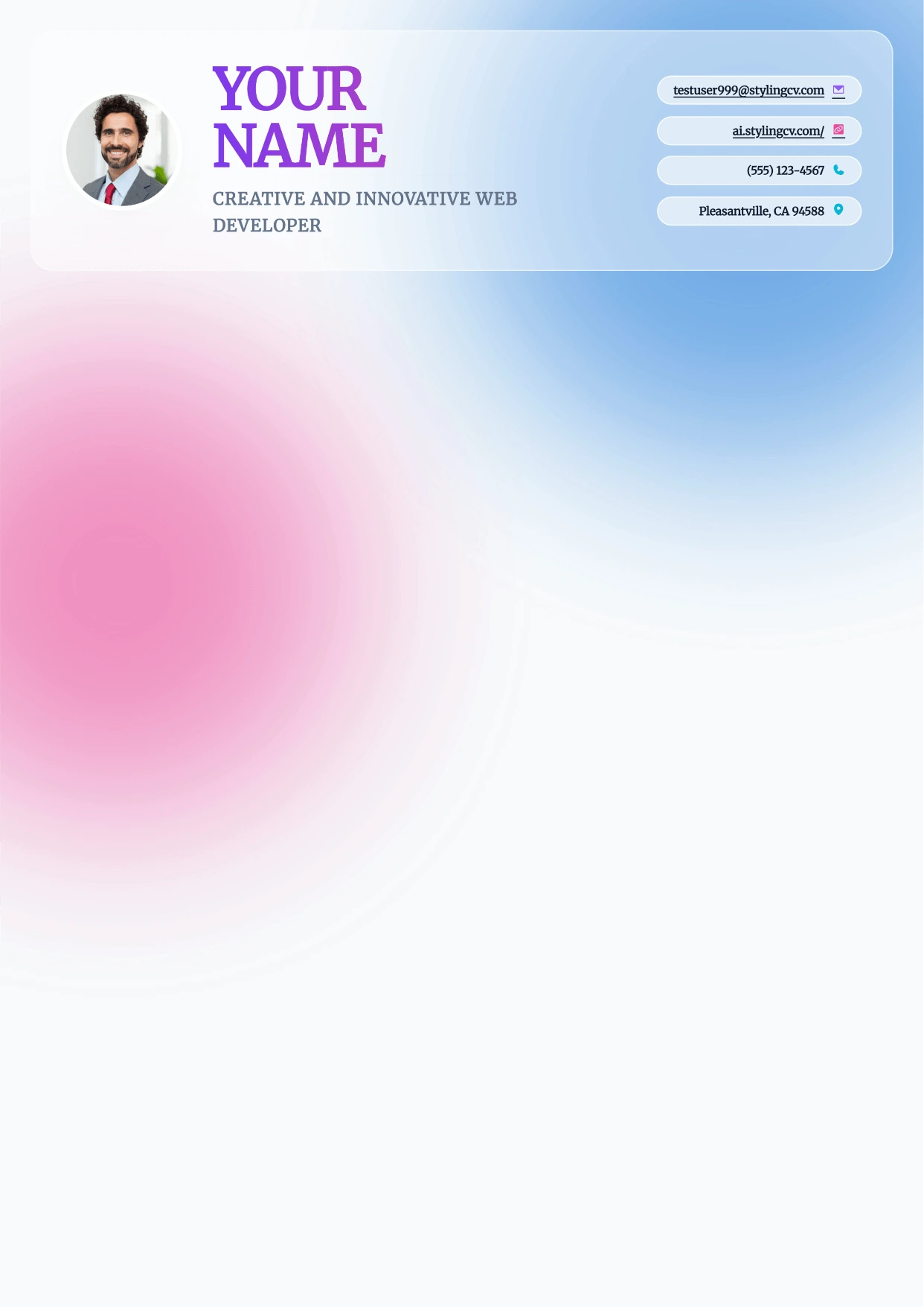
Prism
Professional and modern resume template optimized for applicant tracking systems. A clean, ATS-friendly CV layout designed to help you land your next interview.
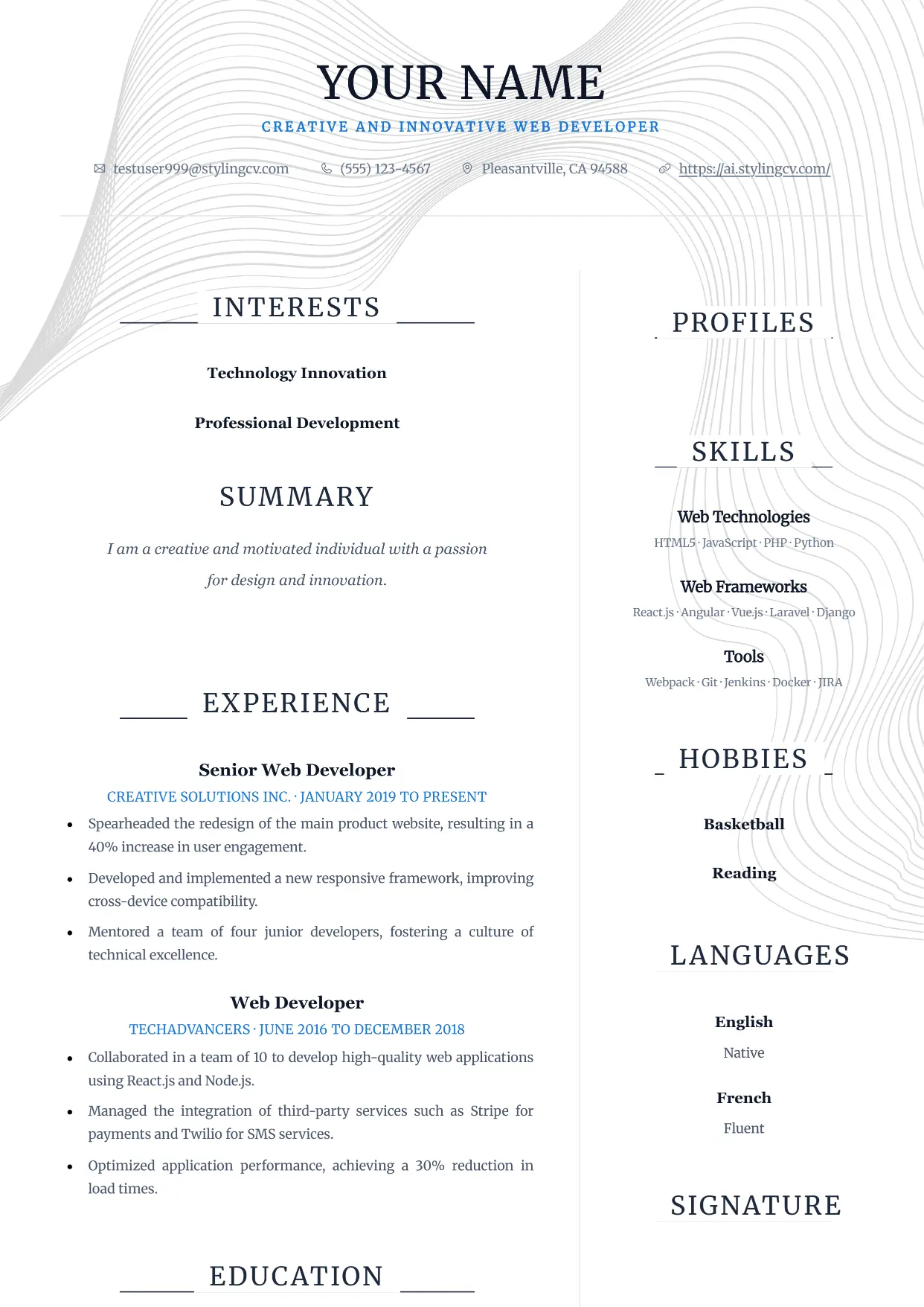
Pure
Professional and modern resume template optimized for applicant tracking systems. A clean, ATS-friendly CV layout designed to help you land your next interview.
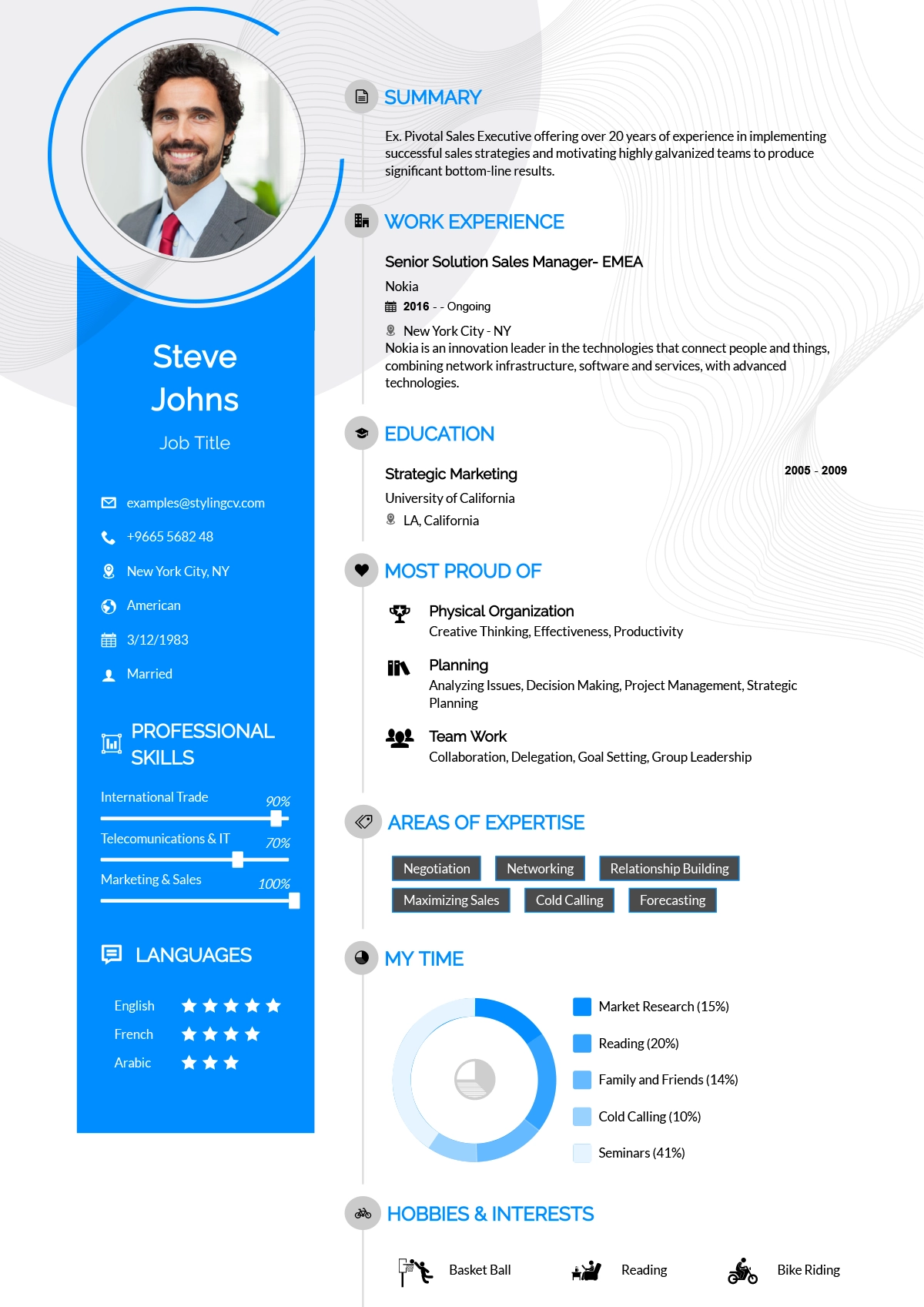
Rayhan
Comprehensive professional resume template for senior-level candidates. A detailed CV layout designed to handle extensive work history and academic backgrounds.
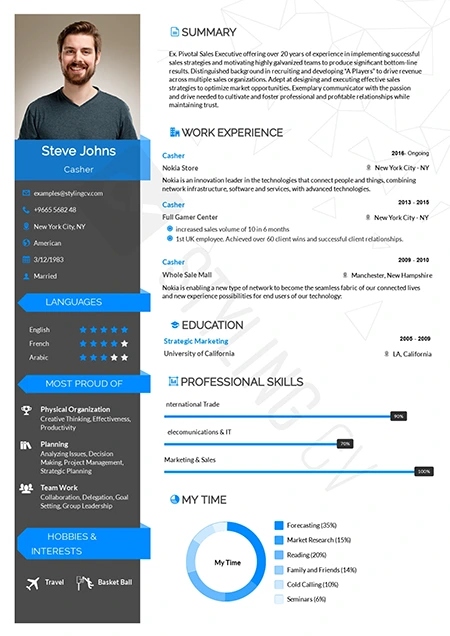
Rebbo
Playful yet professional modern resume template. An engaging CV layout perfectly suited for startup environments, tech companies, and creative agencies.
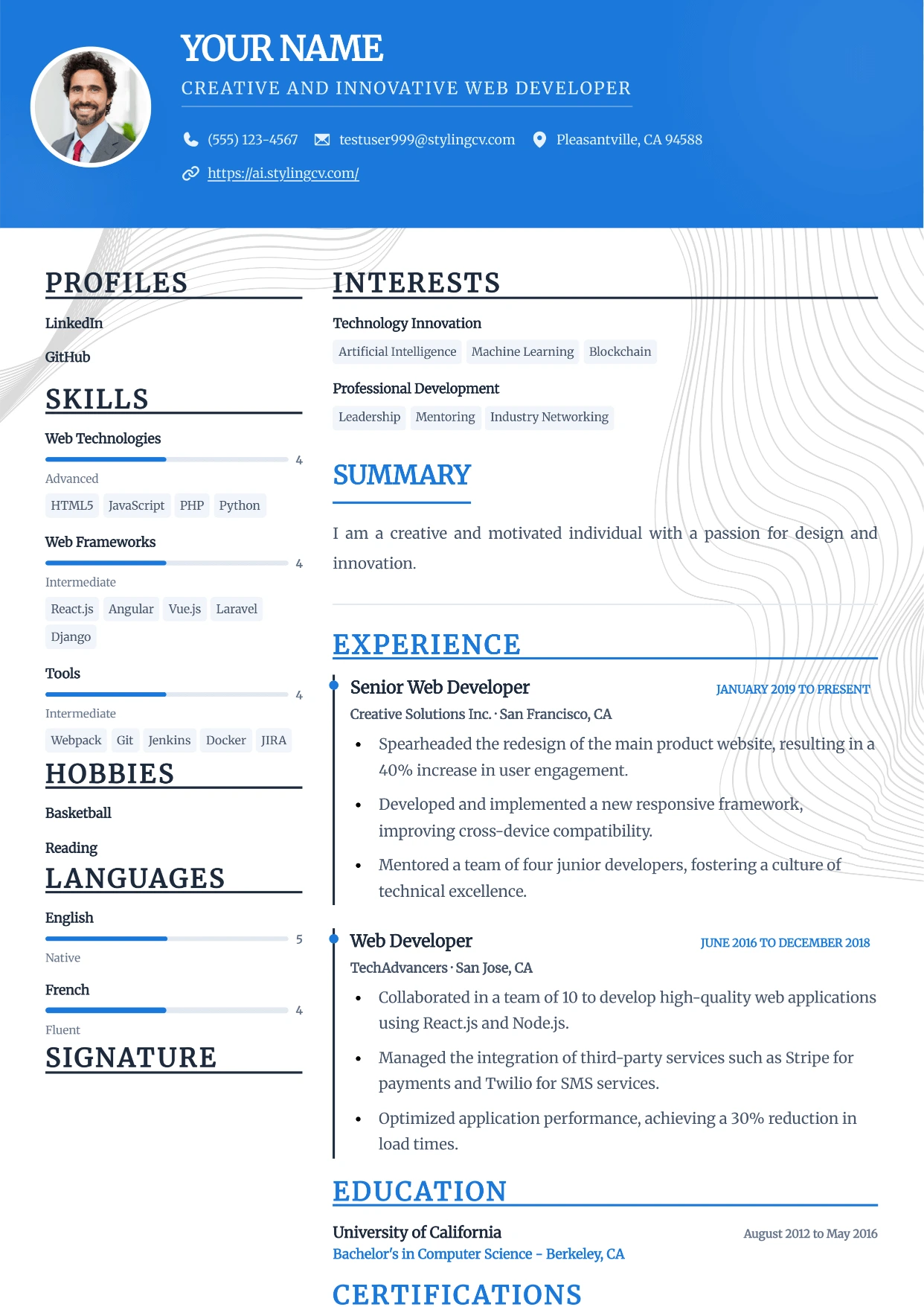
Sidebar
Professional and modern resume template optimized for applicant tracking systems. A clean, ATS-friendly CV layout designed to help you land your next interview.
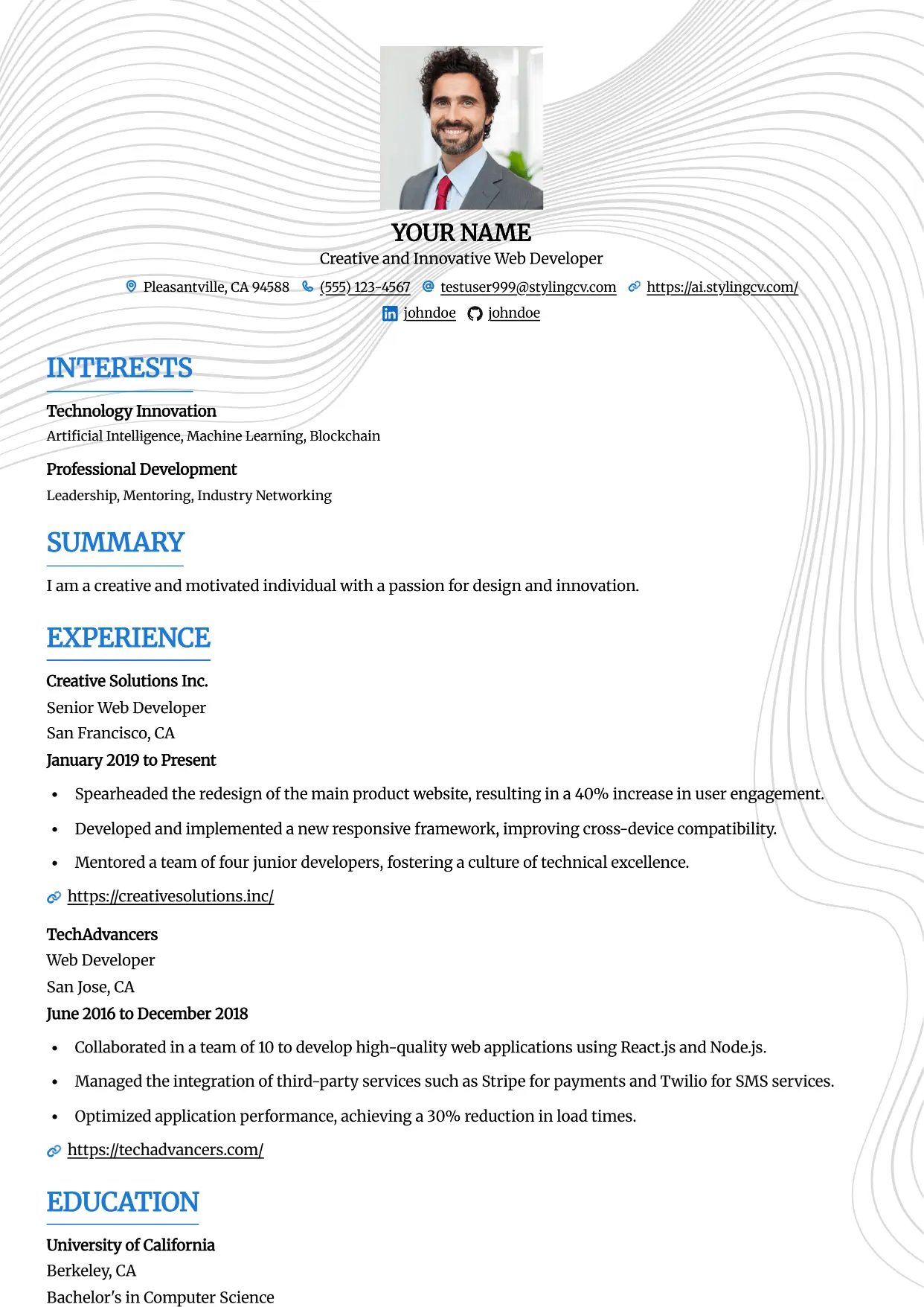
Simple
Professional and modern resume template optimized for applicant tracking systems. A clean, ATS-friendly CV layout designed to help you land your next interview.
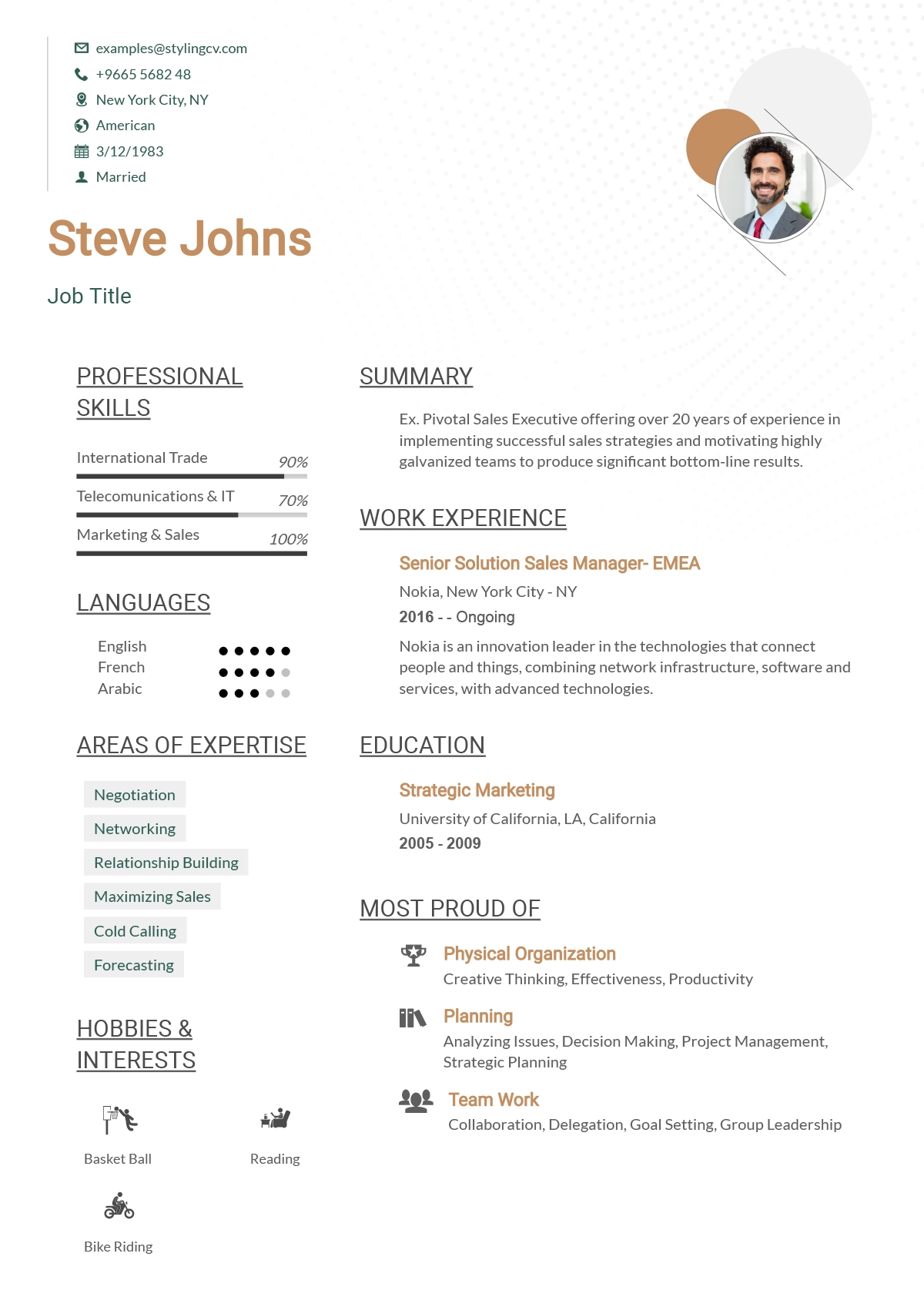
Simplified
Streamlined, straightforward ATS resume template. A highly effective, minimalist CV format designed to beat digital screeners and applicant tracking systems.
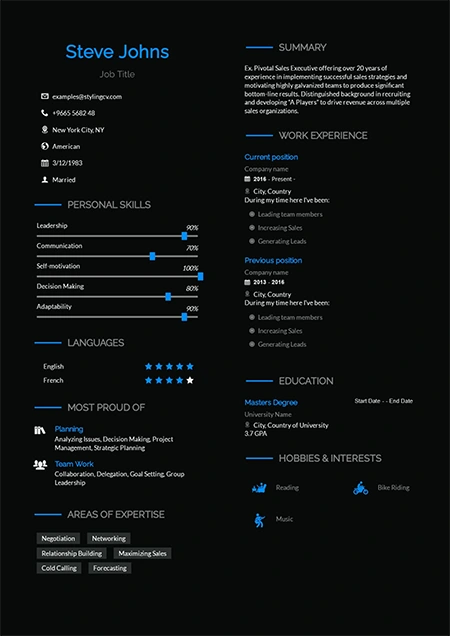
Sireva
Flowing and elegant creative resume template. A beautifully designed CV layout perfect for creative directors, brand managers, and design leads.
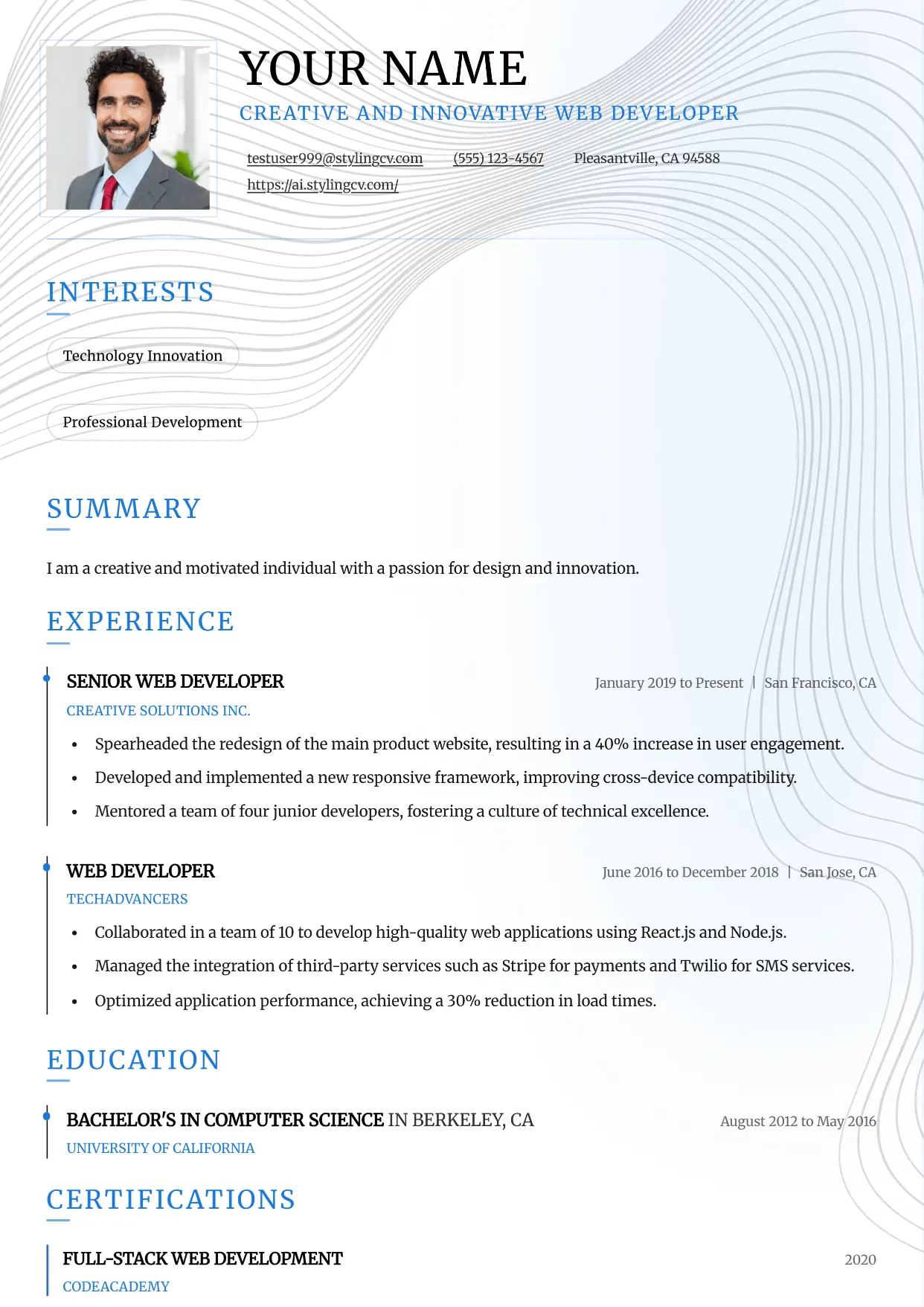
Slate
Professional and modern resume template optimized for applicant tracking systems. A clean, ATS-friendly CV layout designed to help you land your next interview.
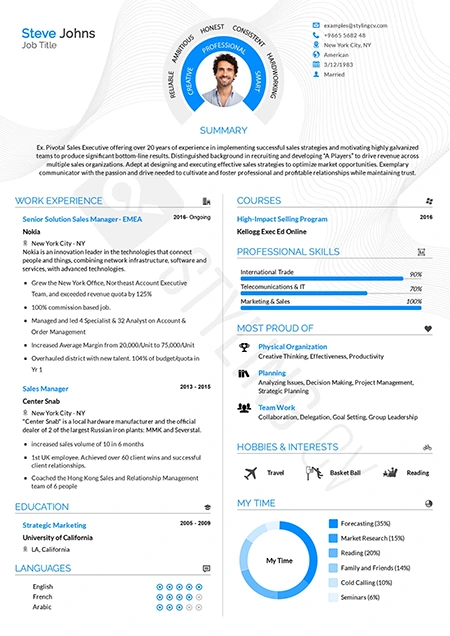
Smart
Intelligent, highly organized resume template for academic and research roles. A professional CV layout designed to emphasize education and publications.
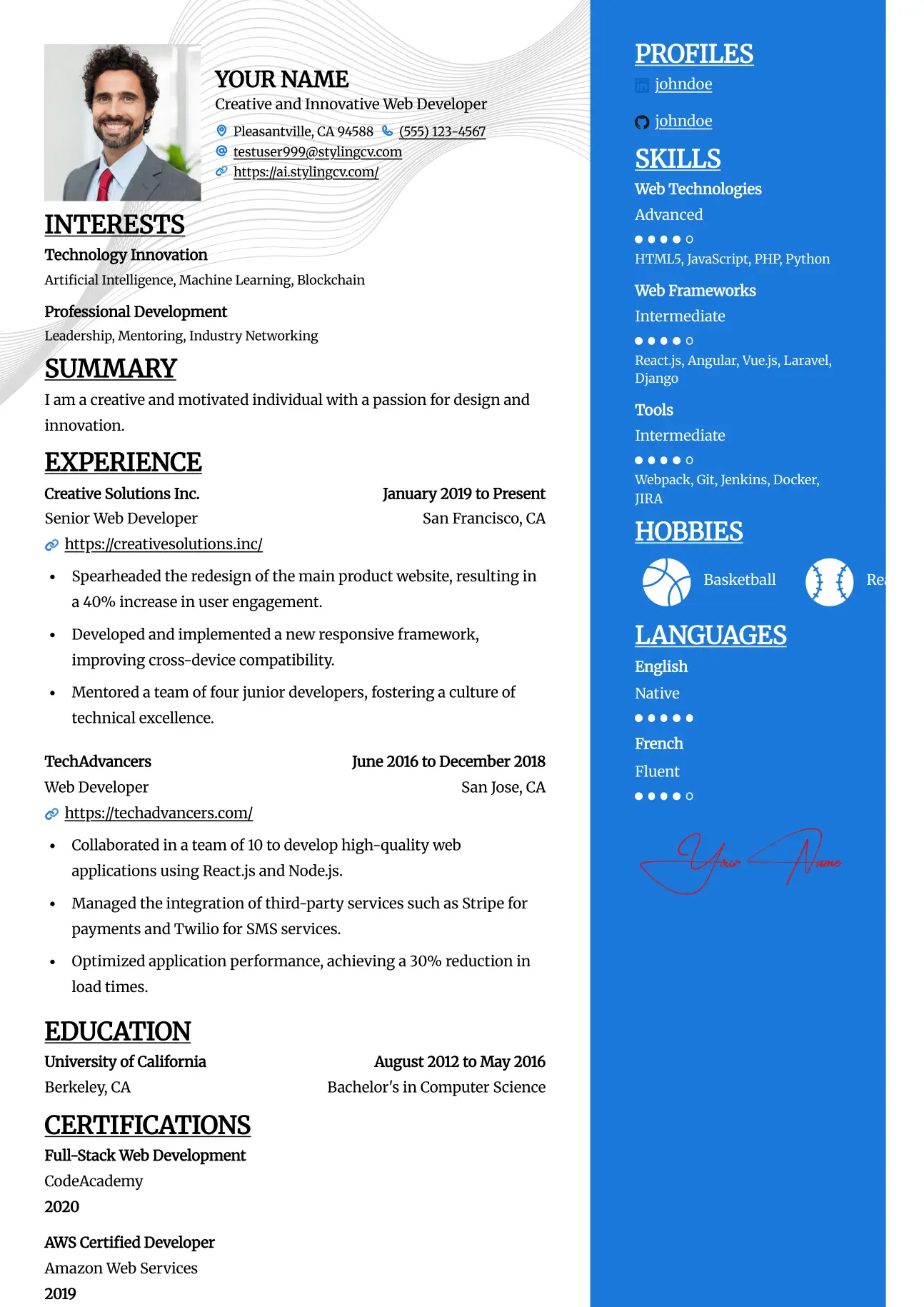
Split
Professional and modern resume template optimized for applicant tracking systems. A clean, ATS-friendly CV layout designed to help you land your next interview.
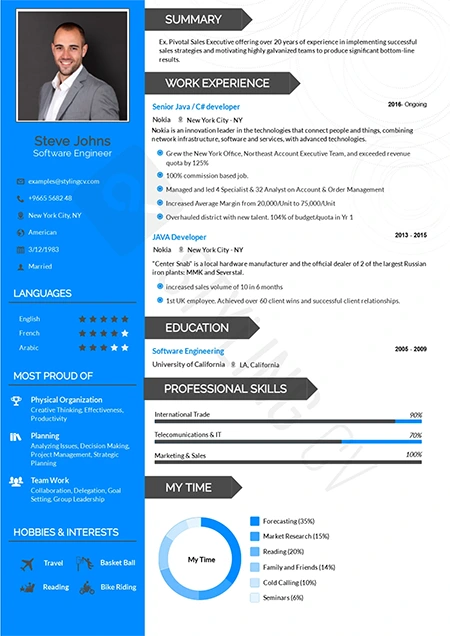
Standard
The gold standard ATS-friendly resume template. A universally accepted, traditional CV format guaranteed to parse flawlessly in all HR software systems.
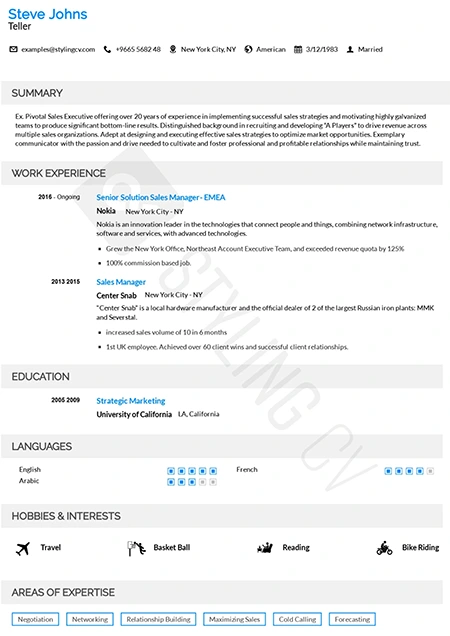
Static
High-readability professional resume template preferred by corporate recruiters. A clean, structured CV layout optimized for quick scanning and comprehension.
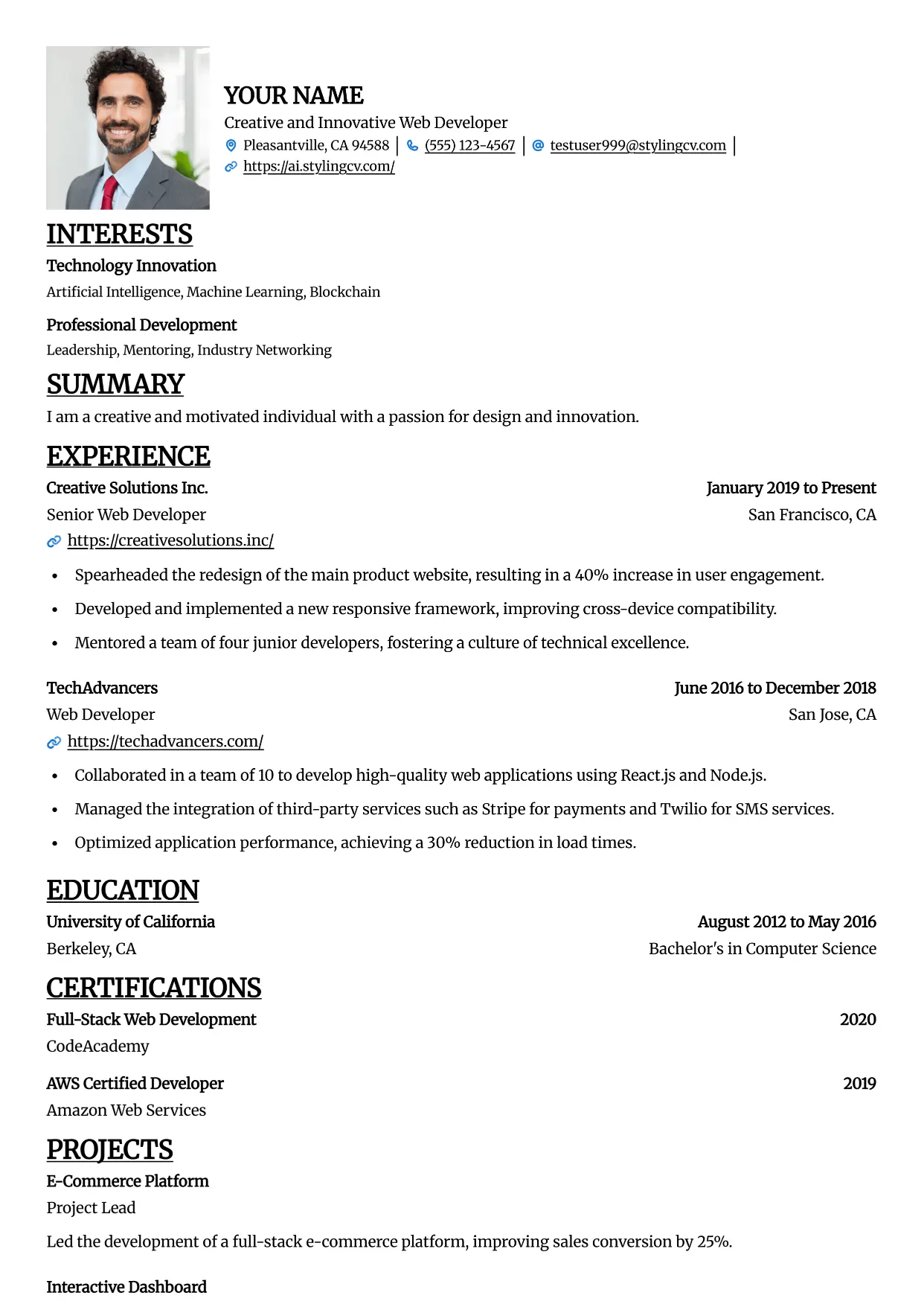
Straight
Professional and modern resume template optimized for applicant tracking systems. A clean, ATS-friendly CV layout designed to help you land your next interview.
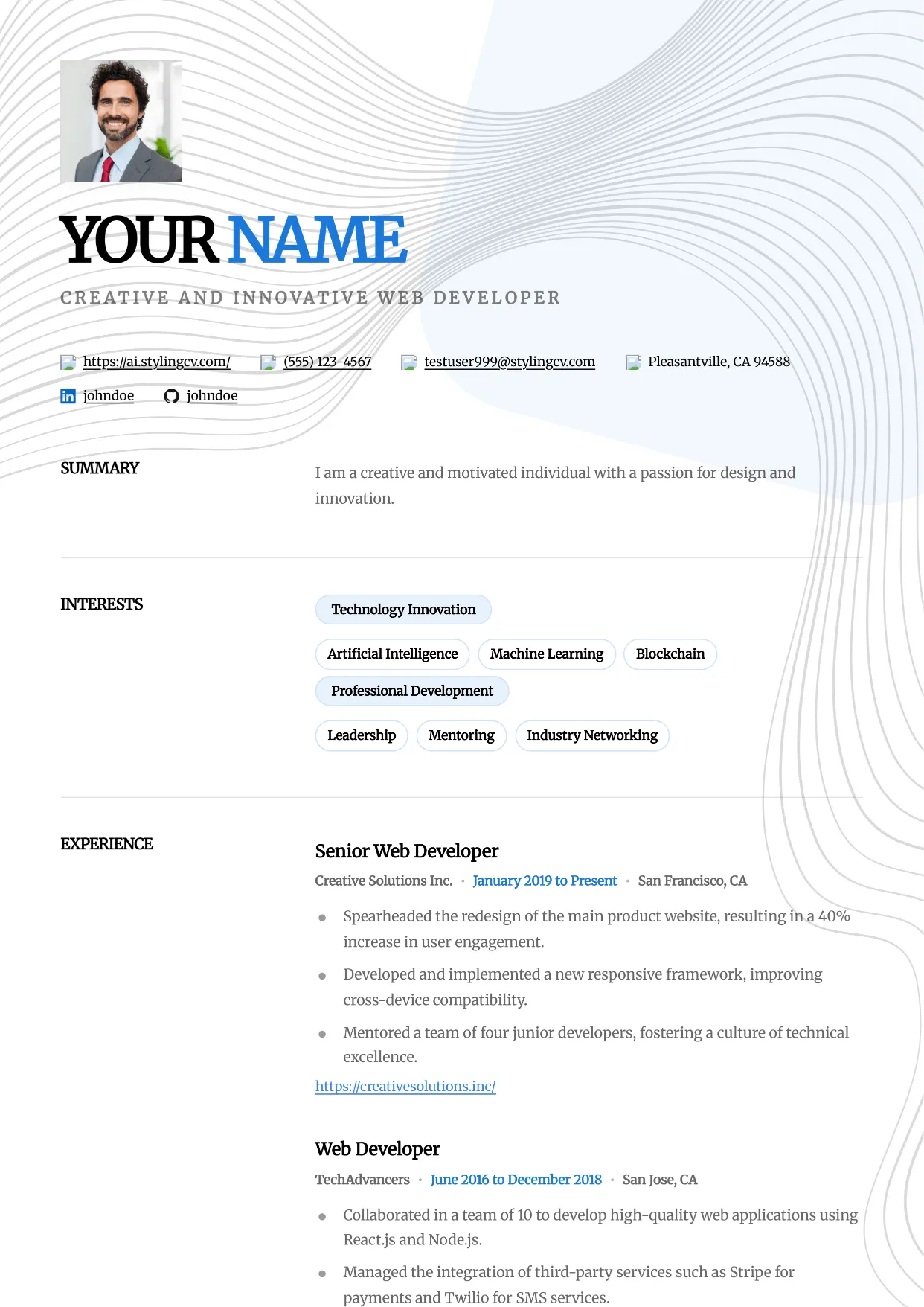
Studio
Professional and modern resume template optimized for applicant tracking systems. A clean, ATS-friendly CV layout designed to help you land your next interview.
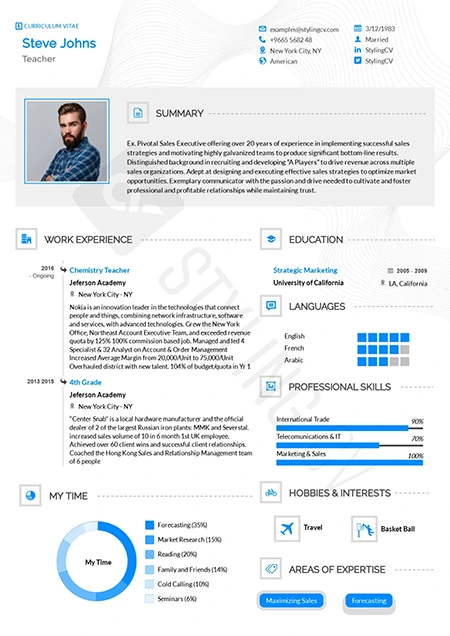
Stylish
Fashion-forward creative resume template. A visually striking, modern CV design crafted specifically for the media, arts, and creative industries.
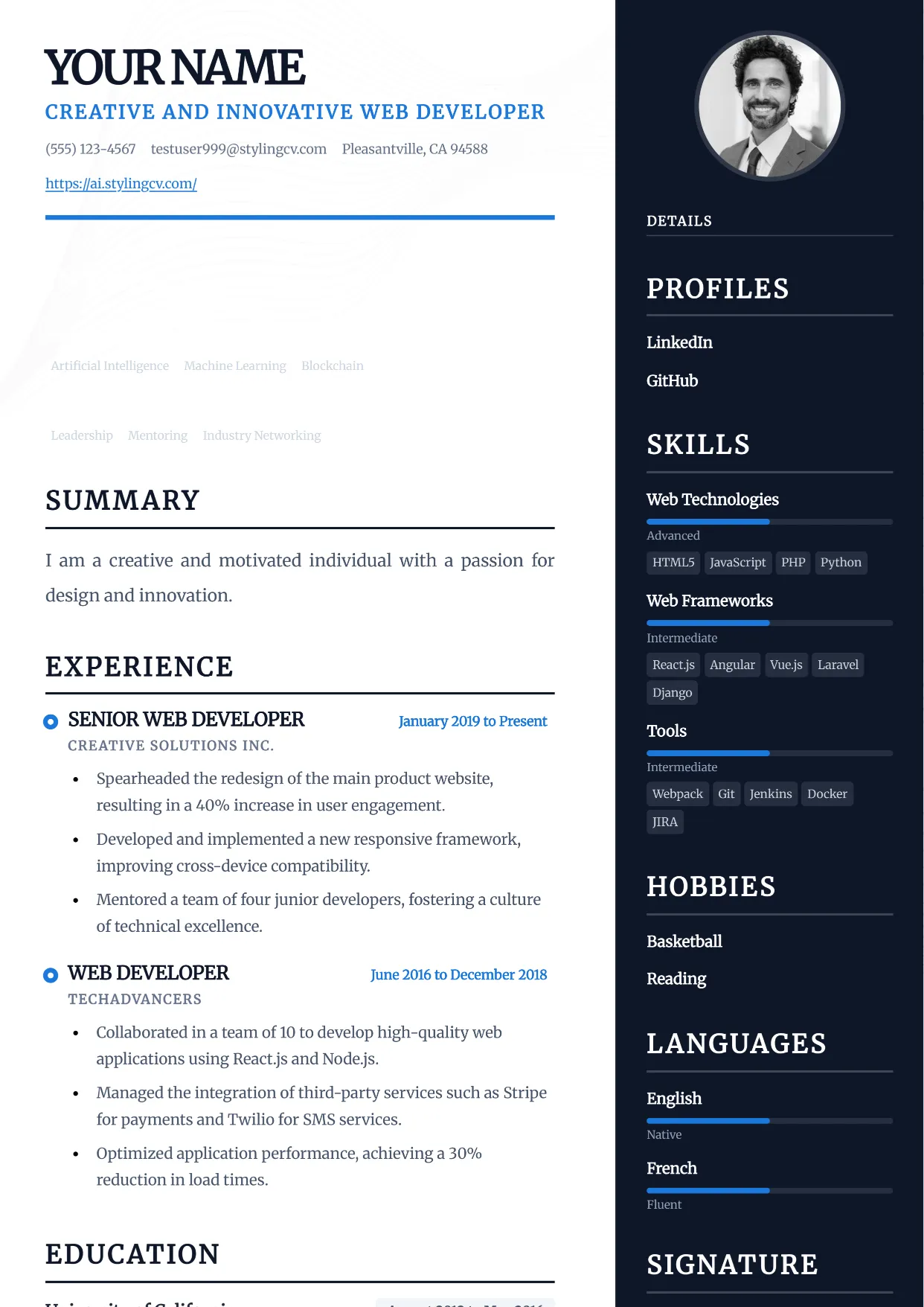
Traditional
Professional and modern resume template optimized for applicant tracking systems. A clean, ATS-friendly CV layout designed to help you land your next interview.
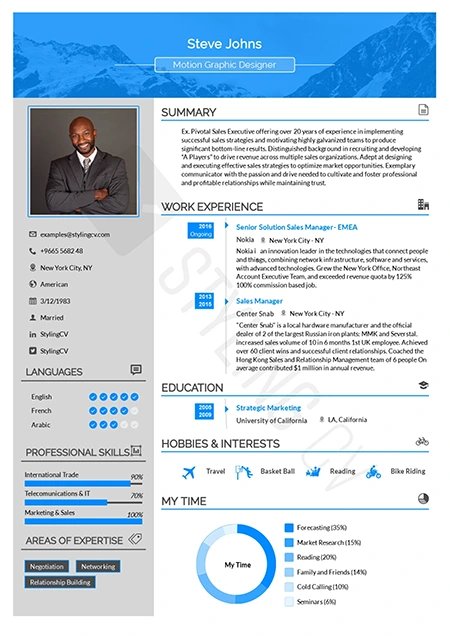
Ultimate
The complete, all-in-one professional resume template. A versatile, ATS-optimized CV layout that presents comprehensive career data perfectly.
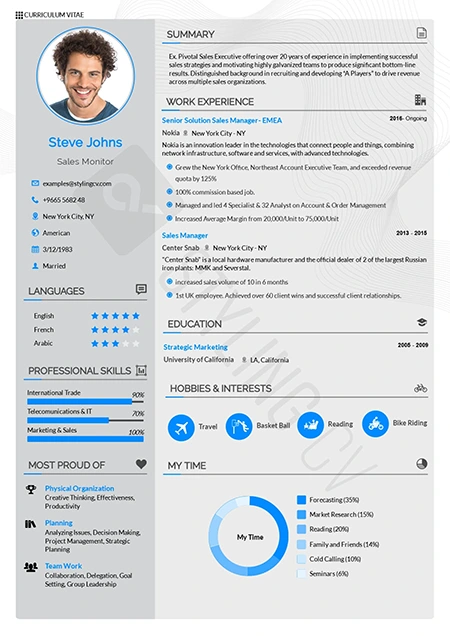
Vegan
Clean, eco-conscious aesthetic resume template. A modern, fresh CV design highly suited for sustainability, wellness, and environmental sector roles.
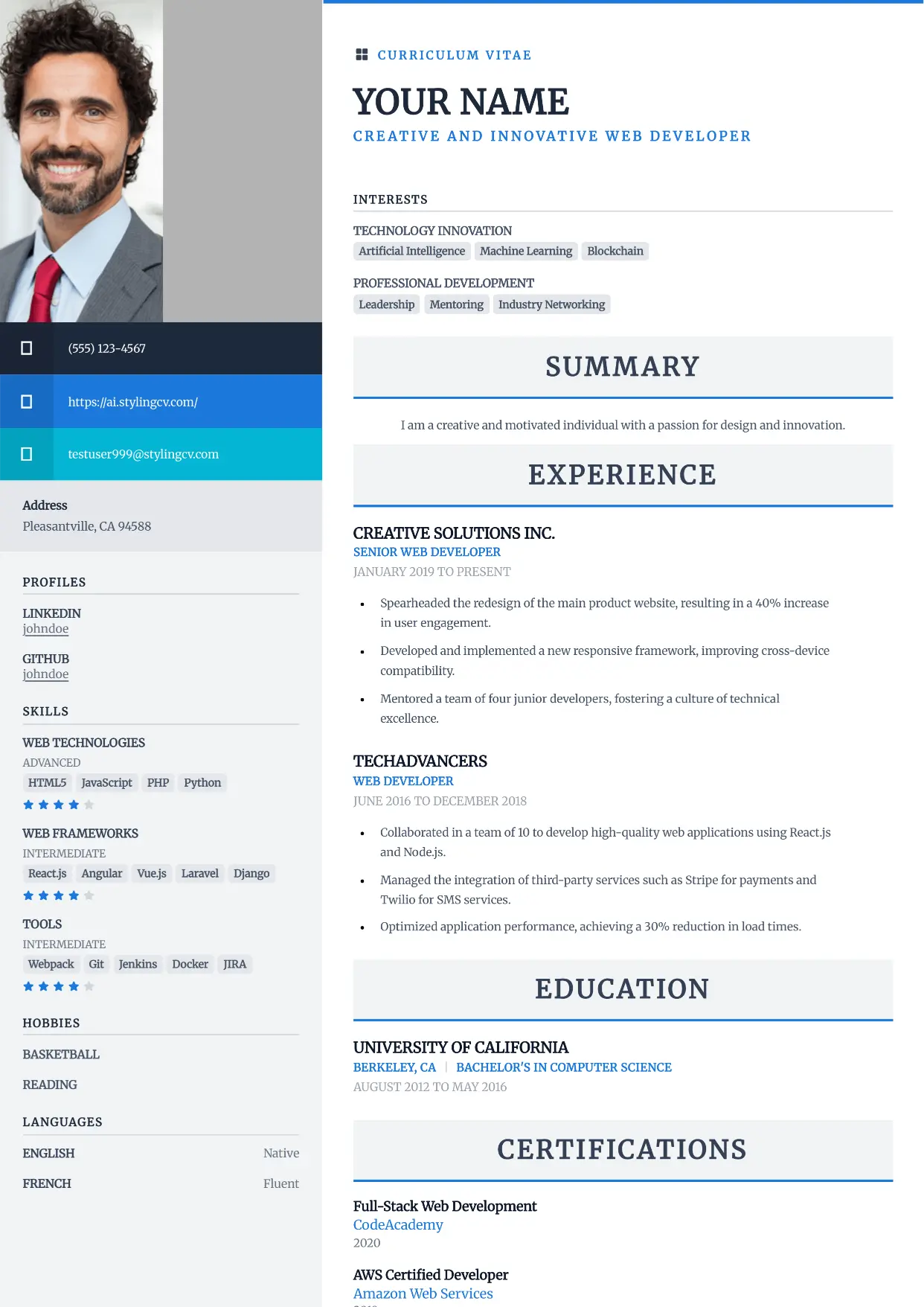
Vibrant
Professional and modern resume template optimized for applicant tracking systems. A clean, ATS-friendly CV layout designed to help you land your next interview.
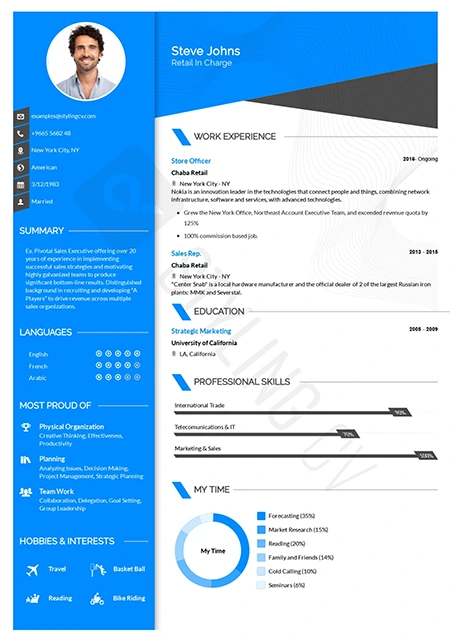
Visibility
High-contrast, high-impact modern resume template. A bold professional CV layout specifically engineered to ensure your application gets noticed instantly.
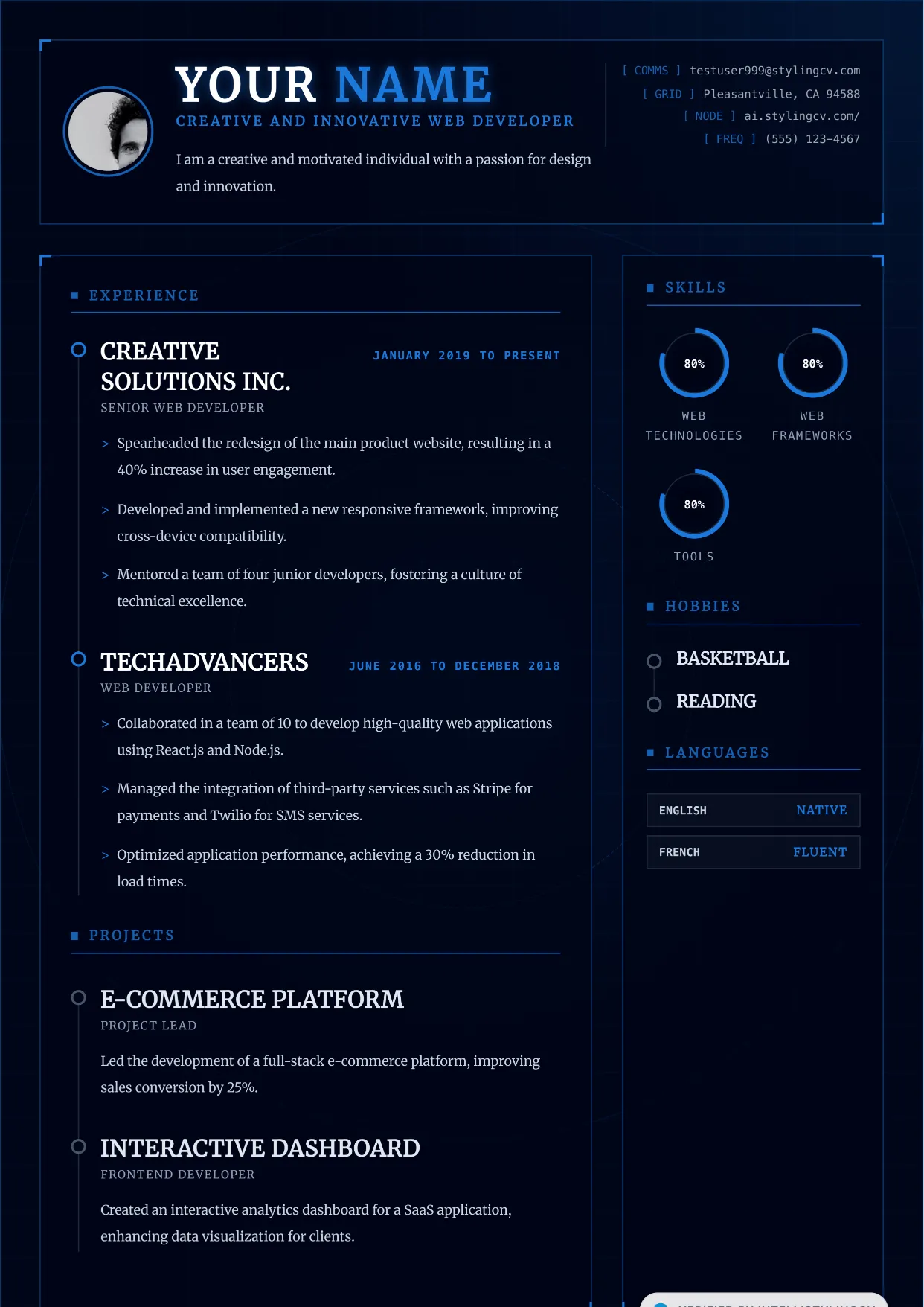
Vortex
Professional and modern resume template optimized for applicant tracking systems. A clean, ATS-friendly CV layout designed to help you land your next interview.
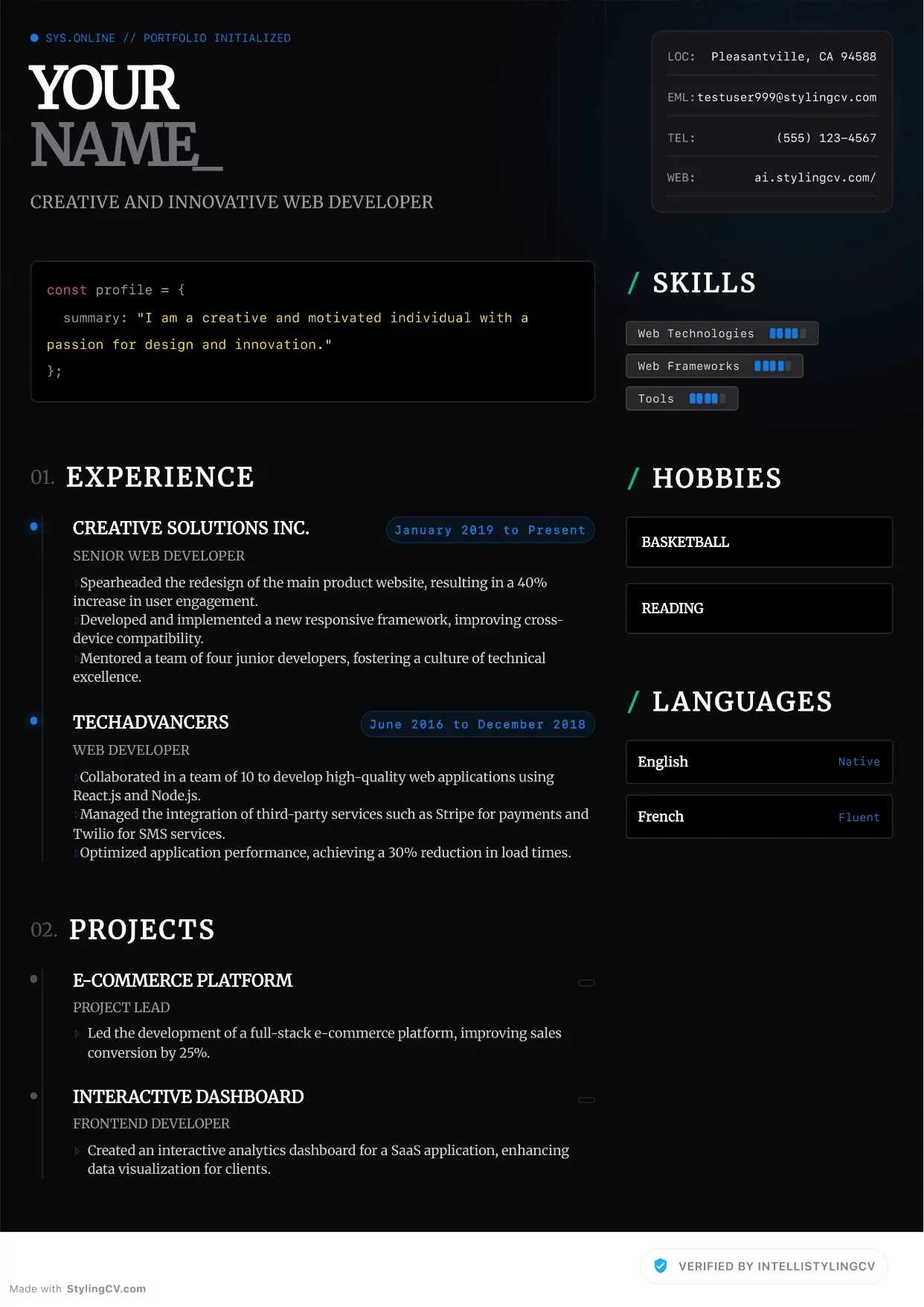
Zenith
Professional and modern resume template optimized for applicant tracking systems. A clean, ATS-friendly CV layout designed to help you land your next interview.
🦁 Check Your Resume with Stylion
Our AI-powered ATS resume checker analyzes your resume like a real recruiter. Get your score instantly.

The StylingCV editorial team researches resume trends, hiring market data, and career advancement strategies across 15+ job markets. Our content is reviewed by certified HR professionals and career coaches.