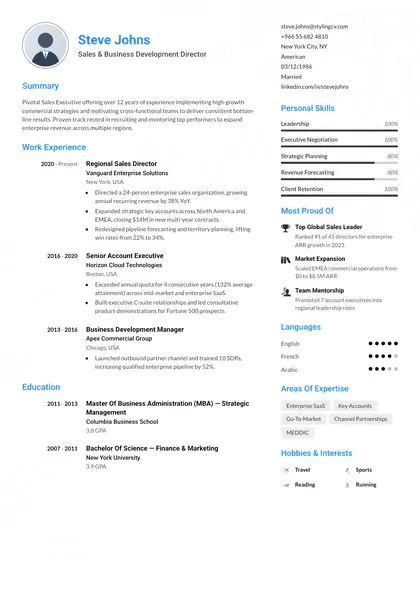
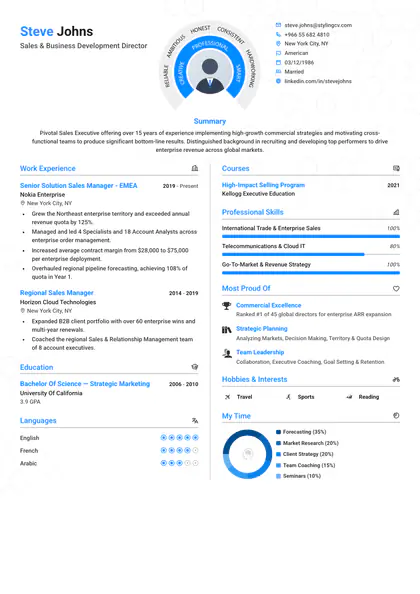
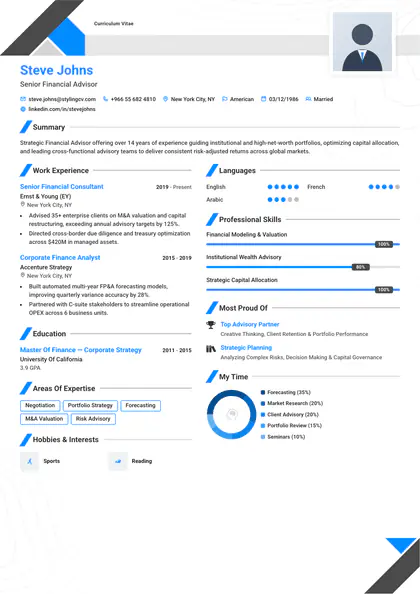
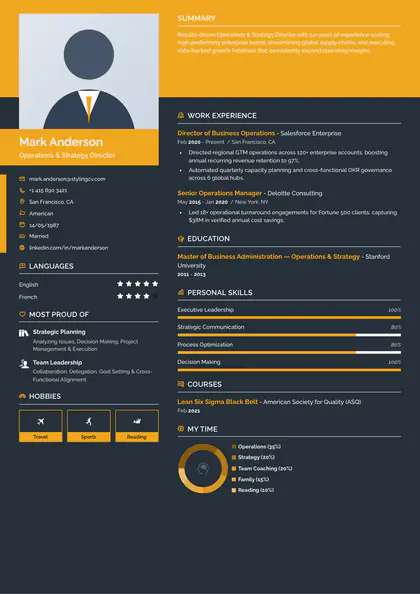
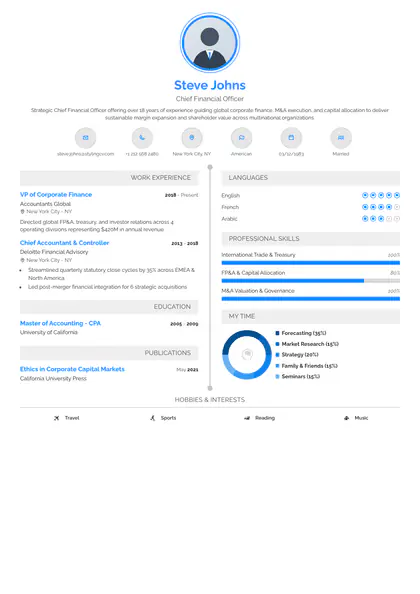
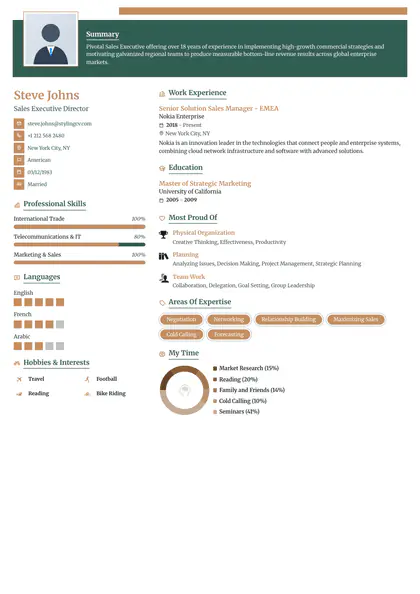
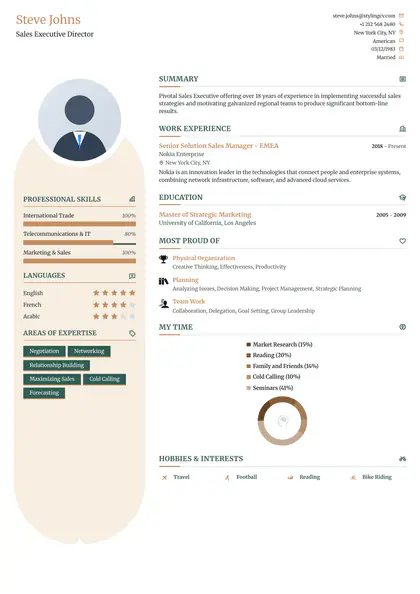
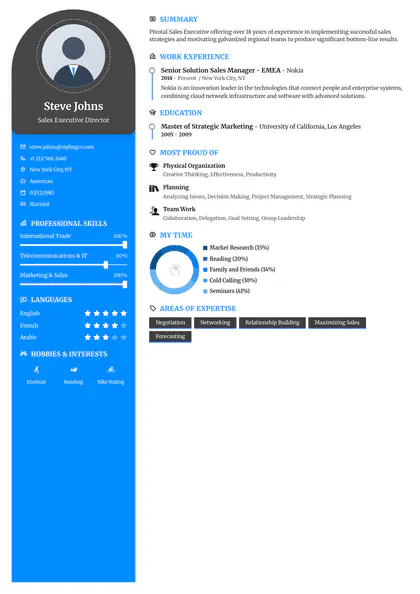
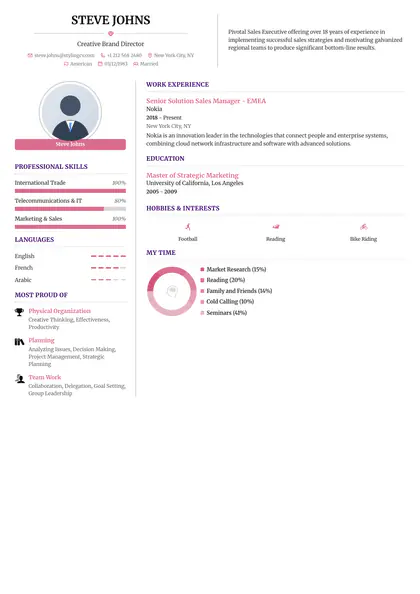
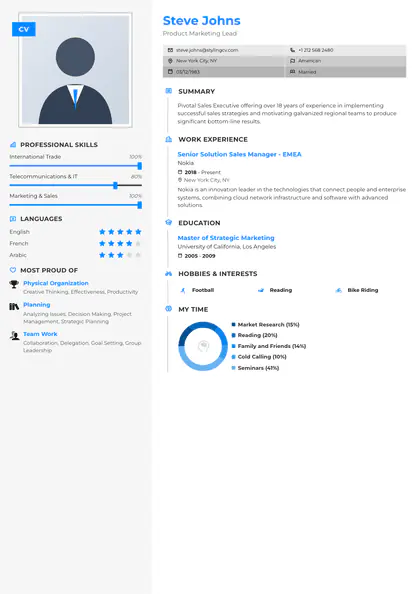
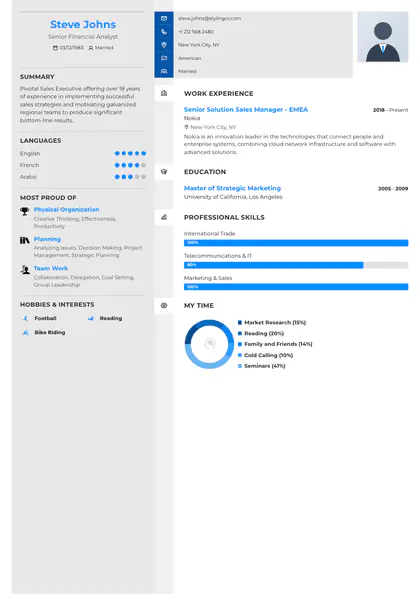
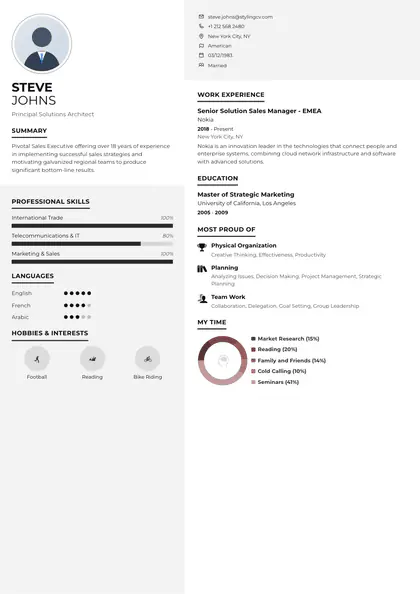
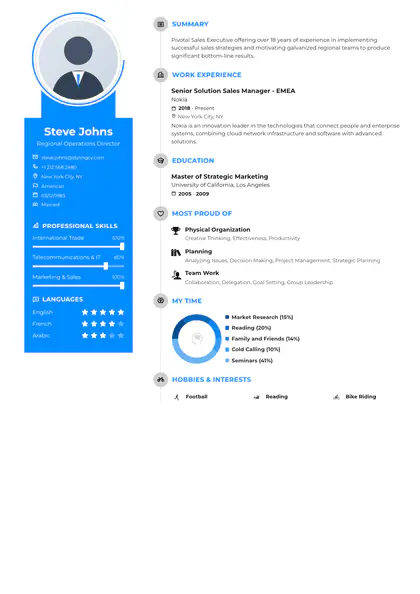
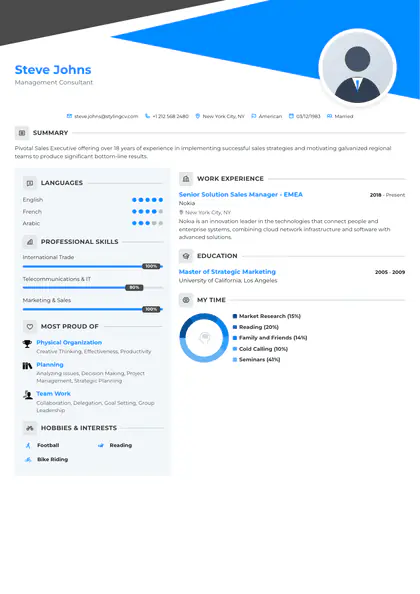
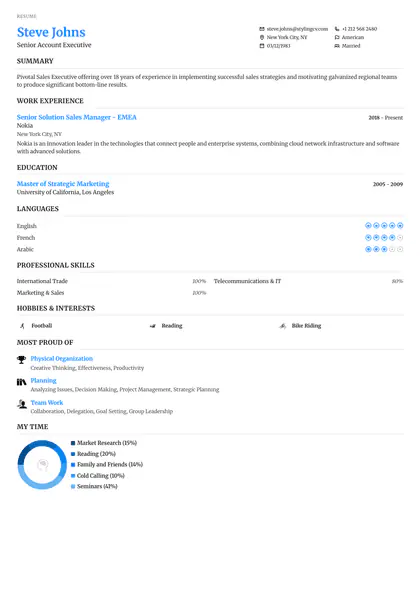
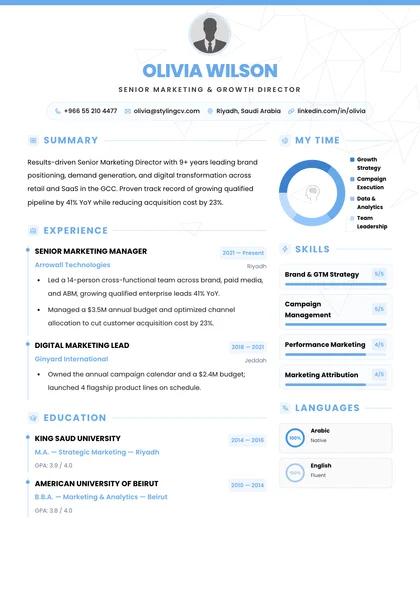
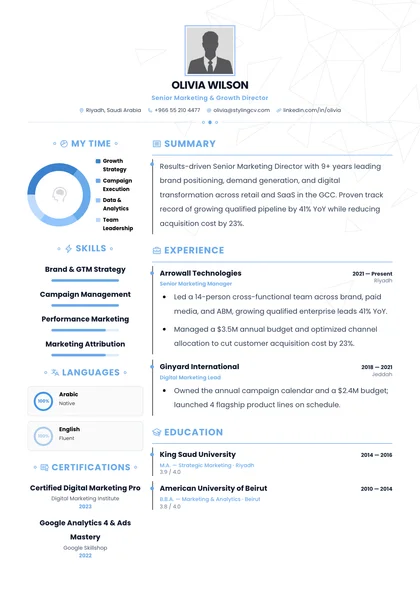
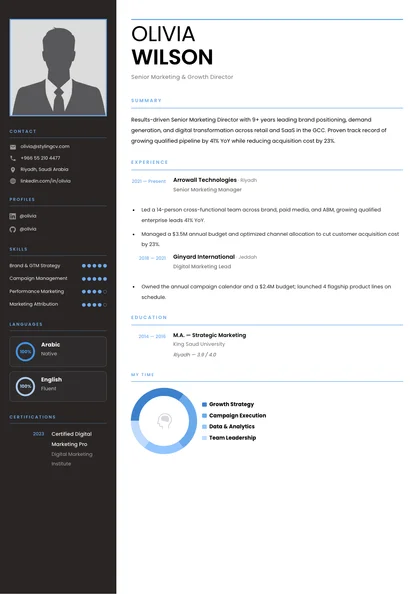
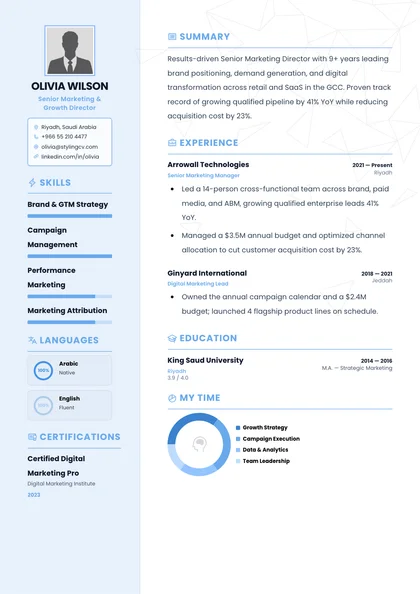
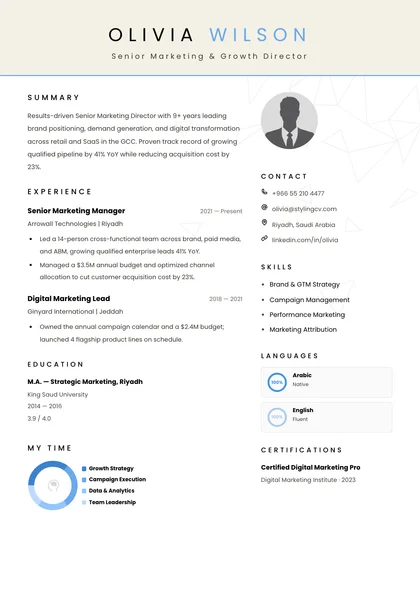
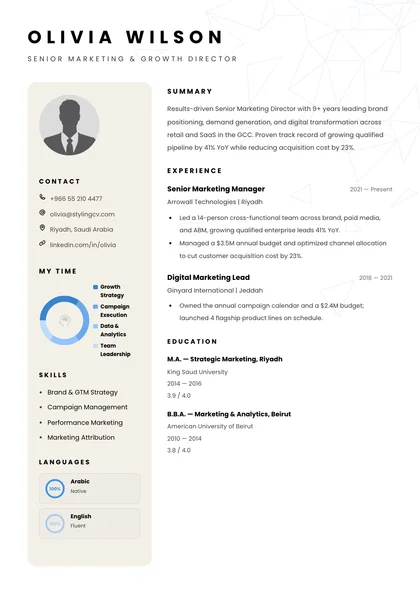
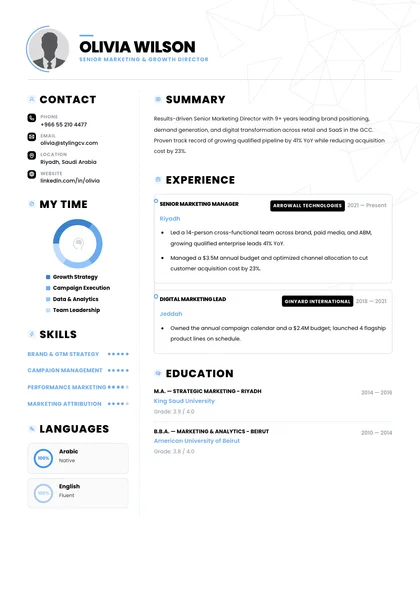
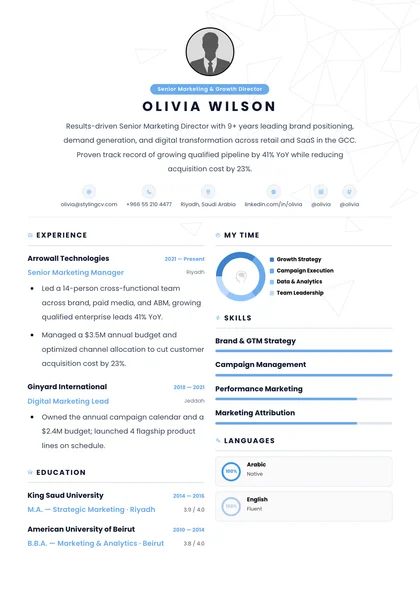
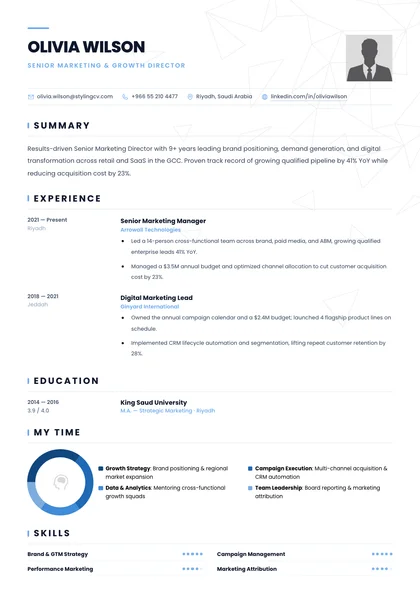
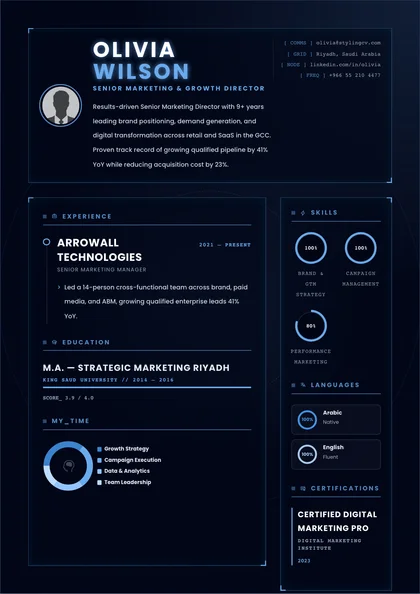
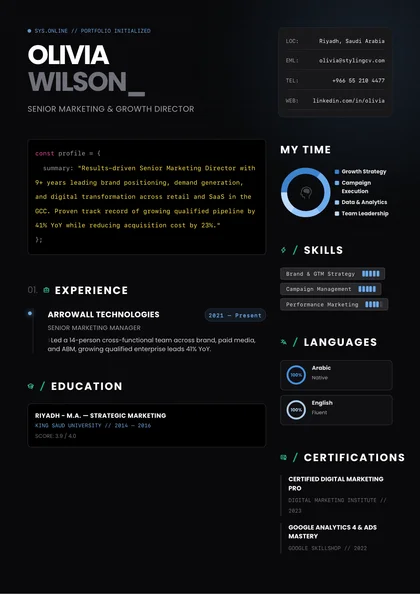
Which resume template should you use? For most jobs, use a clean reverse-chronological resume template with clear headings and your latest role first. StylingCV’s gallery has 114 designs you can filter by style; 90 carry the ATS-friendly tag. Choose Minimalist or Executive for online applications, and keep Creative designs for portfolios a person will read.
Browse the full gallery , compare the four styles , or see what the ATS tag covers .
114 designs 90 tagged ATS-friendly English and Arabic
Use the filters to narrow the list, click a design to preview it, and open it in the builder with sample content you can replace.
ATS-Verified
🔍
+
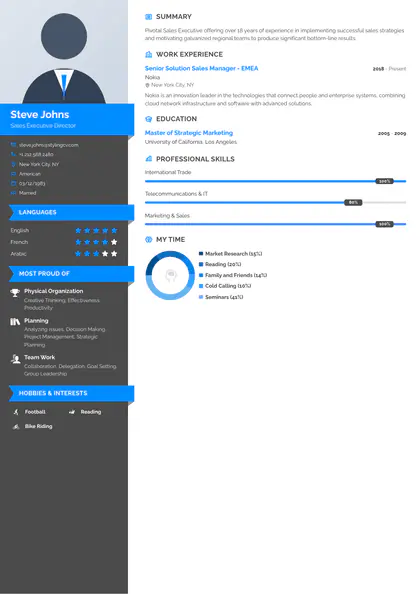
Alfred
Structured executive layout for senior roles, ATS-ready
Use Template →
ATS-Verified
🔍
+
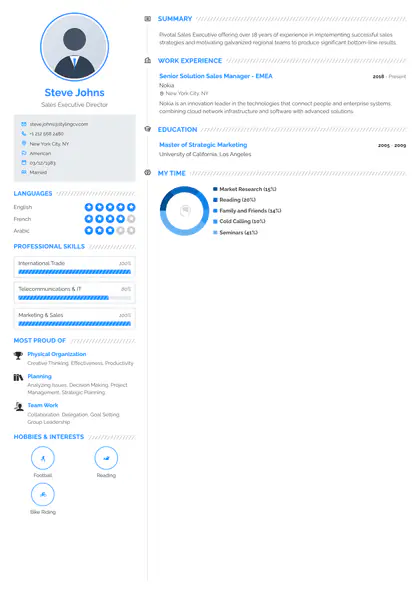
Smart
Crisp executive layout for senior roles, Workday-ready
Use Template →
🔍
+
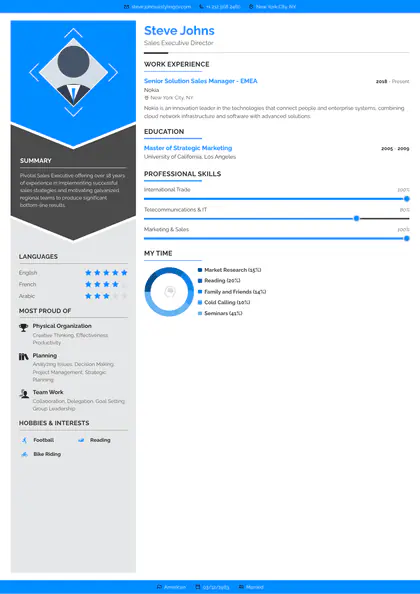
Polygon
Balanced expressive accent bar for portfolios
Use Template →
ATS-Verified
🔍
+
Mark
Refined executive layout for senior roles, parser-safe
Use Template →
ATS-Verified
🔍
+
Katrina
Focused executive layout for senior roles, ATS-ready
Use Template →
ATS-Verified
🔍
+
Apple
Polished minimalist single-focus reading flow, Workday-ready
Use Template →
ATS-Verified
🔍
+
Baseline
Clean executive layout for senior roles, recruiter-tested
Use Template →
🔍
+
Awesome
Sharp expressive accent bar for portfolios
Use Template →
ATS-Verified
🔍
+
Functional
Compact executive layout for senior roles, ATS-ready
Use Template →
ATS-Verified
🔍
+
Minimalist
Scannable minimalist single-focus reading flow, Workday-ready
Use Template →
ATS-Verified
🔍
+
Andero
Tailored executive layout for senior roles, recruiter-tested
Use Template →
ATS-Verified
🔍
+
Noon
Sleek executive layout for senior roles, parser-safe
Use Template →
ATS-Verified
🔍
+
Simplified
Direct minimalist single-focus reading flow, ATS-ready
Use Template →
ATS-Verified
🔍
+
Standard
Modern executive layout for senior roles, Workday-ready
Use Template →
ATS-Verified
🔍
+
Ultimate
Streamlined executive layout for senior roles, recruiter-tested
Use Template →
ATS-Verified
🔍
+
Arabic
Classic executive layout for senior roles, parser-safe
Use Template →
🔍
+
Rebbo
Structured editorial header for design roles
Use Template →
ATS-Verified
🔍
+
Pre Classic
Crisp corporate header for leadership CVs, Workday-ready
Use Template →
ATS-Verified
🔍
+
Arrow
Balanced corporate header for leadership CVs, recruiter-tested
Use Template →
🔍
+
Concept
Refined editorial header for design roles
Use Template →
ATS-Verified
🔍
+
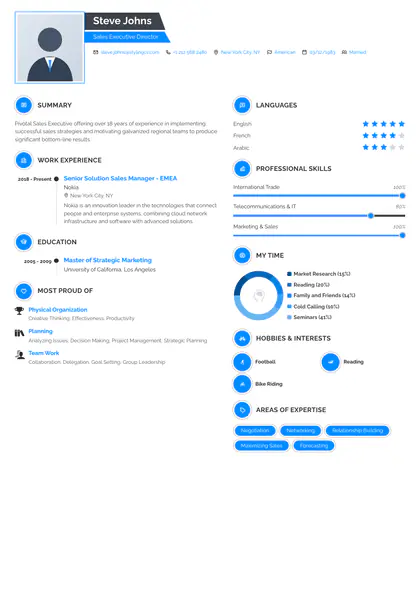
Static
Focused corporate header for leadership CVs, ATS-ready
Use Template →
ATS-Verified
🔍
+
Genial
Polished corporate header for leadership CVs, Workday-ready
Use Template →
ATS-Verified
🔍
+
Vegan
Clean whitespace-rich single-column format, recruiter-tested
Use Template →
ATS-Verified
🔍
+
Visibility
Sharp corporate header for leadership CVs, parser-safe
Use Template →
🔍
+
Stylish
Compact editorial header for design roles
Use Template →
ATS-Verified
🔍
+
Diamond
Scannable corporate header for leadership CVs, Workday-ready
Use Template →
ATS-Verified
🔍
+
Catics
Tailored corporate header for leadership CVs, recruiter-tested
Use Template →
ATS-Verified
🔍
+
Sireva
Sleek corporate header for leadership CVs, parser-safe
Use Template →
ATS-Verified
🔍
+
Metrix
Direct corporate header for leadership CVs, ATS-ready
Use Template →
🔍
+
Noble
Modern corporate header for leadership CVs
Use Template →
ATS-Verified
🔍
+
Trinity
Streamlined corporate header for leadership CVs, recruiter-tested
Use Template →
ATS-Verified
🔍
+
Imperial
Classic corporate header for leadership CVs, parser-safe
Use Template →
🔍
+
Velvet
Structured bold visual framing for creatives
Use Template →
🔍
+
Grace
Crisp bold visual framing for creatives
Use Template →
ATS-Verified
🔍
+
Conduit
Balanced two-zone grid for management roles, recruiter-tested
Use Template →
🔍
+
Atelier
Refined bold visual framing for creatives
Use Template →
ATS-Verified
🔍
+
Oasis
Focused distraction-free layout for recruiters, ATS-ready
Use Template →
ATS-Verified
🔍
+
Zenon
Polished distraction-free layout for recruiters, Workday-ready
Use Template →
ATS-Verified
🔍
+
Heritage
Clean two-zone grid for management roles, recruiter-tested
Use Template →
ATS-Verified
🔍
+
Accent
Sharp clean typography for growth roles, parser-safe
Use Template →
ATS-Verified
🔍
+
Apex
Compact clean typography for growth roles, ATS-ready
Use Template →
ATS-Verified
🔍
+
Arc
Scannable clean typography for growth roles, Workday-ready
Use Template →
ATS-Verified
🔍
+
Architect
Tailored two-zone grid for management roles, recruiter-tested
Use Template →
🔍
+
Aura
Sleek clean typography for growth roles
Use Template →
ATS-Verified
🔍
+
Axiom
Direct clean typography for growth roles, ATS-ready
Use Template →
🔍
+
Azure
Modern clean typography for growth roles
Use Template →
🔍
+
Blush
Streamlined clean typography for growth roles
Use Template →
ATS-Verified
🔍
+
Bold
Classic two-zone grid for management roles, parser-safe
Use Template →
🔍
+
Capsule
Structured dynamic structure for product teams
Use Template →
🔍
+
Cipher
Crisp dynamic structure for product teams
Use Template →
ATS-Verified
🔍
+
Classic
Balanced formal hierarchy for business teams, recruiter-tested
Use Template →
ATS-Verified
🔍
+
Clean
Refined calm typographic resume hierarchy, parser-safe
Use Template →
ATS-Verified
🔍
+
Cobalt
Focused calm typographic resume hierarchy, ATS-ready
Use Template →
ATS-Verified
🔍
+
Compact
Polished calm typographic resume hierarchy, Workday-ready
Use Template →
ATS-Verified
🔍
+
Confidence
Clean formal hierarchy for business teams, recruiter-tested
Use Template →
🔍
+
Corsa
Sharp dynamic structure for product teams
Use Template →
🔍
+
Creative
Compact studio-grade layout for brand talent
Use Template →
ATS-Verified
🔍
+
Crest
Scannable dynamic structure for product teams, Workday-ready
Use Template →
ATS-Verified
🔍
+
Dove
Tailored calm typographic resume hierarchy, recruiter-tested
Use Template →
ATS-Verified
🔍
+
Editorial
Sleek formal hierarchy for business teams, parser-safe
Use Template →
🔍
+
Elegance
Direct dynamic structure for product teams
Use Template →
ATS-Verified
🔍
+
Essential
Modern calm typographic resume hierarchy, Workday-ready
Use Template →
🔍
+
Ethereal
Streamlined dynamic structure for product teams
Use Template →
ATS-Verified
🔍
+
Executive
Classic formal hierarchy for business teams, parser-safe
Use Template →
🔍
+
Feminine
Structured expressive accent bar for portfolios
Use Template →
ATS-Verified
🔍
+
Folio
Crisp minimalist single-focus reading flow, Workday-ready
Use Template →
ATS-Verified
🔍
+
Framed
Balanced contemporary grid for tech careers, recruiter-tested
Use Template →
🔍
+
Gilt
Refined executive layout for senior roles
Use Template →
ATS-Verified
🔍
+
Graphite
Focused minimalist single-focus reading flow, ATS-ready
Use Template →
ATS-Verified
🔍
+
Grid
Clean minimalist single-focus reading flow, recruiter-tested
Use Template →
ATS-Verified
🔍
+
Harbor
Sharp minimalist single-focus reading flow, parser-safe
Use Template →
ATS-Verified
🔍
+
Highlight
Sharp contemporary grid for tech careers, parser-safe
Use Template →
ATS-Verified
🔍
+
Horizon
Scannable executive layout for senior roles, Workday-ready
Use Template →
🔍
+
Hush
Scannable minimalist single-focus reading flow
Use Template →
ATS-Verified
🔍
+
Influx
Direct executive layout for senior roles, ATS-ready
Use Template →
🔍
+
Ink
Sleek minimalist single-focus reading flow
Use Template →
ATS-Verified
🔍
+
Knight
Structured corporate header for leadership CVs, ATS-ready
Use Template →
ATS-Verified
🔍
+
Lagoon
Modern contemporary grid for tech careers, Workday-ready
Use Template →
ATS-Verified
🔍
+
Leafish
Streamlined minimalist single-focus reading flow, recruiter-tested
Use Template →
ATS-Verified
🔍
+
Ledger
Refined corporate header for leadership CVs, parser-safe
Use Template →
ATS-Verified
🔍
+
Linen
Structured whitespace-rich single-column format, ATS-ready
Use Template →
ATS-Verified
🔍
+
Meridian
Crisp whitespace-rich single-column format, Workday-ready
Use Template →
ATS-Verified
🔍
+
Metro
Balanced whitespace-rich single-column format, recruiter-tested
Use Template →
ATS-Verified
🔍
+
Minimal
Refined whitespace-rich single-column format, parser-safe
Use Template →
ATS-Verified
🔍
+
Modern Refined
Focused whitespace-rich single-column format, ATS-ready
Use Template →
ATS-Verified
🔍
+
Modern
Polished split layout for fast scanning, Workday-ready
Use Template →
ATS-Verified
🔍
+
Modernist
Sharp whitespace-rich single-column format, parser-safe
Use Template →
ATS-Verified
🔍
+
Mono
Compact whitespace-rich single-column format, ATS-ready
Use Template →
ATS-Verified
🔍
+
Newcast
Scannable whitespace-rich single-column format, Workday-ready
Use Template →
ATS-Verified
🔍
+
Nexus
Tailored whitespace-rich single-column format, recruiter-tested
Use Template →
ATS-Verified
🔍
+
Noir
Tailored split layout for fast scanning, recruiter-tested
Use Template →
ATS-Verified
🔍
+
Novus
Sleek whitespace-rich single-column format, parser-safe
Use Template →
ATS-Verified
🔍
+
Onyx
Direct whitespace-rich single-column format, ATS-ready
Use Template →
ATS-Verified
🔍
+
Pillar
Modern corporate header for leadership CVs, Workday-ready
Use Template →
ATS-Verified
🔍
+
Pinnacle
Structured two-zone grid for management roles, ATS-ready
Use Template →
ATS-Verified
🔍
+
Prism
Crisp two-zone grid for management roles, Workday-ready
Use Template →
ATS-Verified
🔍
+
Pure
Structured distraction-free layout for recruiters, ATS-ready
Use Template →
ATS-Verified
🔍
+
Rayhan
Refined two-zone grid for management roles, parser-safe
Use Template →
ATS-Verified
🔍
+
Ridge
Balanced distraction-free layout for recruiters, recruiter-tested
Use Template →
ATS-Verified
🔍
+
Sage
Refined distraction-free layout for recruiters, parser-safe
Use Template →
ATS-Verified
🔍
+
Sidebar
Clean distraction-free layout for recruiters, recruiter-tested
Use Template →
ATS-Verified
🔍
+
Simple
Sharp distraction-free layout for recruiters, parser-safe
Use Template →
ATS-Verified
🔍
+
Slate
Compact distraction-free layout for recruiters, ATS-ready
Use Template →
ATS-Verified
🔍
+
Split
Scannable distraction-free layout for recruiters, Workday-ready
Use Template →
ATS-Verified
🔍
+
Straight
Tailored distraction-free layout for recruiters, recruiter-tested
Use Template →
ATS-Verified
🔍
+
Stripe
Sleek distraction-free layout for recruiters, parser-safe
Use Template →
ATS-Verified
🔍
+
Studio
Sleek two-zone grid for management roles, parser-safe
Use Template →
ATS-Verified
🔍
+
Terra
Direct distraction-free layout for recruiters, ATS-ready
Use Template →
ATS-Verified
🔍
+
Traditional
Direct two-zone grid for management roles, ATS-ready
Use Template →
ATS-Verified
🔍
+
Vanguard
Modern two-zone grid for management roles, Workday-ready
Use Template →
ATS-Verified
🔍
+
Vantage
Streamlined two-zone grid for management roles, recruiter-tested
Use Template →
🔍
+
Vibrant
Classic clean typography for growth roles
Use Template →
🔍
+
Vortex
Structured formal hierarchy for business teams
Use Template →
ATS-Verified
🔍
+
Zenith
Crisp calm typographic resume hierarchy, Workday-ready
Use Template → AI WIZARD • 11 SPECIALIZED AGENTS
Not sure which template fits your role? Let our AI Wizard build it in under 2 minutes
Answer a few quick questions or import your existing CV. Switch templates and customize 21+ accent colors anytime inside the builder.
Start with how your resume will be read, then with your field. A design that works for a studio portfolio can be the wrong file for a bank’s application portal.
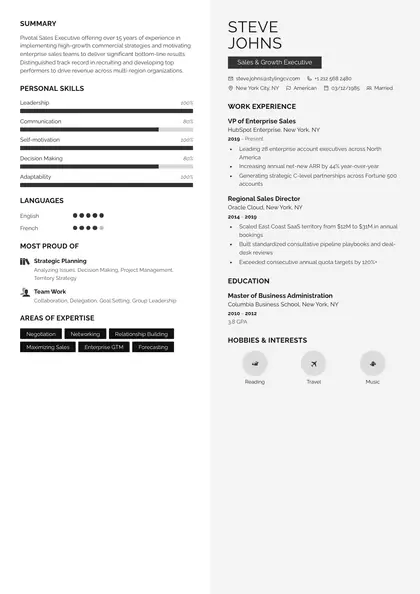
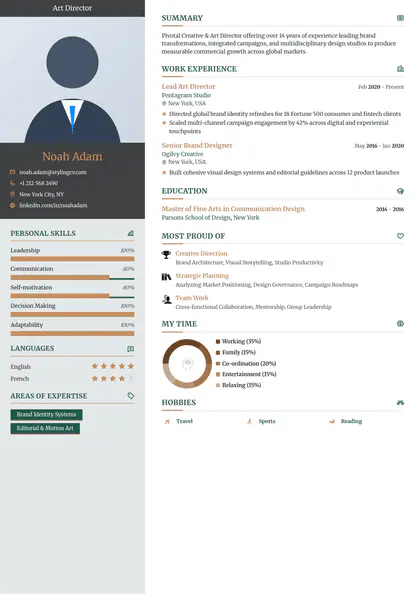
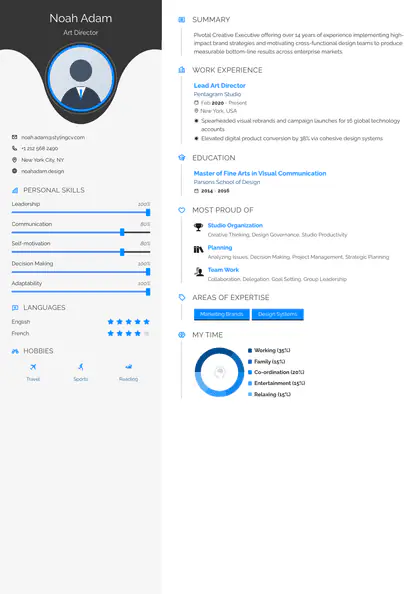
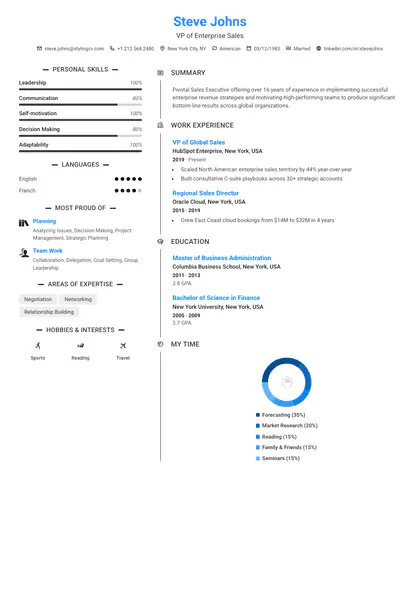
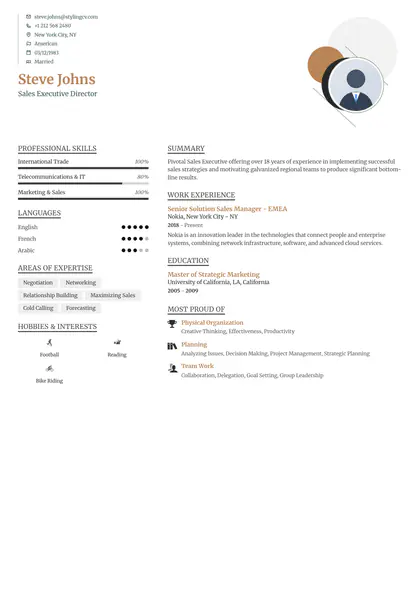
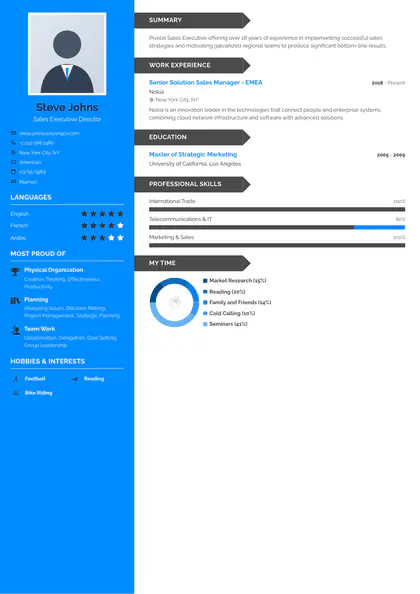
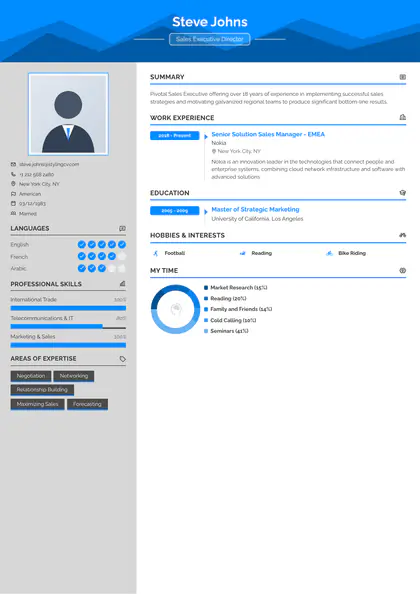
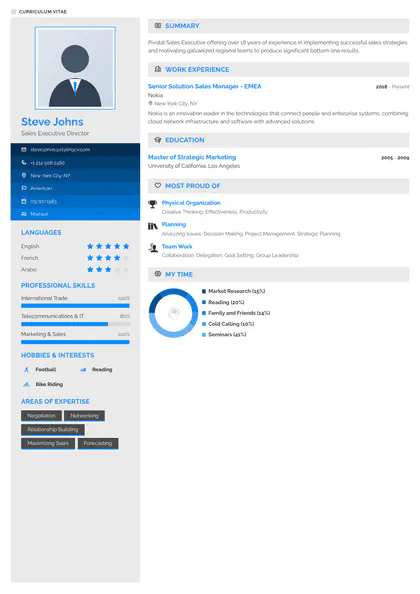
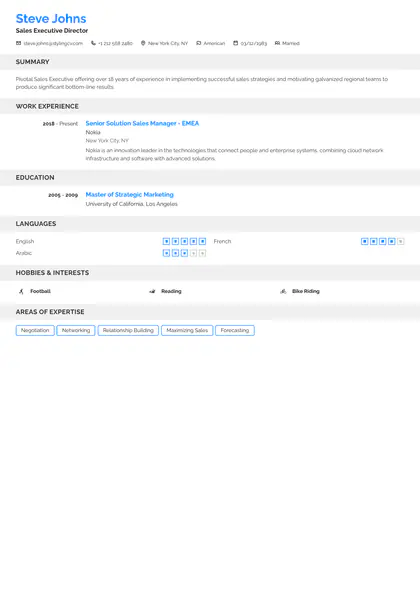
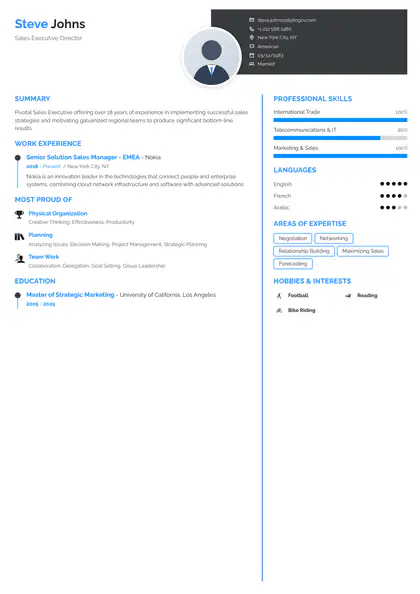
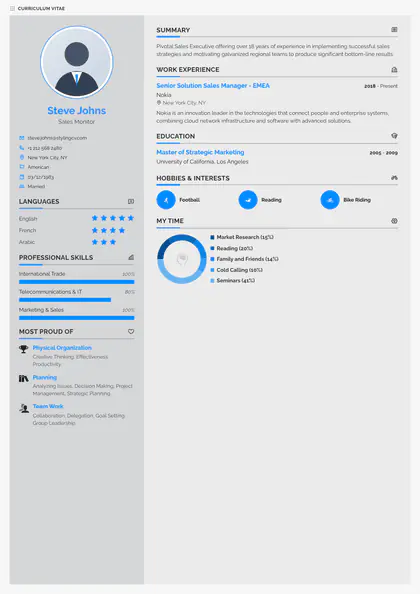
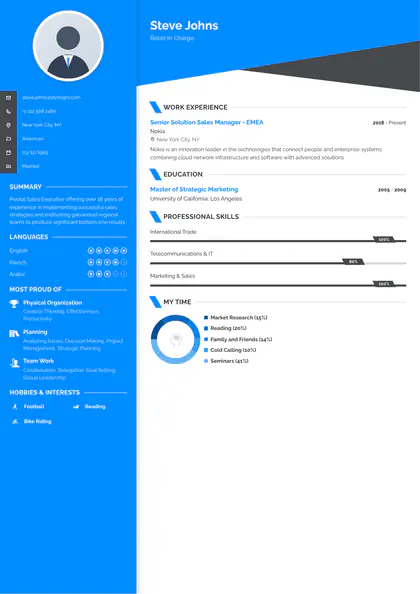
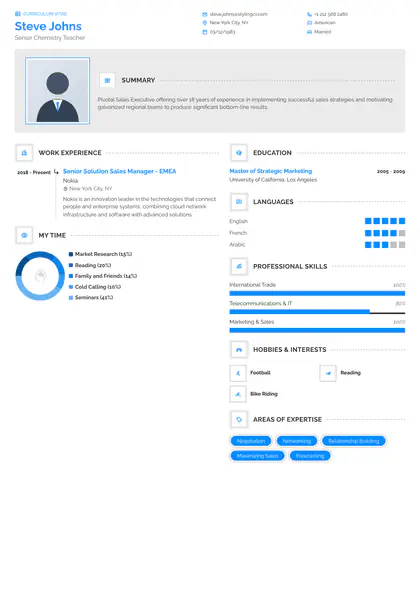
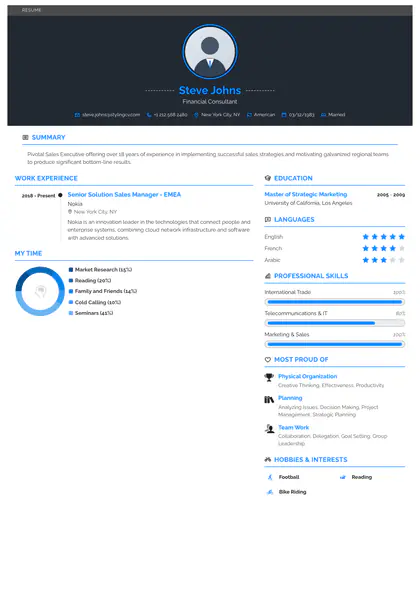
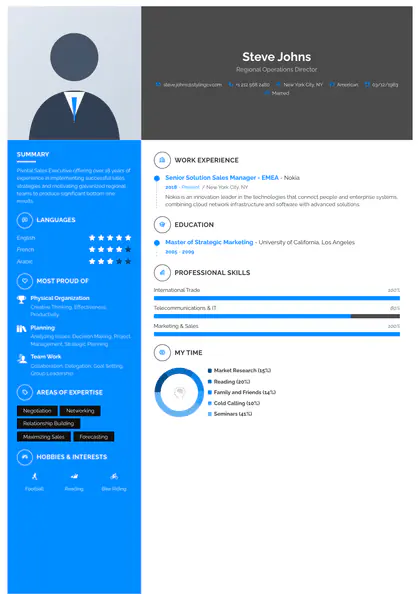
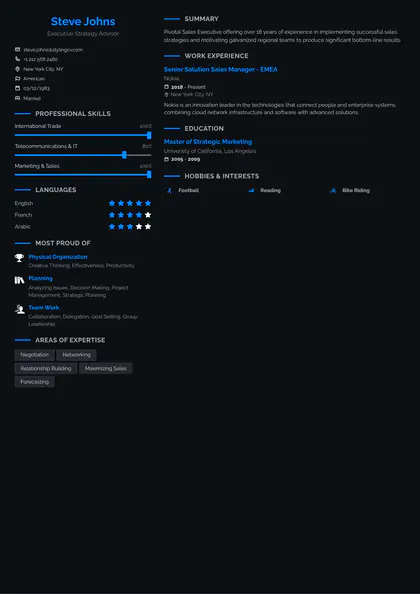
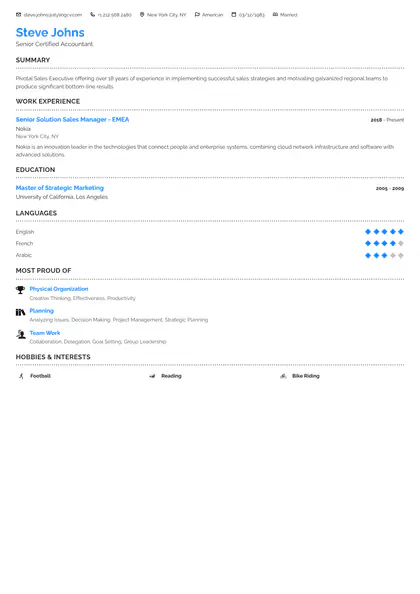
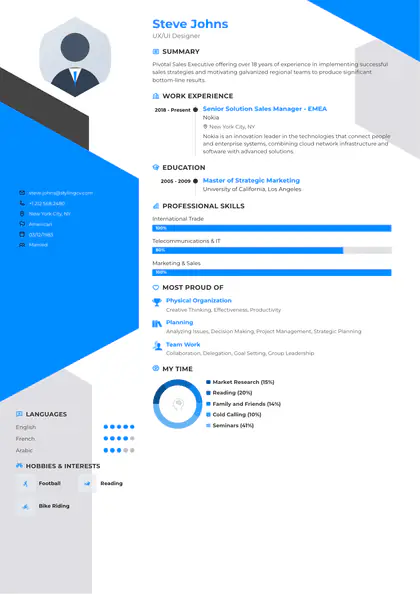
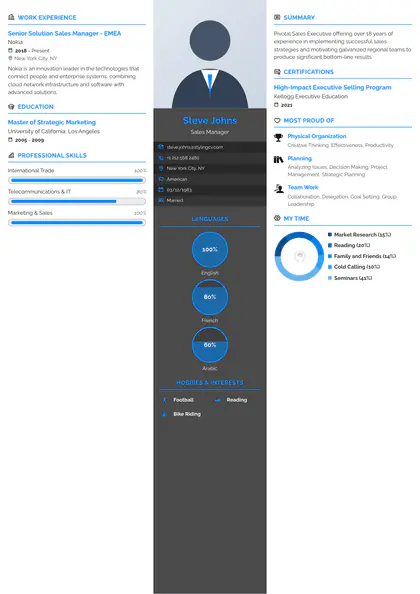
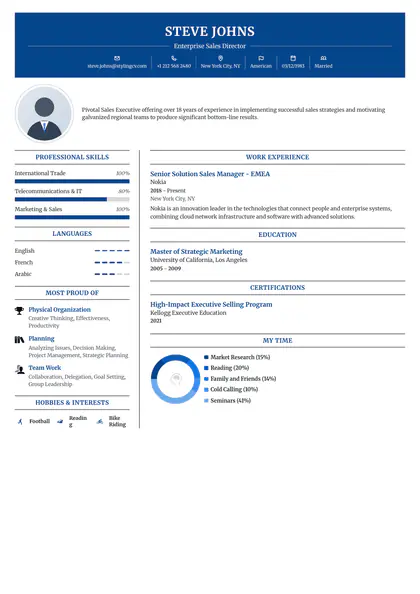
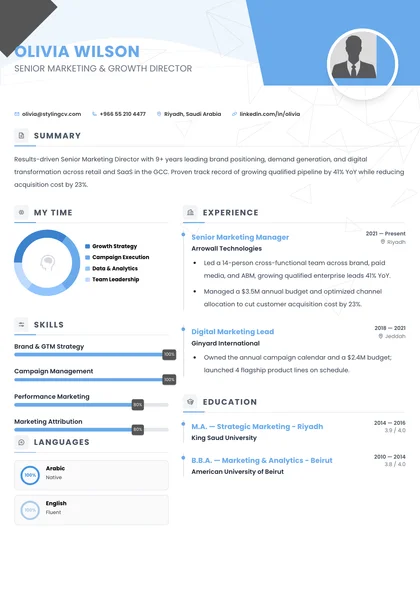
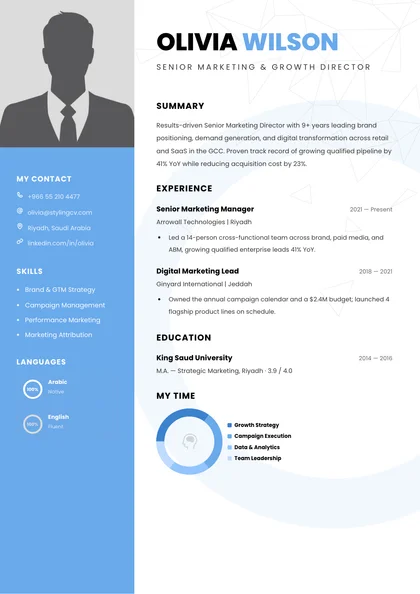
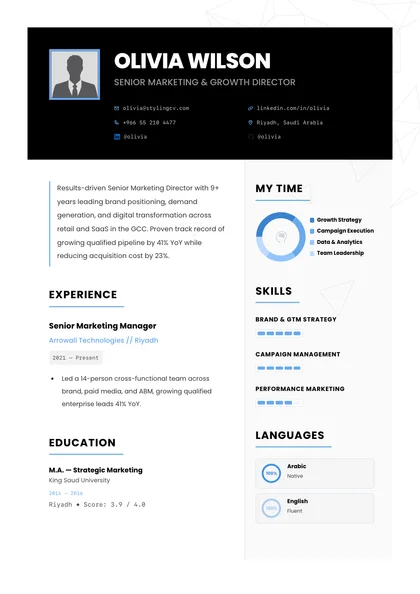
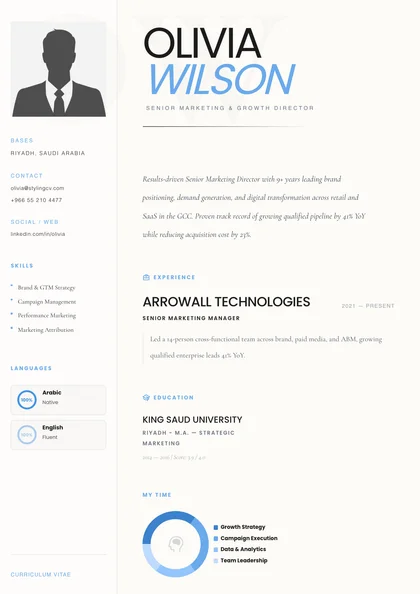
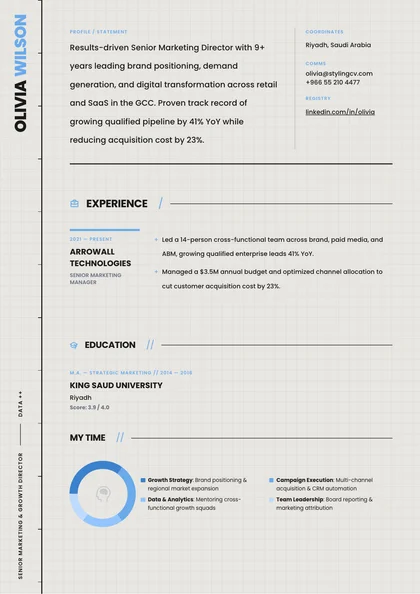
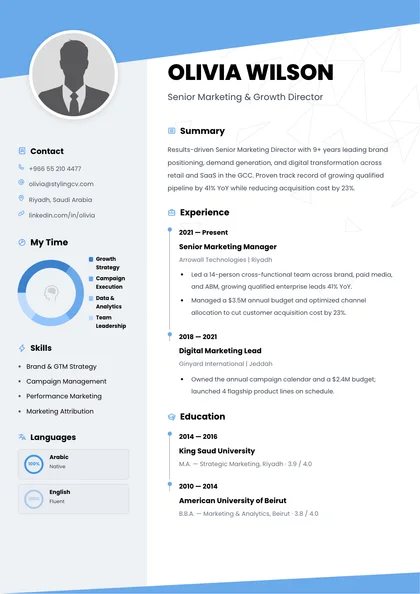
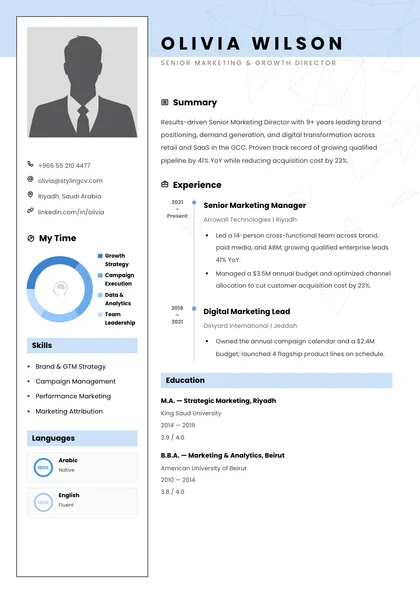
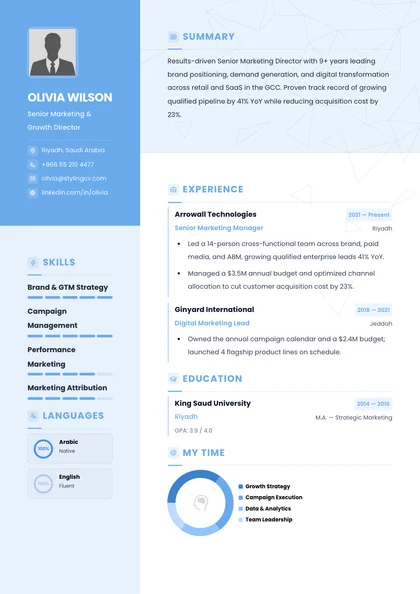
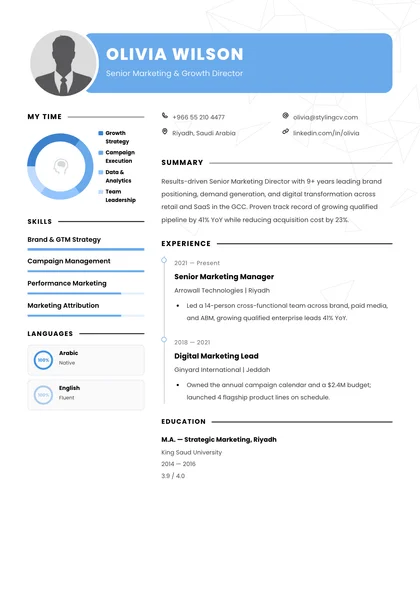
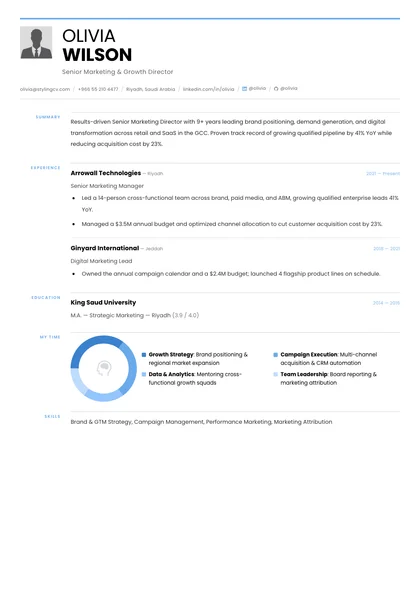
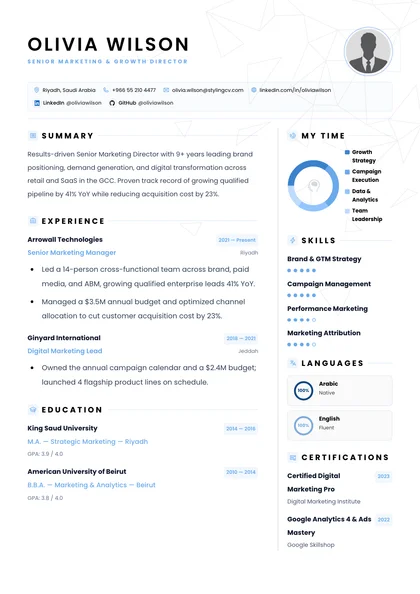
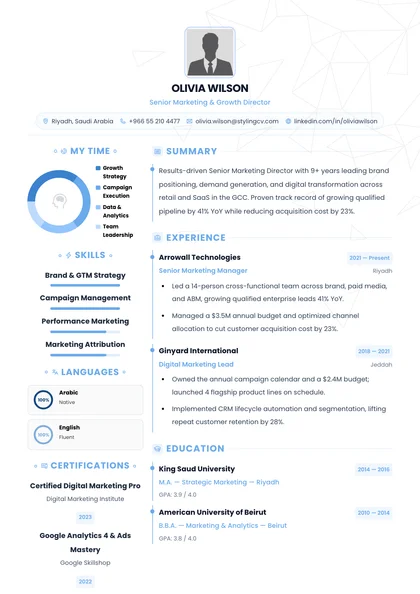
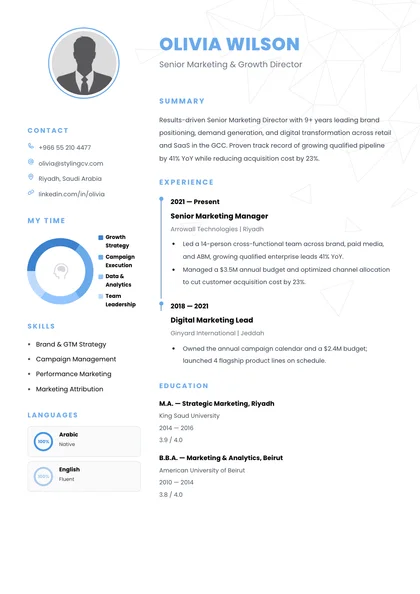
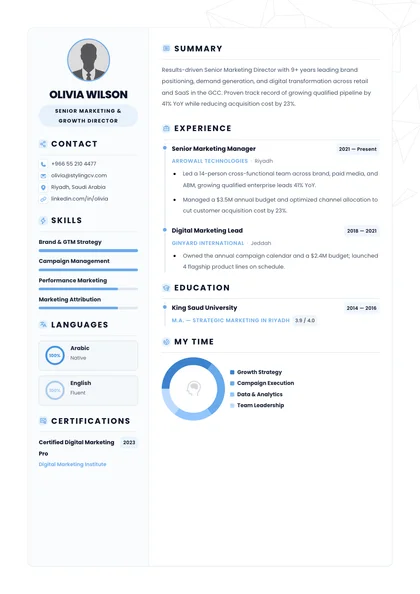
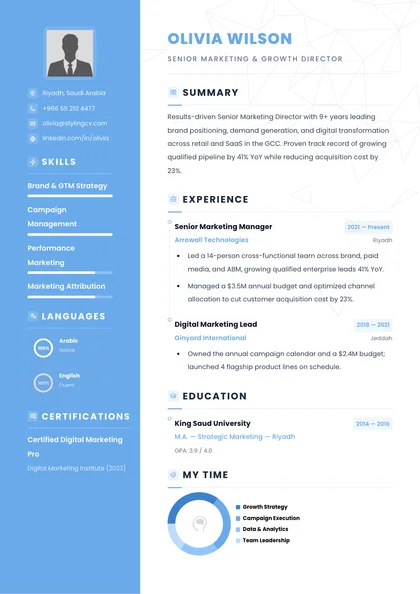
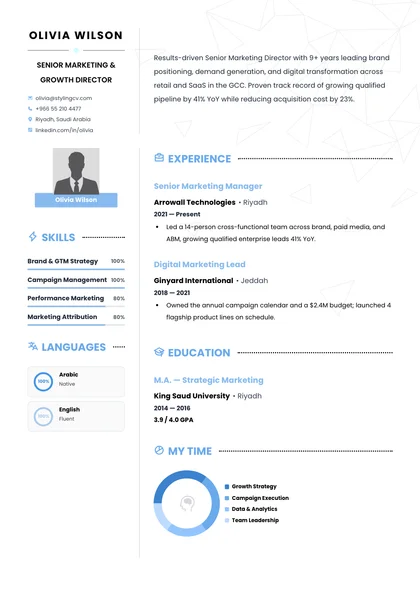
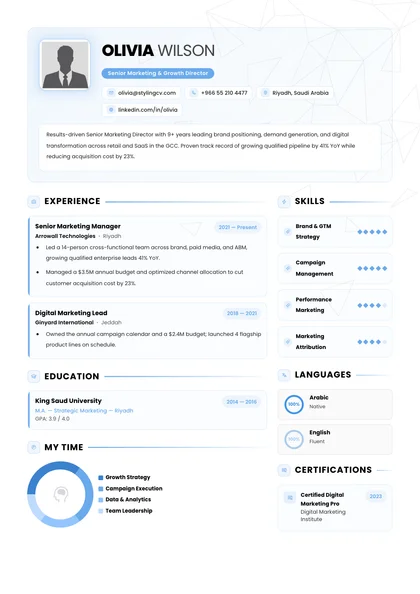
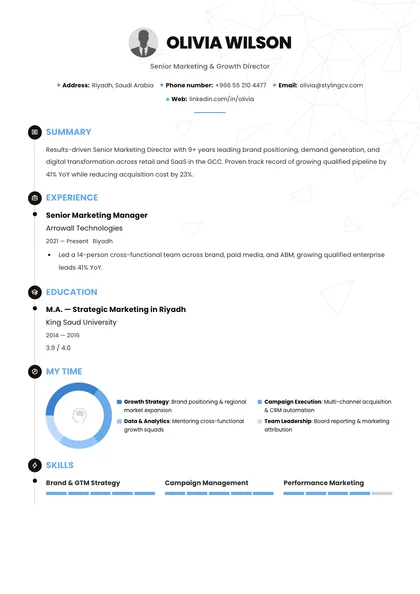
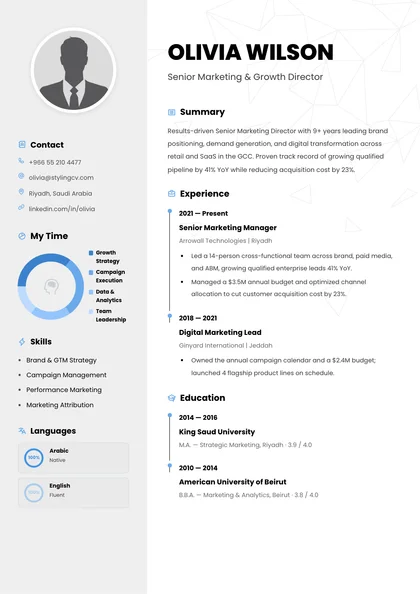
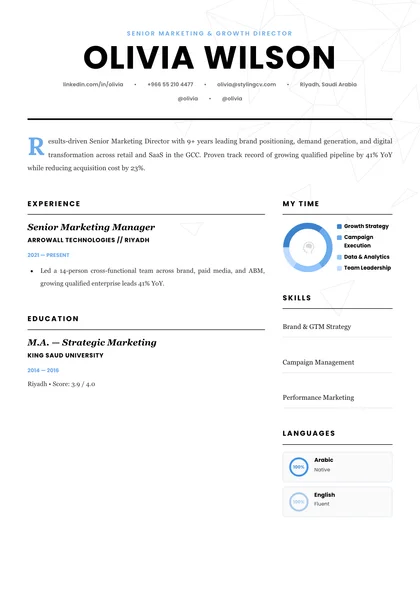
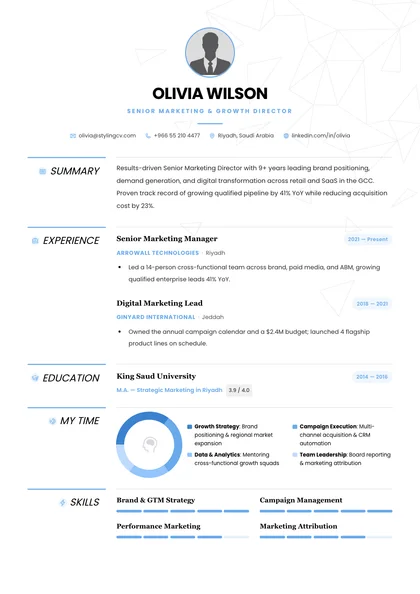
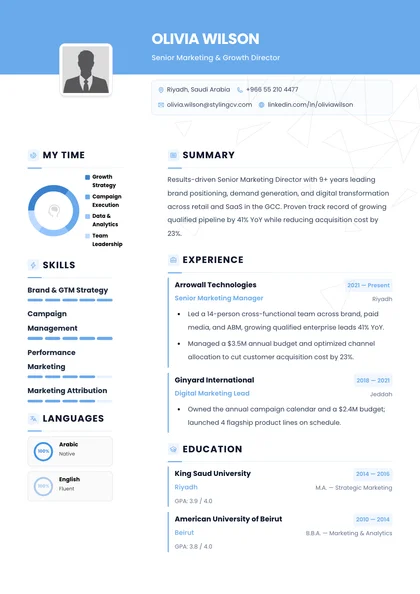
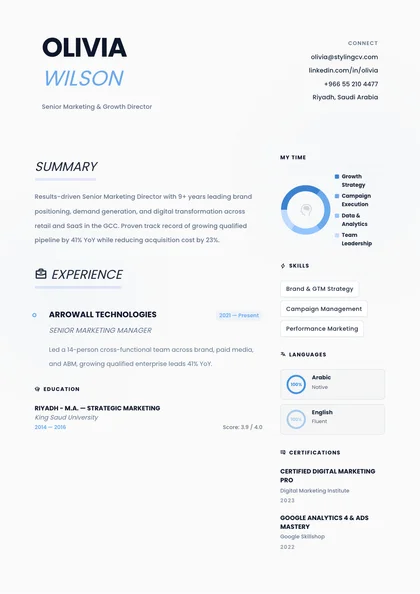
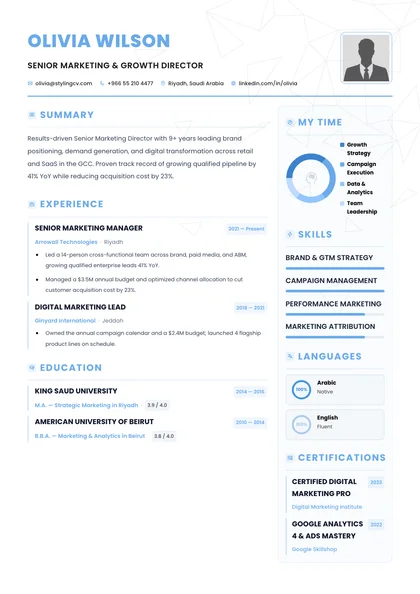
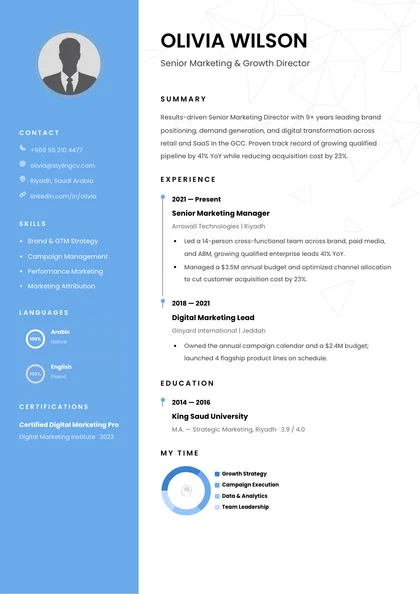
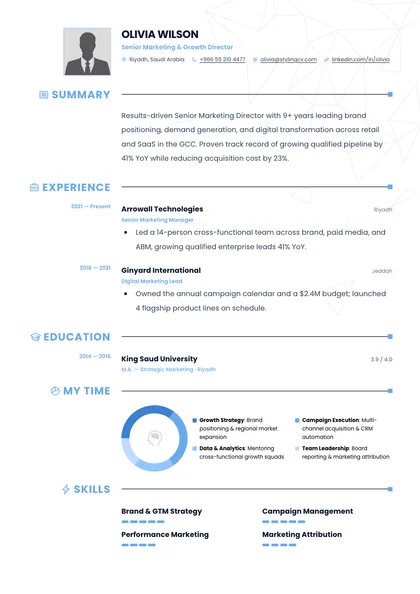
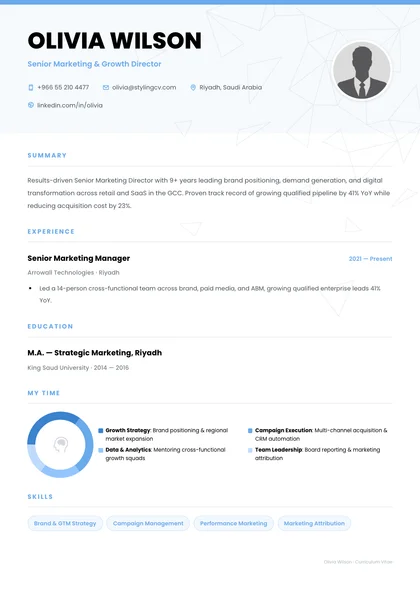
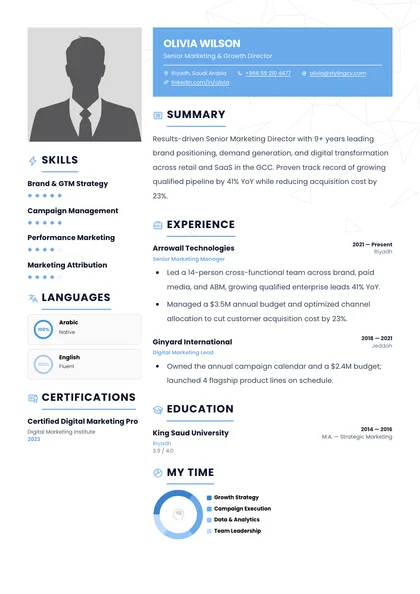
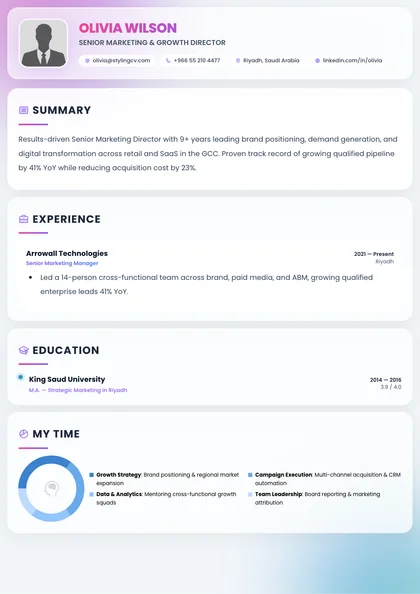
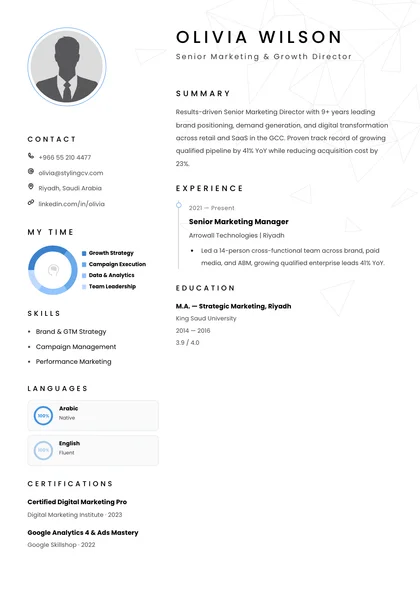
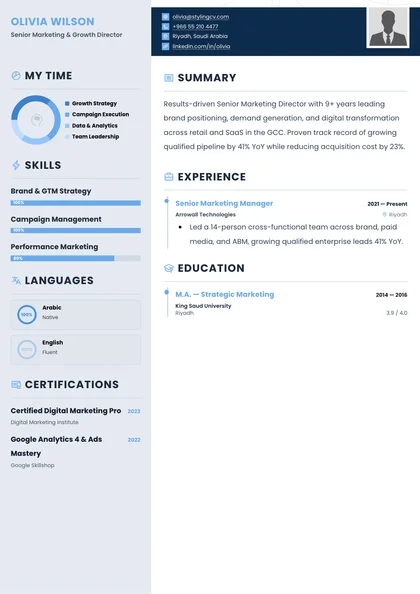
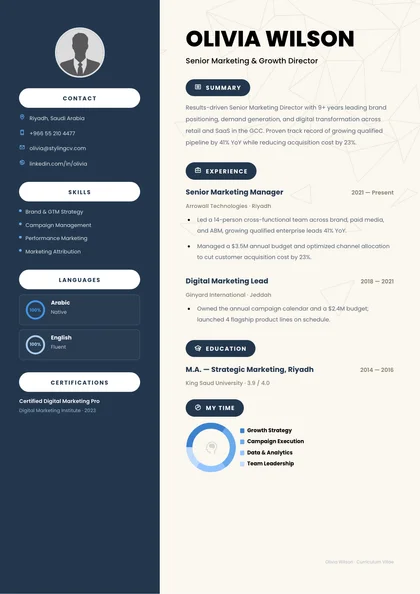
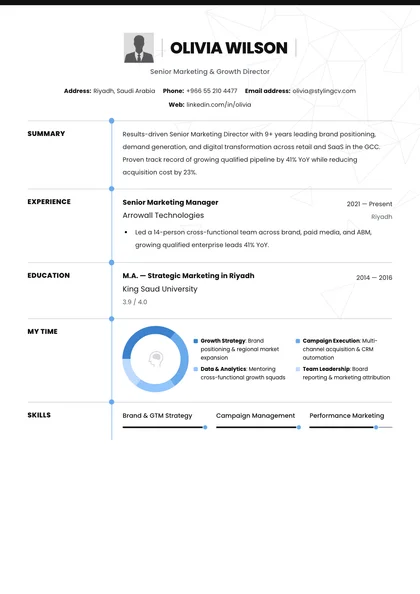
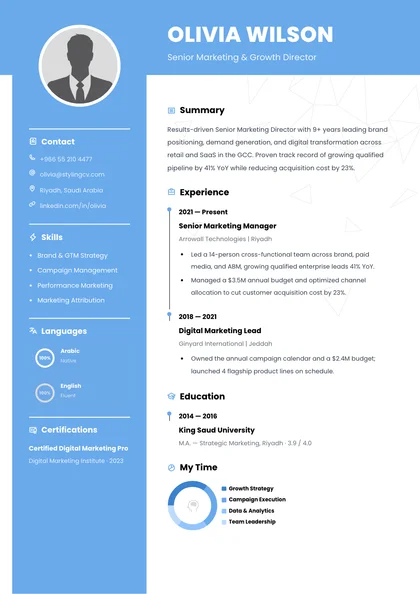
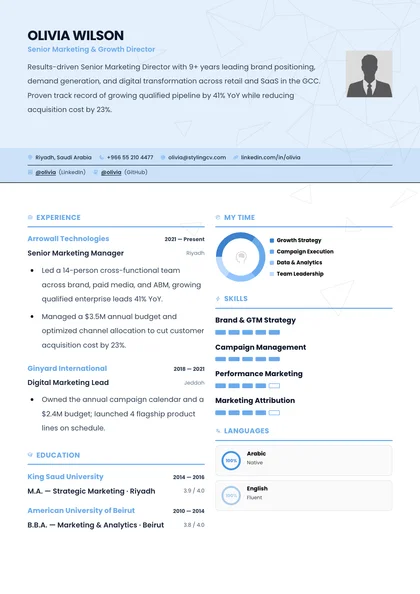
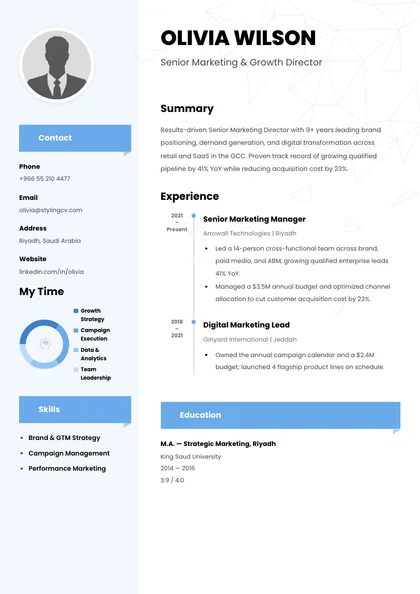
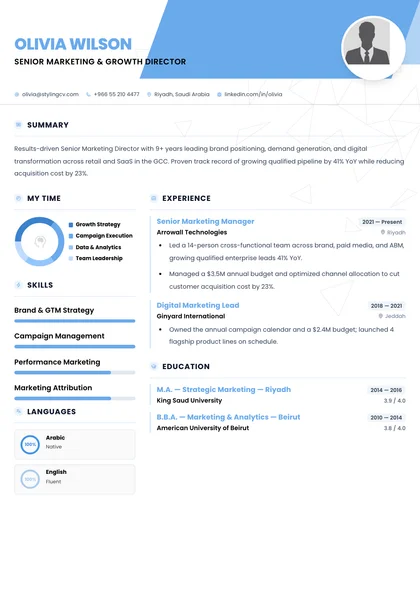
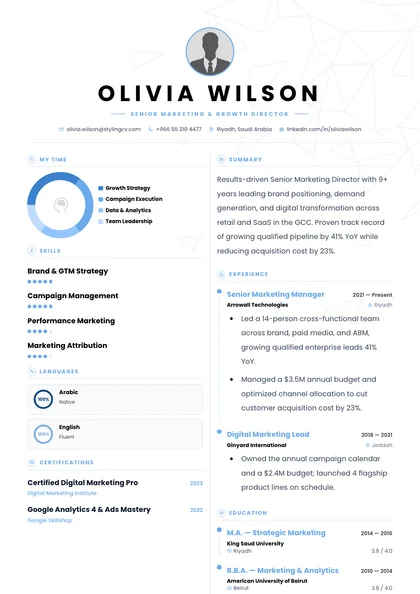
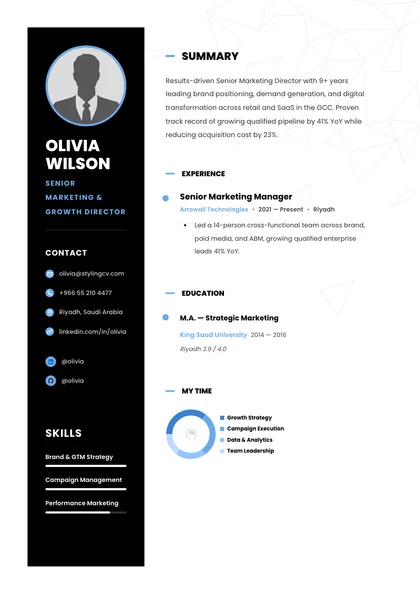
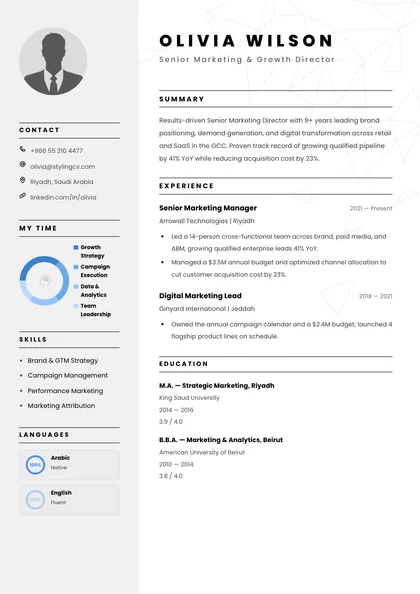
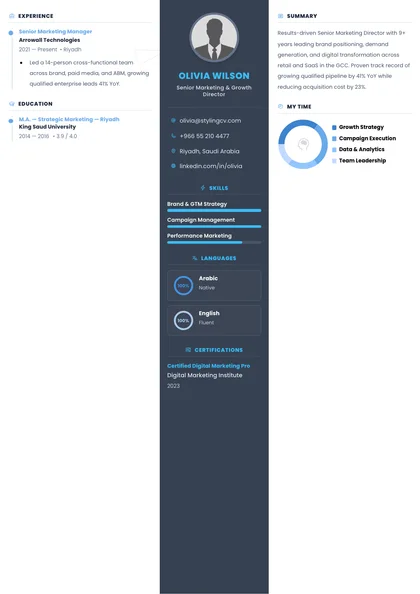
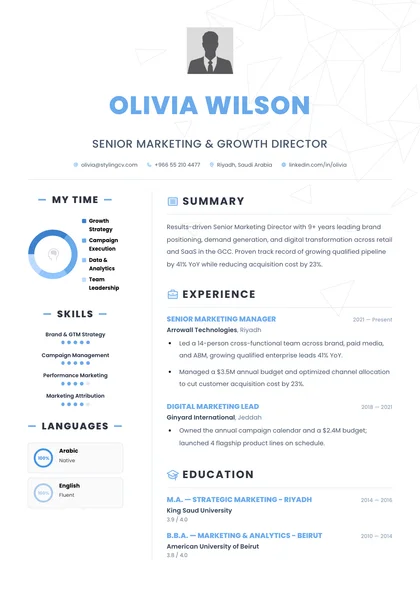
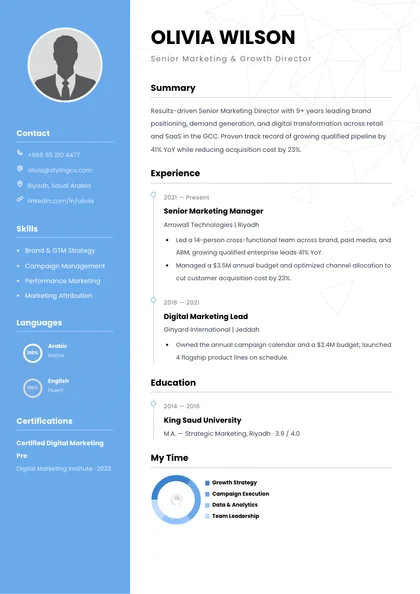
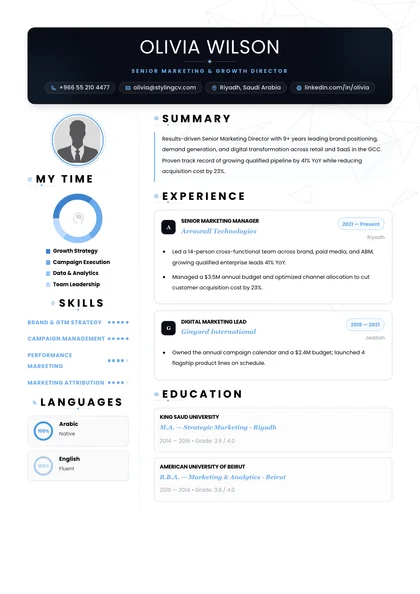
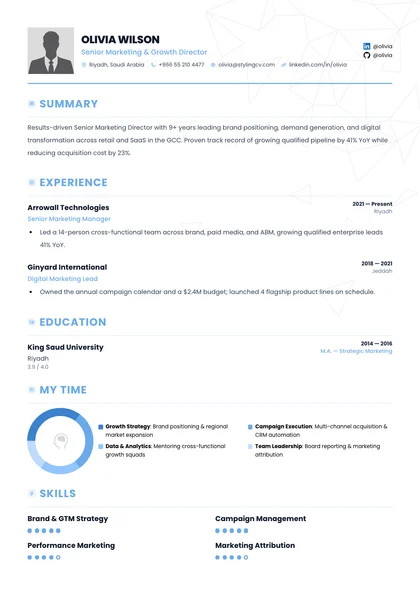
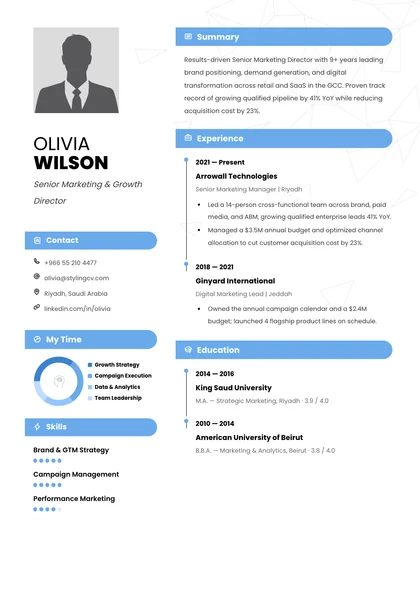
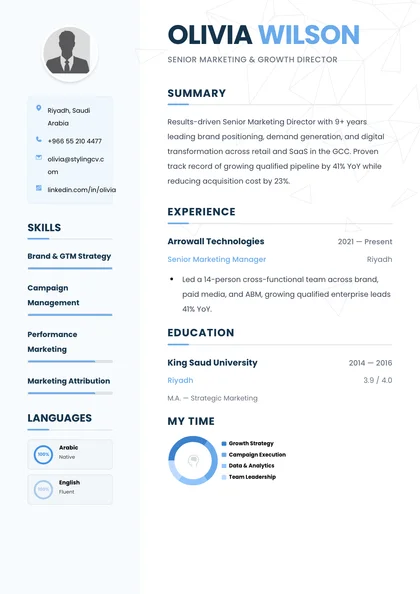
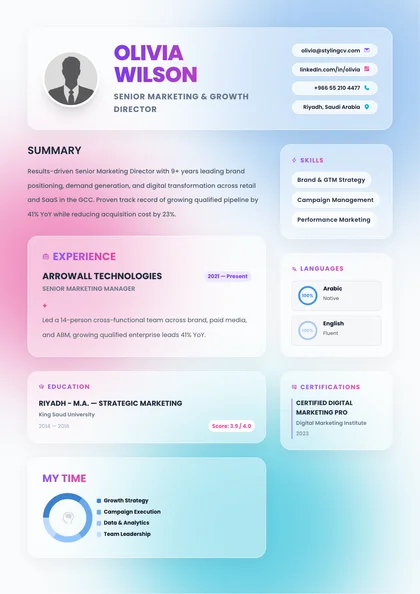
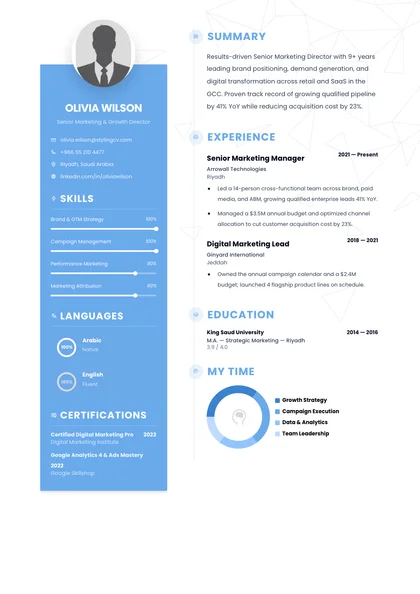
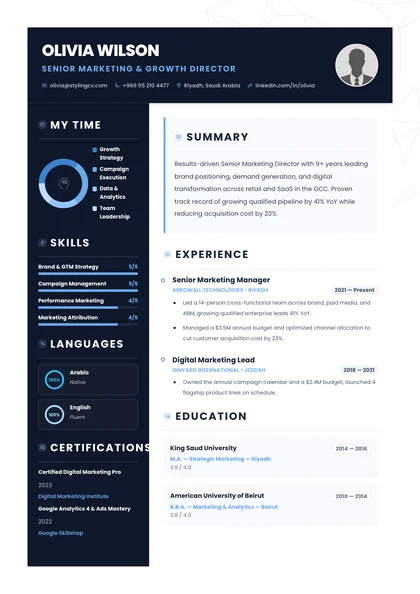
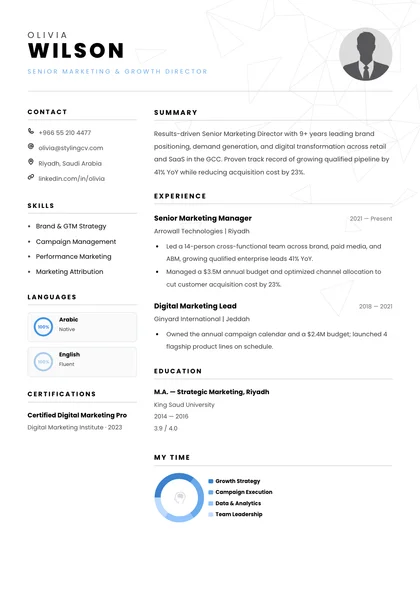
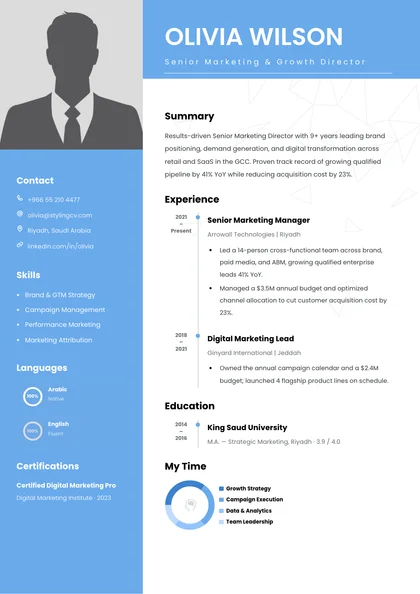
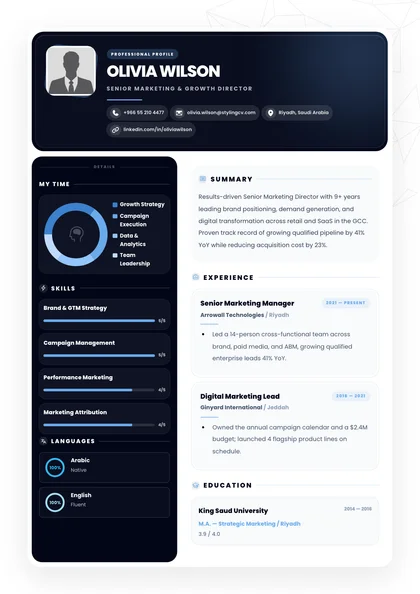
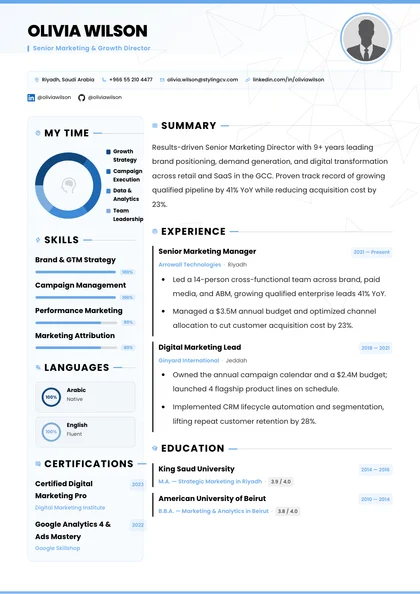
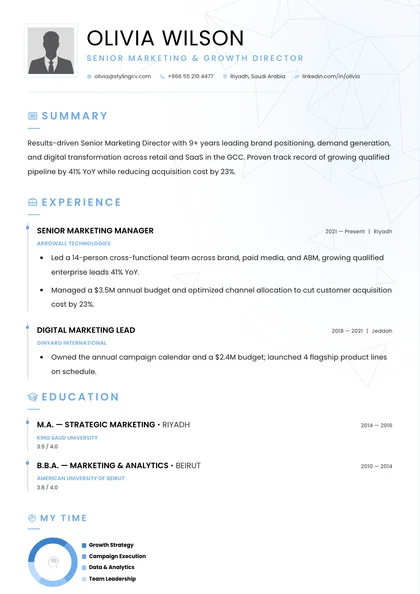
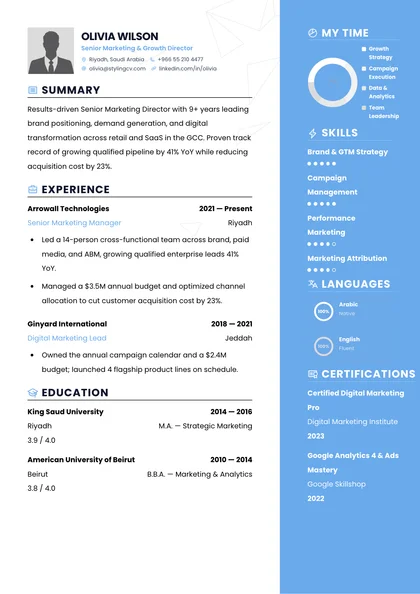
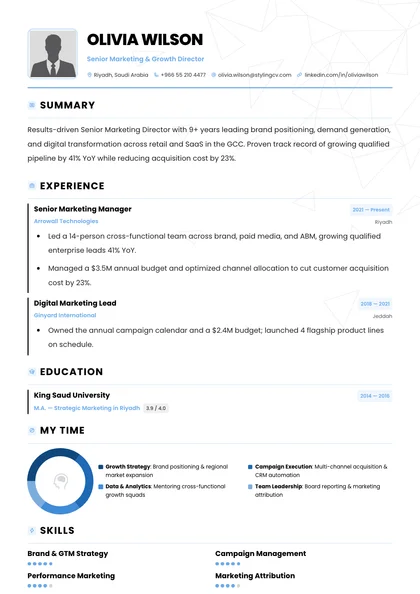
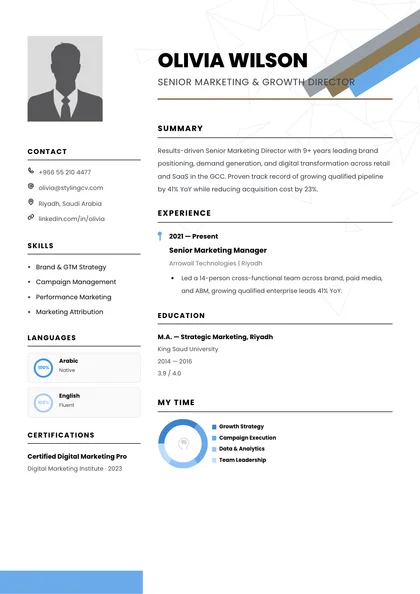
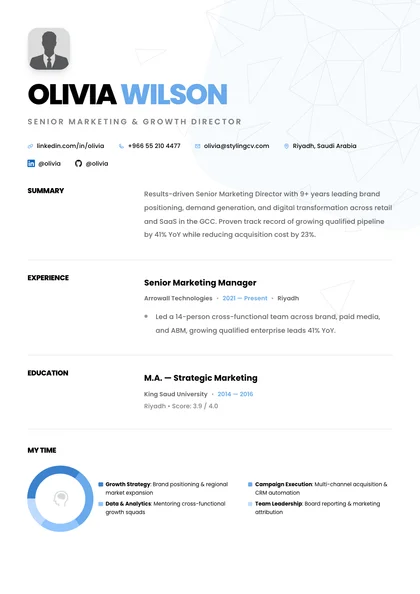
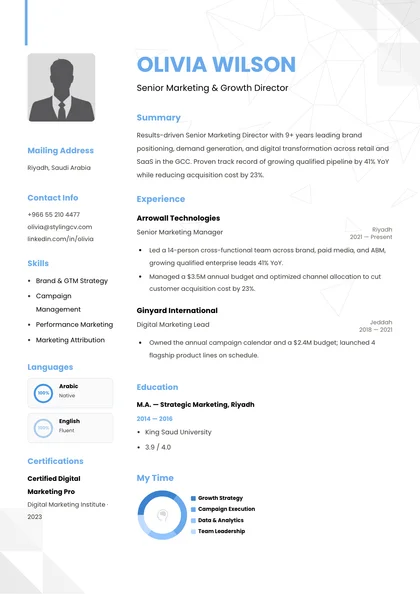
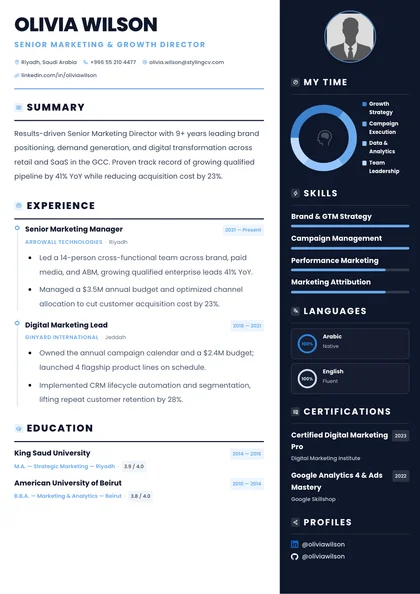
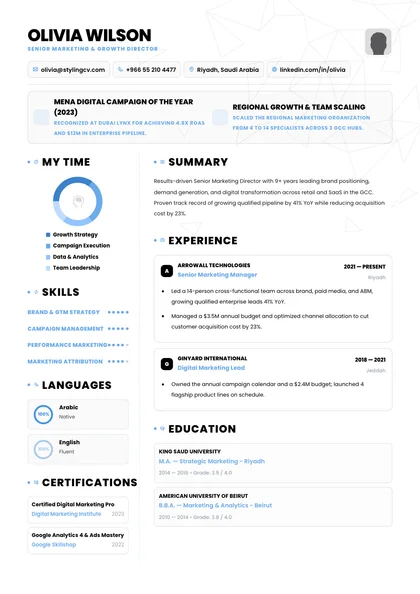
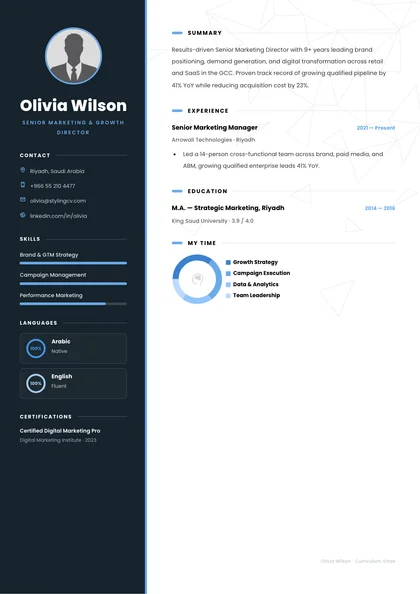
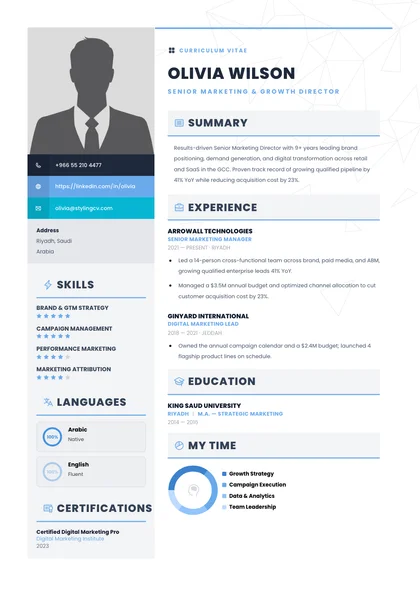
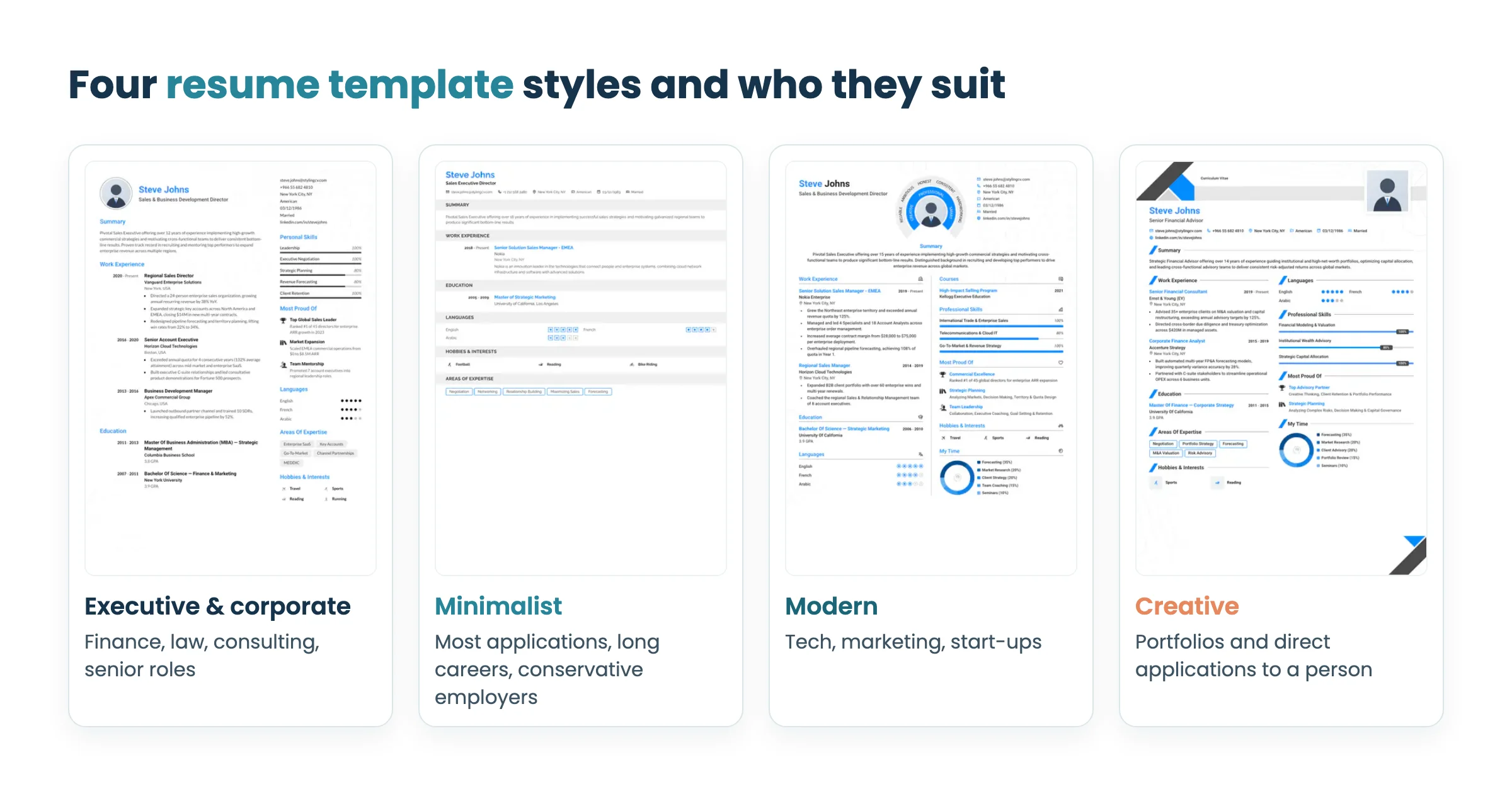
Alfred, Static, Smart and Polygon from the gallery, shown with sample content. Long career or senior role? Executive & Corporate layouts give your experience the most room and keep the tone formal.
Tech, marketing or a start-up? Modern designs add some color and structure without getting in the way of the content.
Sending it straight to a person? A Creative design can work for portfolios and studios, where someone reads the file directly.
Not sure yet? Static is the plainest design in the gallery: no photo, no sidebar and no charts.
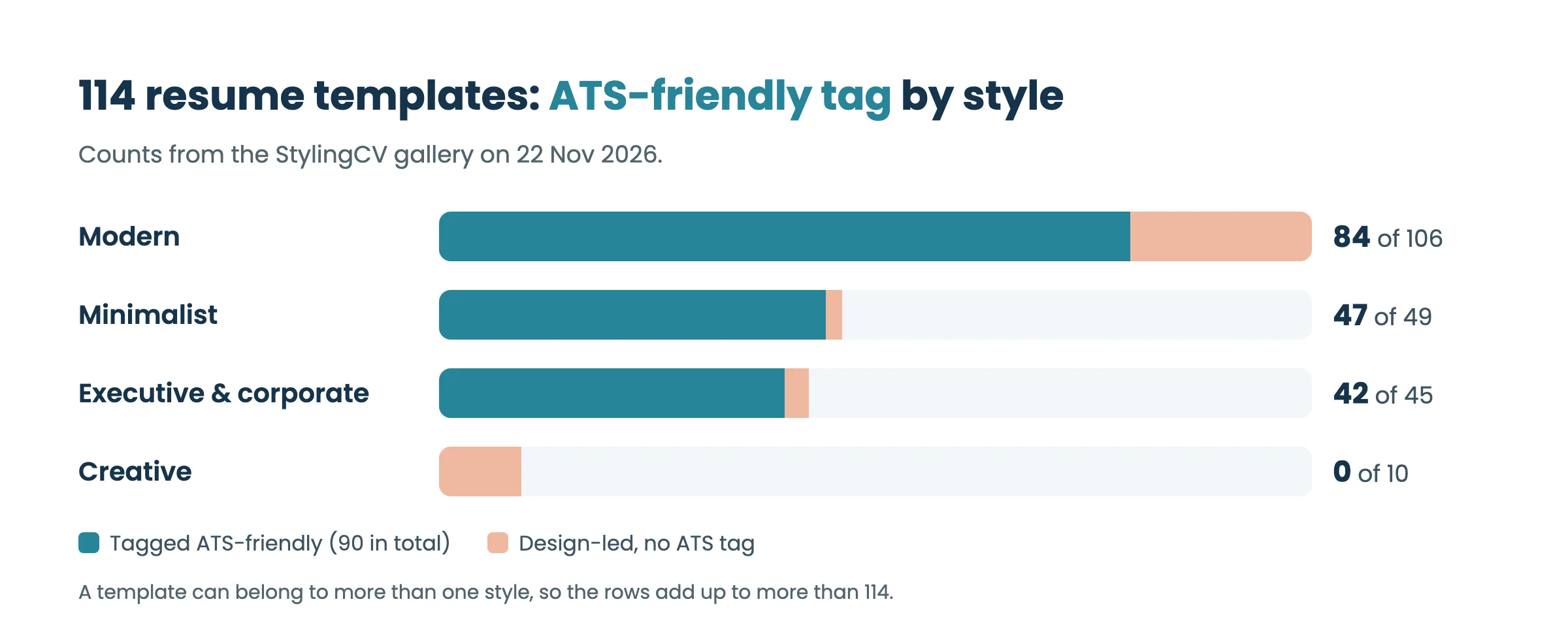
Try the Static template We counted the gallery by style. Minimalist and Executive designs almost all carry the tag, Modern designs mostly do, and none of the 10 Creative designs does.
Counts from the gallery on 22 November 2026. A template can belong to more than one style. The tag doesn’t mean one column. Many tagged designs use a sidebar, skill bars or a small chart, and some systems read those parts out of order. If a portal is strict, use the single-column ATS Word template , or run your finished file through the ATS checker before you apply.
What is the best resume template in 2026? For most jobs, the best choice is a clean reverse-chronological template with clear headings and your latest role first. In the StylingCV gallery, start with the Minimalist filter. If you are applying through a strict online portal, use our single-column Word template.
How many resume templates does StylingCV have? The gallery on this page has 114 resume templates. 90 of them carry the ATS-friendly tag, and you can filter by Executive & Corporate, Modern & Tech, Minimalist and Creative.
Are these resume templates ATS-friendly? 90 of the 114 are tagged ATS-friendly, and the ATS filter in the gallery shows only those. Many of them still use sidebars or charts. For a plain one-column layout, download the English ATS Word template.
Should I use a creative resume template? Use one when a person will see your resume directly, such as a portfolio or an email to a studio. None of the 10 creative designs in our gallery carries the ATS-friendly tag, so avoid them for online application portals.
Can I edit a template in English and Arabic? Yes. Open any template in the StylingCV builder, replace the sample content and choose your language. Arabic resumes use a right-to-left layout.
Should a resume template include a photo? It depends on the market. US and UK employers generally don't expect a photo, while photos remain common in parts of the Gulf and Europe. Check what is normal for the country you're applying to, and pick a template without a photo when in doubt.
Picked a design? Fill it in for one specific job. Paste the job title or posting and the AI wizard drafts your content from your own experience, ready to drop into the template you chose.
Y Written by: Yasser Khateeb , Founder of StylingCV and HR expert. He founded StylingCV in 2018 and helps job seekers in Saudi Arabia, the Gulf and beyond write resumes and cover letters that fit each job. Last updated: 22 November 2026