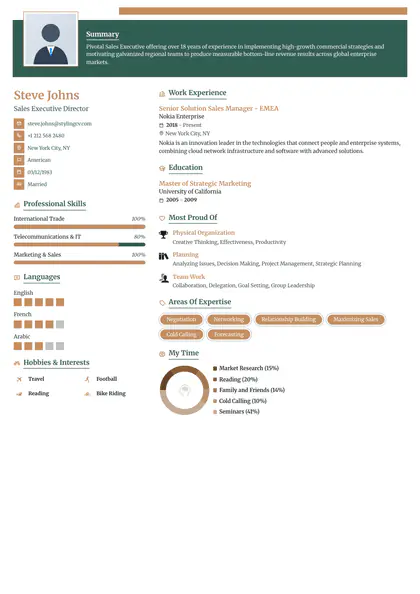
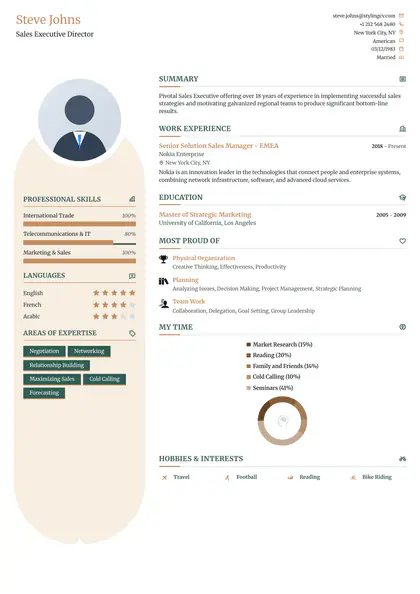
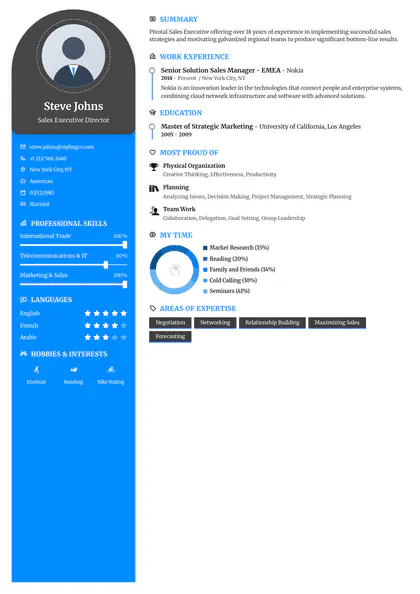
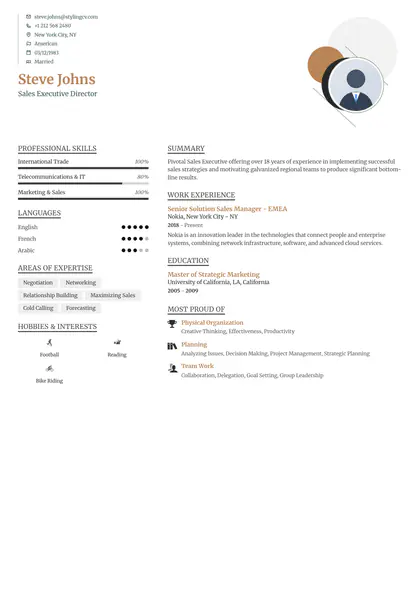
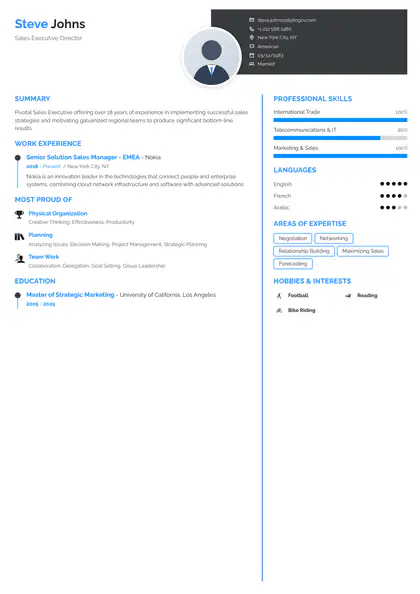
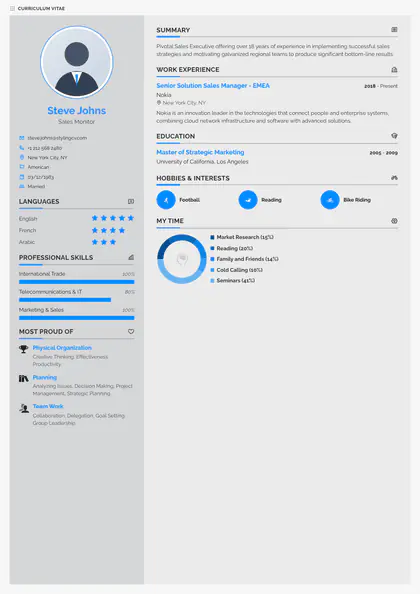
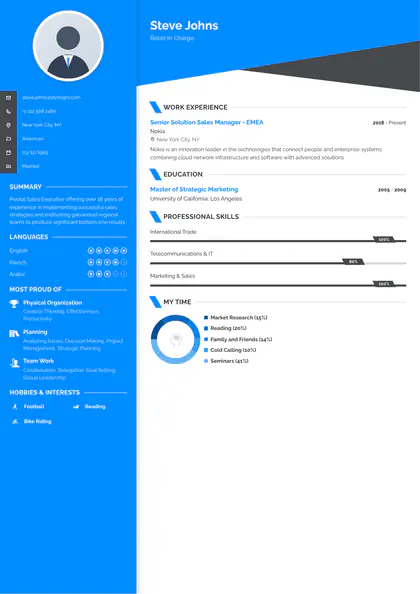
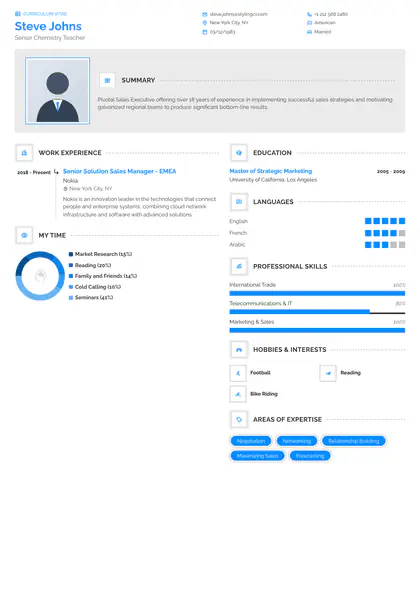
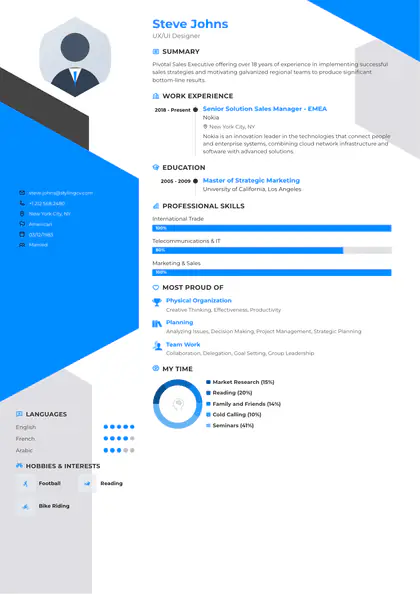
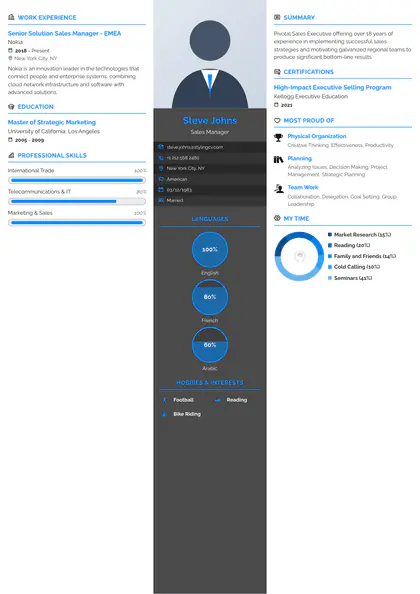
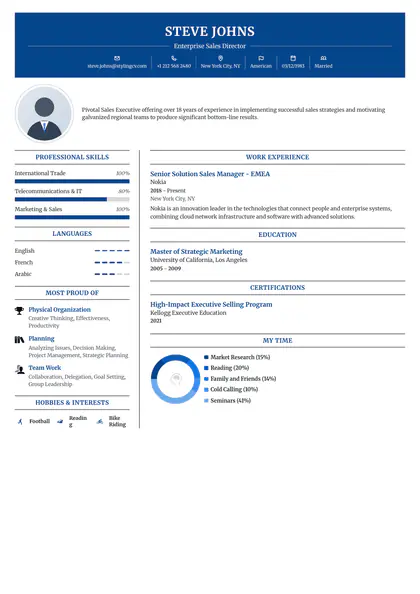
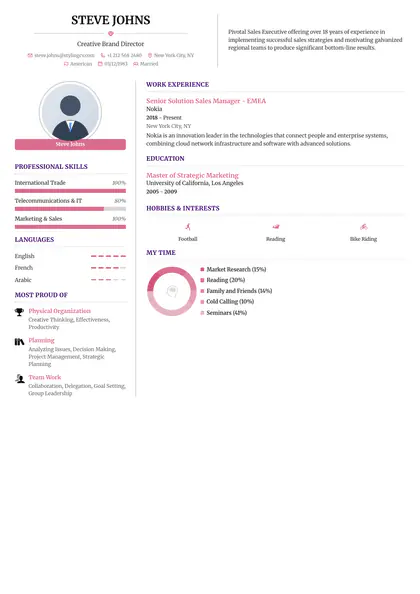
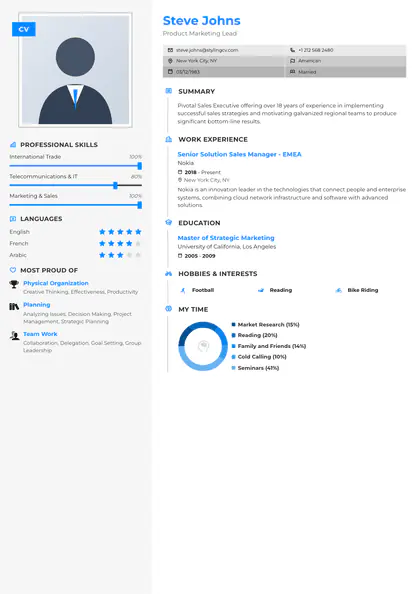
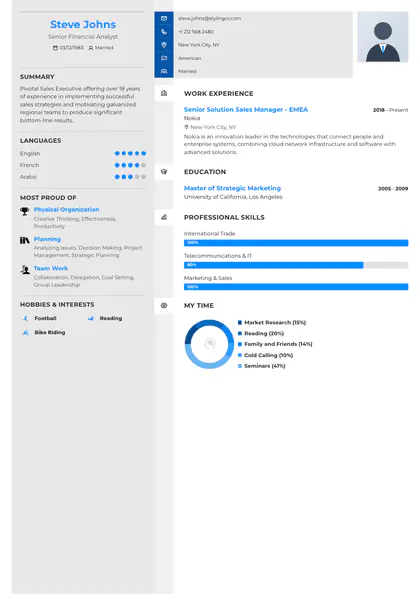
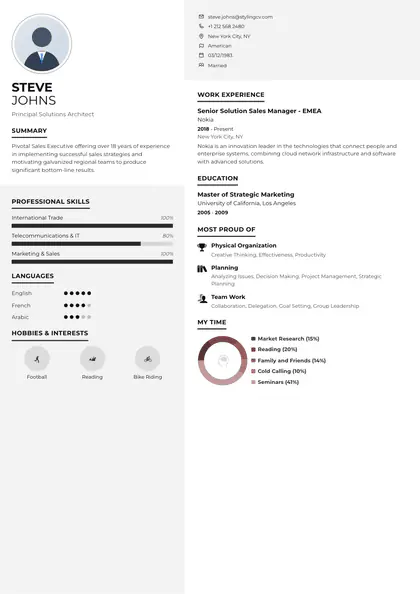
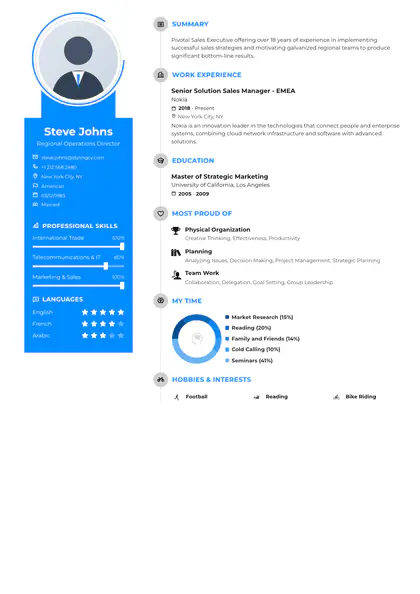
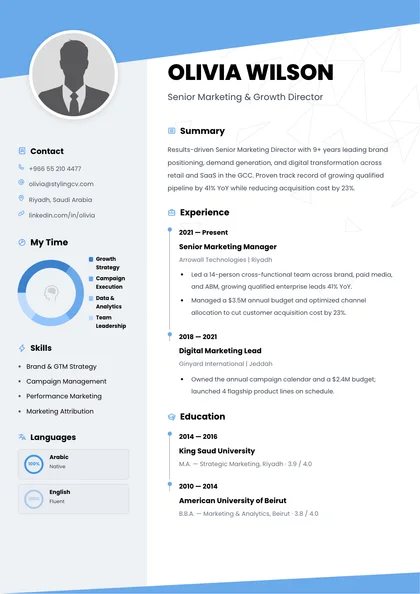
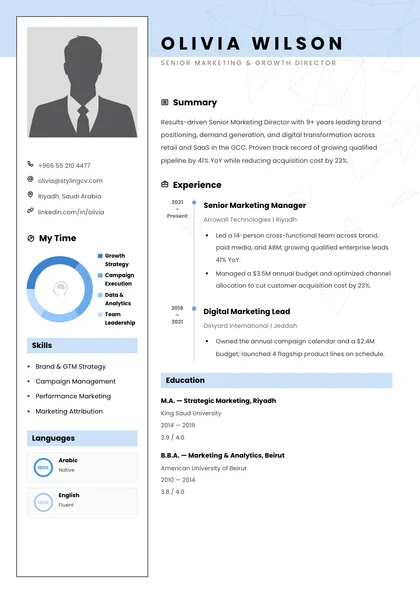
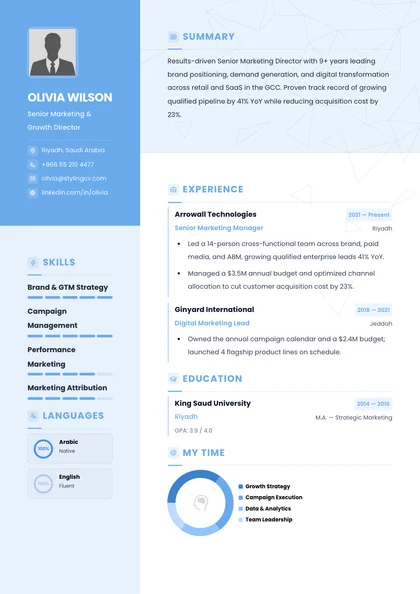
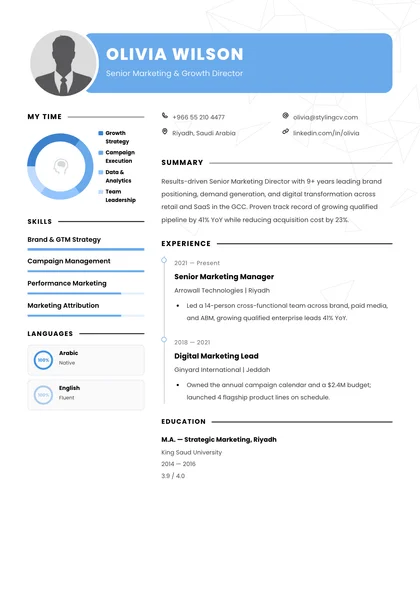
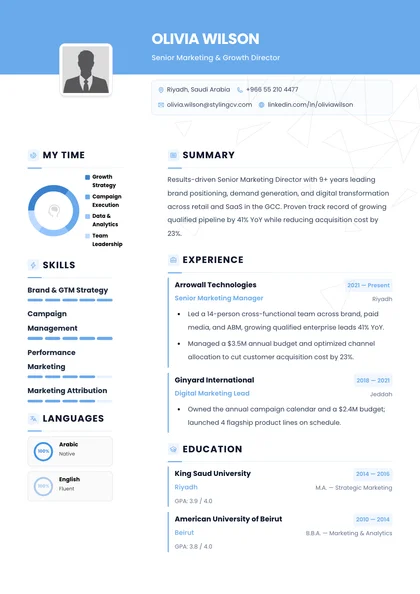
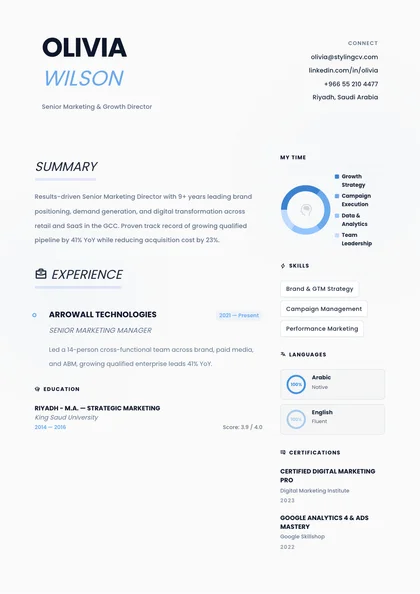
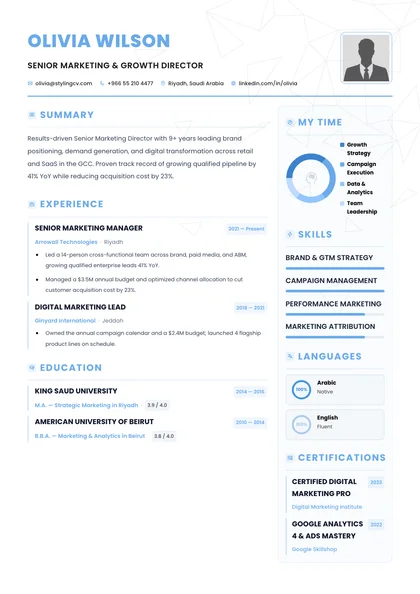
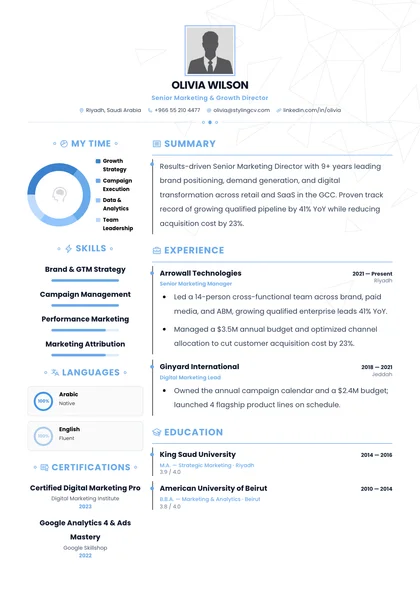
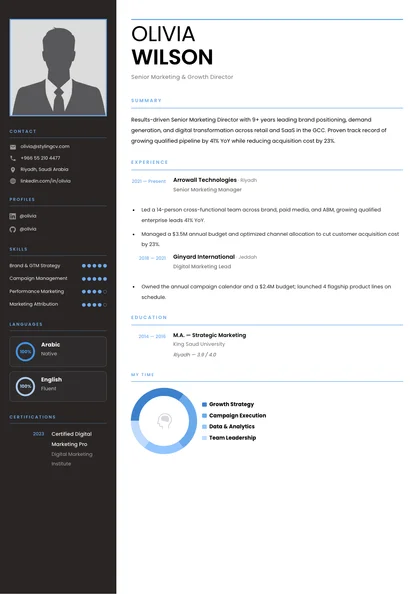
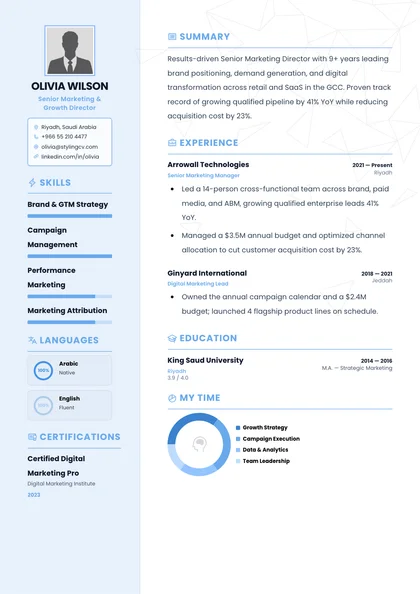
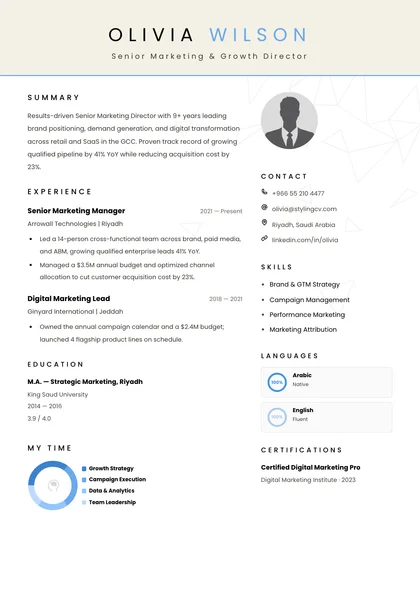
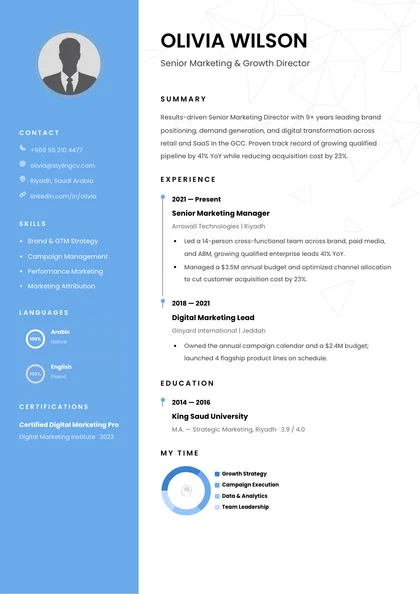
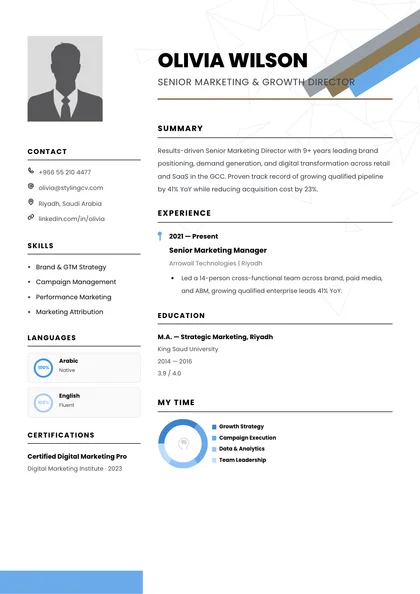
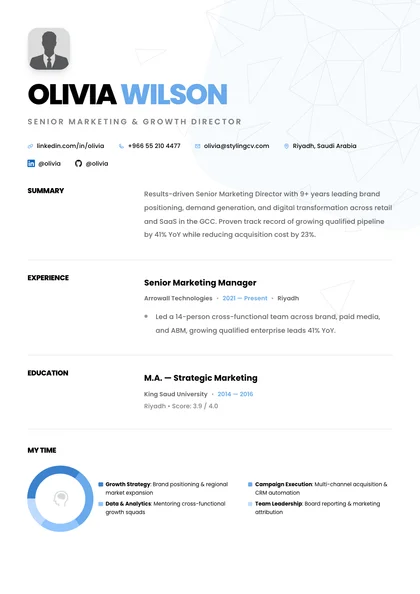
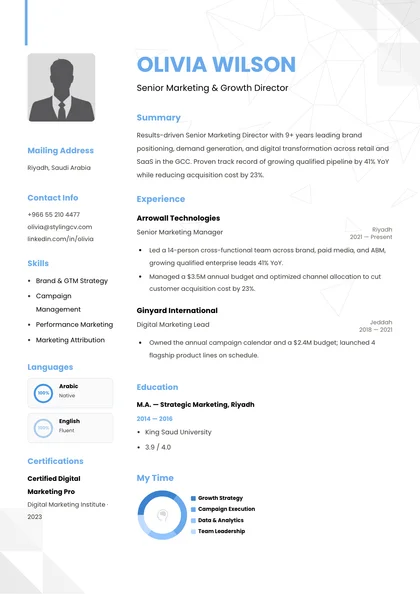
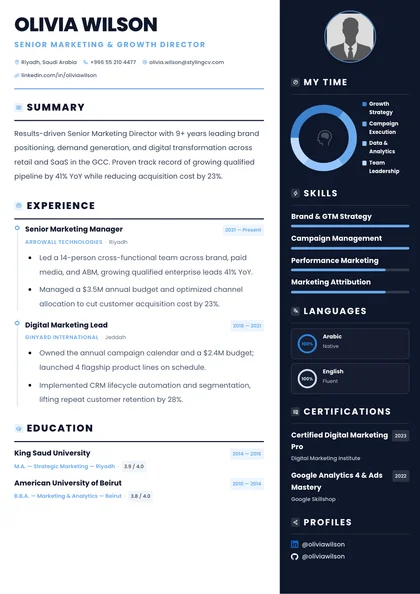
Use the gold-standard Harvard resume template upgraded for 2026 ATS parsing. Clean single-column layout for finance, tech, consulting & grad roles—build free online.
Last updated November 15, 2026
Harvard OCS Single-Column Standard • Clean ATS Parsing
The Harvard Resume Template—Without Fighting Word Tabs
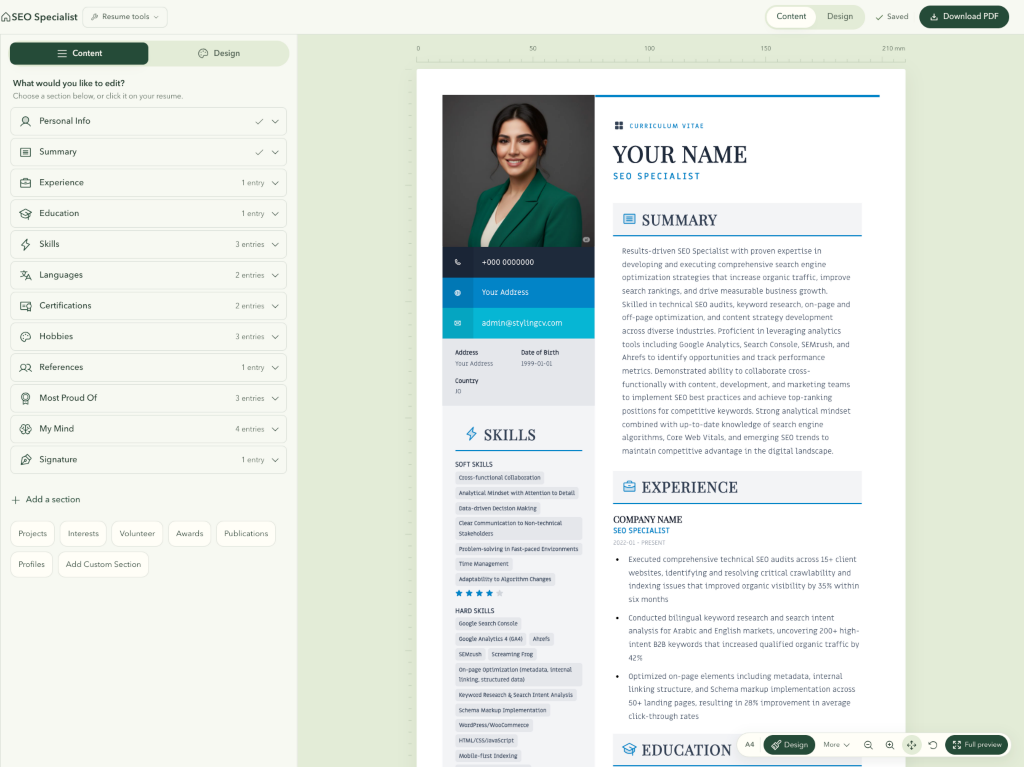
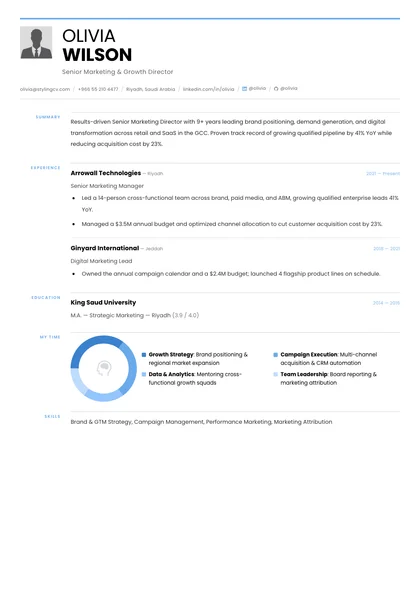
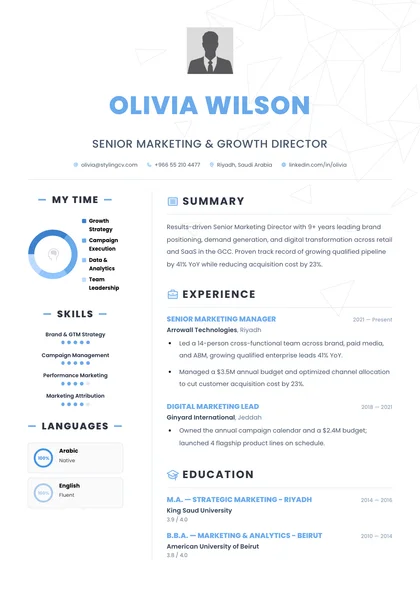
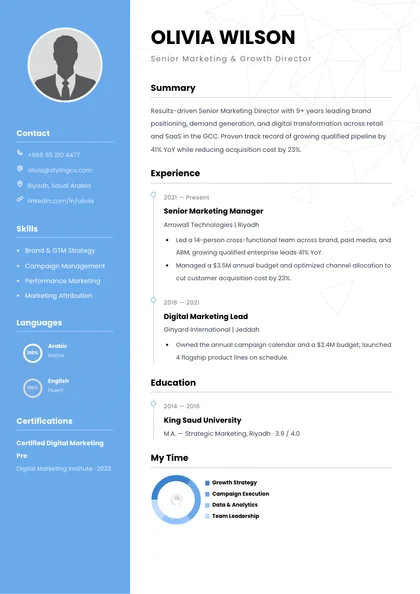
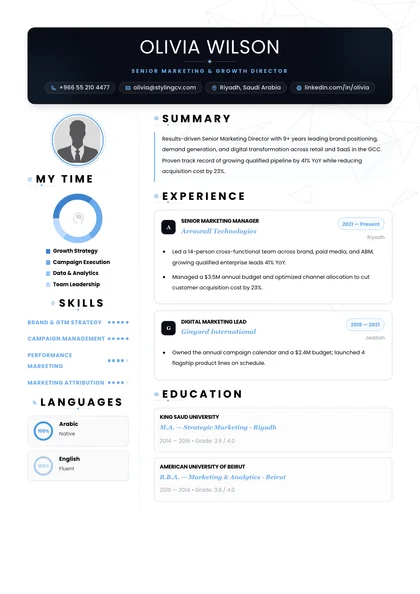
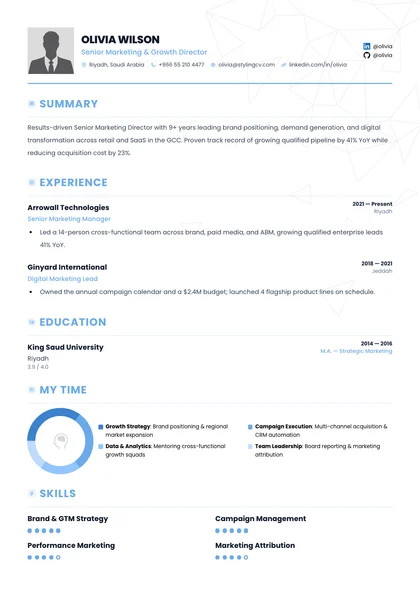
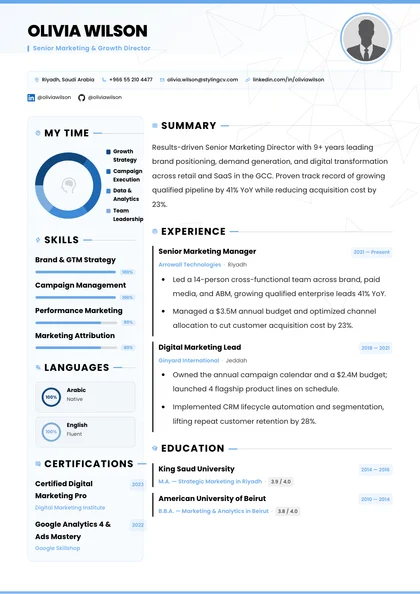
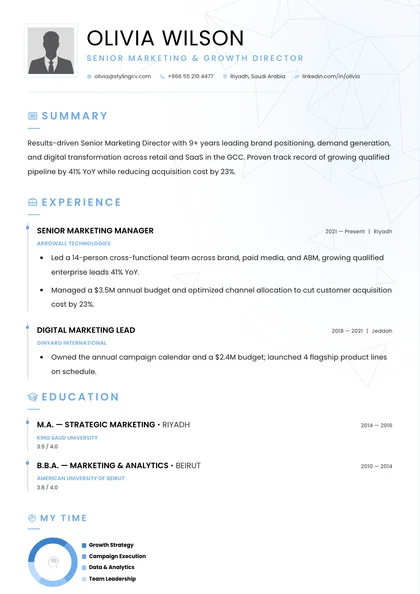
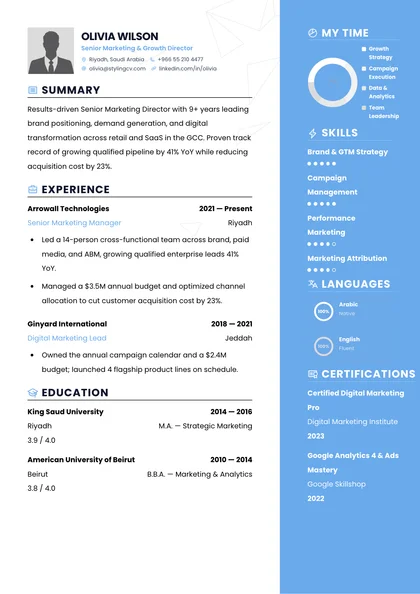
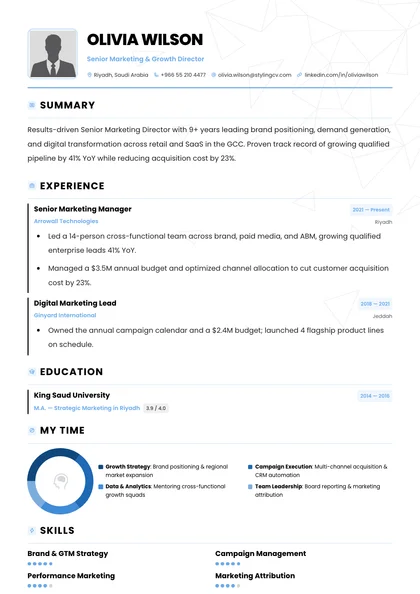
Recruiters at Goldman Sachs, McKinsey, Google, and top graduate programs favor the Harvard Office of Career Services single-column format for one reason: zero clutter. StylingCV automates right-aligned dates, crisp section rules, and tight bullet spacing inside a live A4 editor so your margins never shift.
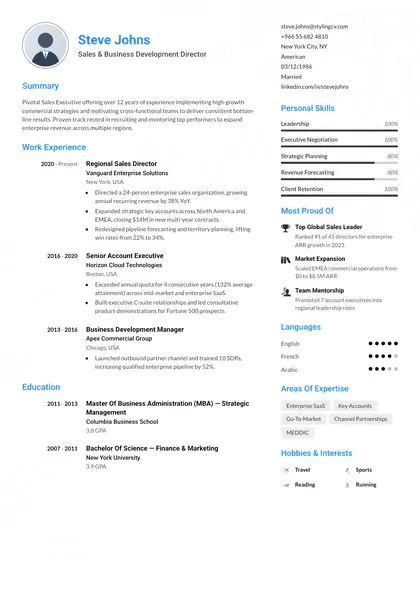
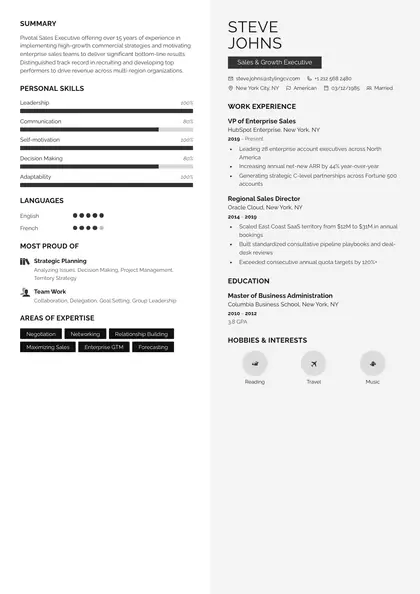
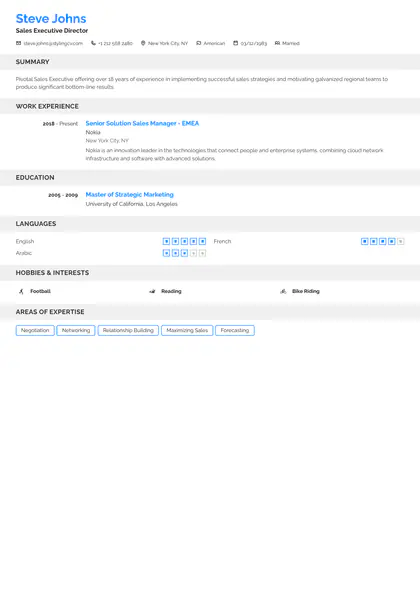
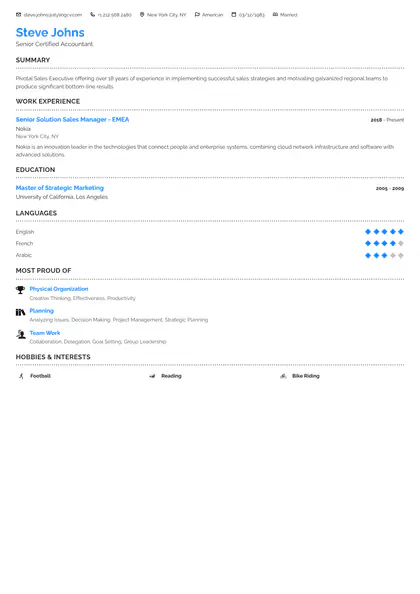
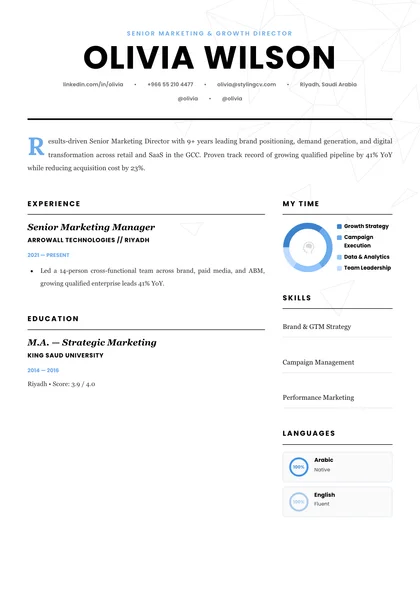
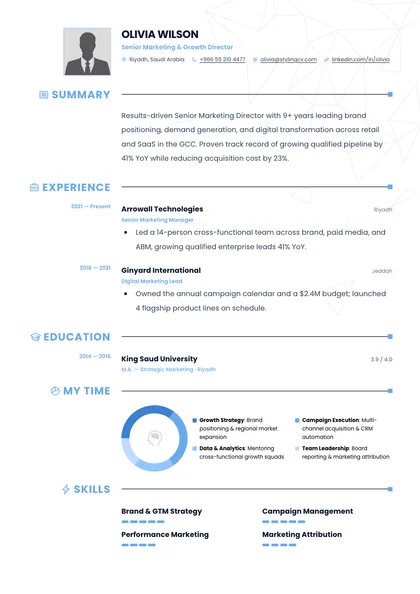
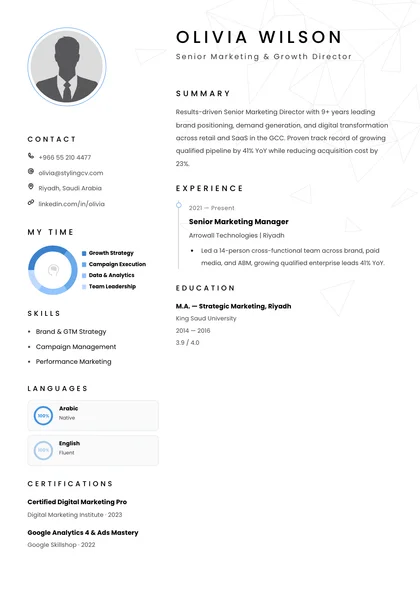
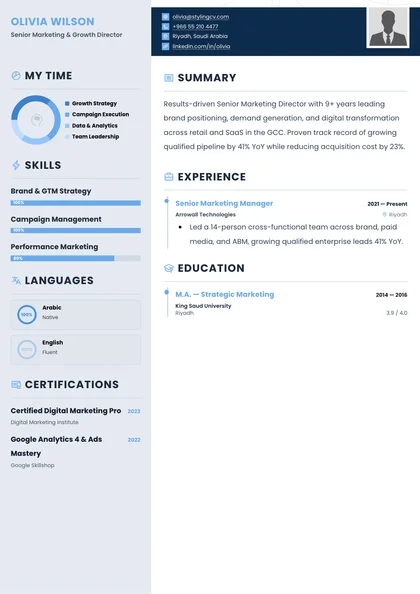
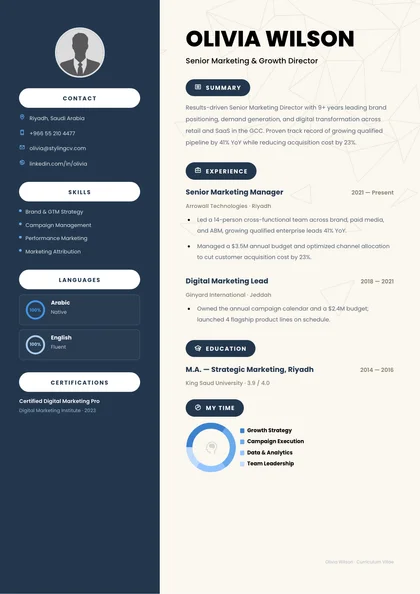
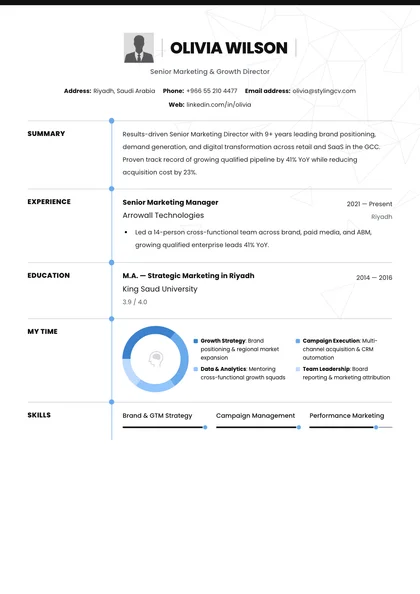
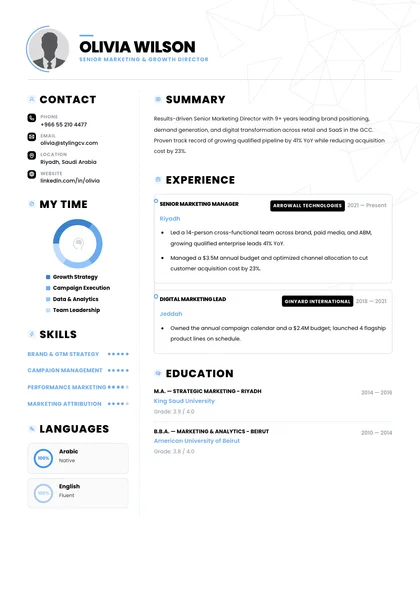
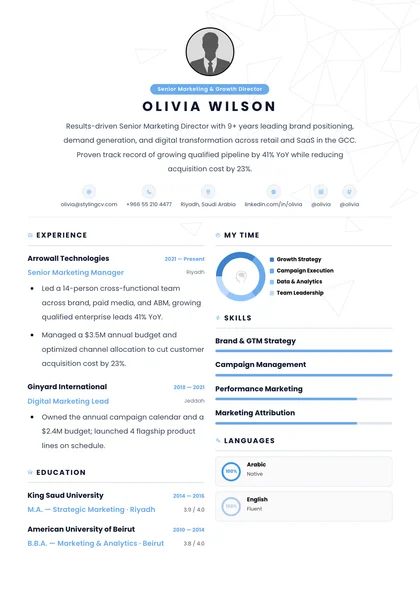
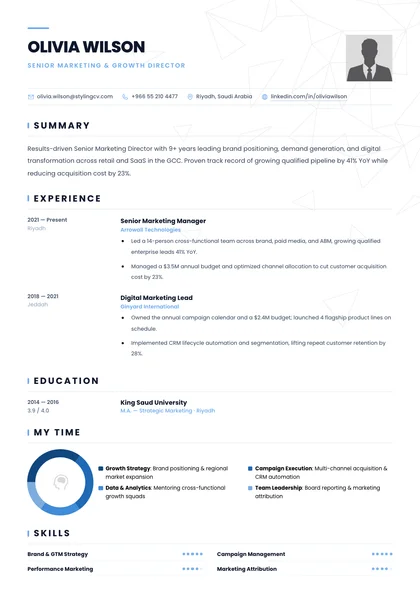
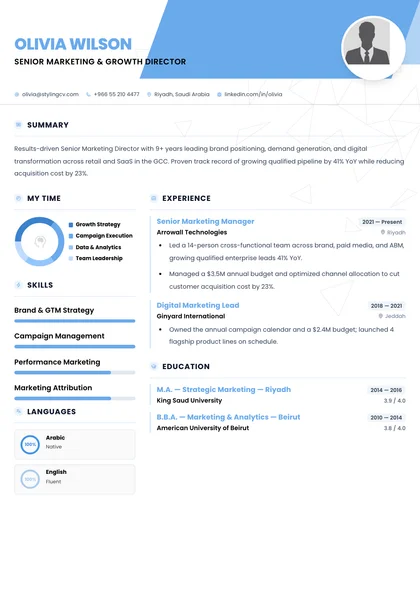
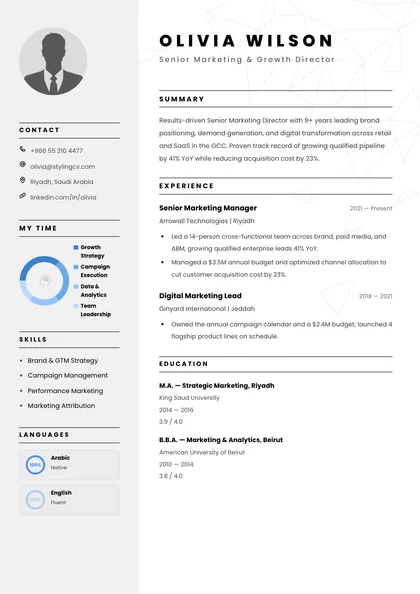
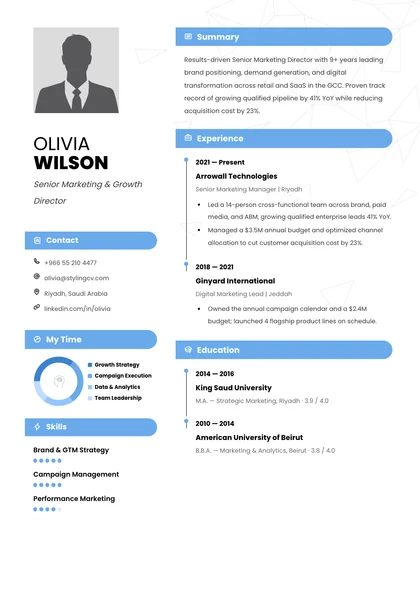
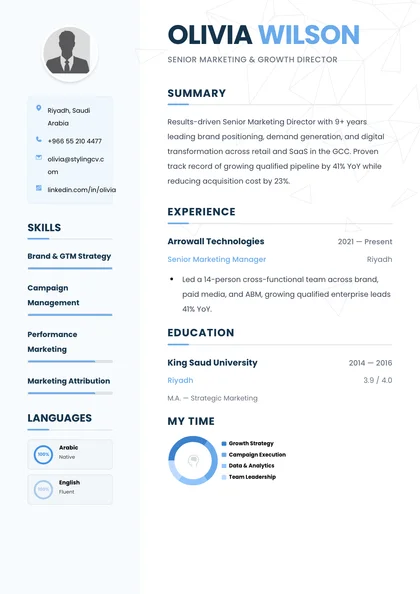
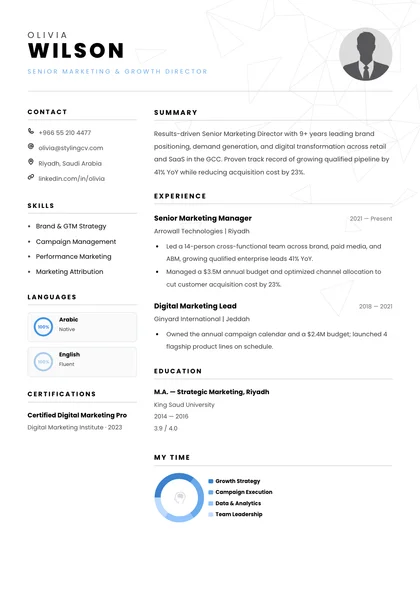
Authentic single-column Harvard OCS hierarchy with auto-aligned right dates
99% text extraction accuracy across Workday, Greenhouse, Lever & iCIMS
AI bullet refinement grounded in your real metrics via Truth Check
Start From Scratch with 11 AI Agents Skip manual Word tab stops—enter your roles once and let StylingCV align dates, locations, and typography automatically.
Upload Existing PDF/DOCX or Import LinkedIn in 60 Seconds Parse your current CV or LinkedIn profile directly into an ATS-clean template without retyping a single role.
Polish Your Bullets and Verify Keyword Match Before Sending
High-selectivity finance, consulting, and engineering teams screen for quantified scope and crisp verb-first bullets. Combine StylingCV's structured single-column editor with the built-in ATS Score Checker to confirm every job title, date, and metric parses cleanly across enterprise screening portals. Every section keeps a clear, text-based hierarchy so ATS software and recruiters can scan your experience quickly.
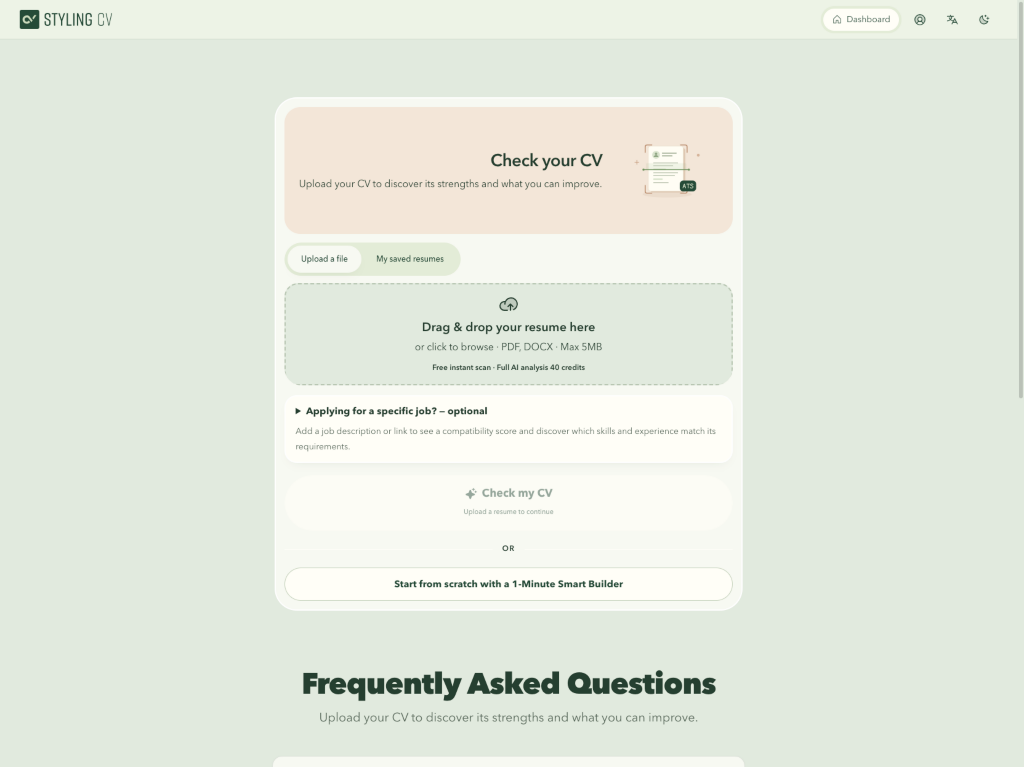
ai.stylingcv.com/ats-score-checker
Role Keyword Verification
Benchmark your Harvard-format bullets against analyst, PM, or consulting job descriptions.
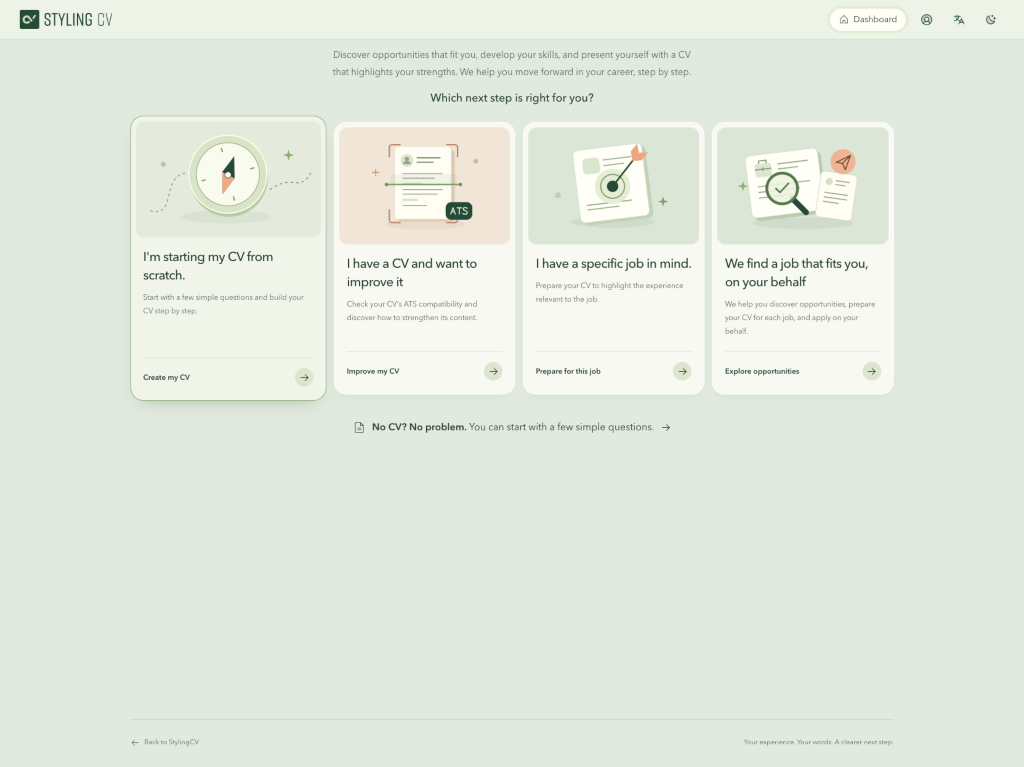
ai.stylingcv.com/ai-generator/wizard
Import Existing Word/PDF CV
Upload your current resume and convert it into a clean Harvard single-column layout in seconds.
How to Build a Clean Harvard-Format Resume in Minutes
Traditional Word Harvard templates break as soon as you add a bullet or adjust margins. StylingCV locks section hierarchy, bold-italic role headers, and right-aligned date columns into a structured editor so your page stays balanced automatically. Every section keeps a clear, text-based hierarchy so ATS software and recruiters can scan your experience quickly.
1. Select Single-Column Standard
Start with clean horizontal rules, serif or sans typography, and balanced 0.6-inch margins.
2. Quantify Impact Bullets
Use our AI agents to frame outcomes with Action + Context + Metric while blocking fluff.
3. Scan & Download 1-Page PDF
Confirm Workday extraction and export a sharp, print-ready PDF in one click.
Why Do Top Recruiters and ATS Engines Prefer the Harvard Resume Format?
Top recruiters and enterprise ATS engines prefer the Harvard resume format because its strict single-column hierarchy places company names and titles on the left, dates and cities flush right, and dense achievement bullets across the full line width. Eye-tracking benchmarks show recruiters locate graduation pedigree, promotions, and technical depth in under six seconds.
Manual Word formatting breaks easily. One extra spacebar tap in a downloaded `.docx` template pushes your graduation date onto a new line, ruining the crisp right-hand margin alignment that makes the Harvard format famous.
Should Education or Work Experience Come First on a Harvard Resume?
Section order on a Harvard resume depends strictly on how recently you graduated and whether your degree unlocks the target credential. Current university students, recent graduates within twelve months of commencement, and MBA or JD candidates lead with Education, while professionals with two or more full-time years lead with Experience.
Career Stage
Recommended Section Order (StylingCV Harvard Blueprint)
How Do You Write Harvard OCS Action-Verb Bullets That Win Interviews?
Harvard Career Services popularized starting every bullet point with a decisive past-tense action verb—never personal pronouns like “I” or filler phrases like “Assisted with”—followed immediately by technical method and quantified business impact. StylingCV’s Bullet Quantifier upgrades flat internship or corporate tasks into high-signal lines tailored for Greenhouse, Lever, and iCIMS.
❌ Before — Weak Analyst Bullet
“Worked on financial modeling in Excel for client M&A deals and helped senior associates prepare pitchbook presentations for healthcare companies.”
Why investment banking & consulting screens pass on it: Passive verb (“Worked on”), zero valuation size, no DCF/LBO specificity, and no deal outcome.
✅ After — Harvard Action-Verb Standard
“Built 3-statement DCF and LBO valuation models in Excel for 4 middle-market healthcare M&A mandates totaling $340M, uncovering $6.2M in working-capital synergies cited in buyer IC memos.”
Why hiring committees flag it for first-round interviews: Leads with strong action verb (“Built”), names exact technical methodologies (DCF, LBO), and proves $340M deal exposure.
Instant ATS & Bullet Audit · Zero Signup
Check How Workday & Greenhouse Read Your Harvard Resume Right Now
Drop your existing PDF or Word file into our free scanner to verify right-aligned date parsing, verb diversity, and keyword alignment against your target role.
What Margins, Fonts, and Formatting Rules Define the Classic Harvard Style?
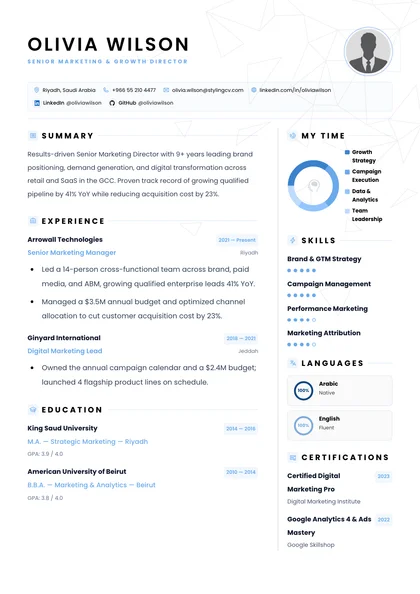
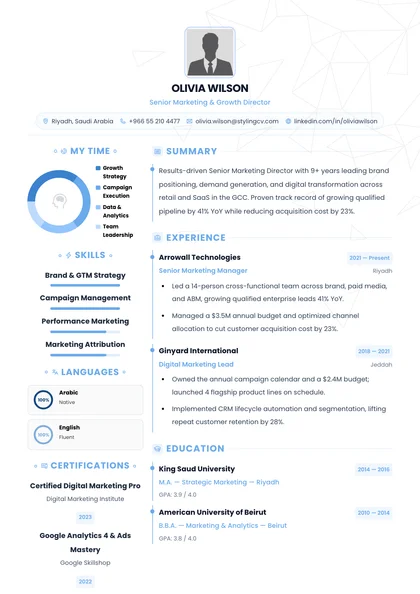
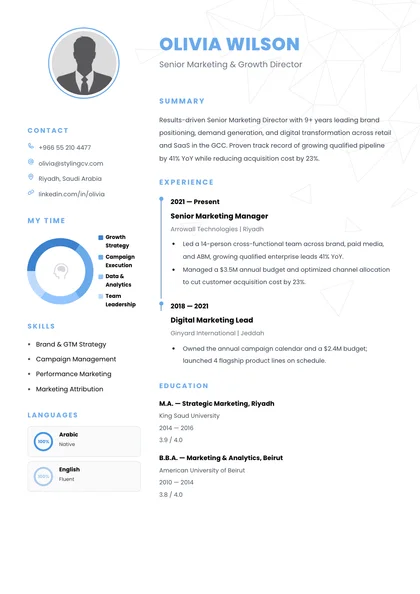
Authentic Harvard-style resumes rely on disciplined typographic restraint rather than decorative colors, icons, or shading boxes that distract conservative reviewers. Sticking to standard serif or crisp geometric sans-serif typefaces between 10 and 11 points keeps dense analytical experience effortless to skim on laptop monitors and printed interview packets alike.
Margins & Whitespace: Maintain balanced 0.5" to 0.75" margins on all four sides—never cram text to 0.25" edges, which clip when hiring managers print interview copies.
Approved Typefaces: Choose classic high-legibility fonts (Garamond, Georgia, Cambria, Calibri, Inter, or Arial) at 10pt–11pt body size and 16pt–18pt bold name header.
Clean Horizontal Section Dividers: Use a single thin bottom border under uppercase section headers (EXPERIENCE, EDUCATION, SKILLS)—never wrap sections inside HTML or Word tables.
Frequently Asked Questions About the Harvard Resume Template
Candidates applying to investment banking, management consulting, software engineering, law, and graduate programs often ask whether the classic black-and-white Harvard layout looks outdated or works outside Ivy League recruiting. Here is how hiring teams evaluate this format across industries in 2026.
Do I have to attend Harvard University to use the Harvard resume template?
Not at all. “Harvard resume template” is the industry shorthand used by recruiters worldwide for the clean, single-column, horizontal-rule chronological layout popularized by Harvard’s Office of Career Services and Wharton/MIT career centers. Candidates from any university or non-traditional background can—and should—use this structure.
Is the Harvard resume template too plain for tech, product, or marketing roles?
No—engineering managers, product directors, and growth VPs at companies using Greenhouse and Lever overwhelmingly prefer single-column clarity over decorative templates. For UI/UX or brand design roles, keep your resume in a crisp single-column layout and link directly to your live portfolio site in the header.
Should I include my GPA on a Harvard-style resume?
Include your cumulative or major GPA if you are a current student or graduated within the past two years and earned a 3.5/4.0 (or UK First / Upper Second-Class 2:1 equivalent) or higher. Once you have two or more years of full-time professional achievements, drop GPA lines completely.
Can I export StylingCV’s Harvard template in both PDF and Word formats?
Yes. StylingCV lets you build and edit your layout online with automatic right-aligned date tabs.
Format Like Top Consulting & Tech Candidates—In Minutes
Open StylingCV’s AI Resume Builder to populate a clean Harvard-style layout, quantify your strongest bullets, and download your ATS-ready PDF free.