What’s the Best Font and Formatting to Use for a Resume?
Expert guide on what’s the Best Font and Formatting to Use for a Resume. Practical tips, templates, and examples to boost your job search and career in 2026.

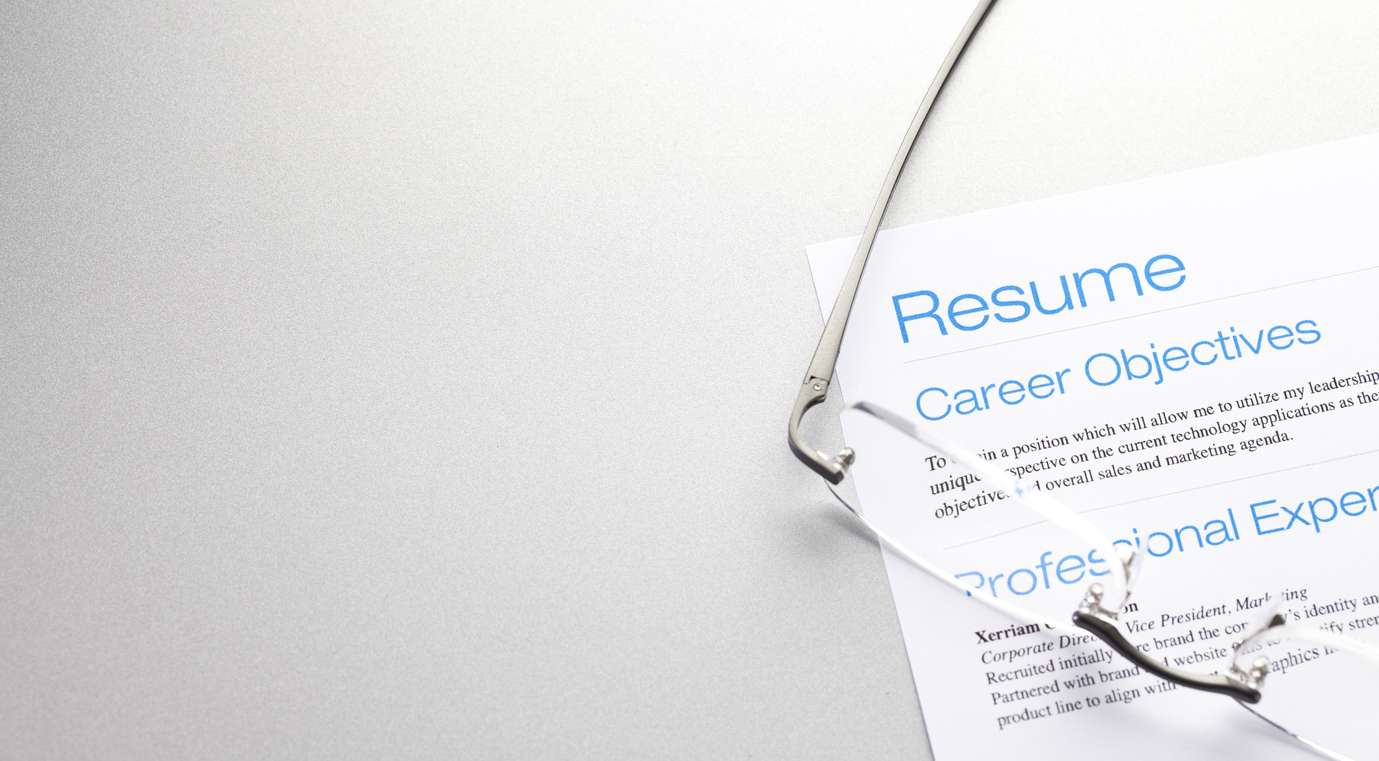
What’s the Best Font and Formatting to Use for a Resume?
Why Your Resume’s Font and Formatting Matter
Choosing the best font and formatting for your resume isn’t just about looks—it’s about clarity and professionalism. Hiring managers skim resumes in seconds, so a clean layout with readable fonts ensures they spot your skills fast.A cluttered design or hard-to-read typeface can tank your chances even if you’re qualified. Stick to fonts like Arial or Calibri for modern appeal, and use bullet points to highlight achievements.Key Features of a Standout Resume
🤖 Beat the ATS System
Our AI-optimized templates ensure your resume passes ATS screening every time!
Create ATS Resume →- Readable Fonts: Use sans-serif fonts (e.g., Helvetica) for digital readability.
- Section Headers: Bold or slightly larger text to separate sections like “Experience” or “Education.”
- Consistent Spacing: Balance white space to avoid overcrowding.
- ATS Compatibility: Avoid graphics or columns that confuse applicant tracking systems.
Top Resume Templates for Every Career
Check out these ATS-friendly templates from StylingCV:- Modern Professional: Clean lines with Calibri font—ideal for corporate roles.
- Minimalist Flow: Ample white space paired with Roboto—great for creative fields.
- Traditional Elegance: Timeless Times New Roman layout suited for academia or law.
How to Customize Your Resume Formatting🎯 Beat the ATS System
Our templates are specifically designed to pass Applicant Tracking Systems while looking professional.
Get ATS-Friendly Resume →
🎯 Beat the ATS System
Our templates are specifically designed to pass Applicant Tracking Systems while looking professional.
Get ATS-Friendly Resume →- Adjust margins: Keep between 0.5”–1” for balanced text flow.
- Mix font sizes: Use 11–12pt for body text; 14–16pt for headers.
- Emphasize key skills: Bold job titles or certifications to grab attention quickly.
- Test print/AST scans: Ensure no layout issues pop up unexpectedly.
Your Resume Font & Formatting Questions Answered
1. Should I use serif or sans-serif fonts on my resume?
Sans-serif (e.g., Arial) works best digitally. Serif fonts (e.g., Georgia) are okay for print-heavy industries like publishing.2. How big should my resume font be?
Aim for 10–12pt—anything smaller strains the eyes; larger looks unpolished.3. Can I use color in my resume?
🎯 ATS Optimization: Build an ATS-friendly resume that robots love and humans admire!
4. How do I format multiple jobs without crowding?
List roles reverse-chronologically with 3–5 bullet points per job—focus on achievements.5. Is a one-page resume still necessary?
Yes unless you have 10+ years of experience—keep it concise with smart formatting.A Well-Formatted Resume Opens Doors🤖 ATS Optimization Made Easy
Automatically optimize your resume for ATS with our AI-powered keyword analysis.
Optimize My Resume
The right font and formatting make your resume scannable for hiring managers and ATS bots alike. Explore professionally designed templates at StylingCV’s library to find one that matches your industry’s vibe while keeping readability front and center.🤖 ATS Optimization Made Easy
Automatically optimize your resume for ATS with our AI-powered keyword analysis.
Optimize My ResumeBeat the ATS with AI-Optimized Resumes
Our AI ensures your resume passes ATS filters and reaches hiring managers.
Optimize Your Resume →📝 Create Your Resume in 5 Minutes
⚡ Get Past ATS Screening
ATS-optimized templates + Keyword matching = More interviews!
Build ATS Resume →Don’t let a poorly formatted resume hold you back. Use our intelligent resume builder to create a professional resume that gets past ATS systems and impresses recruiters.
Build My Resume View Examples
✅ Ensure ATS Compatibility
Don’t let automated systems filter you out – use an ATS-optimized template. Build ATS Resume
👉 check your resume's ATS compatibility
👉 ATS-friendly resume templates
💡 Pro Tip: StylingCV is not just a resume builder — it’s a smart AI builder that thinks. smart AI resume builder that thinks in less than 2 minutes.
Related Articles
- High School Resume: How to Write (With Examples &
- Two Weeks Notice Letter: How to Write & Examples (2026)
- What Does a Resume Look Like in 2026? (With Examples)
Explore more articles in our Content Hub
Ready to build a professional resume? Build Your AI Resume Now
🦁 Check Your Resume with Stylion
Our AI-powered ATS resume checker analyzes your resume like a real recruiter. Get your score instantly.
Check Your Resume Free →