What is a skill gap checker?
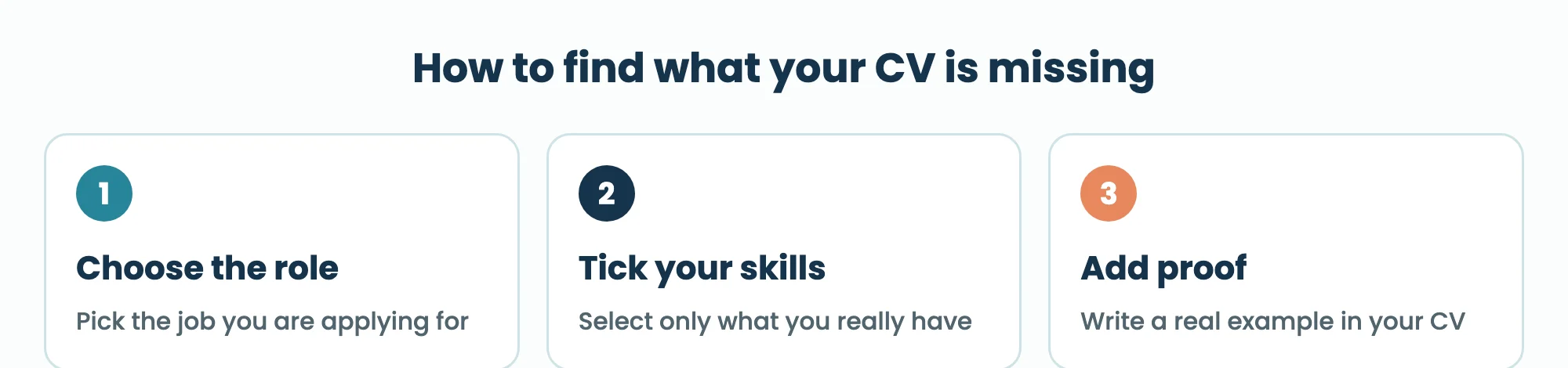
A skill gap checker shows the common skills for your target job and helps you see what your CV is missing. In StylingCV, choose a role, tick the skills you really have, and review your match. Then open the wizard to improve your CV and check its ATS score before you apply.
Jump to the checker, how to read your result, or how to add skills honestly.
Check the skill gap in your CV
The StylingCV skill gap checker starts with a list of common skills for each role. Choose the closest job, then tick only what you can prove in an interview or with a work example. The list is a starting point, so always compare it with the job ad before you edit your CV.
Skill Gap Checker
Choose your role, tick what you have, and see what to review on your CV before you apply.
Loading skills…
How to read your result
Your StylingCV skill gap result is the share of listed skills you ticked, not your chance of getting hired. A low number means you should review the list against the job ad. A high number still needs clear achievements on your CV, so start with the skills the ad repeats.
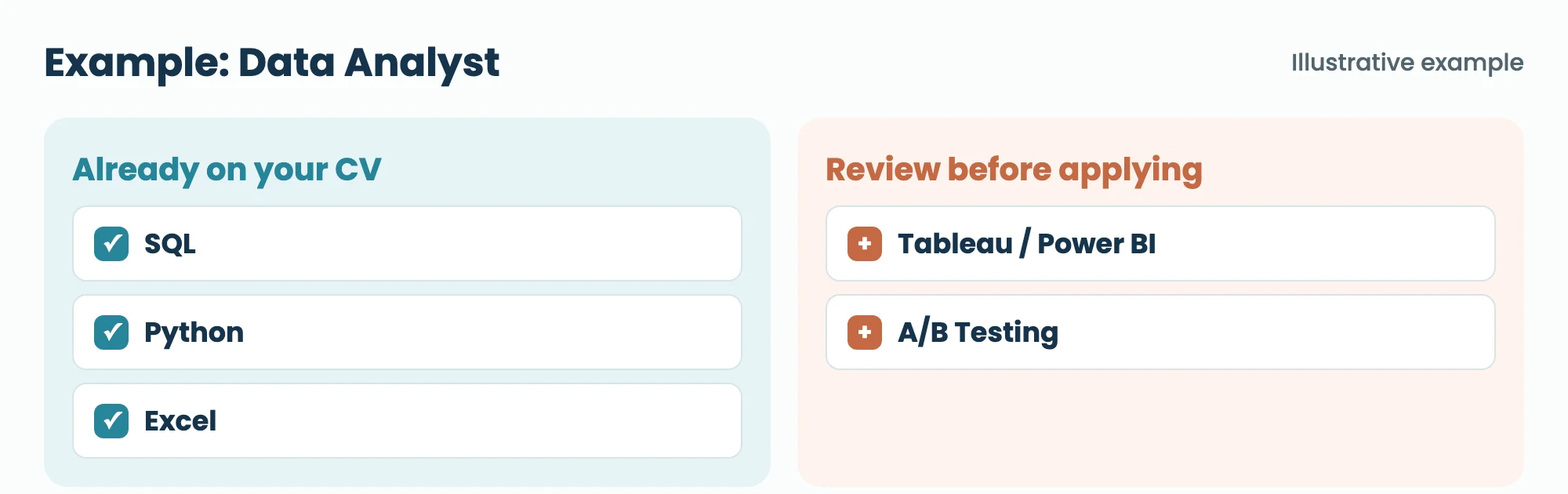
Start here. If you have the skill, use the employer's wording and back it up with a work example.
Name the course or project you are working on. Do not present it as finished work experience.
Leave it off your CV. Plan to learn it, and apply with the closest skills you can prove.
How to add a missing skill honestly
Adding a skill to your CV in StylingCV starts with one question: can you explain it with an example? If you can, list it under skills and mention it in an experience bullet. If you are still learning it, put it under courses or projects so your CV stays accurate in an interview.
Found what your CV is missing? Open the wizard and write your real experience for the role.
Improve my CVSkill gap checker FAQ
What is a skill gap on a CV?
It is the difference between the skills a job asks for and the skills your CV shows. You may have a skill and forgot to list it, or you may need to learn it first.
Do I need an account to use the checker?
No. You can choose a role and tick your skills without signing up. You need a free account when you want to save your CV in the app.
Are the skills taken directly from today's job ads?
No. StylingCV prepared each list as a starting point for the role, so treat the job ad you are applying to as the final reference.
Does my percentage mean I will get the job?
No. It only shows how many listed skills you ticked. It does not measure your hiring chances or the quality of your CV.
Should I add a skill I do not have to raise my score?
No. A recruiter may ask about it in an interview. Add what you can prove, and list what you are learning under courses or projects.
Which roles does the checker cover?
Eight roles: React developer, product manager, data analyst, backend engineer, DevOps engineer, full-stack developer, UI/UX designer and digital marketing manager.
Turn your result into a stronger CV
Open the wizard, write the skills you have with real examples, and check your ATS score before you apply.