

What is a cover letter template?
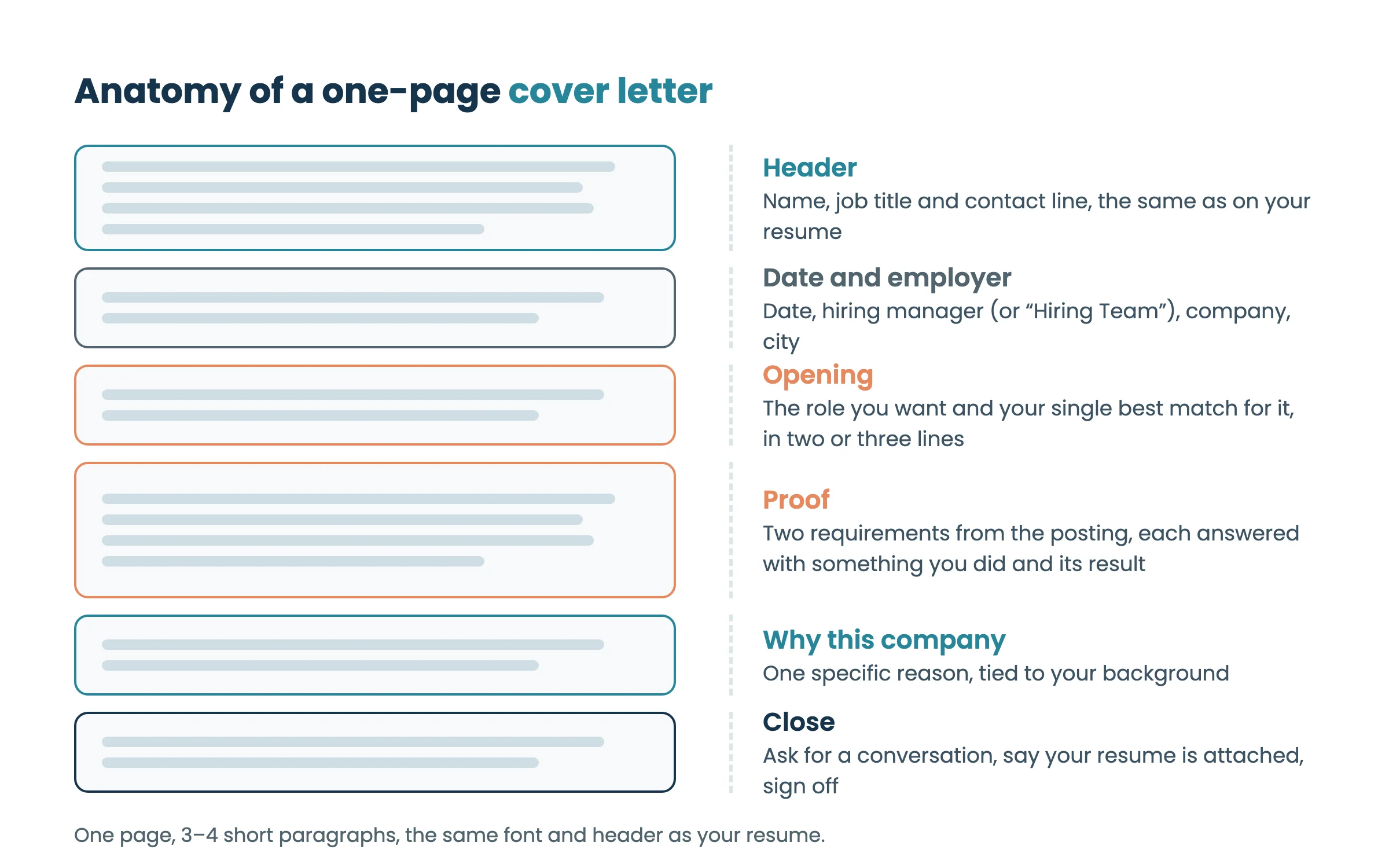
A cover letter template is a one-page letter with the structure already in place: your header, the employer’s details, an opening that names the role, a paragraph of proof matched to the job’s requirements, one reason you want this company, and a close. You replace the bracketed parts with your own details for each application.
Below are four cover letter templates in Word, the standard template as text you can copy, what to write in each paragraph and a filled example.
Four cover letter templates in Word
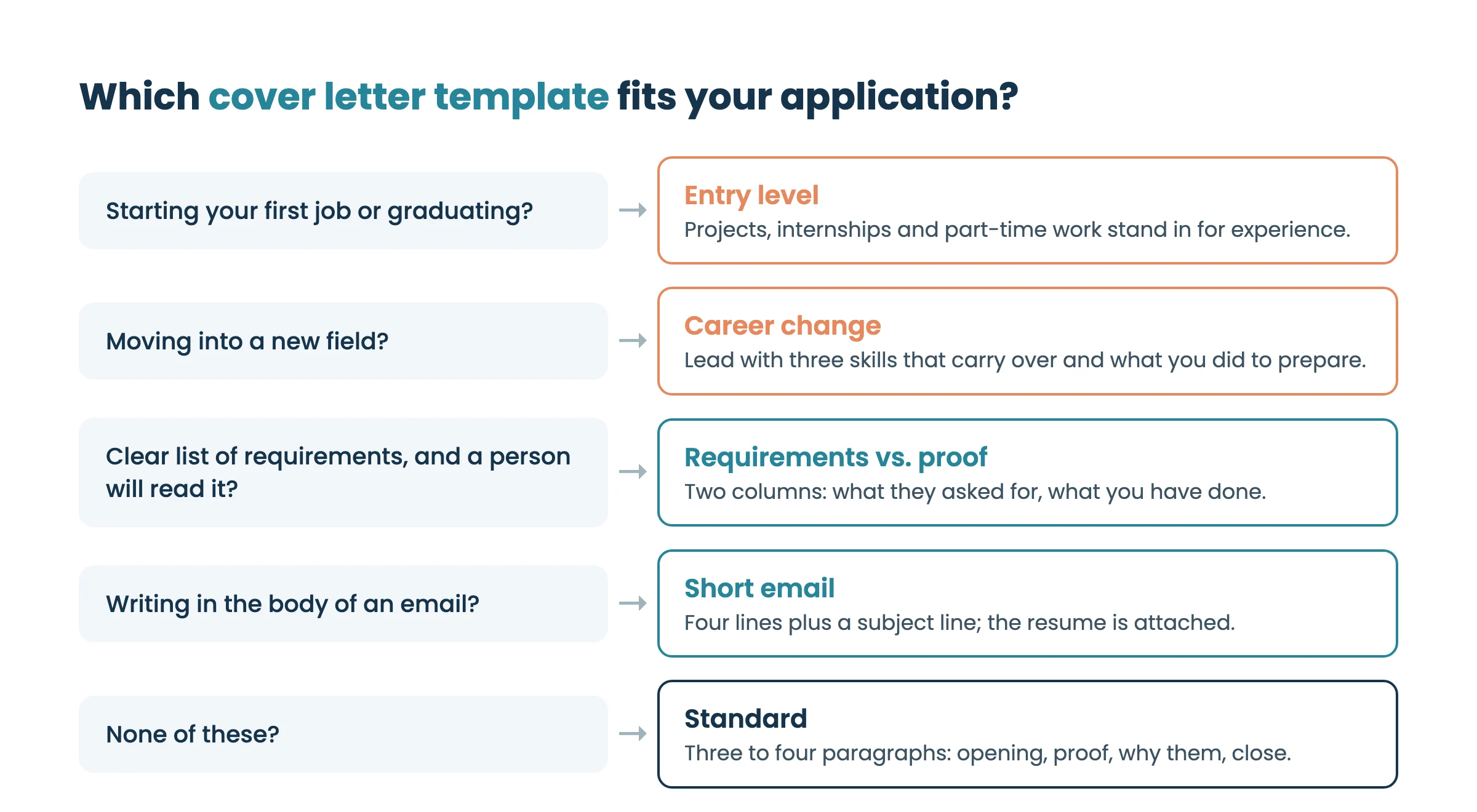
Pick the template that fits your situation. All four are one page, use Calibri at 11 pt and share the header of our English ATS Word resume template, so your letter and resume look like one application.
Standard cover letter template (.docx)
For most applications. Four short paragraphs: the role and your best match, proof for two requirements, why this company, and a close.
Download standard ↓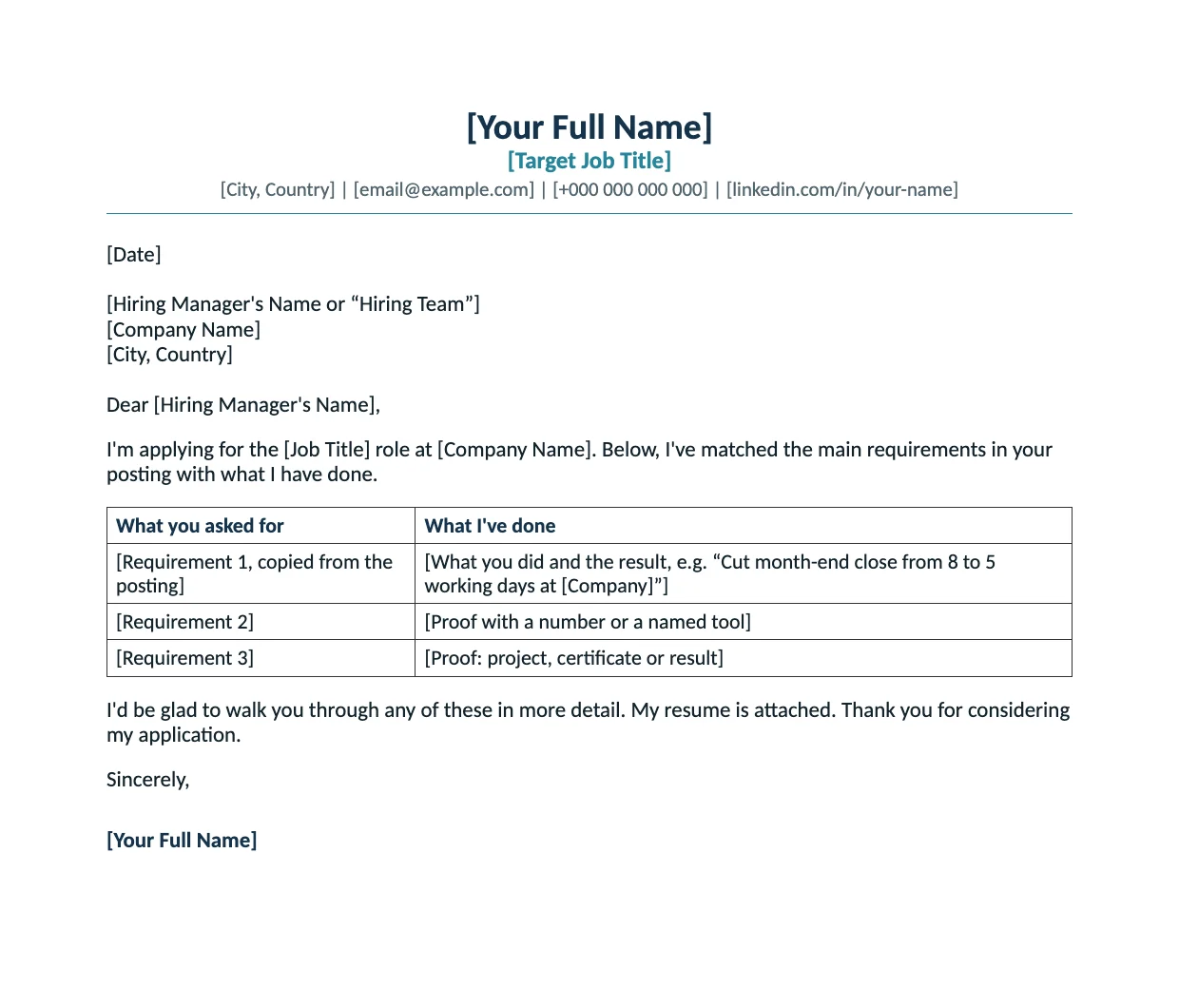
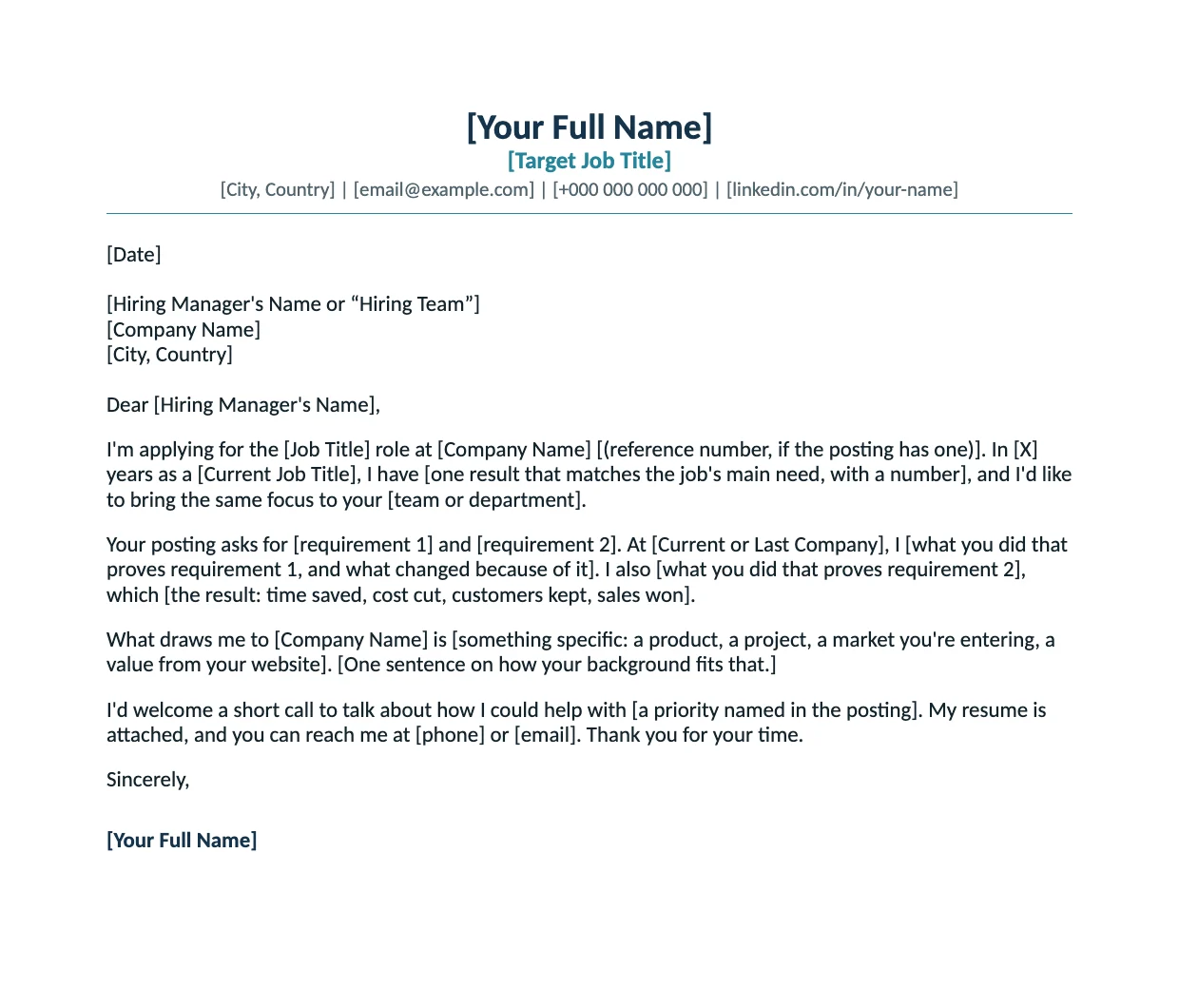
Requirements vs. proof template (.docx)
A short table: what the posting asks for on the left, what you have done on the right. Use it when a person will read the letter as an email or PDF; if the portal asks you to paste text into a box, use the standard template instead.
Download requirements vs. proof ↓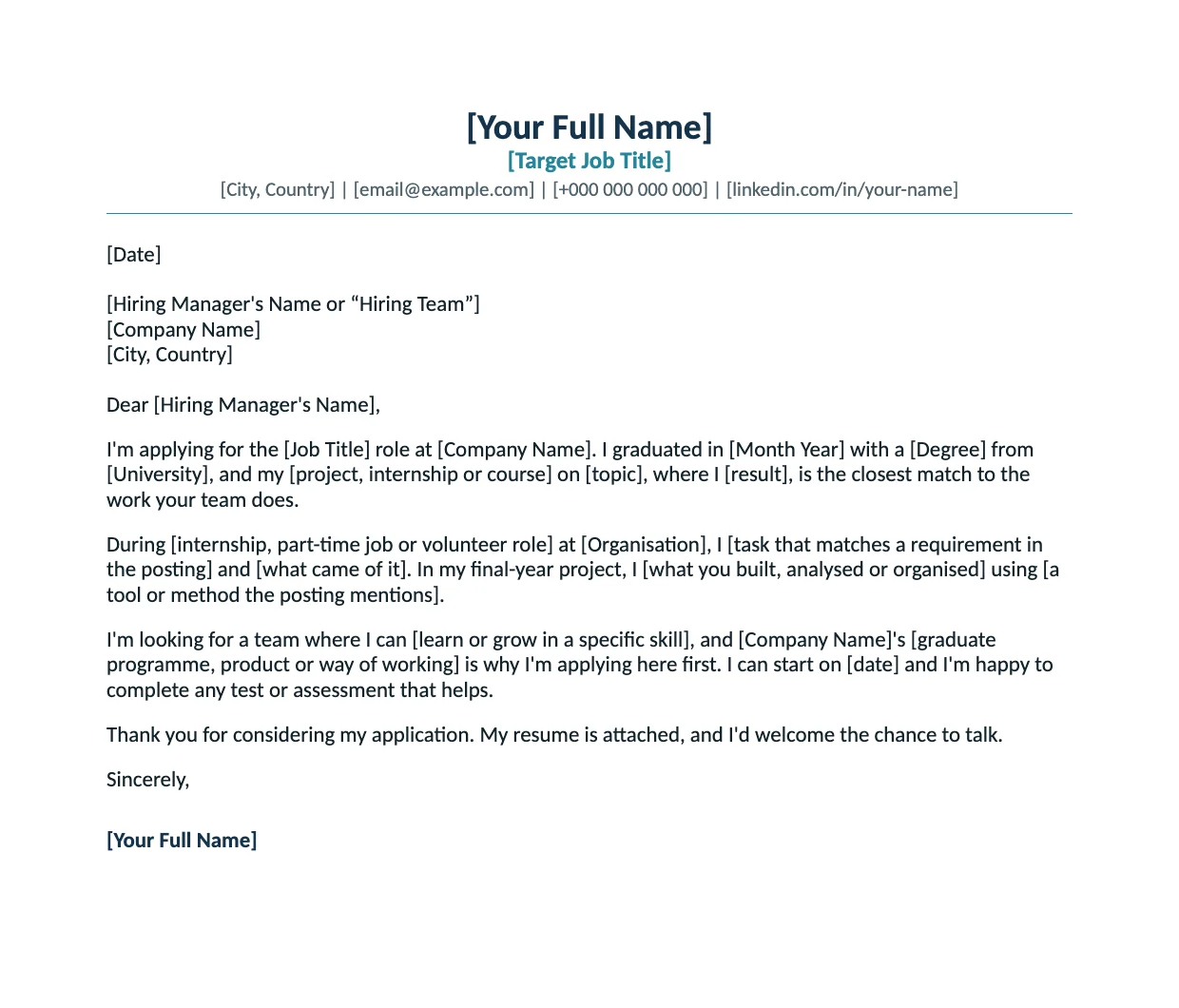
Entry-level cover letter template (.docx)
For graduates and first jobs. Your final-year project, internship, part-time job or volunteering takes the place of work experience.
Download entry level ↓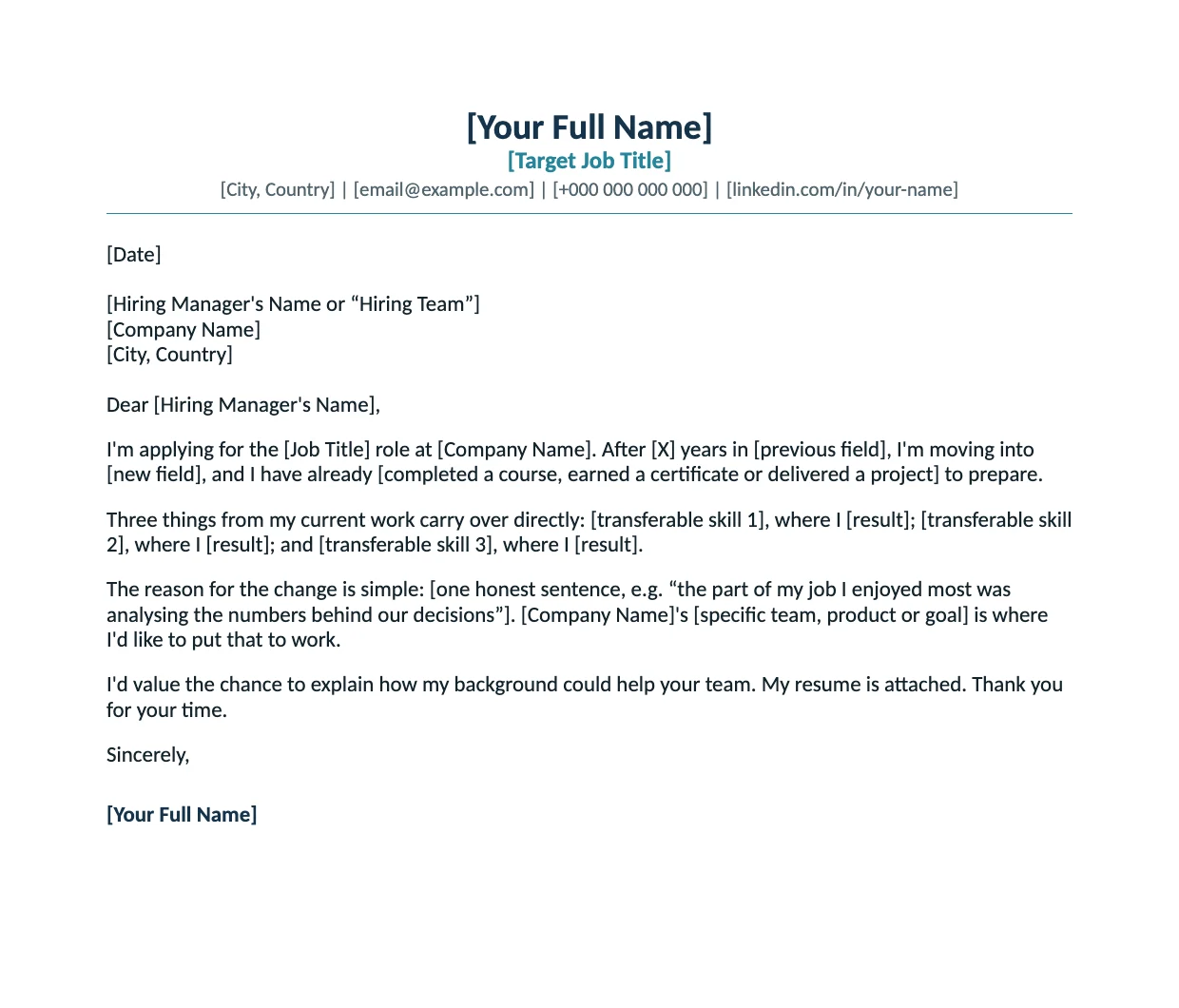
Career change cover letter template (.docx)
For moving into a new field. It leads with three skills that carry over, what you did to prepare, and one honest sentence on why you are changing.
Download career change ↓Working in Google Docs? Upload the .docx (File → Open → Upload) and it opens as an editable document, or use our Google Docs cover letter template guide.
Rather start from your resume? The AI cover letter tool drafts a letter from your StylingCV resume and the job you paste in; you edit it before you send it.
Open the cover letter toolCopy the standard cover letter template
This is the full text of the standard template. Copy it into your own document and replace everything in square brackets. Delete any bracket you can’t fill honestly rather than leaving it vague.
[Your Full Name]
[Target Job Title]
[City, Country] | [email@example.com] | [+000 000 000 000] | [linkedin.com/in/your-name]
[Date]
[Hiring Manager’s Name or “Hiring Team”]
[Company Name]
[City, Country]
Dear [Hiring Manager’s Name],
I’m applying for the [Job Title] role at [Company Name] [(reference number, if the posting has one)]. In [X] years as a [Current Job Title], I have [one result that matches the job’s main need, with a number], and I’d like to bring the same focus to your [team or department].
Your posting asks for [requirement 1] and [requirement 2]. At [Current or Last Company], I [what you did that proves requirement 1, and what changed because of it]. I also [what you did that proves requirement 2], which [the result: time saved, cost cut, customers kept, sales won].
What draws me to [Company Name] is [something specific: a product, a project, a market you’re entering, a value from your website]. [One sentence on how your background fits that.]
I’d welcome a short call to talk about how I could help with [a priority named in the posting]. My resume is attached, and you can reach me at [phone] or [email]. Thank you for your time.
Sincerely,
[Your Full Name]
Short email version
When you apply by email and the letter goes in the message itself, keep it to four lines and attach your resume.
Dear [Hiring Manager’s Name],
I’m applying for the [Job Title] role [(reference number)]. I have [X] years of experience in [field], most recently [one result with a number] at [Company].
My resume is attached. I’d welcome the chance to talk about how I could help your team.
Best regards,
[Your Full Name] | [Phone] | [LinkedIn URL]
How to fill in the template, paragraph by paragraph
Keep the job posting open while you write: the letter shows the employer that you read it and can do what it asks. This order is faster than writing from the top down:
Take them word for word, for example “experience with warehouse KPIs” or “Power BI”. These decide what goes in the proof paragraph.
One example per requirement, with what changed because of it: a number, a deadline met, a process that now runs differently. That becomes the proof paragraph.
A product, an expansion, a project in the news, a value on their careers page. Name one concrete reason and skip the general praise.
Once the proof is written, you know your strongest match. Put it in the first two lines, next to the job title.
Check the company name, the job title and the hiring manager’s name, and cut anything that doesn’t serve one of the three requirements.
The letter and the resume should make the same case. Check that your resume uses the posting’s words too before you send both.
Check my resumeCover letter example built from the template
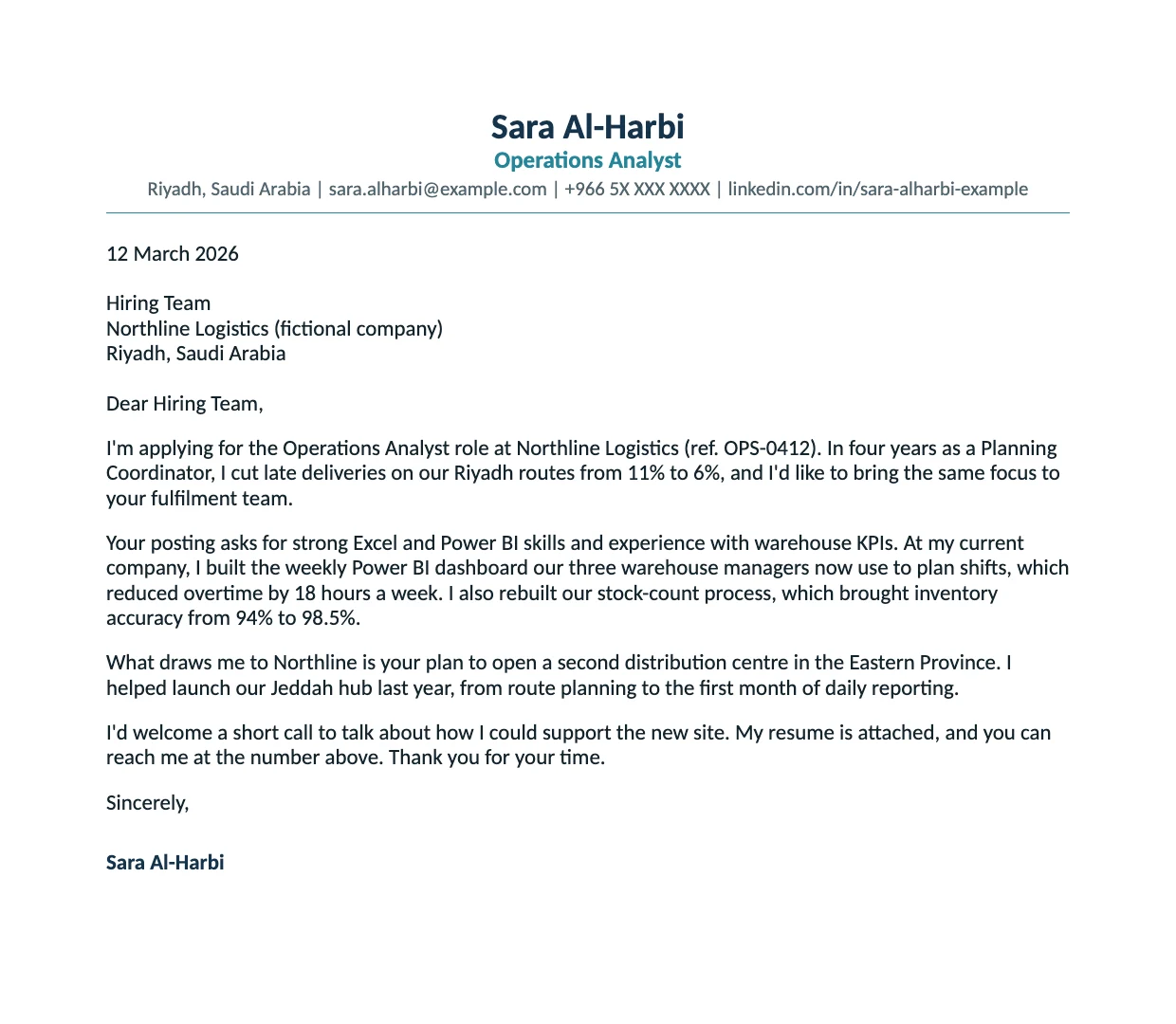
Here is the standard template filled in for an Operations Analyst role. Each paragraph does one job: the opening names the role and the strongest match, the second paragraph answers two requirements from the posting with results, the third gives one specific reason for this employer, and the close asks for a call.
A generic opening vs. a specific one
The first two lines are the part every reader sees. Swap the stock formula for the role and your best match:
“I am writing to express my interest in the position advertised on your website. I believe my skills and experience make me an excellent candidate for this role.”
No job title, no company, no proof. It could open any letter to any employer.
“I’m applying for the Operations Analyst role at Northline Logistics. In four years as a Planning Coordinator, I cut late deliveries on our Riyadh routes from 11% to 6%, and I’d like to bring the same focus to your fulfilment team.”
Role, company and one measurable result in two sentences. (Example from the fictional letter above.)
Cover letter format: what to do and what to avoid
The templates already follow these rules. If you change the design, keep them:
Cover letter mistakes that cost interviews
The letter should pick two or three results and connect them to this job, not list every role again.
The most common slip when reusing a letter. Search the document for the old company name before you send it.
“This role would help me grow” talks about your needs. Say what you will do for the team.
Replace “hard-working team player” with a result that has a number or a named tool in it.
Want to see complete letters? Read three annotated examples, then find the guide for your job.
See examples and job guidesChecklist before you send
Cover letter guides for specific jobs
A template gives you the structure. For full annotated letters, start with the cover letter examples hub, or open the guide for your job:
- Sales cover letter guide
- Accountant cover letter guide
- HR cover letter guide
- Software engineer cover letter guide
- Housekeeper cover letter guide
- Nanny cover letter guide
Cover letter template FAQ
Is there a cover letter template in Word?
Yes. This page has four cover letter templates as Word (.docx) files: standard, requirements vs. proof, entry level and career change. Each is one page, uses Calibri at 11 pt and opens in Microsoft Word or Google Docs.
Can I use these cover letter templates in Google Docs?
Yes. In Google Docs, choose File, then Open, then Upload, and select the .docx file. It opens as an editable Google Doc that you can download again as Word or PDF.
How long should a cover letter be?
One page, usually three to four short paragraphs. Each paragraph has one job: the role and your best match, proof for the job’s requirements, why this company, and a close.
Should my cover letter match my resume?
Yes. Use the same name, job title, contact line and font, so the two documents read as one application. These templates share the header of StylingCV’s English ATS Word resume template.
How do I address a cover letter if I don’t know the hiring manager’s name?
Look for the name in the posting, on the company’s LinkedIn page or on its team page first. If you can’t find it, write “Dear Hiring Team” or “Dear [Department] Hiring Manager” rather than “To whom it may concern”.
What do I write in a cover letter with no work experience?
Use the entry-level template. Your final-year project, internship, part-time job or volunteering takes the place of work experience: name what you did, the tool or method you used, and what came of it.
Should I send my cover letter as a PDF or a Word file?
Use the format the posting or application form asks for. If it doesn’t say, a PDF keeps your layout the same on every screen. Name the file with your name, for example “Sara-AlHarbi-Cover-Letter.pdf”.
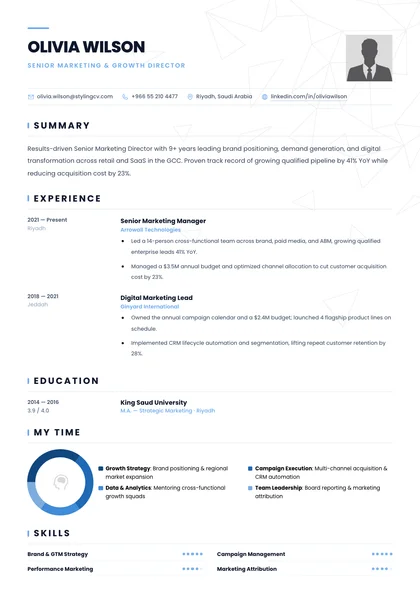
Send a resume that matches your letter
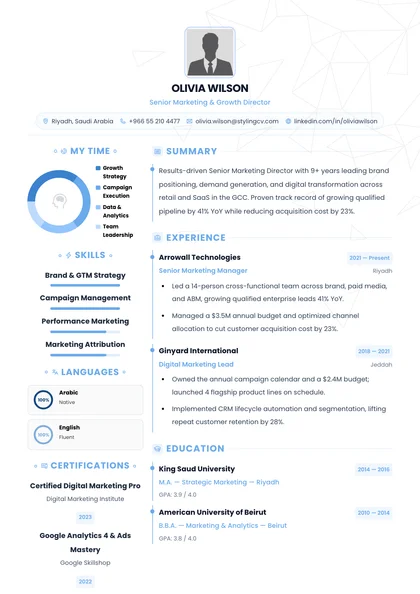
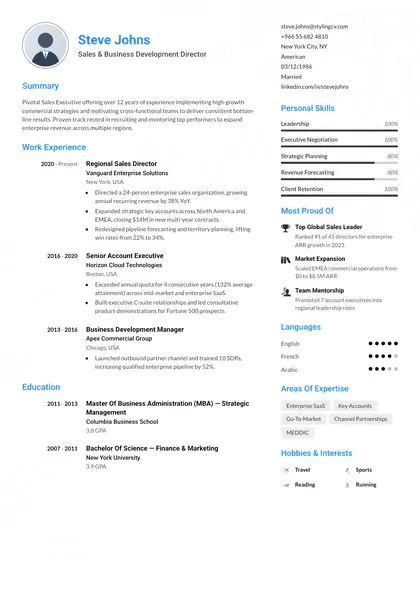
110+ resume templates in English and Arabic. Pick one, fill it in the builder, and check how it matches the job before you download it.
Sources
- UCLA Career Center: Cover letter template
- University of Michigan Career Center: Cover letter resources (length, paragraphs, font)


