YYasser Al-KhateebLast updated नवम्बर 20, 2026 · 15 min read
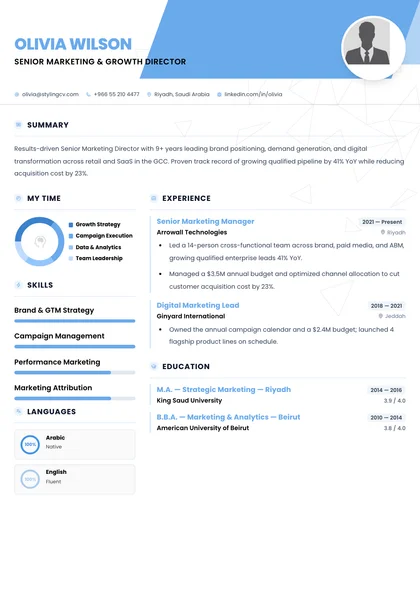
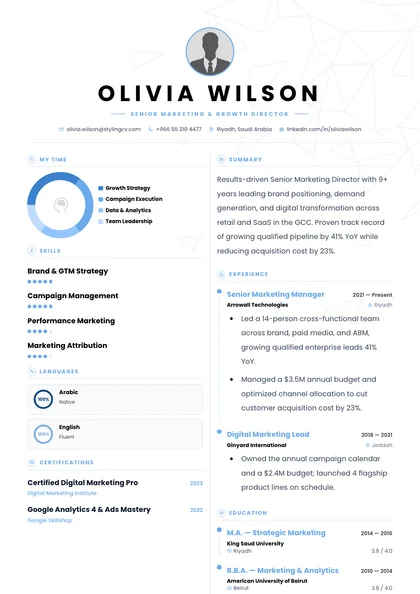
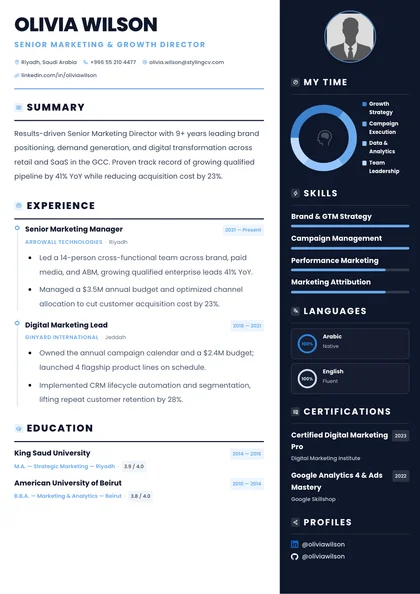
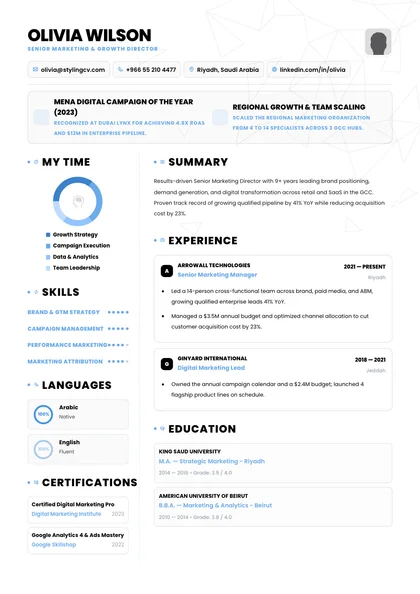
Civil, mechanical, electrical और industrial engineering openings के लिए recruiters आपके background को phone screen तक ले जाने का फैसला कुछ ही सेकंड में करते हैं—और automated filters आपकी file को उससे भी तेज parse करते हैं। एक standout Construction Resume बनाने के लिए Workday, Oracle Taleo, SAP SuccessFactors और iCIMS के text-layer compatibility को PE / EIT License, AutoCAD & Revit BIM, Primavera P6 और Capital Budgets जैसे quantified achievements के साथ जोड़ना जरूरी है। यह consolidated hub Construction Resume : Trade & Project Manager Template को एक ही canonical reference में cover करता है।
ATS-Verified Construction Resume सिर्फ 2 मिनट में बनाएं
अपने experience को parser-safe layout में structure करें, कमजोर bullets को 11 specialized AI agents की मदद से sharp करें और apply करने से पहले अपना match score verify करें। StylingCV का workspace आपको single-column PDF, role-specific keywords और Truth Check guardrail के साथ एक clean, recruiter-ready draft बनाने में मदद करता है—बिना formatting guesswork के।
Enterprise ATS Engines Construction Resume को कैसे evaluate करते हैं?
Workday, Oracle Taleo, SAP SuccessFactors और iCIMS जैसे enterprise hiring teams Construction Resume को पहले exact hard-skill tokens, active credentials (PE (Professional Engineer)) और clean chronological progression पर filter करते हैं। StylingCV हर section को single-column UTF-8 PDF में format करता है, ताकि automated parsers आपके titles, dates और technical tools को पूरी तरह extract कर सकें।
Clarity हमेशा decoration से बेहतर होती है। जब automated parsers आपके dates, job titles और domain tools को पहली बार में साफ-साफ map कर लेते हैं, तो human hiring managers अपने brief scan में broken columns समझने के बजाय आपके strongest business wins पढ़ने पर ध्यान देते हैं।
Construction Resume के लिए कौन सा Layout और Section Order सबसे अच्छा काम करता है?
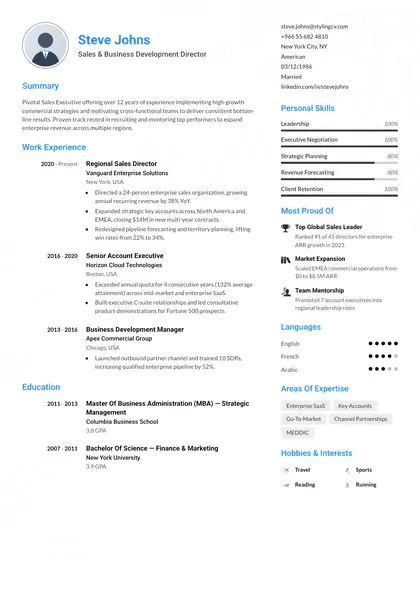
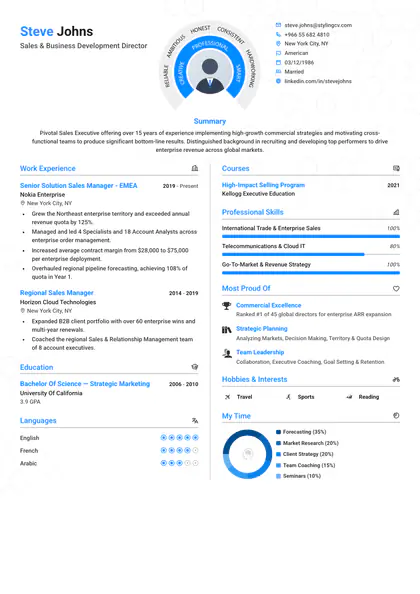
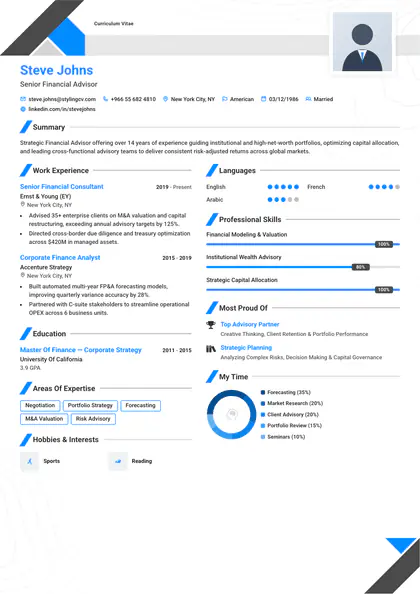
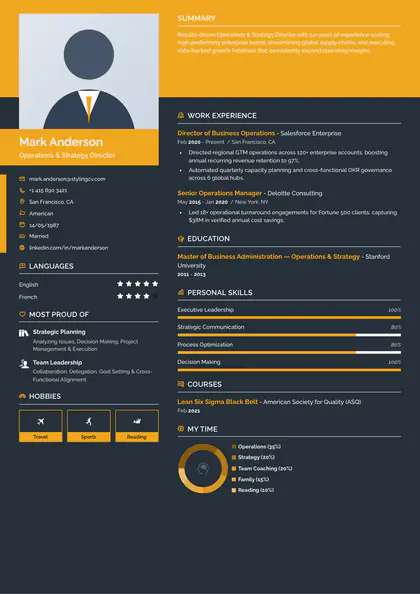
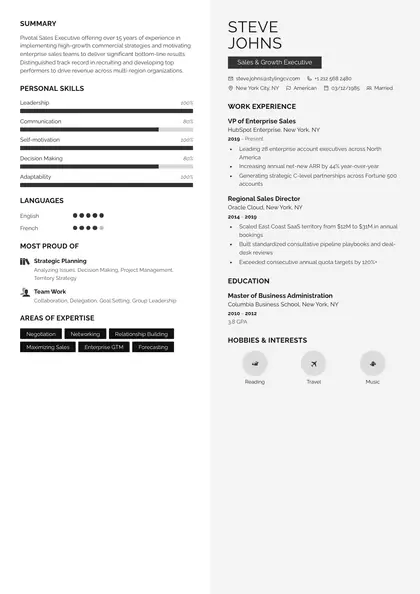
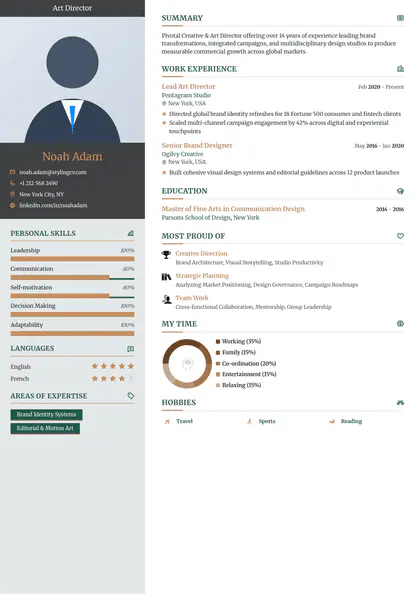
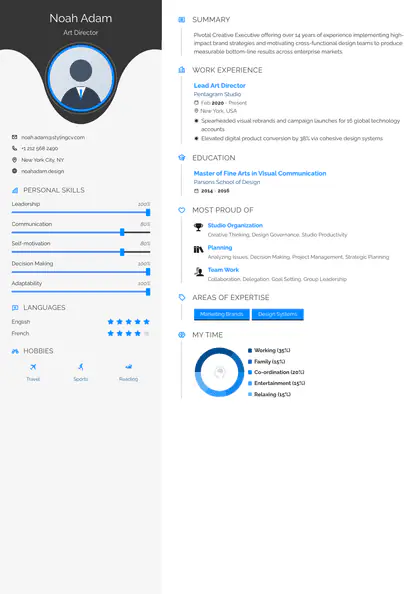
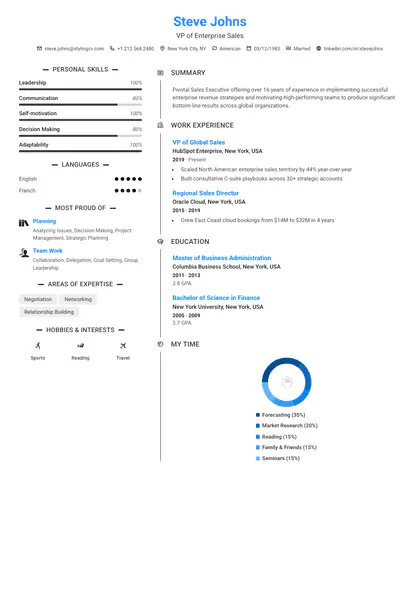
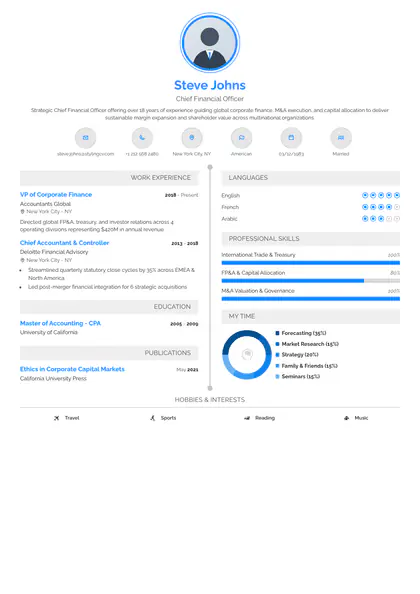
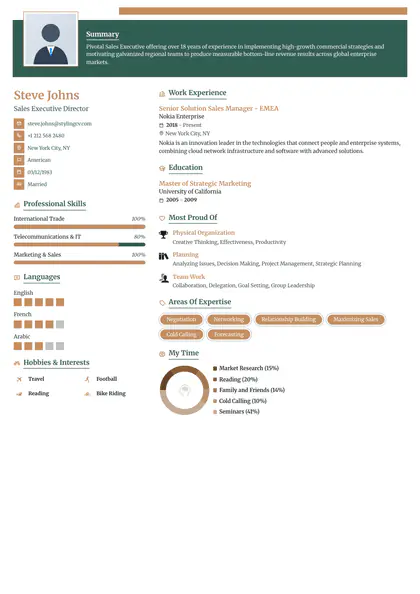
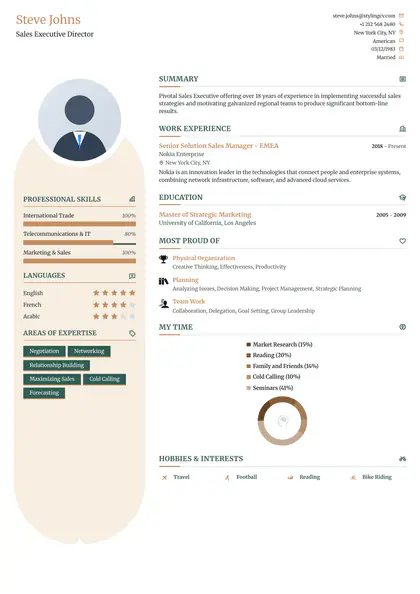
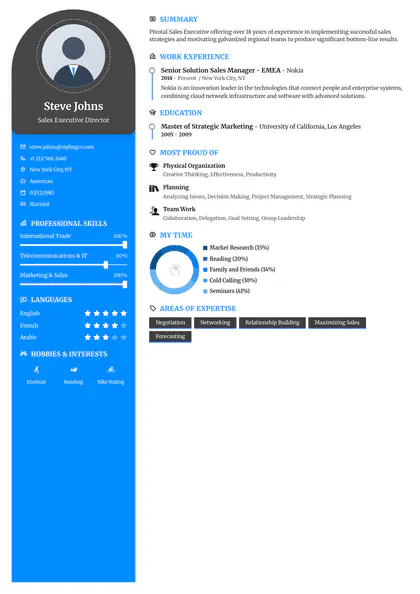
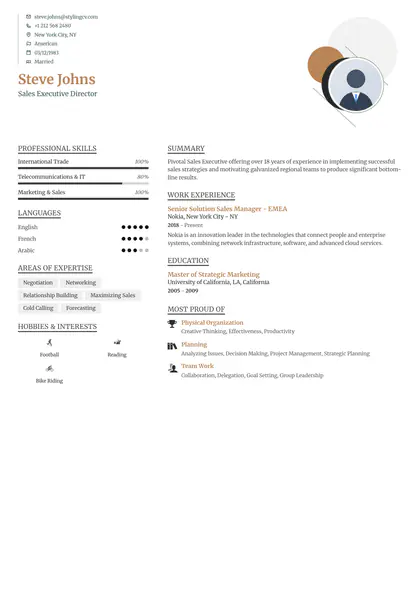
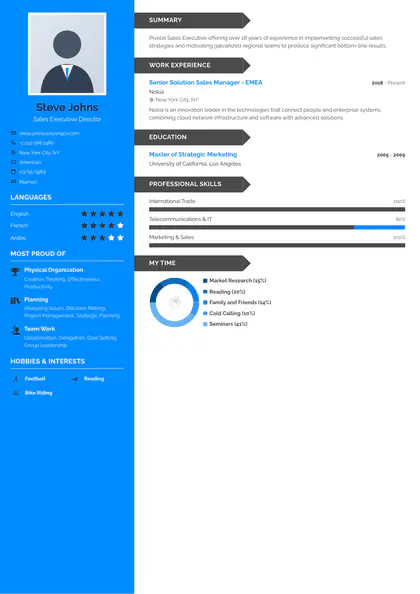
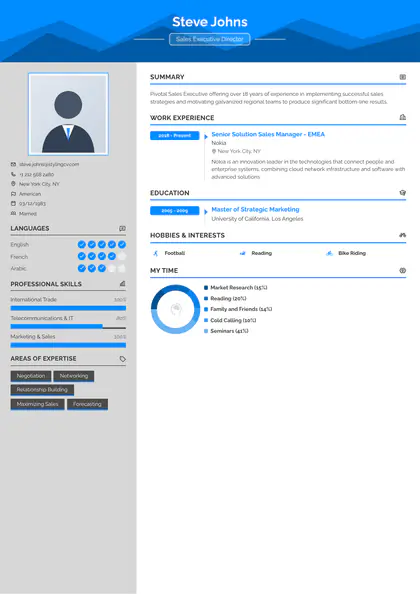
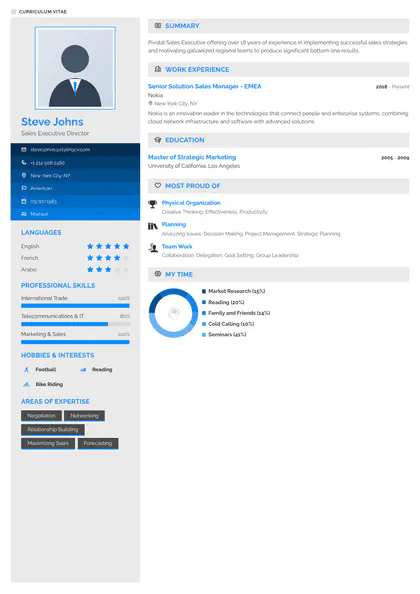
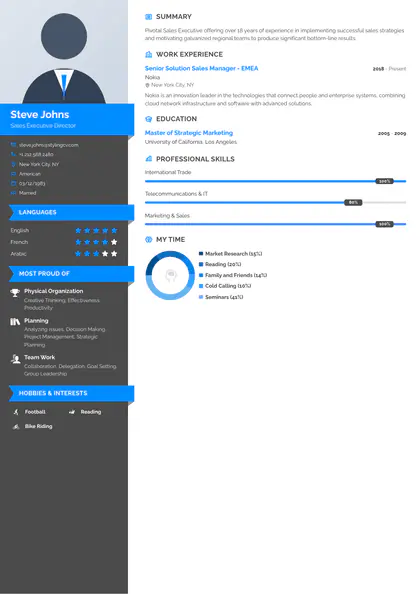
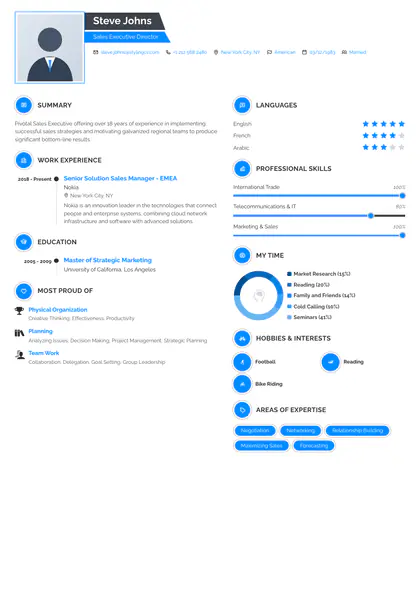
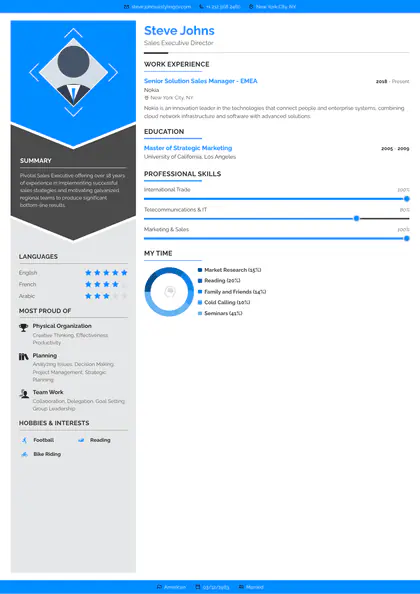
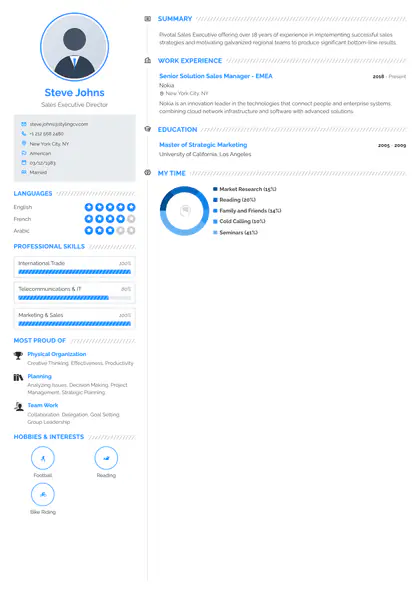
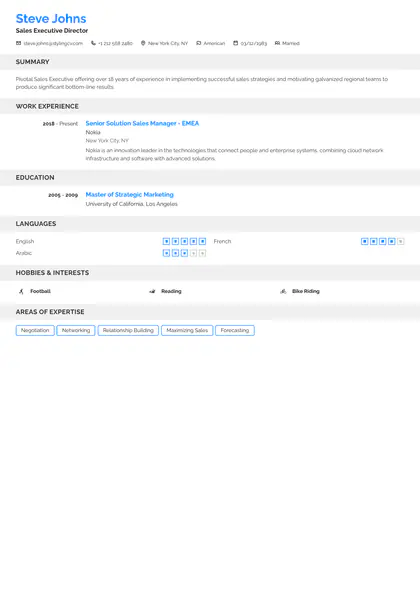
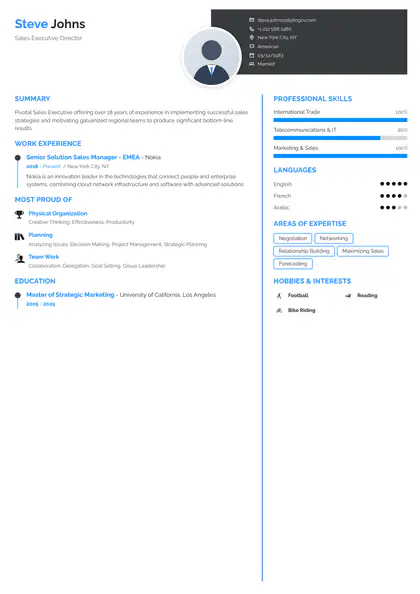
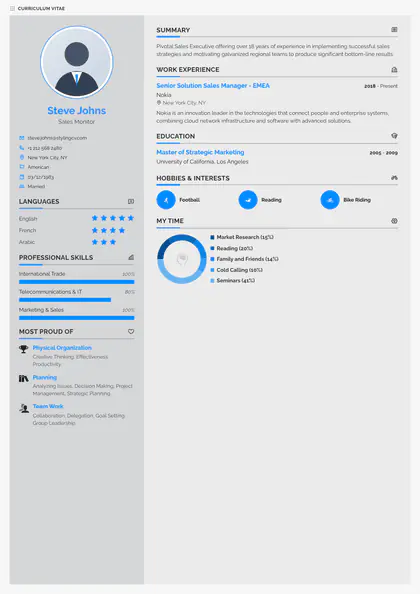
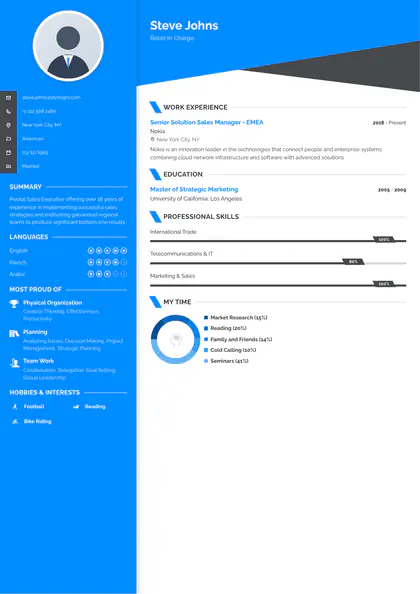
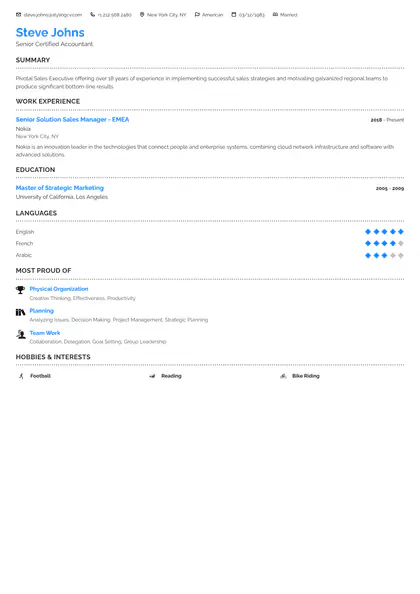
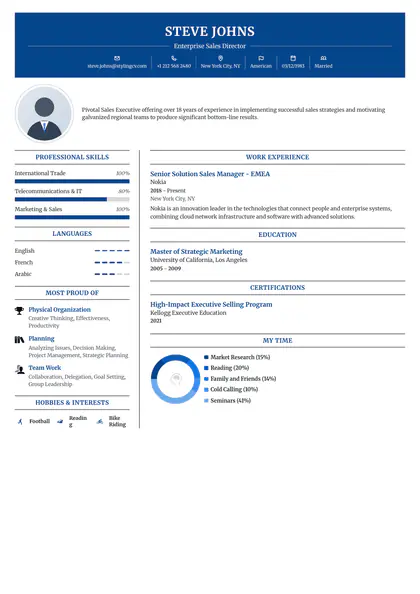
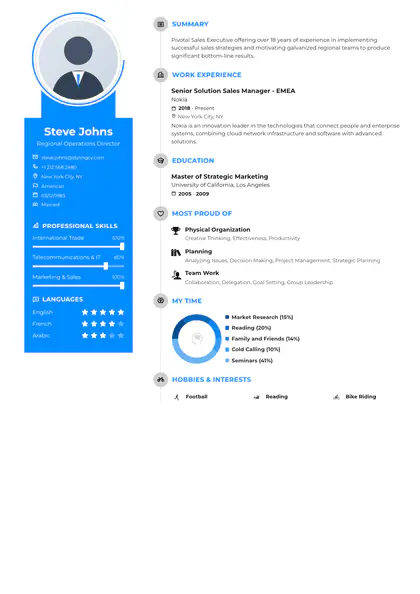
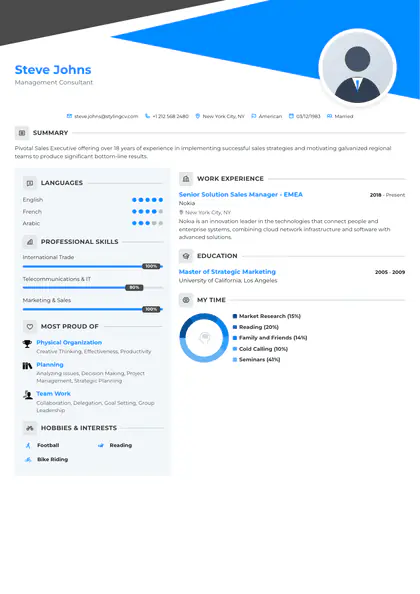
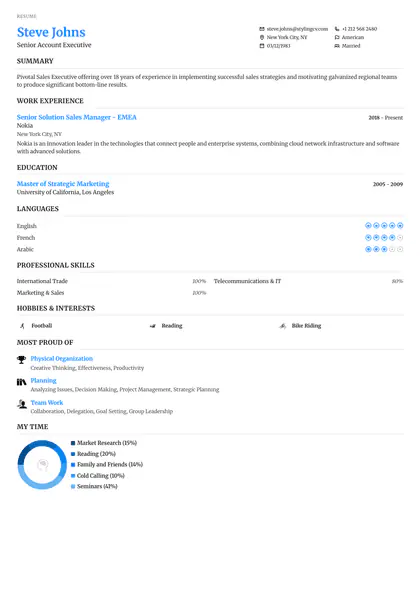
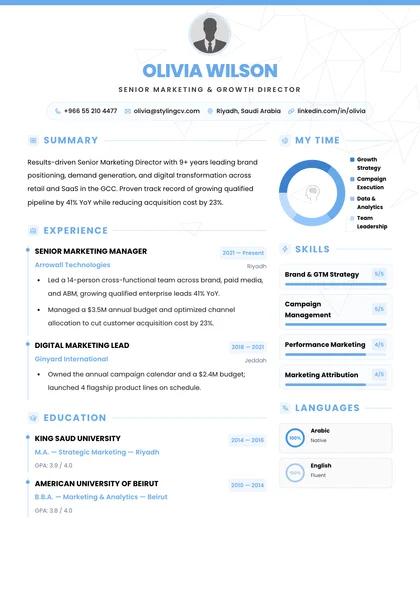
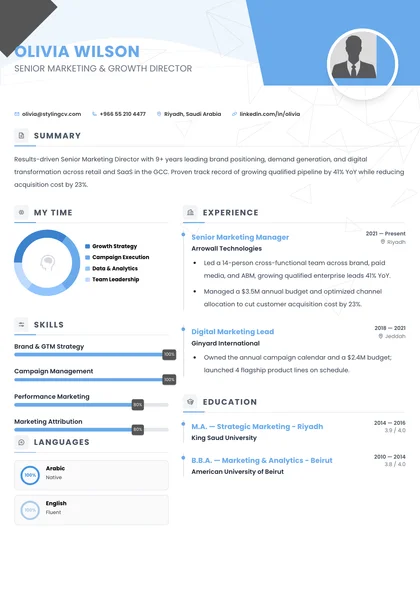
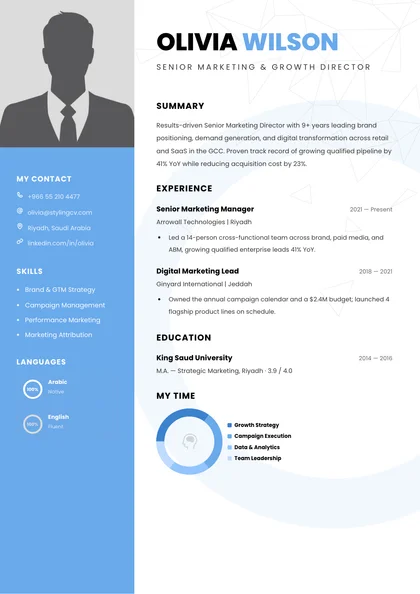
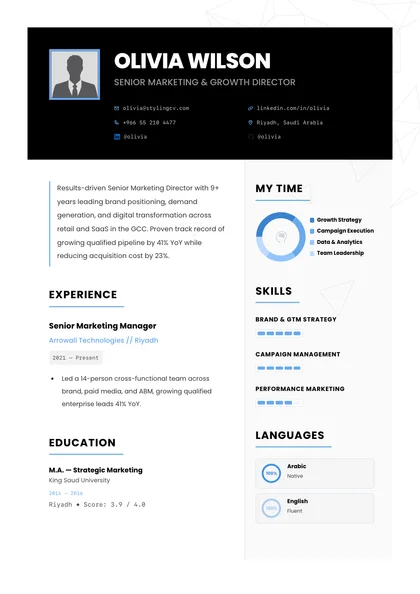
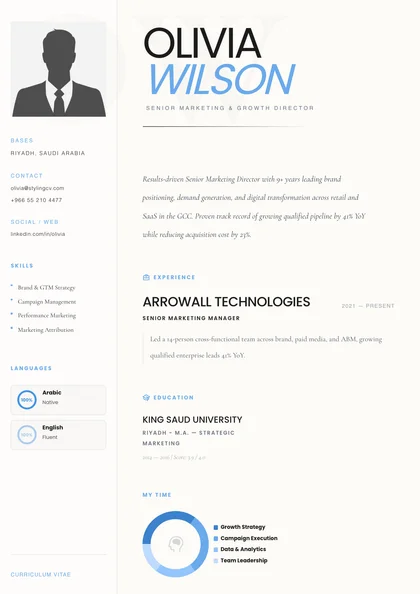
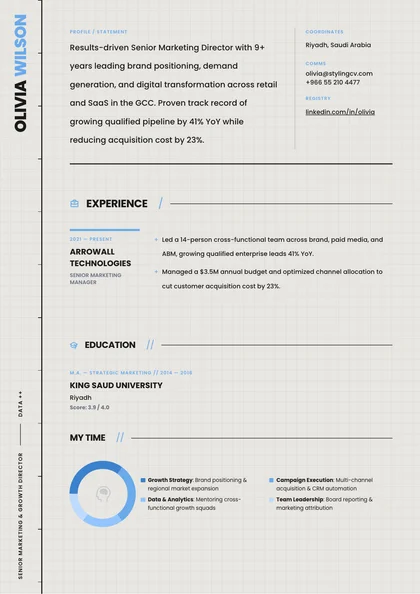
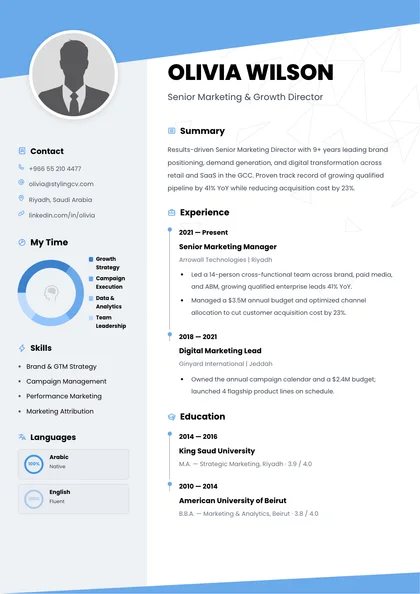
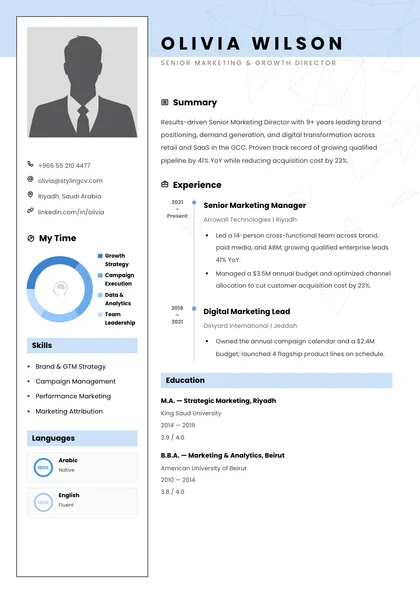
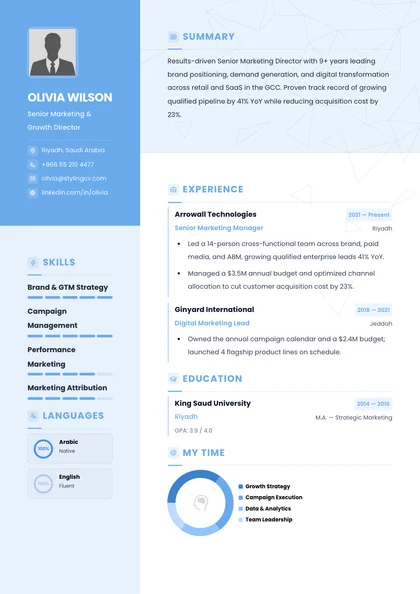
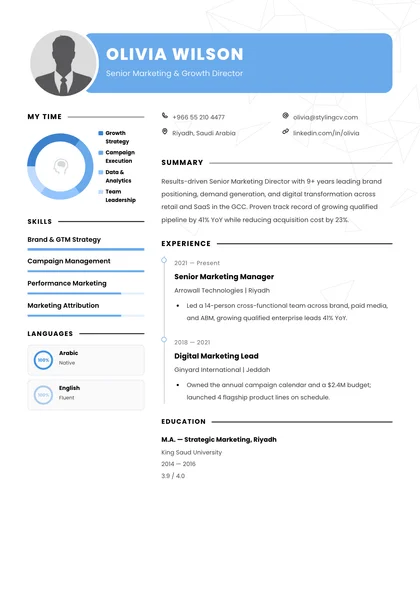
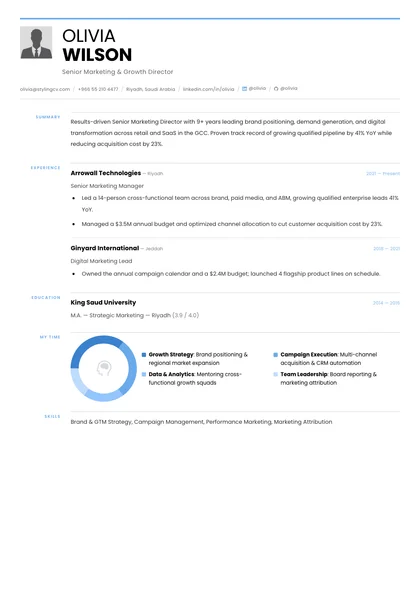
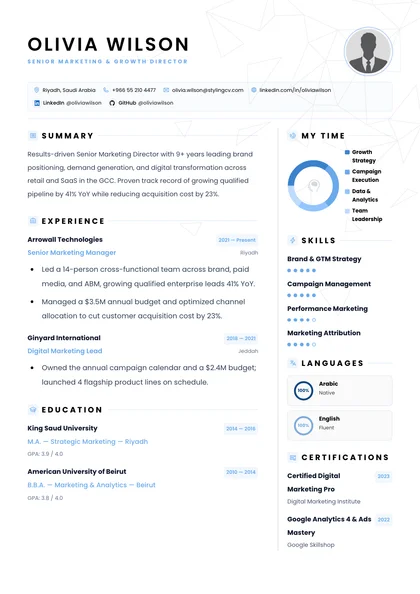
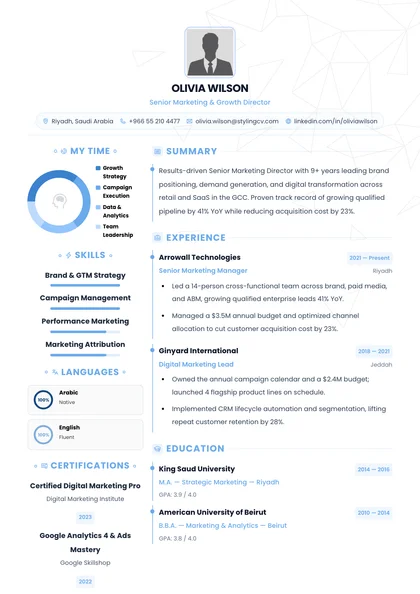
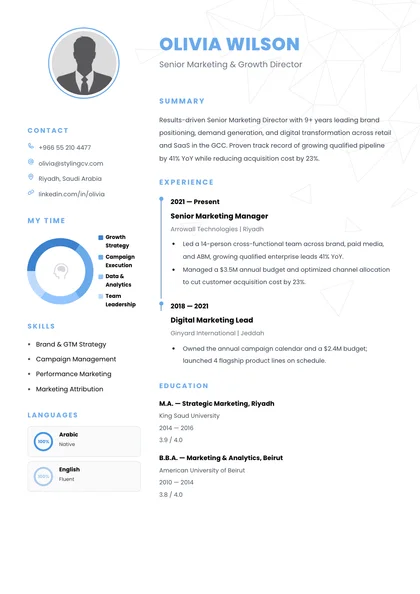
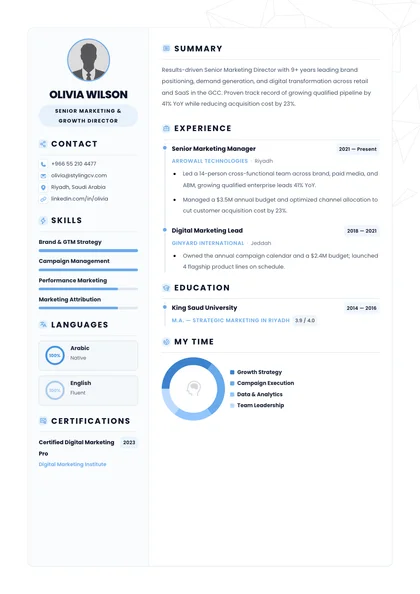
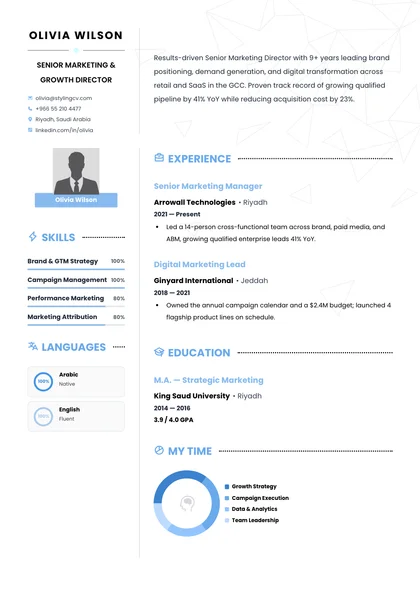
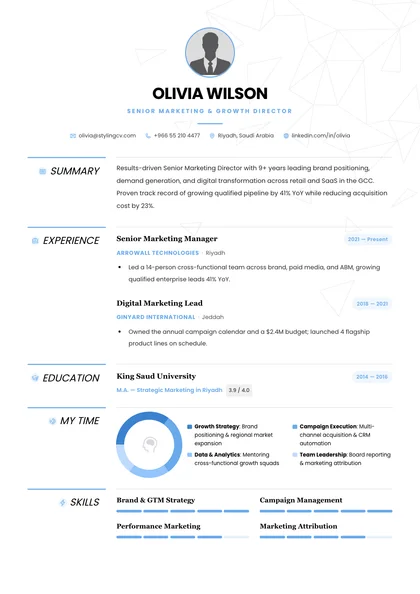
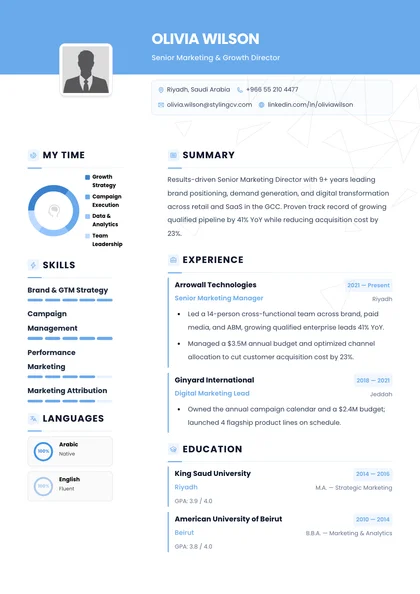
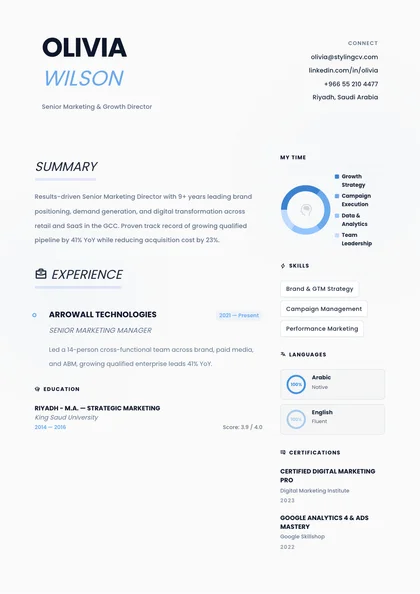
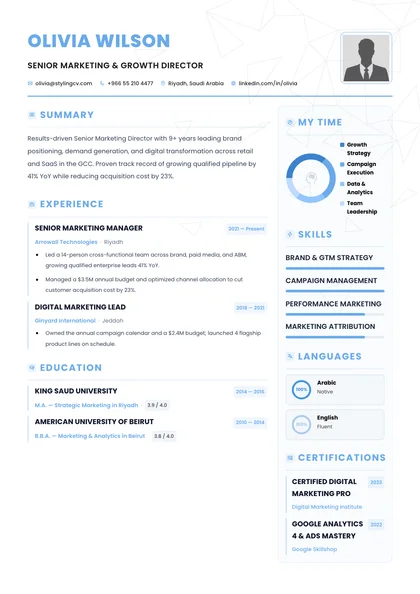
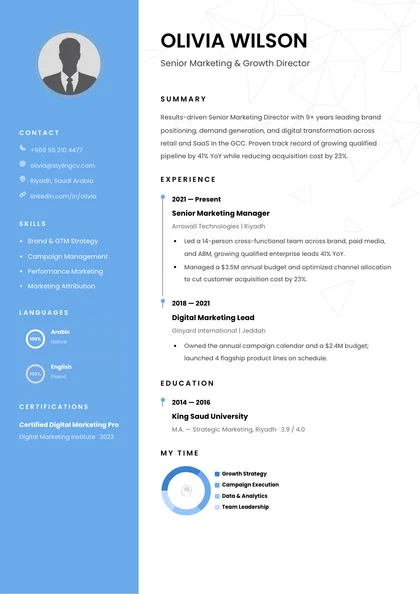
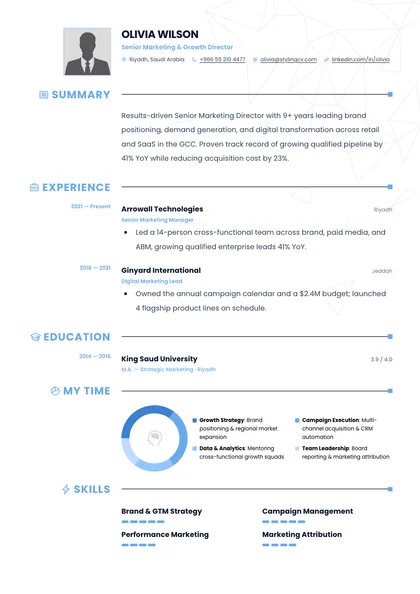
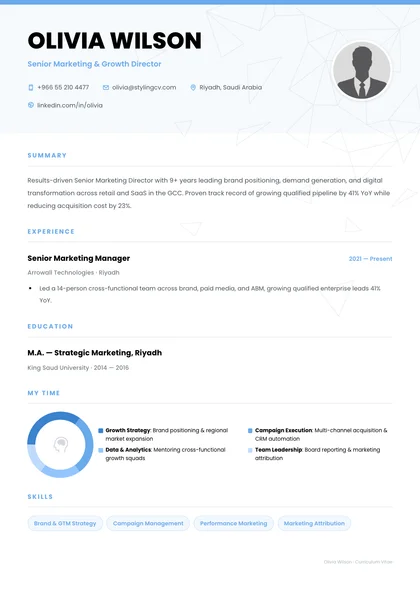
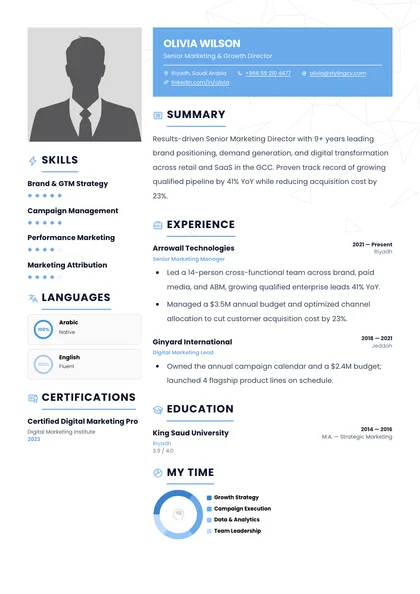
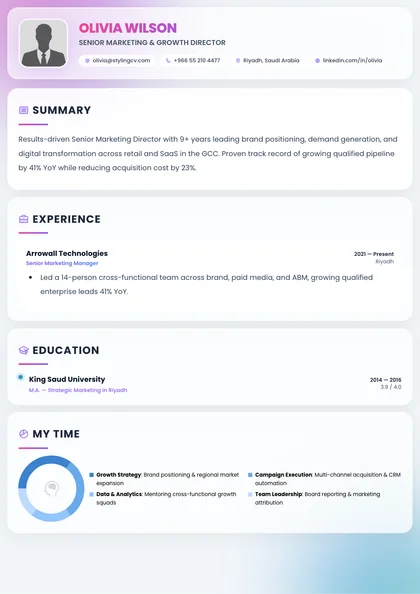
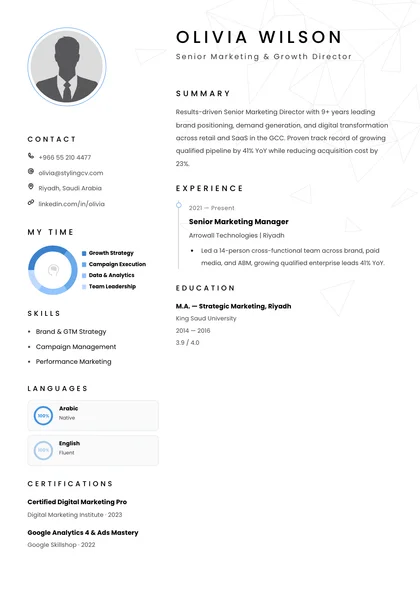
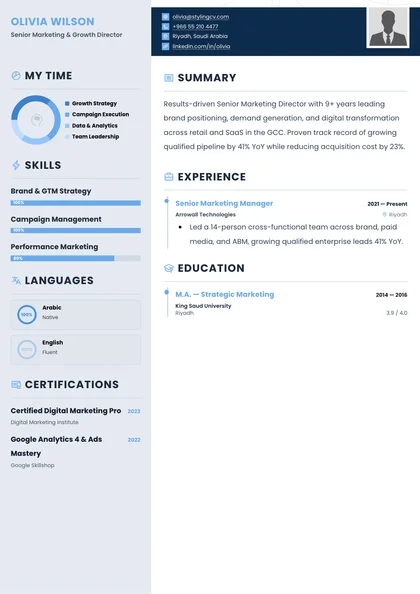
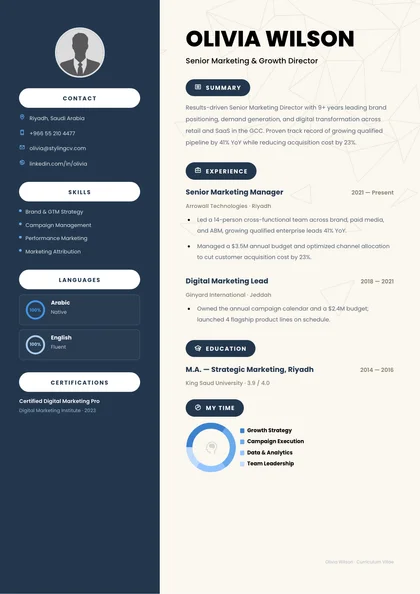
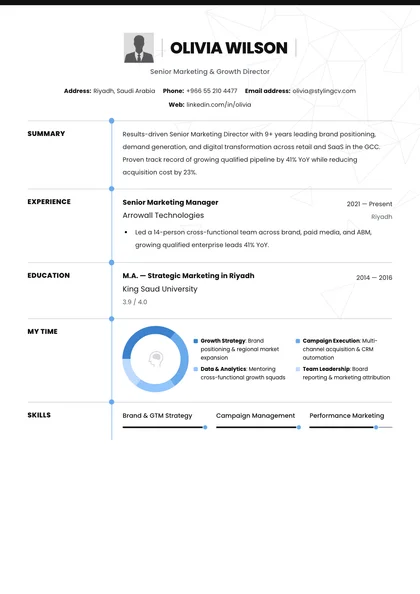
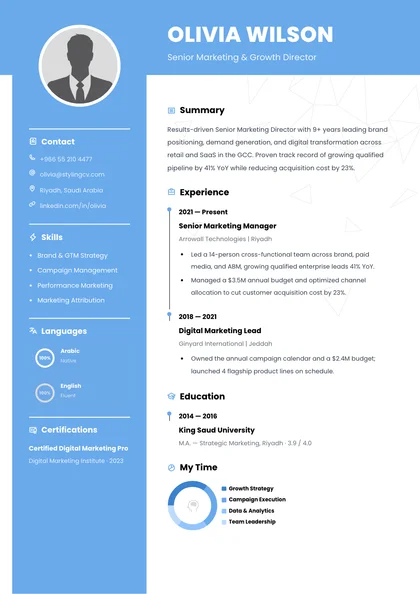
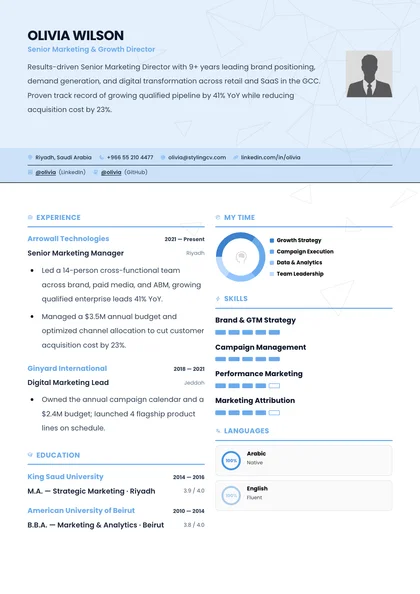
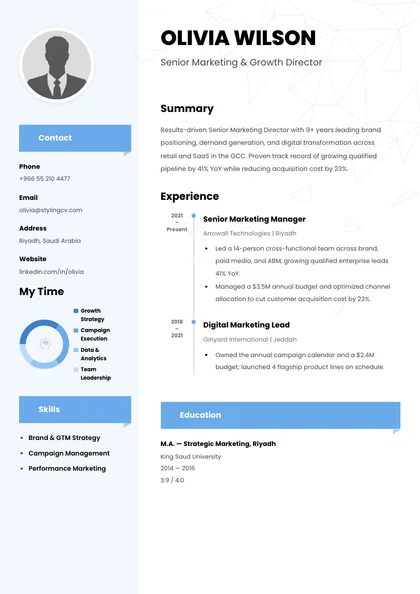
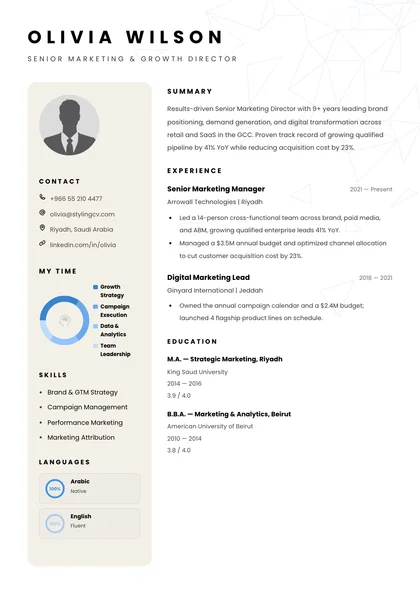
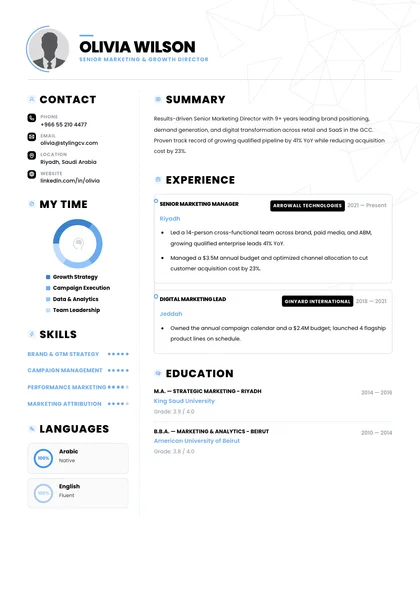
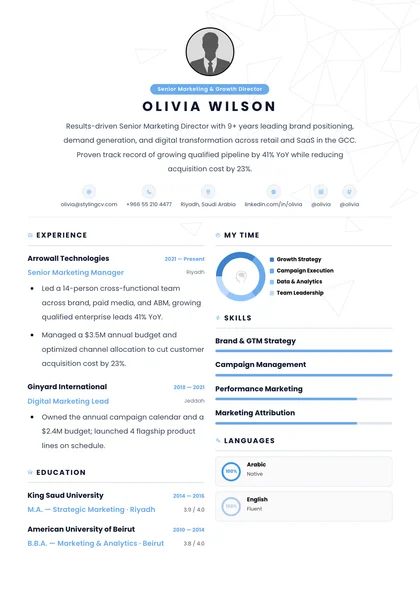
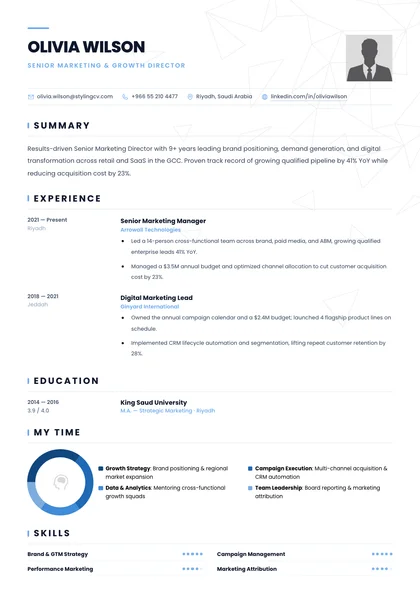
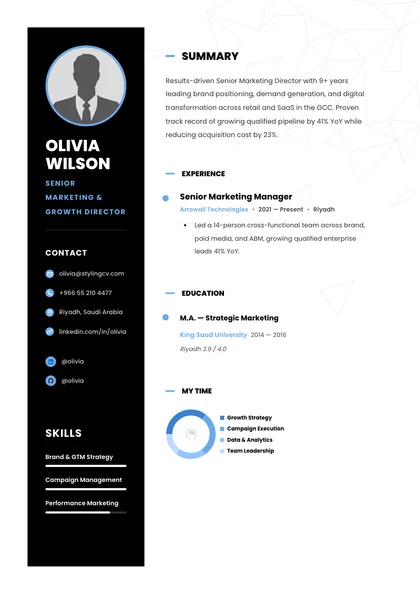
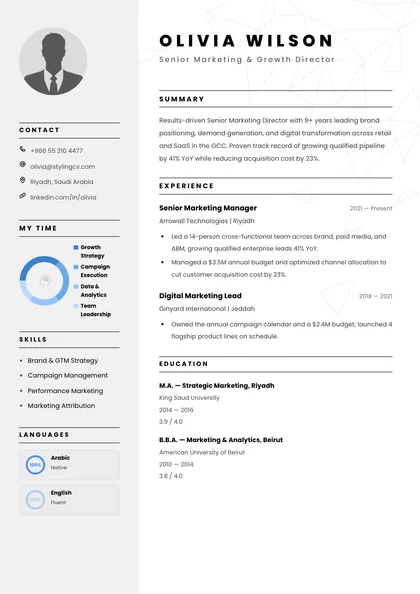
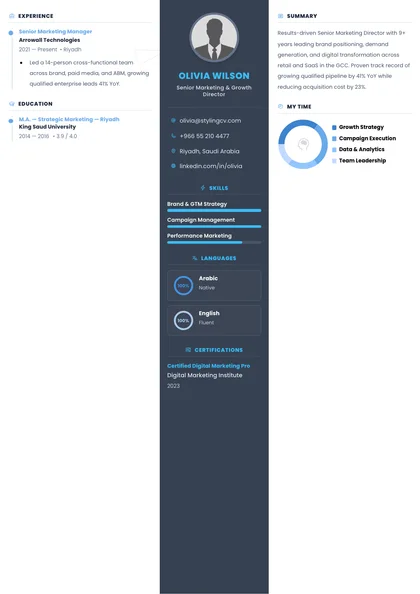
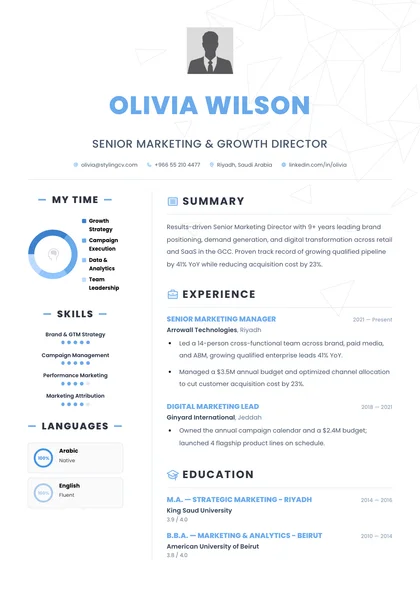
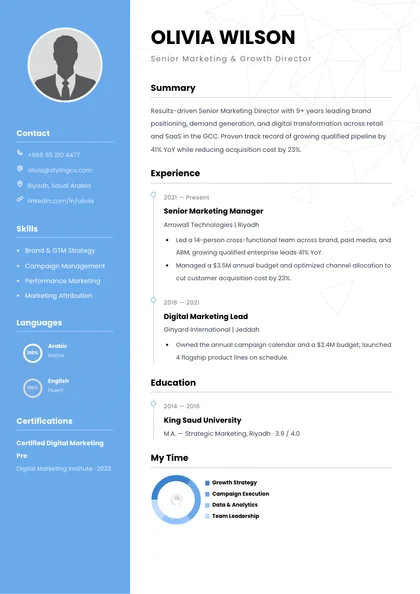
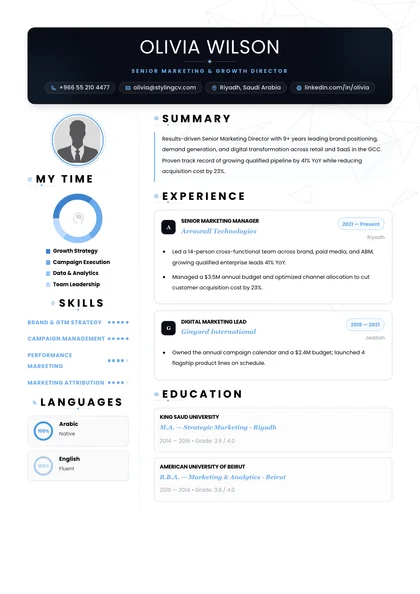
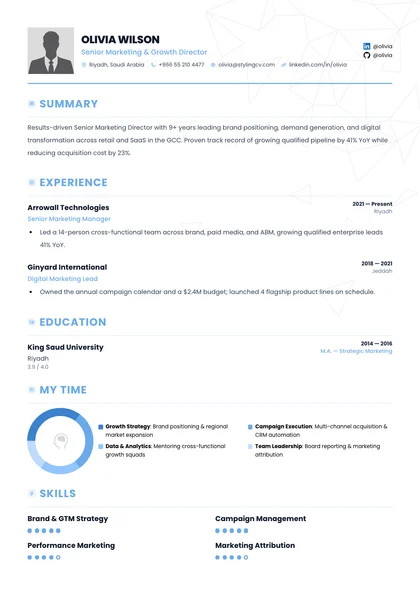
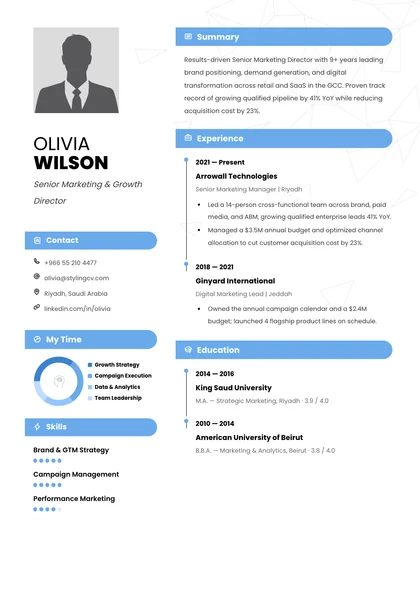
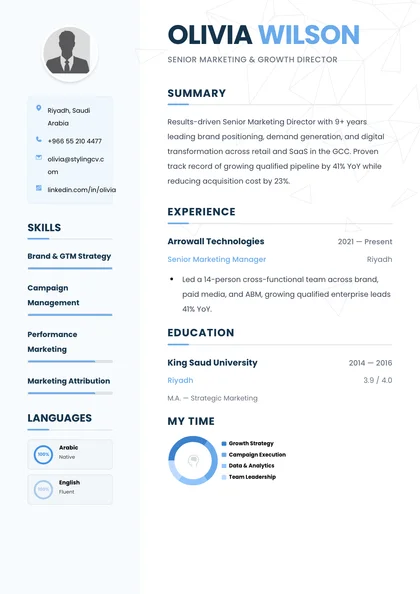
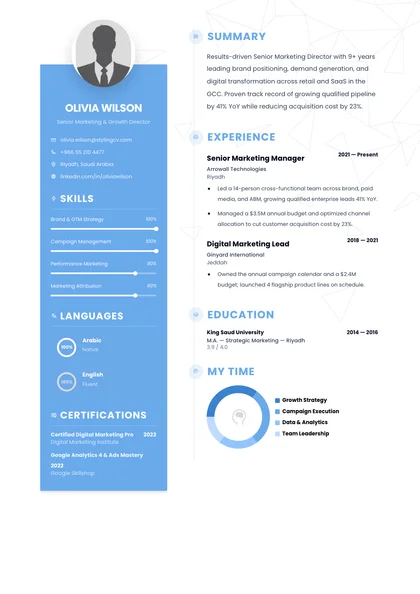
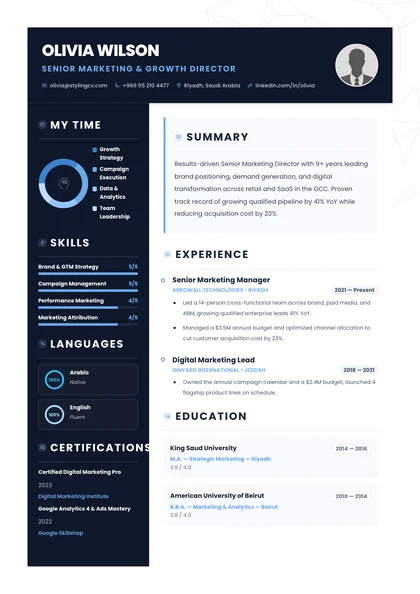
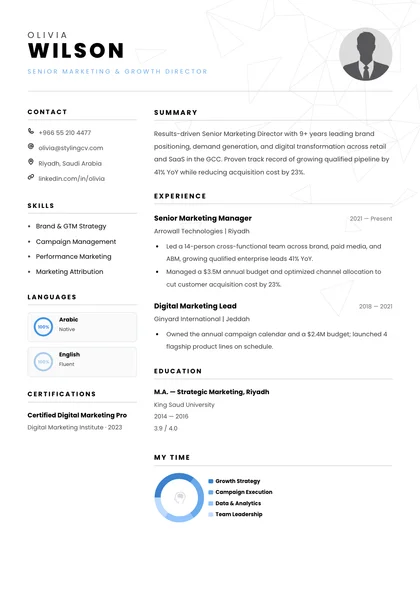
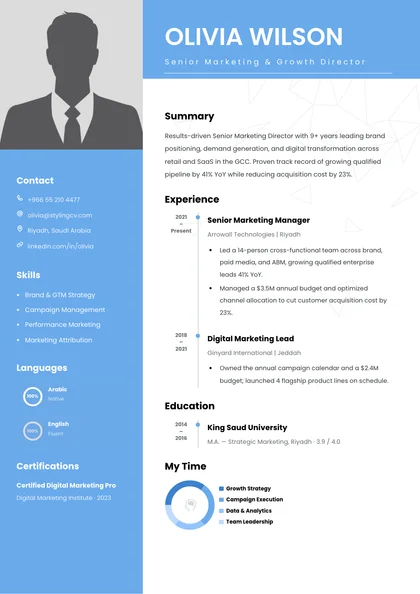
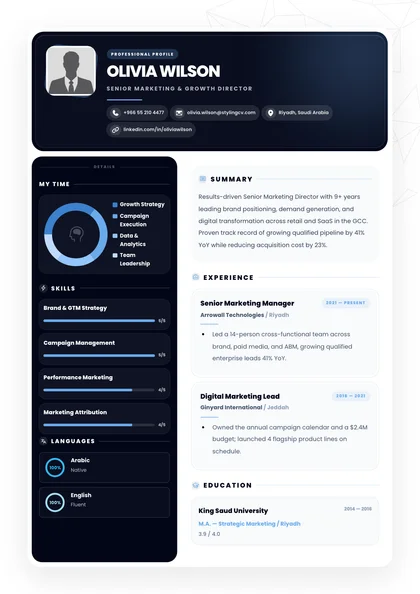
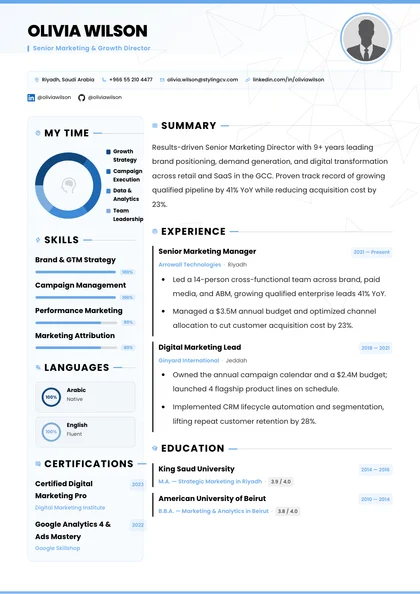
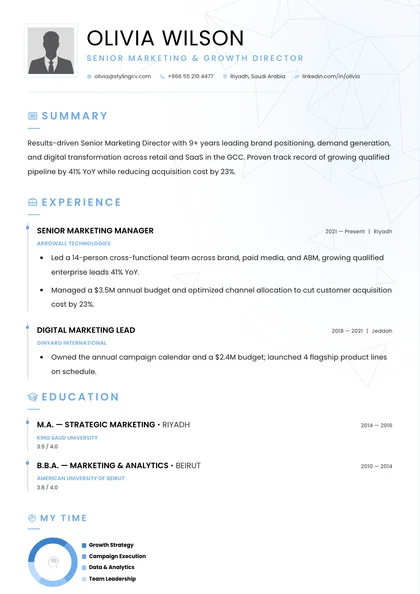
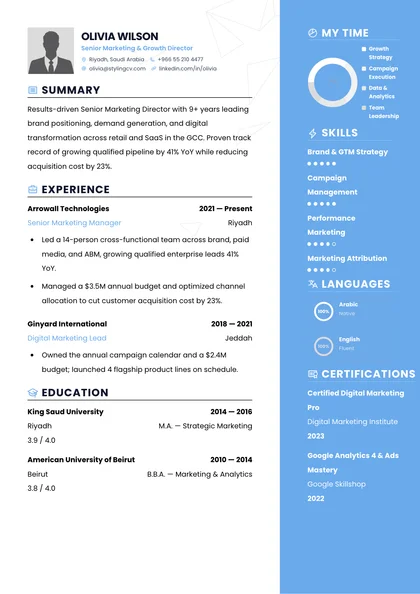
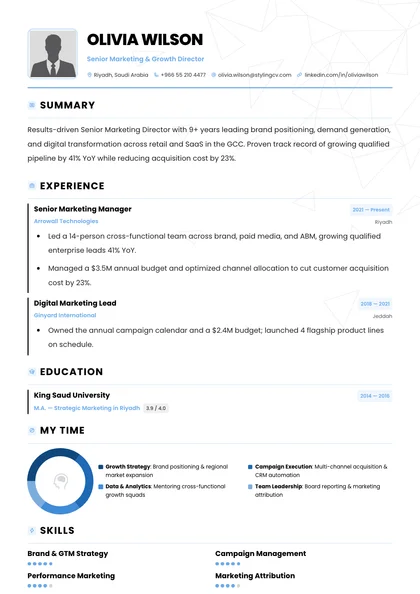
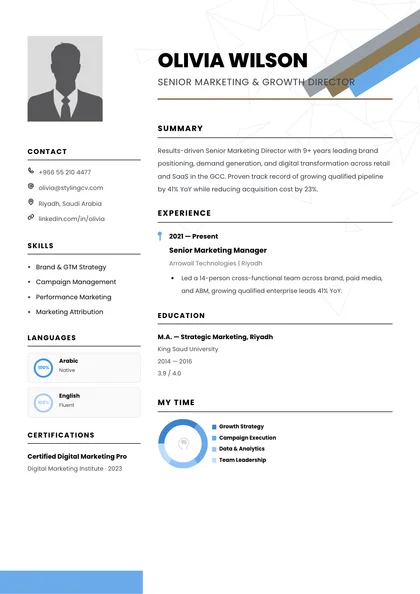
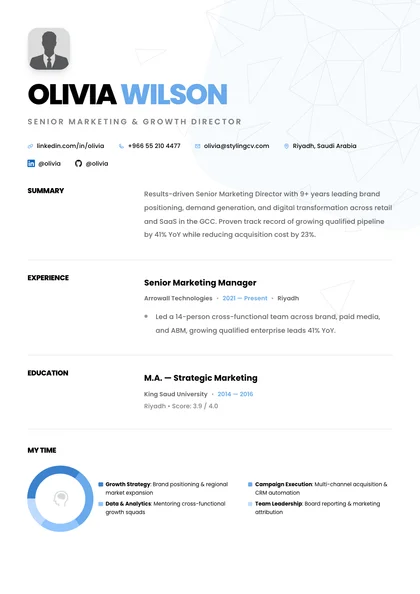
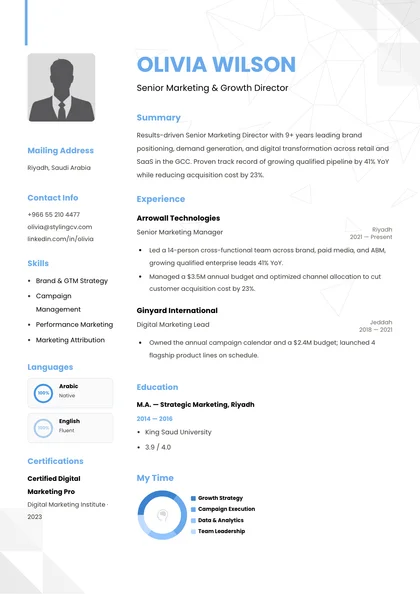
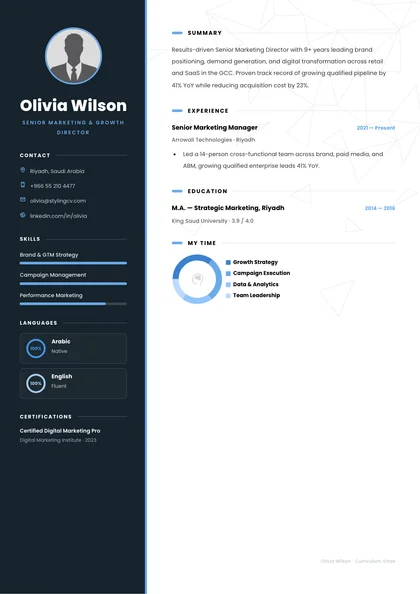
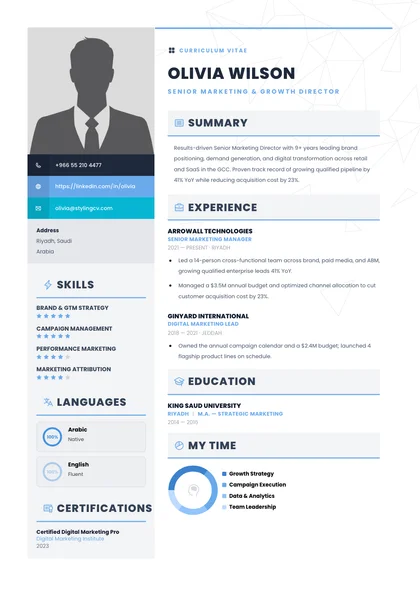
आपके Construction Resume के लिए सही section hierarchy चुनने से hiring managers page fold के ऊपर आपके strongest proof points तुरंत देख पाते हैं। StylingCV entry-level, mid-career और senior candidates के लिए layout priority adapt करता है, साथ ही tables, icons और multi-column sidebars को parser path से बाहर रखता है।
Transferable domain wins जो job posting से सीधे match करते हैं
Short, focused document
Construction Resume के लिए High-Signal Bullet Rewriting कैसा दिखता है?
पुराने job descriptions से generic duties copy करने पर qualified candidate सैकड़ों identical submissions में खो जाता है। StylingCV के Bullet Quantifier और Truth Check guardrail passive responsibilities को verifiable Google XYZ bullets में बदलते हैं, जिनमें AutoCAD, SolidWorks, Revit BIM और concrete operational results साफ दिखते हैं।
❌ Before — Generic Task Bullet
Mechanical components design किए, CAD drawings review कीं और assembly line issues resolve करने के लिए manufacturing teams के साथ काम किया।
इसमें CAD software names, tolerance standards, project budget value, scrap reduction और safety compliance की जानकारी नहीं है।
✅ After — StylingCV XYZ Impact
SolidWorks में GD&T और ANSYS FEA का उपयोग करके stamped aluminum EV battery enclosures redesign किए, जिससे unit material cost कम हुआ और scrap rates घटे।
इसमें exact engineering CAD/FEA tools, component count, unit economics और annualized manufacturing impact साफ बताया गया है।
Free No-Signup ATS Diagnostic · Quick Scan
Construction Resume का Draft पहले से है? देखें Parsers इसे कैसे पढ़ते हैं
अपना मौजूदा PDF या Word resume upload करें—account की जरूरत नहीं—और formatting blockers, missing Civil, Mechanical, Electrical और Industrial Engineering keywords तथा date-parsing errors तुरंत पहचानें। StylingCV का free diagnostic आपको apply करने से पहले साफ संकेत देता है कि parser आपकी file को कैसे पढ़ रहा है।
StylingCV के साथ Keywords कैसे Tailor करें और Score कैसे Test करें?
Applicant tracking rankers आपके Skills block और Experience bullets दोनों में contextual keyword usage को score करते हैं, hidden keyword stuffing को reward नहीं करते। StylingCV के AI Resume Builder को free no-signup ATS Resume Checker के साथ जोड़कर submit करने से पहले exact terminology alignment verify करें।
High-Signal Domain Keywords: ऐसे role-verified terms को प्राथमिकता दें जैसे PE / EIT License, AutoCAD & Revit BIM, Primavera P6, Capital Budgets, Lean Six Sigma, OSHA Safety—लेकिन सिर्फ तब जब वे real project work से backed हों।
Credentials & Tooling Clarity: acronyms और full names दोनों साफ लिखें (PE (Professional Engineer), FE / EIT, PMP, LEED AP, Six Sigma Black Belt, या OSHA / NEBOSH), ताकि Taleo जैसे keyword-exact filters और Greenhouse जैसे semantic parsers दोनों उन्हें match कर सकें।
Construction Resume के बारे में Frequently Asked Questions
Construction Resume तैयार करने वाले candidates अक्सर पूछते हैं कि enterprise applicant tracking parsers PDF layouts को कैसे पढ़ते हैं, free ATS diagnostics के लिए registration चाहिए या नहीं, और hiring managers कितने pages पसंद करते हैं। नीचे current US, UK और international recruiting standards पर आधारित सीधे जवाब दिए गए हैं।
Workday या Greenhouse पर Construction Resume submit करते समय कौन सा file format सबसे safe है?
StylingCV से export किया गया single-column, UTF-8 text-based PDF ज्यादातर modern portals—Workday, Greenhouse, Lever, Ashby और iCIMS—के लिए सबसे safe choice है, क्योंकि यह devices पर visual typography lock रखता है और पूरी तरह machine-readable रहता है। सिर्फ तब clean DOCX file upload करें जब कोई पुराना staffing portal साफ तौर पर Word format मांगे।
क्या मैं account बनाए बिना अपना मौजूदा resume Construction Resume के लिए test कर सकता/सकती हूं?
हां। StylingCV का standalone ATS Resume Checker पूरी तरह free है—no signup या credit card required—अपनी current PDF या DOCX file upload करके extracted fields, layout blockers और missing role keywords को जल्दी inspect करें।
Construction Resume बनाते समय StylingCV के free plan में क्या शामिल है?
Free StylingCV account (no credit card required) के साथ आप resume बना सकते हैं, unlimited edits कर सकते हैं, Truth Check anti-hallucination guardrail वाले specialized AI career agents आजमा सकते हैं और हर महीने free basic ATS-friendly PDF download कर सकते हैं। Optional Pro plans unlimited tailored versions, premium layouts और DOCX exports unlock करते हैं।
Construction Resume के लिए two-column graphic template इस्तेमाल करूं या single-column layout?
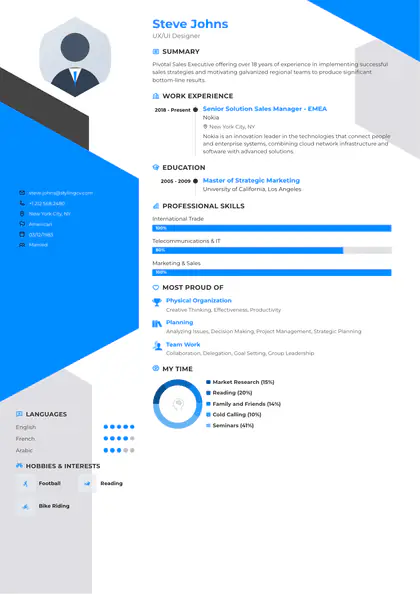
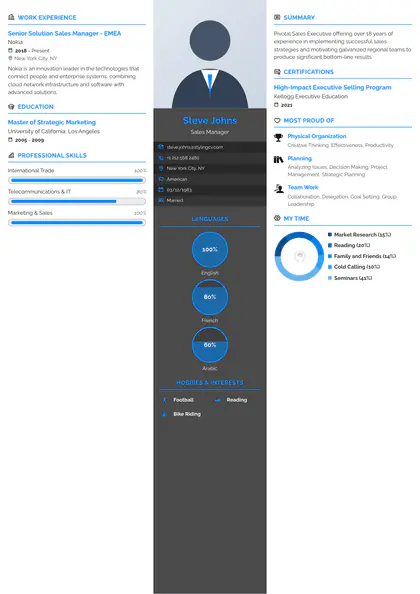
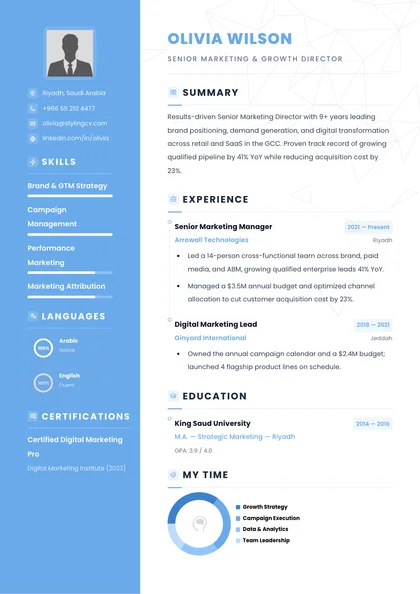
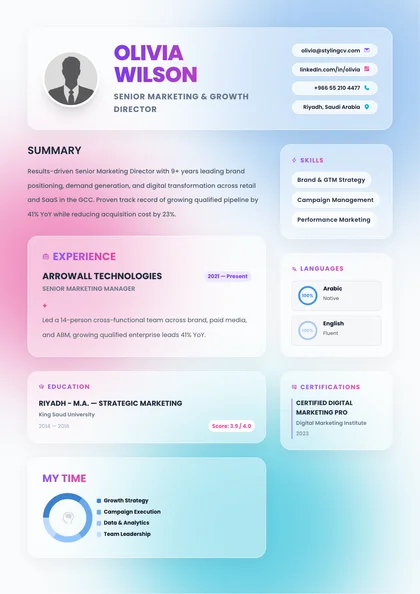
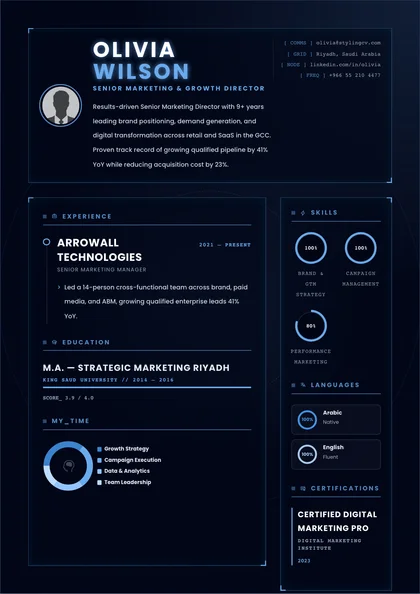
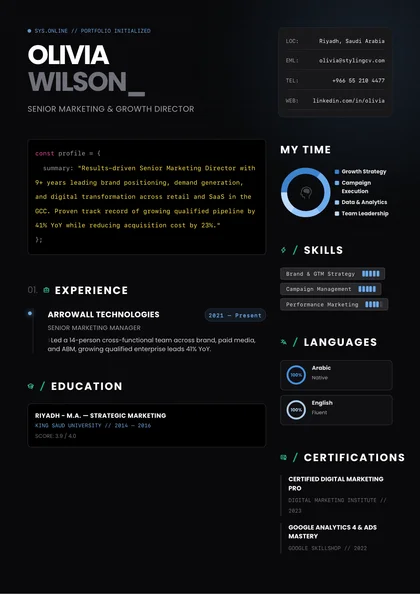
Clean single-column layout इस्तेमाल करें। Multi-column sidebars, skill progress bars और floating text boxes अक्सर legacy और enterprise ATS parsers में dates, employer names और section headers को उलझा देते हैं—जबकि single-column layouts strong field-extraction accuracy देते हैं।
अपने Construction Resume को Stronger Shortlist Opportunities में बदलें
StylingCV के workspace में अपनी application build करें, tailor करें और verify करें—हर महीने free basic ATS PDF download के साथ और बिना surprise paywalls के। एक clean, ATS-ready draft आपको recruiters के सामने ज्यादा भरोसे के साथ पेश करता है और shortlist होने की संभावना मजबूत बनाता है।